The quickest way to reach Jio support without making a call is the chat option inside the MyJio app. You open the help section, start a chat, type your problem and read the replies on screen. An automated assistant usually answers first, and a support executive can step in when the issue needs a person.
This guide shows where to find the chat, what to keep ready so you are not hunting for details mid-conversation, and how to save any reference number so you can follow up later without starting from zero.
- The chat option sits in MyJio’s help or support section. Labels vary a little by app version.
- An automated assistant usually replies first. Describe your problem simply to reach the right help.
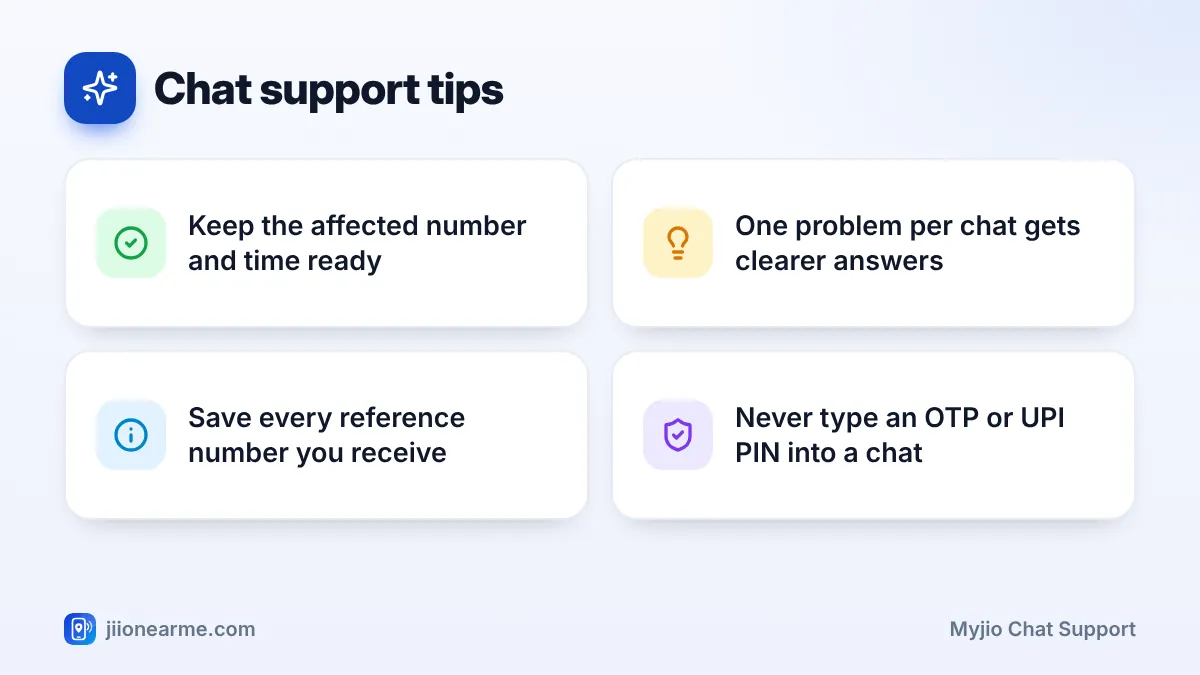
- Keep the affected number, the time the issue started and the steps you tried ready before you begin.
- Save any service request or reference number, and take a screenshot of the chat.
Why Chat Can Be Easier Than Calling
Many people find typing easier than talking. You can reply at your own pace, scroll back to check what was said and keep a written record.
Chat works well for everyday issues such as:
- Questions about your current plan, validity or a recharge that has not shown up.
- Billing questions for Jio postpaid, JioFiber or Jio AirFiber.
- Network or data complaints where you can describe the place and time clearly.
- Following up on a service request you raised earlier.
For urgent problems, such as a lost or stolen phone with your Jio SIM inside, calling is faster. From another phone, you can reach Jio on the toll-free number 1800-889-9999 and ask for the SIM to be blocked.
Details to Keep Ready Before You Start
Support can only work with what you tell them. Gather these details first:
- The affected number. For a home connection, the registered mobile number of your JioFiber or AirFiber account.
- What is wrong. One clear sentence, such as “calls drop after a few seconds”.
- When it started. The date and approximate time, and whether it happens all the time or now and then.
- Where it happens. Your area and PIN code for any network or signal issue.
- What you already tried. Restarting the phone, switching airplane mode on and off, removing and reinserting the SIM, or restarting the router.
- Proof, if relevant. Screenshots of error messages, or the transaction ID of a recharge that failed.
- Earlier reference numbers. If you complained about the same issue before, keep that number handy.
Type a short two or three line summary in your phone’s notes app before you open the chat. You can copy and paste it into the chat window, which saves time and keeps your message clear.
How to Open MyJio Chat Support Step by Step
The steps are nearly the same on Android and iPhone.
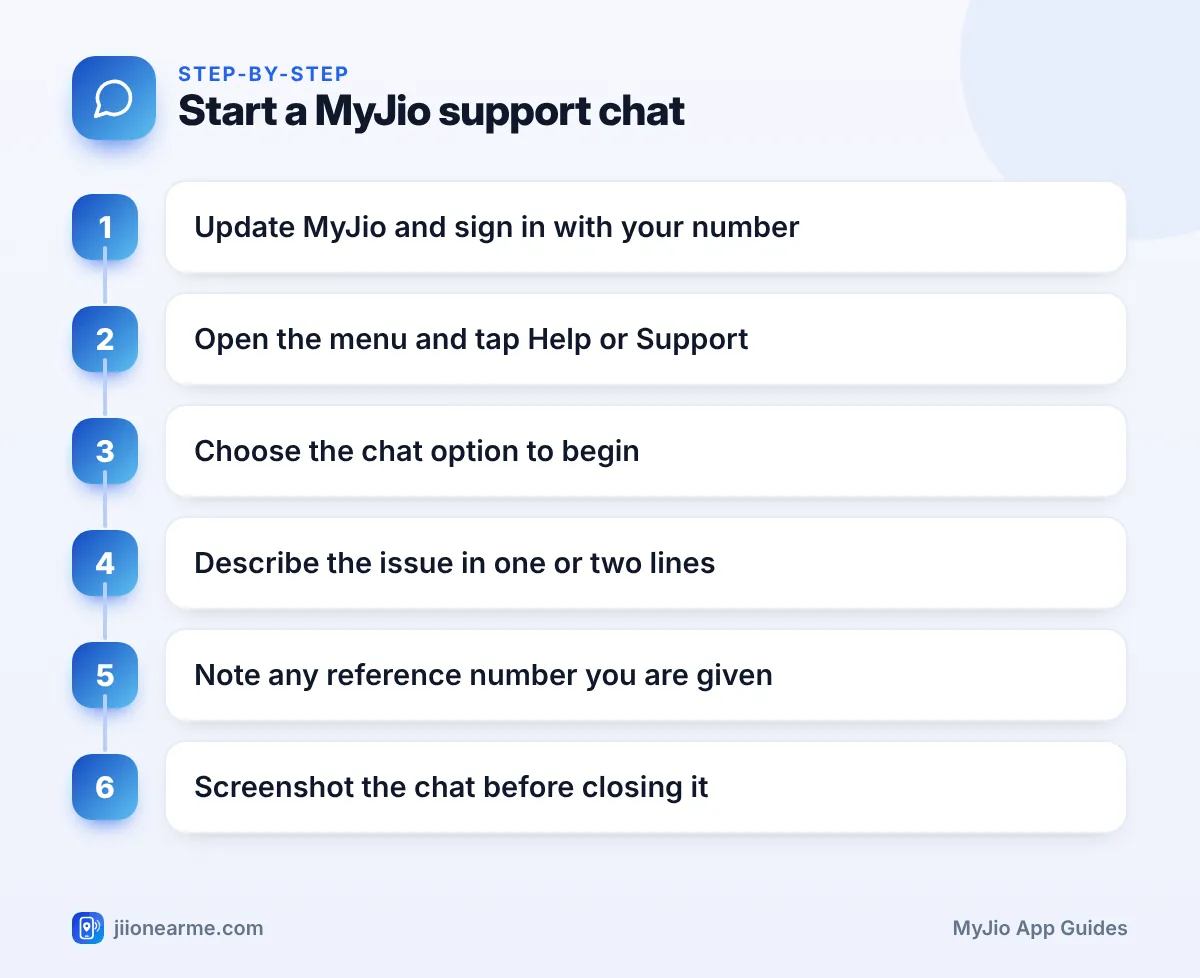
- Update the MyJio app from the Google Play Store or the App Store. Older versions sometimes place the help options differently.
- Open the app and sign in with your Jio number and OTP if asked. If you have linked more than one account, select the one that has the problem.
- Open the menu (☰) or tap your profile icon, then look for Help & Support, Support or Help. Some versions also show a help or question-mark icon near the top of the home screen.
- Inside the help section, look for an option such as Chat with us or a chat bubble icon, and tap it.
- Wait for the chat window to load. An automated assistant usually greets you and may show topic buttons.
- Tap the topic closest to your issue, or type your problem in plain words.
- If the assistant cannot solve it, look for an option to talk to a support executive, or type that you would like to speak to an executive.
MyJio updates its layout from time to time, so the exact words on your screen may differ from this guide. If your version has a search bar, typing “help” or “chat” there is often the fastest way to find the option.
What Happens Inside the Chat
The automated assistant handles common questions such as balance, plan details and recharge status. For complaints, it may ask a few questions and raise a request for you.
When an executive joins, they may confirm the number you are chatting about. Replies can take a minute or two, so keep the chat open. If it disconnects, start a new chat and mention the earlier conversation.
How to Describe Your Problem So It Gets Solved
A vague message leads to generic answers. A specific message gets you to the right fix faster. Compare these:
| Instead of writing | Try writing |
|---|---|
| “Internet not working” | “Mobile data stopped working on my Jio number since 9 AM today in Kothrud, Pune. Calls work. I restarted the phone.” |
| “Recharge problem” | “I recharged today at 2 PM. Money was debited but the plan is not showing. I have the transaction ID.” |
| “Bill is wrong” | “My JioFiber bill this month looks higher than usual. Please explain the charges.” |
A few more habits help:
- Keep to one problem per chat. Mixing a billing question with a network complaint slows both down.
- Mention the steps you already tried, so you are not asked to repeat them.
How to Note Your Reference or Service Request Number
If your issue needs checking by a technical or billing team, support usually raises a service request and gives you a number. This number is your proof that you complained, and it makes every follow-up easier.
- Copy the number into your notes app the moment it appears.
- Write down the date, the time and any expected resolution time you are given.
- Take screenshots of the full chat before you close it.
- Ask how you will get updates, for example by SMS or inside the app.
Some MyJio versions also let you track open requests from the help section, under an option such as My requests or Track request. Jio often confirms new requests by SMS too, so check your messages.
A genuine support chat does not need your OTP, UPI PIN, card number or passwords. Use only the chat inside the official MyJio app. Links in SMS or WhatsApp messages that claim to open a “Jio support chat” may be fake. You can report such messages through Chakshu on the Sanchar Saathi portal.
If the Chat Does Not Fix Your Problem
Sometimes one chat is not enough. Here is what to do next:
- Follow up with your reference number. Start a new chat, share the number and ask for the current status.
- Call customer care. From your Jio number, dial 198 to register a complaint or 199 for queries. From any other phone, use 1800-889-9999.
- Visit a Jio Store. SIM replacement and anything linked to KYC usually needs an in-person visit with your ID.
- Use the grievance process. If a complaint stays unresolved, the official Jio website lists the steps to escalate it.
Frequently Asked Questions
Is MyJio chat support available at all hours?
The automated assistant is generally available whenever the app works. Availability of a live executive can vary, and the app will usually tell you if your request has been noted for a later response.
Can I use MyJio chat if my mobile data is not working?
Yes. Connect your phone to any Wi-Fi network and open MyJio. The app works over Wi-Fi, so you can still report a mobile data problem through chat.
Can I chat about my JioFiber or AirFiber connection?
Yes. Select or link that account in MyJio first, then open the help section. Support will then see the right connection when you start the chat.
What if the chat closes before I get a reference number?
Start a new chat, explain briefly what happened and ask whether a request was already raised. Also check your SMS inbox, because request details are often sent there.
Will the support chat ask for my OTP?
You may receive an OTP to sign in to MyJio itself, and you type that only on the app’s sign-in screen. Never paste an OTP into a chat or give it to anyone who asks for it there.
Wrapping Up
MyJio chat is a handy way to get help when you would rather type than talk. Keep your details ready, describe one problem clearly and save any reference number you are given.
If the chat does not settle the matter, follow up with that number, call 198 or 199 from your Jio phone, or visit a Jio Store for SIM and KYC issues.
JIo Near me is an independent guide and is not affiliated with Reliance Jio. App menus, plans and policies can change – always confirm current details in the official MyJio app or on jio.com. We will never ask for your OTP, PIN or passwords.
