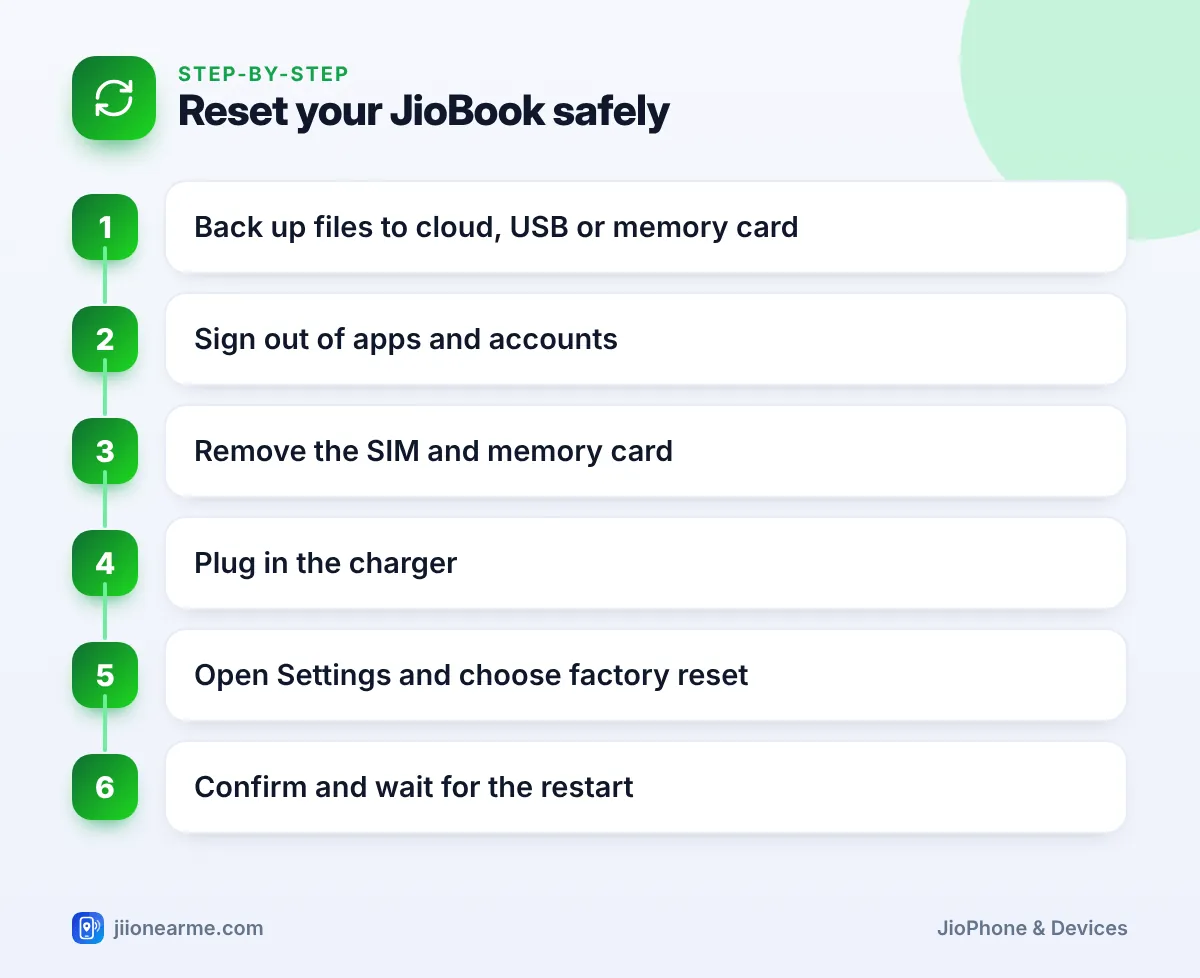
Before you sell or pass on a JioBook, copy your files somewhere safe, sign out of your accounts, remove your SIM and memory card, and then run a factory reset from Settings. The reset erases everything stored on the laptop and returns it to the state it was in when new.
A factory reset is also useful when a JioBook becomes very slow or keeps showing errors that a restart does not fix. Because the reset cannot be undone, the backup step matters most. Menu names in JioOS can differ slightly by software version, so look for the closest match if a label looks different.
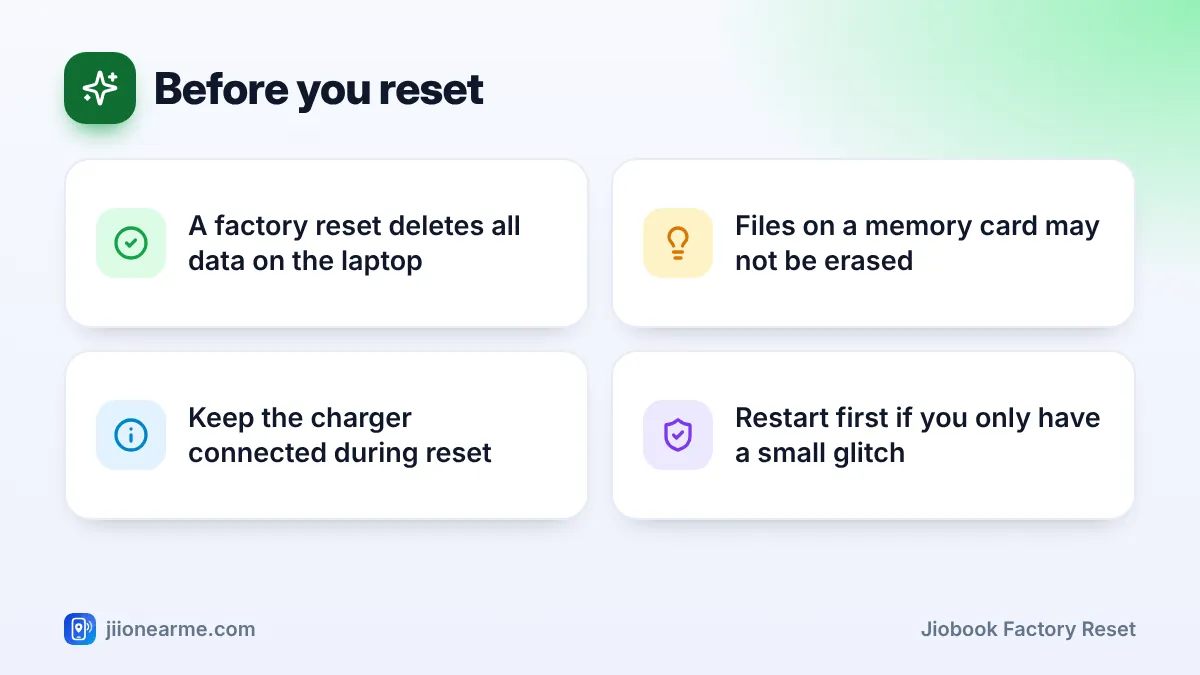
- A factory reset permanently deletes your files, apps and settings from the JioBook.
- Back up documents, photos and downloads to JioAICloud, a USB drive or a memory card first.
- Sign out of apps and remove your Jio SIM and memory card before handing the laptop over.
- Keep the JioBook plugged in while the reset runs, and do not switch it off midway.
When a Factory Reset Makes Sense
A factory reset is the right step when:
- You are selling the JioBook or giving it to someone else.
- The laptop is very slow or unstable even after restarts and removing unused apps.
- You have forgotten settings changes that broke something and cannot undo them.
It is not needed for small problems. If an app misbehaves, restart the laptop, update the app, or clear its cache first. Try a full restart before deciding on a reset.
Step 1: Back Up Your Files
Everything stored on the JioBook’s internal storage will be deleted. Check these places for files you want to keep:
- Documents and downloads: Open the Files app and look in the Documents and Downloads folders.
- Photos, videos and screenshots: Check the Pictures or Camera folders.
- App data: Notes, drafts and saved items inside apps. Some apps sync online, but others store data only on the laptop.
- Bookmarks and saved passwords: If you use a browser sync account, make sure sync is on before resetting.
Choose one or more ways to save your files:
- Cloud storage: Upload important files to JioAICloud or another cloud service you use. This needs a good internet connection, so use Wi-Fi.
- USB drive: Connect a pen drive to a USB port, open Files, select the files and copy them to the drive.
- Memory card: If your JioBook has a microSD card, copy files to it and remove the card before the reset.
After copying, open a few files from the backup to check that they work.
For things you cannot replace, such as certificates, project work or family photos, keep two separate copies. For example, upload them to JioAICloud and also save them on a USB drive.
Step 2: Sign Out of Accounts and Remove Your SIM
Signing out protects your accounts and makes the laptop ready for the next owner.
- Sign out of apps: Email, social media, video meeting apps, shopping apps and JioAICloud.
- Sign out of the browser: If you signed into a browser account, sign out and clear saved passwords.
- Remove trusted devices: Some services list devices that are signed in. Remove the JioBook from that list in your account settings.
- Remove the Jio SIM: Shut down the JioBook and take out the SIM. If your JioBook is linked to your Jio number for data, check that link in the device settings and remove it if the option is there.
- Remove the memory card: Take out any microSD card, even if you think it is empty.
How to Do a JioBook Factory Reset
Before you begin, plug in the charger. A reset can take some time, and the laptop must not run out of battery midway.
- Open Settings.
- Look for System, General or Backup and reset. Use the search bar in Settings if it has one, and type “reset”.
- Open Reset options, Factory reset or Factory data reset.
- Read the warning, which lists what will be erased.
- Select Erase all data, Reset or a similar option.
- Enter your screen lock PIN or password if asked.
- Confirm, then wait. The JioBook restarts one or more times during the process.
When the reset is finished, you see the welcome screen with language options, just like a new laptop.
Switching off or letting the battery run out during a factory reset can leave the laptop unable to start. Keep the charger connected and let the process finish, even if it seems slow.
If the JioBook Will Not Start Normally
If the JioBook does not reach the home screen, you cannot use the Settings method. Some Android-based devices have a recovery menu opened with a key combination, but the method varies by device. Do not guess key combinations or try unofficial tools from the internet.
Instead, check the official JioBook support pages on jio.com or call Jio customer care on 1800-889-9999. If the laptop is under warranty, a service centre can reset or repair it safely.
After the Reset
What you do next depends on why you reset:
- Selling or giving away: Leave the JioBook on the welcome screen and hand it over. The new owner can set it up with their own details. Include the charger and box if you have them.
- Keeping it: Go through setup again, connect to Wi-Fi, install updates and then restore your files from the backup.
- Reinstall apps: Open the built-in app store and install only the apps you actually use.
If you are selling the JioBook, the buyer may ask for the purchase bill or warranty details. Give a copy if you can, but cover any personal information on it that is not needed.
Frequently Asked Questions
Does a JioBook factory reset delete everything?
It deletes your files, apps, accounts and settings from the internal storage. Files on a memory card may stay, so remove the card first.
How long does a factory reset take?
It usually takes several minutes, sometimes longer, depending on the model and how much data is stored. Keep the laptop plugged in and let it finish.
Will a factory reset remove JioOS updates?
The reset removes your data, not the operating system. Check for updates again after the reset to make sure you have the latest version.
Can I recover files after a factory reset?
Generally, no. That is why backing up first is so important. Check your backup before you start the reset.
Should I reset the JioBook before sending it for repair?
Back up your files first. Ask the service centre whether a reset is needed, and sign out of sensitive accounts before handing it over.
Wrapping Up
A safe JioBook factory reset follows a simple order: back up, sign out, remove the SIM and memory card, plug in, then reset from Settings. Take your time with the backup, because it cannot be redone afterwards. Once the welcome screen appears, the laptop is ready for a fresh start or for its next owner.
JIo Near me is an independent guide and is not affiliated with Reliance Jio. App menus, plans and policies can change – always confirm current details in the official MyJio app or on jio.com. We will never ask for your OTP, PIN or passwords.