Before you blame the network, check three things when an international call from your Jio number won’t go through. Do you have an active ISD pack or enough balance for international calls? Did you dial the number in the correct format, with the country code? And are international calls barred on your phone?
Most failed ISD calls come down to one of these. This checklist walks you through each one, plus a few less obvious causes on the other side of the call.
- Regular Jio plans may not include international calls; you usually need an ISD pack or balance.
- Check that the country you’re calling is covered by your ISD pack.
- Dial + (or 00), the country code, then the number without its leading 0.
- Turn off international call barring and Fixed Dialling Numbers if they’re on.
- If you’re abroad, you need an international roaming pack, not an ISD pack.
Jio ISD Call Not Connecting? Quick Checklist Before You Dial
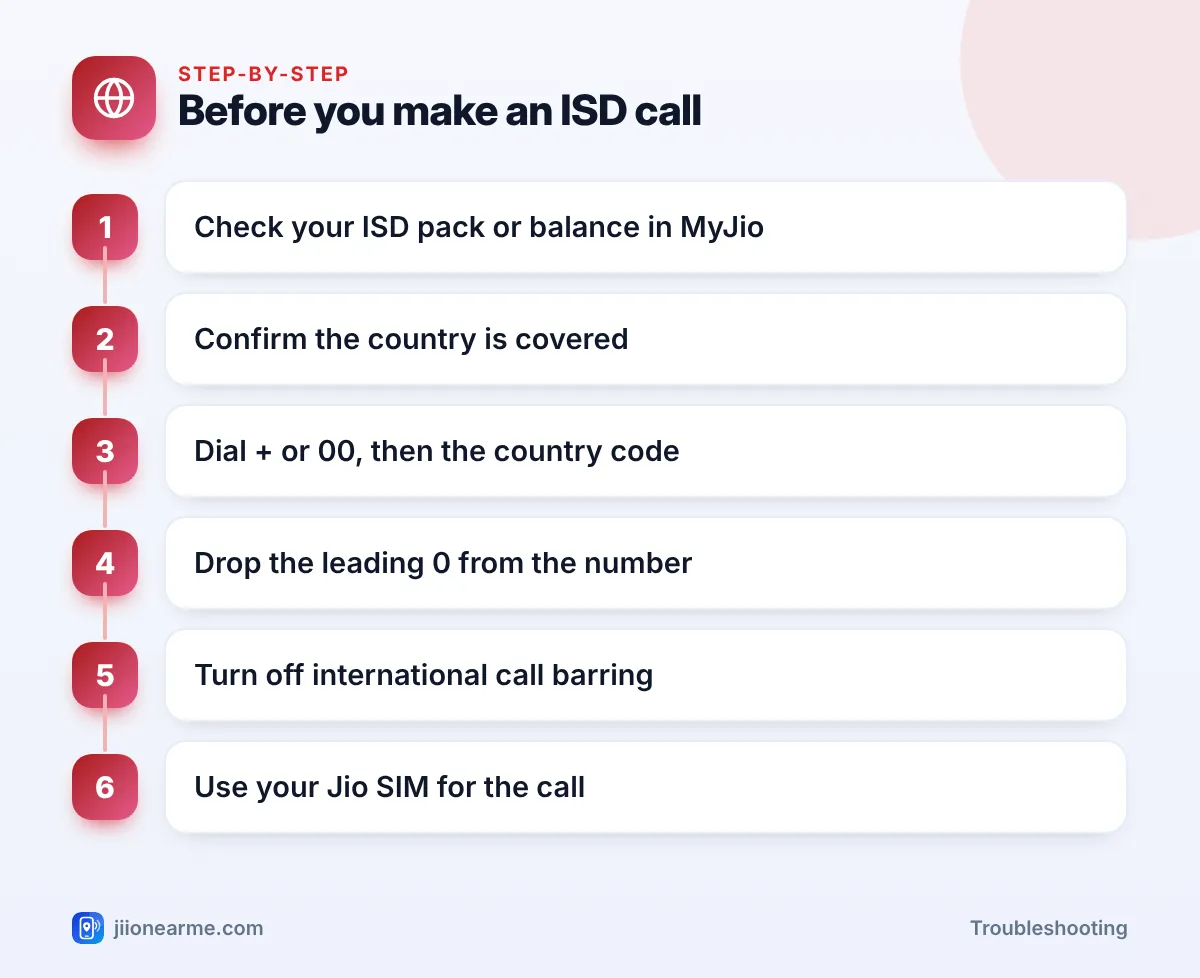
Go through this list before every important international call:
- ISD pack or balance: Check in the MyJio app that you have an active ISD pack, or the international calling facility your plan needs.
- Country covered: Make sure the country you’re calling is included in that pack.
- Base plan active: Your regular Jio plan should also be active.
- Correct format: + or 00, then the country code, then the number without a leading 0.
- No call barring: International outgoing calls shouldn’t be barred in your phone settings.
- Right SIM: On a dual-SIM phone, the call should go out from your Jio SIM.
- VoLTE on: Jio calls, including ISD calls, need VoLTE or Wi-Fi Calling.
Check Your ISD Pack or Balance
The most common reason for a Jio ISD call not connecting is simply that international calling isn’t active on your number.
Prepaid
Regular Jio prepaid plans focus on calls within India. To call abroad, you usually need an ISD recharge pack. Open the MyJio app and look in the recharge section for international or ISD packs. Check the current options on jio.com or in the app, because packs, countries and benefits change from time to time.
Once recharged, check your active plans in the MyJio app to confirm the ISD pack appears and hasn’t expired.
Postpaid
On postpaid, the ISD facility may need to be enabled on your connection. Check your plan details in the MyJio app, or call 199 from your Jio number to ask whether ISD is active and what charges apply.
After you buy an ISD pack, check which countries it covers before you call. A pack meant for some countries may not include the one you need, and the call may fail or be charged differently.
Use the Correct International Dialling Format
Even with an ISD pack, a call won’t connect if the number format is wrong. The rule is simple:
+ or 00 → country code → number without the leading 0
On most phones, you get the + sign by pressing and holding the 0 key. Saving numbers in your contacts with + and the country code means they work every time.
| Calling | Format to dial | Common mistake |
|---|---|---|
| A mobile in the UK | +44, then the number without its first 0 | Keeping the leading 0 after +44 |
| A number in the USA or Canada | +1, then the 10-digit number | Adding an extra 1 or 0 |
| A mobile in the UAE | +971, then the number without its first 0 | Dialling the local 0 format |
| A number in Australia | +61, then the number without its first 0 | Missing the country code |
Look up the country code from a trusted source if you’re not sure. Ask the person you’re calling to share their number in international format, starting with + and the country code.
Check Call Barring and Phone Settings
Your phone may be blocking international calls.
- International call barring: Open the Phone app > menu (⋮) > Settings > Calls or Supplementary services > Call barring. Turn off International calls or All outgoing barring if either is on. Some phones ask for a barring password; if you don’t have it, ask Jio support on 199.
- Fixed Dialling Numbers (FDN): If FDN is on, only saved numbers can be called. Turn it off in call settings.
- Default SIM: Check that calls go out from your Jio SIM, not another SIM without international access.
- VoLTE: Make sure VoLTE or 4G Calling is on for your Jio SIM.
If you get a missed call from an unfamiliar international number, don’t call back. Some fraud calls aim to get you to call premium-rate numbers. Report suspicious calls through Chakshu on sancharsaathi.gov.in.
Problems on the Other Side of the Call
If your pack, format and settings are all fine, the issue may be outside your phone.
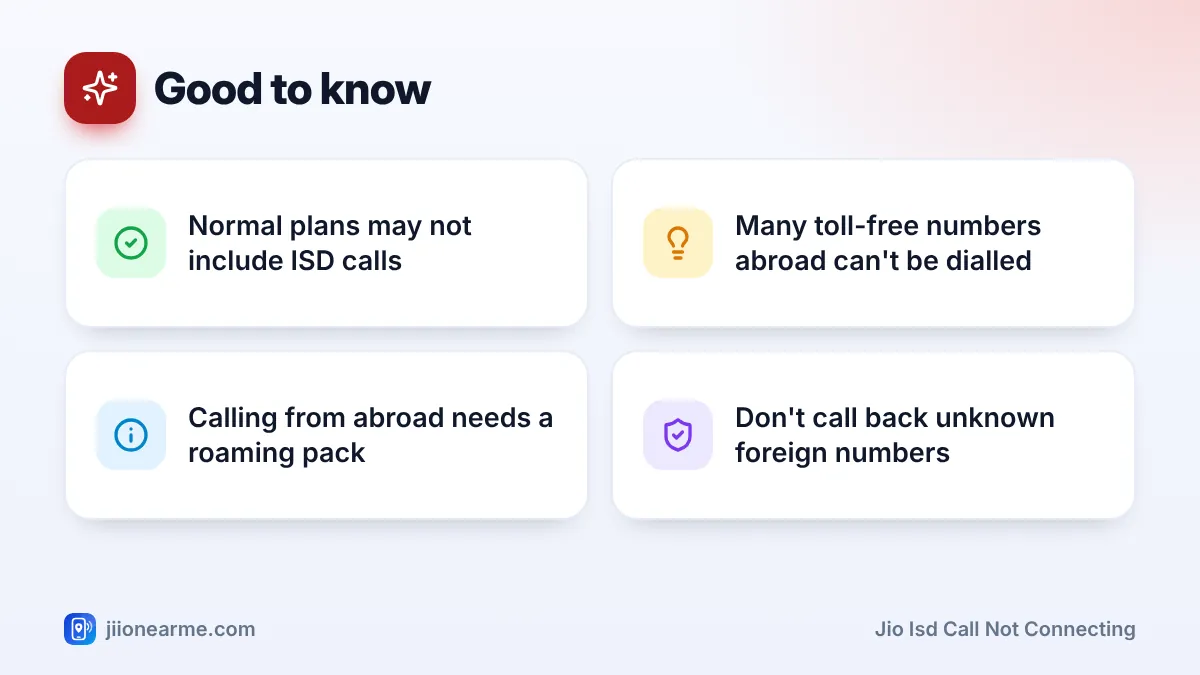
- Toll-free and special numbers: Many toll-free numbers in other countries only work from within that country. Some premium-rate and satellite numbers may not be reachable through ISD packs.
- The other phone: The person’s phone may be off, out of coverage or blocking unknown international numbers.
- Time difference: If no one answers, check the local time where you’re calling.
- Busy routes: Occasionally, international routes are congested. Try again after a few minutes.
Try calling another number in the same country. If that works, the problem is with the first number, not your Jio connection.
Calling From Abroad Is Different
ISD packs are for calls from India to other countries. If you’re travelling abroad and want to call home or local numbers, you need an international roaming pack activated before or during your trip. Check roaming packs in the MyJio app or on jio.com. Wi-Fi Calling, where supported, may also help while abroad.
Frequently Asked Questions
Why is my Jio ISD call not connecting even after recharging?
Check that the ISD pack shows as active in the MyJio app and covers the country you’re calling. Then check the number format and international call barring.
Should I dial + or 00 for international calls from Jio?
Either works from India. Using + is easier because contacts saved this way also work when you travel abroad.
Do I need to remove the 0 from a foreign number?
Yes, in most countries. Drop the leading 0 used for local calls once you’ve added the country code.
Can I call international toll-free numbers from Jio?
Usually not. Most toll-free numbers abroad only work within their own country. Look for a regular contact number instead.
Who should I contact if ISD calls still fail?
Call 199 from your Jio number to check your ISD access, or 198 to register a complaint. Note the number you tried and the time of the failed call.
Conclusion
When a Jio ISD call isn’t connecting, start with the basics: an active ISD pack or facility that covers the country, the correct + and country code format without the leading 0, and no international call barring. If all three are in order, try another number in that country, then contact Jio support on 199 with the details.
JIo Near me is an independent guide and is not affiliated with Reliance Jio. App menus, plans and policies can change – always confirm current details in the official MyJio app or on jio.com. We will never ask for your OTP, PIN or passwords.