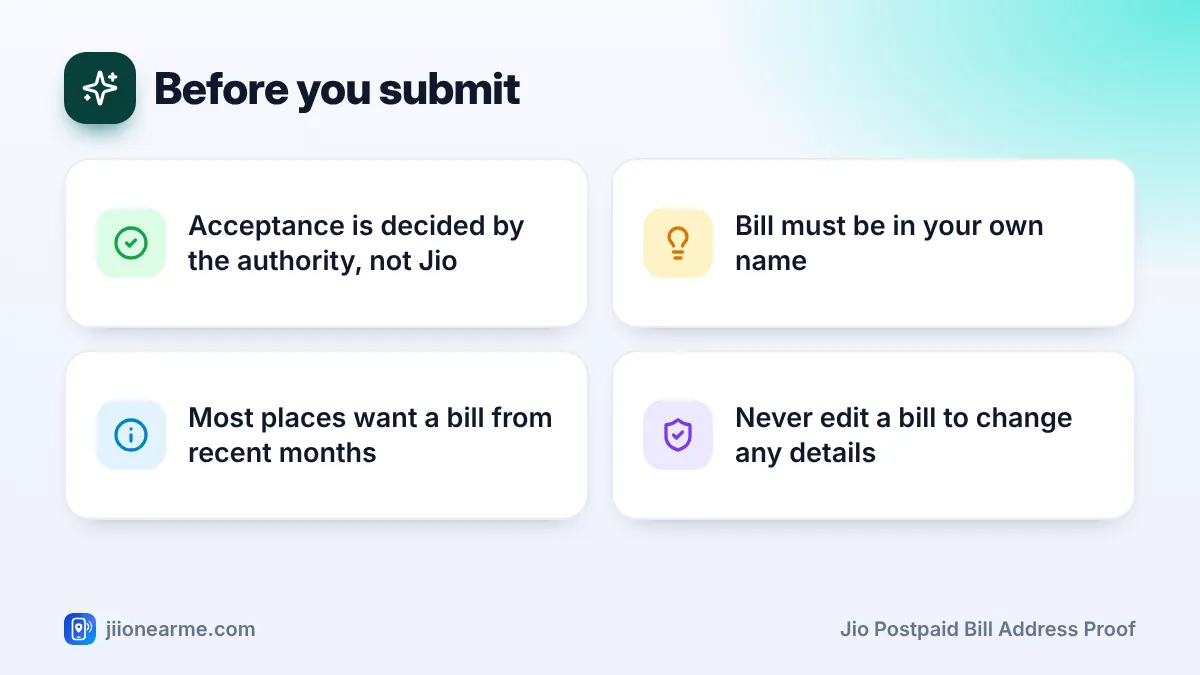
A Jio postpaid bill is often accepted as proof of address, but the final decision belongs to the organisation asking for it, not to Jio. Banks, passport offices, gas agencies and housing societies each follow their own list of accepted documents, and those lists can change.
So before you print your bill, confirm two things. First, that the authority accepts a postpaid mobile bill. Second, that your bill shows the right name, address and date. This explainer covers both, along with how to download the bill and what to do if the details do not match.
- A postpaid mobile bill commonly appears on address proof lists as a utility bill, but acceptance varies.
- The name and address on the bill must match your application.
- Most places want a recent bill, often from the last two or three months.
- Always confirm with the accepting authority before you submit anything.
When Is a Jio Postpaid Bill Accepted as Address Proof?
Postpaid mobile bills are usually grouped with utility bills, such as electricity, water, piped gas and landline bills. Many official lists accept a recent utility bill as proof of your current address, especially when your main ID shows an older address.
You may see this option in situations like these:
- Bank and financial KYC, for example when updating your current address.
- Passport applications, where a telephone or postpaid mobile bill has commonly been listed as proof of present address.
- New gas or utility connections at a new home.
- Rental and society paperwork, such as tenant verification forms.
- School or college admissions that ask for local address proof.
However, each organisation decides for itself. Some accept a mobile bill only along with another document. Some do not accept it at all. For government documents such as Aadhaar, check the current list of accepted documents on the official website of that authority before you go.
Prepaid recharge receipts are not usually treated as utility bills. When an address proof list mentions a mobile phone bill, it normally means a postpaid bill.
Details That Must Match on Your Jio Postpaid Bill Address Proof
A bill only helps if its details line up with your application. Check each of these before you submit:
| Detail on the bill | What to check |
|---|---|
| Name | Same as your application, including spelling and initials |
| Address | Your current address, with house number, area and PIN code |
| Bill date | Recent enough for the authority’s rules |
| Account holder | The connection is in your name, not a relative’s |
| Document type | A full monthly bill, not only a payment receipt |
Small name differences
A missing middle name, a different spelling or initials in place of a full name can lead to rejection. If your Jio records have a spelling error, ask Jio about correcting it before you rely on the bill.
Connection in someone else’s name
If the postpaid connection is in your spouse’s or parent’s name, the bill proves their address, not yours. Some authorities may accept it along with proof of relationship. Many will not, so ask first.
How Recent Does the Bill Need to Be?
Most authorities want a recent bill, commonly from the last two or three months. The exact limit depends on who is asking, so read their instructions carefully.
Since your postpaid bill is generated every month, you can usually download the latest one before your appointment. If your visit falls just before a new bill date, keep the previous bill as well, in case the counter asks for it.
Save the bill a day or two before your appointment, not weeks ahead. A bill that was recent when you printed it may be too old by the time you reach the counter.
How to Download Your Jio Postpaid Bill
Jio postpaid bills are usually available as e-bills. Labels can differ slightly by app version, but the steps are similar.
- Check the rules first. Confirm with the authority that a postpaid mobile bill is accepted.
- Open the MyJio app and sign in with your postpaid number.
- Find your bills. Look for Bills, My Bills or the bill card on the home screen.
- Select the latest bill and choose the option to view or download the PDF.
- Check the name, address and bill date on the PDF.
- Print the full bill clearly, including the page that shows your address.
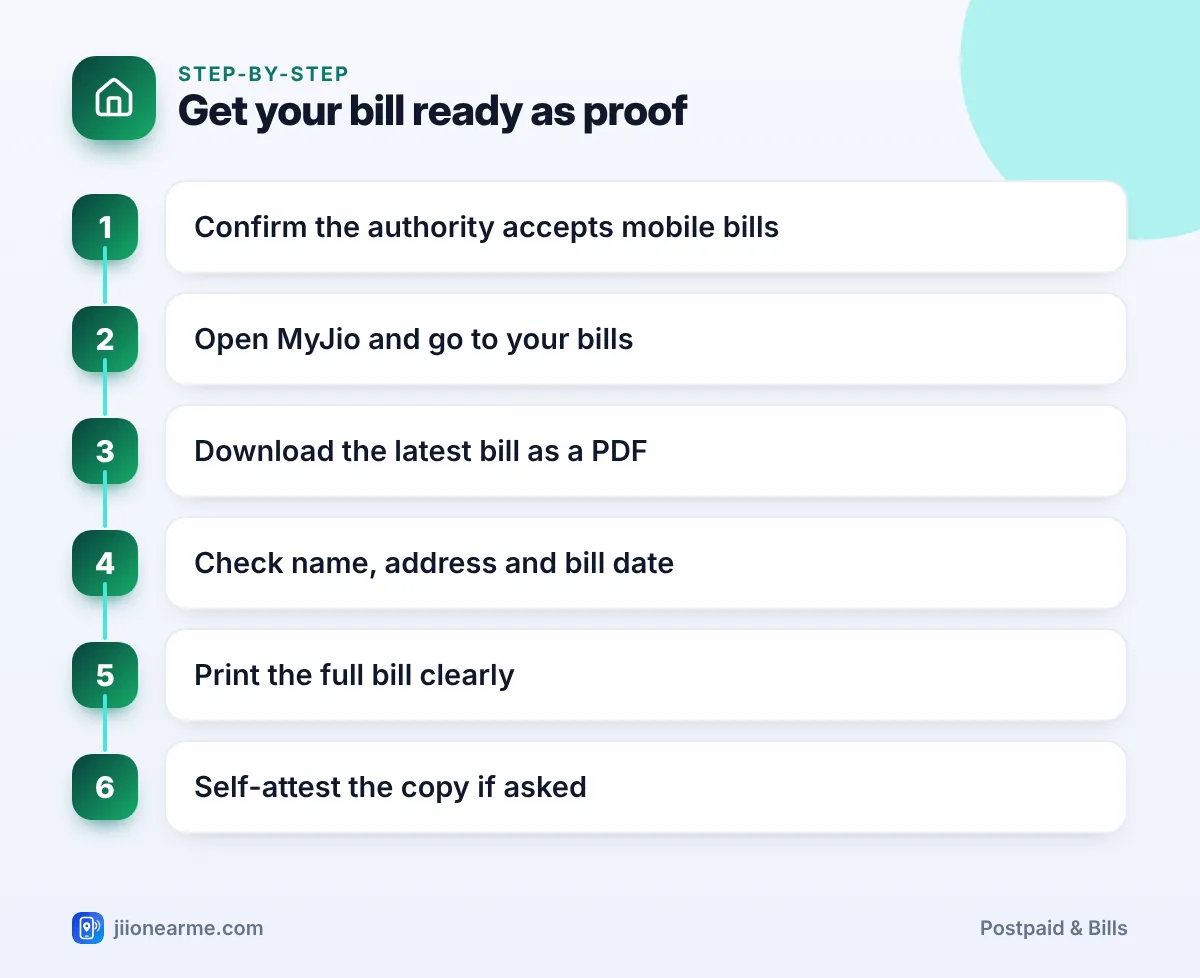
You can also sign in on jio.com and download the bill from your account. If your bill comes by email, that PDF works too.
Printouts and self-attestation
Many offices ask for a printed copy that you sign yourself, known as self-attestation. Some may also want to see the original PDF on your phone or in your email. If you are unsure, carry both.
What If the Address on Your Bill Is Wrong or Old?
If you have moved home, your bill may still show your old address. It will not work as proof of the new one.
- Update your address with Jio through official channels. An address change usually needs proof of the new address, so a Jio Store visit may be needed.
- Wait for the next bill after the update, and download that one.
- Use another document in the meantime, such as a registered rent agreement or another utility bill, if the authority accepts it.
Never edit a PDF bill, and never ask anyone to adjust one for you. Changing a bill to show a different name or address is forgery and can land you in serious trouble.
Your bill shows your name, number and address. Share it only with the organisation that needs it, and avoid posting it in groups or on social media. Never share OTPs or passwords with anyone who claims they can verify your bill.
A Quick Checklist Before You Submit
Run through this list the day before your appointment:
- The authority has confirmed it accepts a postpaid mobile bill.
- The bill is in your own name.
- The address is current and complete, with PIN code.
- The bill date falls within the allowed period.
- You have a clear printout and the PDF on your phone.
- You are carrying a second address document as backup.
Frequently Asked Questions
Is a Jio postpaid bill valid address proof everywhere?
No. It is commonly accepted as a utility bill, but every organisation sets its own rules. Always confirm before you submit.
Can I use a JioFiber or Jio AirFiber bill as address proof?
These bills usually show the installation address, so they may be accepted in a similar way. As always, the accepting authority decides.
Will a payment receipt work instead of the bill?
Usually not. A receipt shows that you paid, while the full bill shows your name, address and billing period, which is what authorities check.
Can I use my parent's postpaid bill as my address proof?
Only if the authority allows it, often with proof of your relationship. Many will ask for a document in your own name instead.
How do I change the address on my Jio postpaid bill?
Use official Jio channels, such as a Jio Store. You may need to submit proof of your new address, and the change shows on bills generated after the update.
Wrapping Up
A Jio postpaid bill can be a handy address proof, but only when the authority accepts it and the details are right. Check the accepted documents list first, make sure the bill is recent and in your name, and carry both a printout and the PDF.
If your address or name is wrong on the bill, fix it with Jio before your appointment rather than hoping the counter will overlook it.
JIo Near me is an independent guide and is not affiliated with Reliance Jio. App menus, plans and policies can change – always confirm current details in the official MyJio app or on jio.com. We will never ask for your OTP, PIN or passwords.