A service request gets fixed faster when the support team has every detail from the start. Before you raise one in MyJio, note the affected number, when and where the problem happens, what you have already tried, and keep any screenshots ready.
This checklist explains each item, why it matters and how to raise the request once you are prepared. It works for Jio mobile numbers as well as JioFiber and Jio AirFiber connections.
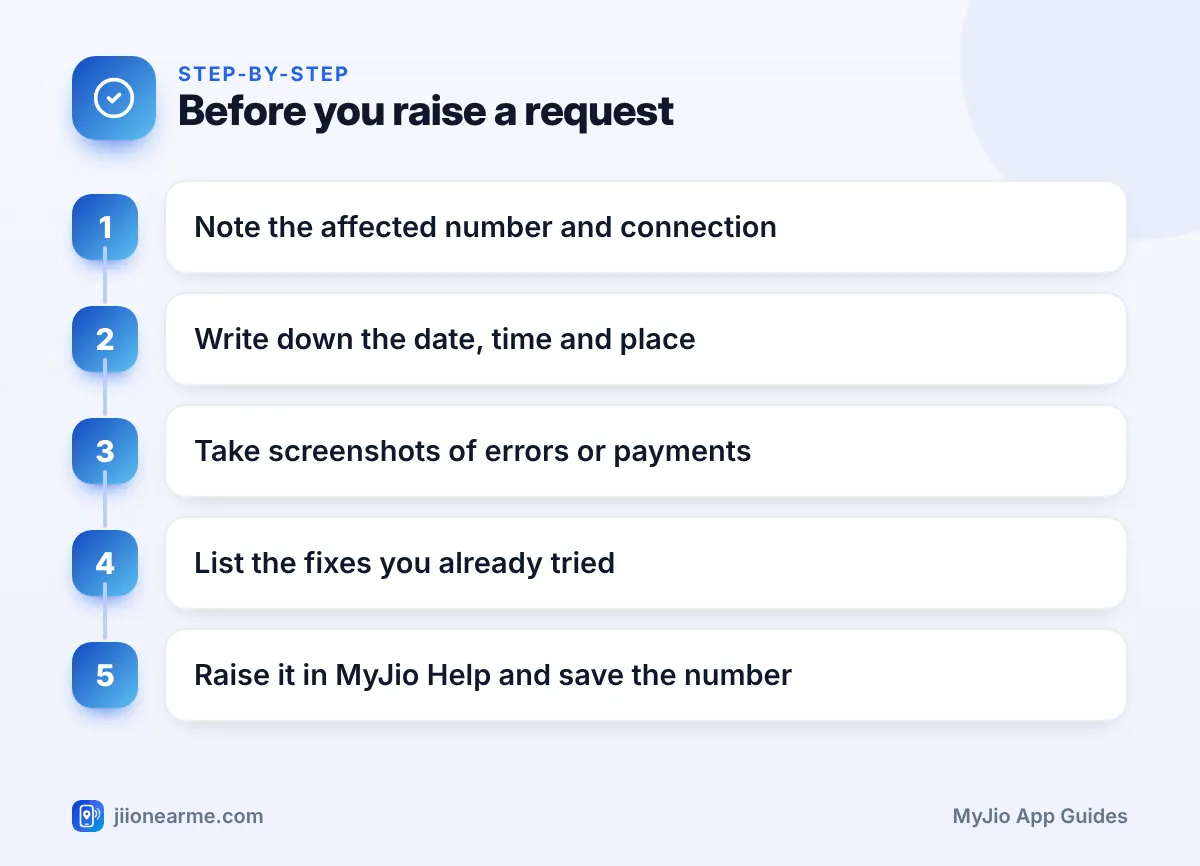
- Note the exact number or account affected, and the type of connection.
- Record the date, time, frequency and location of the problem.
- Keep screenshots, transaction IDs and any error messages ready.
- List the basic fixes you already tried, and save the request number you get.
Why a Few Minutes of Preparation Helps
Every missing detail usually means another question from support, a callback or a request that gets closed without a real fix. If the team cannot see when or where the problem happens, they may not be able to trace it.
A clear request also helps you. When you follow up, you can point to exactly what you reported and when. That is much stronger than “I complained last week about the internet”.
Quick Checks Before You Raise Anything
Some problems are not faults at all. Rule these out first:
- Plan validity. Open MyJio and check that your plan is active. An expired plan can look like a network fault.
- Daily data. If your high-speed data for the day is used up, speed drops until the quota resets.
- Correct account. If you have linked several numbers in MyJio, make sure you are looking at the right one.
- A simple restart. Restart your phone, or switch your JioFiber or AirFiber device off and on again.
- Other people nearby. If neighbours on Jio have the same issue, it may be a local outage that is already being worked on.
Run a speed test when the internet feels slow and take a screenshot of the result. Do it two or three times at different hours. Support can use this pattern to understand whether the issue is constant or only at peak times.
Your MyJio Service Request Checklist
Go through these five groups and jot down your answers in your phone’s notes app.
1. Account and Device Details
- The affected Jio number. This may not be the number you are signed in with.
- The type of connection: prepaid, postpaid, JioFiber or Jio AirFiber.
- Your phone model and software version, for mobile issues.
- For home broadband, the colour and state of the lights on the router or device.
2. Time and Place
- The date and approximate time the problem started.
- How often it happens: all the time, at certain hours or only now and then.
- The exact location for network issues: area, landmark and PIN code.
- Whether the problem is only indoors, on a particular floor or in one room.
3. Evidence
- Screenshots of error messages on your phone or in the app.
- The transaction ID, payment app and time for a failed or missing recharge.
- Speed test screenshots for slow internet.
- Times of dropped calls, noted as soon as they happen.
4. Steps Already Tried
- Restarting the phone or router.
- Switching airplane mode on and off.
- Updating the phone software and the MyJio app.
- Trying the SIM in another phone, or another device on your Wi-Fi.
5. Earlier Complaints
- Any old service request or reference numbers for the same problem.
- The date you raised them and what you were told.
Extra Details by Type of Problem
Different problems need slightly different information. Use this table as a quick guide:
| Problem | Extra details to note |
|---|---|
| Mobile data not working | Whether 4G or 5G shows on the status bar, and whether calls still work |
| Call drops or poor voice | Times of drops, indoors or outdoors, and whether it happens in one place |
| Recharge not credited | Transaction ID, payment method, time of payment and debit message |
| Bill doubt | Bill period and the exact charge you want explained |
| JioFiber or AirFiber outage | Light status, whether all devices are affected, wired or Wi-Fi |
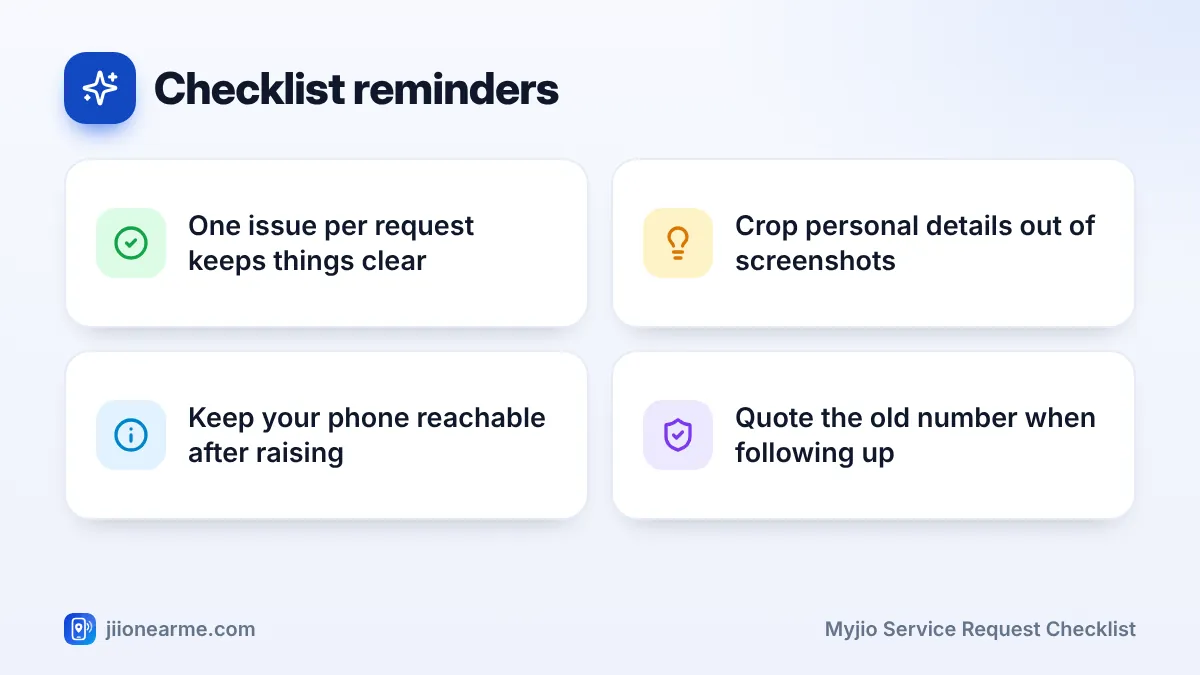
If you have two separate problems, such as a billing doubt and slow internet, raise them separately. Mixing them often sends the request to the wrong team.
How to Raise the Request in MyJio
Once your checklist is ready, raising the request takes only a few minutes. Menu names can differ slightly between app versions.
- Open the MyJio app and select the account that has the problem.
- Open the menu (☰) or your profile, and look for Help & Support, Support or Help.
- Pick the topic closest to your issue, or open the chat option.
- Paste your short summary and answer any follow-up questions.
- Attach screenshots if the app offers an option to upload them.
- Save the service request or reference number, and take a screenshot of the confirmation.
Some app versions show open requests under an option such as My requests or Track request. Jio also often confirms new requests by SMS, so keep an eye on your messages.
After You Raise It: Tracking and Follow-Up
Give the request the time support mentions. During this period, keep your phone reachable, because a technician or support executive may call to check details or fix a time for a home visit.
If the time passes and nothing changes, follow up in chat with your request number. You can also call 198 from your Jio number to register or follow up on a complaint, or 199 for general queries. If the complaint still stays unresolved, the grievance steps are listed on the official Jio website.
Scammers sometimes call people who have just raised complaints. If any caller asks for an OTP, UPI PIN or card details, or asks you to install a screen-sharing app, end the call. You can report such calls through Chakshu on the Sanchar Saathi portal.
Frequently Asked Questions
Do I need a separate request for each Jio number?
Usually, yes. Each number is a separate connection, so raise a request for each affected number and note each reference number separately.
How long does a Jio service request take?
It depends on the problem. Simple account issues may be fixed quickly, while network or home broadband faults can take longer. Support usually shares an expected time when the request is raised.
Can I raise a request for my parents' Jio number?
If their number is linked in your MyJio app, you can select it and raise a request. Otherwise, they can raise it from their own phone, or call 198 from their Jio number.
What if my request is closed but the problem continues?
Raise a new request and mention the old reference number. Explain clearly that the problem is still happening, with fresh dates and times.
Should I share screenshots that show my personal details?
Crop or cover anything that is not needed, such as bank balances or ID numbers. Support only needs the part of the screen that shows the problem.
Final Thoughts
A good service request answers the support team’s questions before they ask them. Note the number, the time and place, your evidence and the fixes you tried, then raise it once with all of that included.
Keep the reference number safe and follow up calmly if the promised time passes. That small habit makes most Jio complaints much quicker to settle.
JIo Near me is an independent guide and is not affiliated with Reliance Jio. App menus, plans and policies can change – always confirm current details in the official MyJio app or on jio.com. We will never ask for your OTP, PIN or passwords.
