Merge call on a Jio number usually fails because the second call isn’t fully connected yet, the two calls are on different SIMs, VoLTE isn’t working properly, or the network can’t combine that particular call. A few quick checks fix most conference calling problems.
Below, you’ll see how merging is meant to work on Android and iPhone, why the Merge button can stay greyed out, and which phone and network settings to check when the conference drops.
- Wait until the second person has answered before you tap Merge.
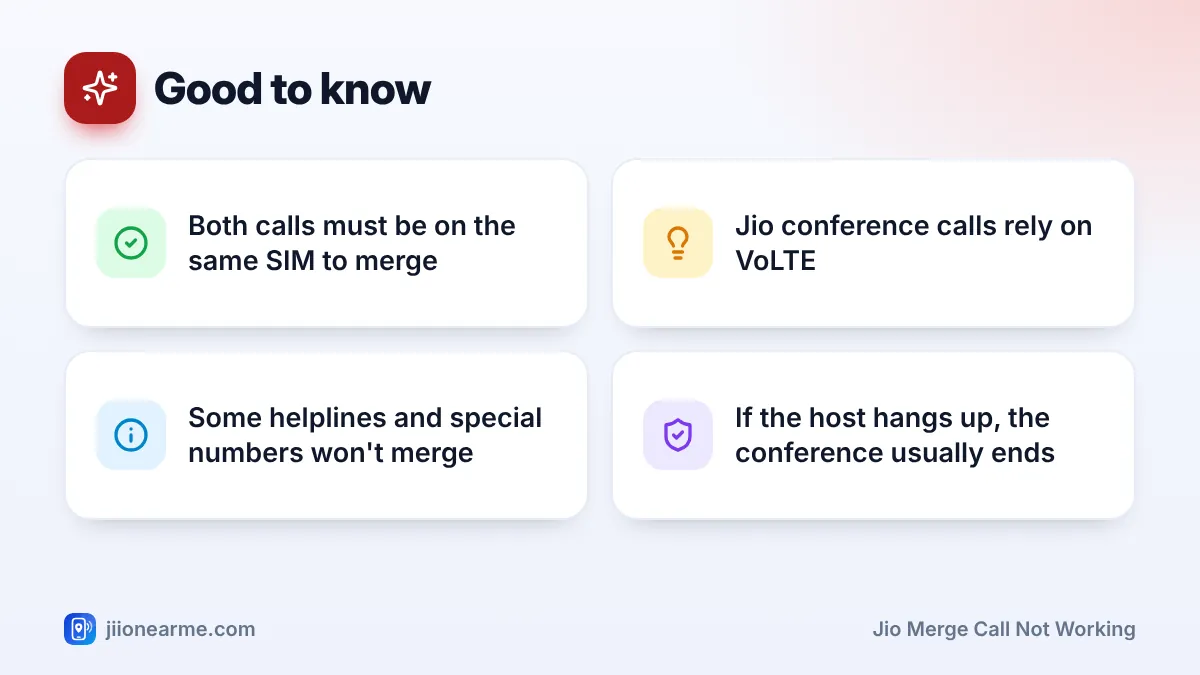
- Both calls must be on the same SIM. A call on your Jio SIM can’t merge with a call on another SIM.
- Jio conference calls depend on VoLTE, so keep it switched on and check your signal.
- Helplines with voice menus and some special numbers may refuse to join.
- Turning off Wi-Fi calling for a moment can help if merging fails only on Wi-Fi.
How Merge Call and Conference Calling Work on Jio
A conference call lets you talk to two or more people together. You call one person, put them on hold, call or answer another, and then merge the calls into one. The network, not your phone alone, joins the voices together.
On Jio, calls run over VoLTE (4G) or 5G voice. So merging needs three things: a supported phone, a stable connection and a call setup the network can combine. The number of people you can add is limited by the network and your phone, so test with just two people first.
How to Merge Calls Step by Step
On Android
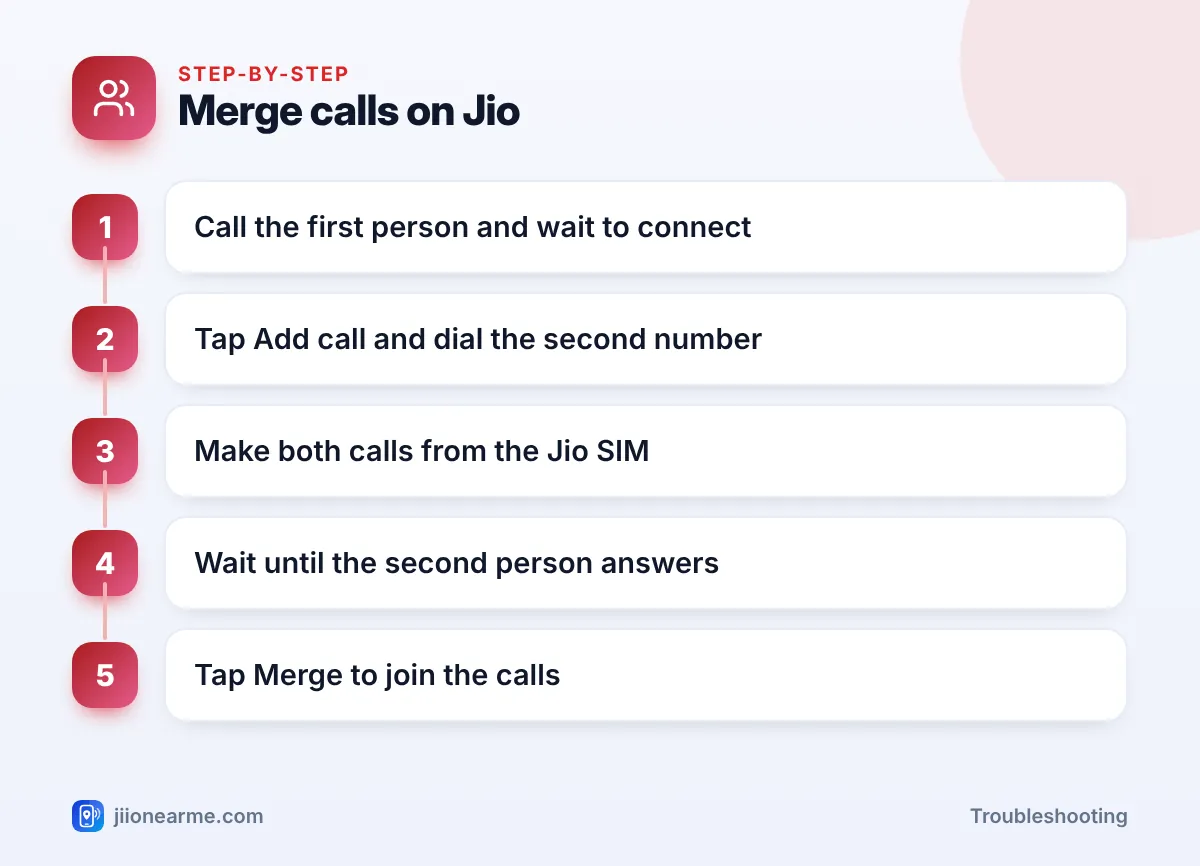
- Call the first person and wait for them to answer.
- Tap Add call and dial the second number. The first call goes on hold automatically.
- Wait for the second person to answer.
- Tap Merge. On some phones the button shows two arrows joining.
- To add another person, tap Add call again and repeat.
On iPhone
- Call the first person.
- Tap Add Call and call the second person.
- Once they answer, tap Merge Calls.
- Tap the i (info) icon next to the call to see participants, talk privately to one person or drop someone.
If someone calls you during a call, answer with Hold & Accept on iPhone, or answer and hold on Android, then tap Merge. Call waiting must be on for this to work.
Why Jio Merge Call Is Not Working
The second call isn’t connected yet
The Merge button stays greyed out or does nothing while the second call is still ringing. Wait until the person picks up and you can hear them.
The calls are on different SIMs
On a dual-SIM phone, both calls must be on the same SIM. If the first call is on your Jio SIM and you dial the second from another SIM, the phone usually can’t merge them. Many phones ask which SIM to use each time you dial, so pick the Jio SIM for both.
VoLTE is off or not registered
Jio voice calls depend on VoLTE. If it’s off, calls may fail completely, or in-call features like merging may not respond. On Android, open the Jio SIM’s settings and make sure VoLTE or 4G calling is on. On iPhone, go to Settings > Mobile Data (or Mobile Service) > Mobile Data Options > Voice & Data, choose a 4G or 5G option, and turn on VoLTE if the switch appears.
Wi-Fi calling is involved
Merging may behave differently when one of the calls is on Wi-Fi calling. If it fails only at home or in the office, turn Wi-Fi calling off, make both calls on the mobile network and try again.
One number can’t join conferences
Some calls don’t merge reliably. Helplines with voice menus, certain toll-free or special numbers and some international calls fall in this group. If merging always fails with one particular number, test with two ordinary mobile numbers.
Your plan or signal is the issue
Outgoing calls need an active plan. If validity has ended, you may be able to answer calls but not dial a second one. Weak signal can also drop the whole conference at the moment you tap Merge.
Jio Merge Call Not Working: Quick Fix Checklist
Work through this list in order and test after each step:
- Check your plan validity in the MyJio app.
- Switch on VoLTE for the Jio SIM.
- Make both calls from the Jio SIM.
- Turn off Wi-Fi calling while you test.
- Toggle airplane mode for 15 seconds, then try again.
- Restart the phone and install any pending software update.
- Use your phone’s built-in dialer instead of a third-party calling app.
Test with two friends who are on good signal. If merging works with them but fails with one contact, the issue is probably that person’s network or number type, not your phone.
| Symptom | Likely cause | What to try |
|---|---|---|
| Merge button greyed out | Second call not answered, or calls on different SIMs | Wait for an answer, use the same SIM |
| “Call failed” when tapping Merge | Network rejected the request | Check VoLTE, signal and validity |
| Conference drops after merging | Weak signal or Wi-Fi calling handover | Move to better signal, turn off Wi-Fi calling |
| One person can’t be added | Special or international number | Test with regular mobile numbers |
Phone-Side Fixes for Conference Call Problems
If the checklist didn’t help, look at the phone itself:
- Update the software. Phone makers fix VoLTE and calling bugs in updates. On iPhone, a carrier settings update may also appear when you open Settings > General > About. Install it if prompted.
- Reset network settings. This clears stuck mobile network settings. It also deletes saved Wi-Fi passwords, so note them first.
- Try the SIM in another phone. If merging works there, your handset is the problem, and a service centre can check it.
- Pause call-related apps. Call recorders, blockers and dialer replacements can interfere with in-call controls. Disable them for a while and test again.
Phone conferences suit a few people. For larger groups, an app such as JioMeet lets people join a voice or video meeting with a link, using data instead of regular calls.
When to Contact Jio Support
If merging never works on any phone, and VoLTE and validity are fine, ask Jio to check your number. Call 198 for complaints or 199 for queries from your Jio number, or use the toll-free number 1800-889-9999. Mention the exact message you see and that you’ve already tested with both calls on the Jio SIM.
Frequently Asked Questions
How many people can join a Jio conference call?
It depends on Jio’s network limits and your phone model. If you need an exact number, ask Jio support, and use a meeting app for large groups.
Can I merge a Jio call with a call on my other SIM?
Usually no. On a dual-SIM phone, both calls must be on the same SIM to merge. The people you call can be on any network.
Why is the Merge button missing on my iPhone?
It appears only when you have two calls on the same line and the second one is connected. If it still doesn’t show, check VoLTE and turn off Wi-Fi calling.
What happens if I hang up during a conference call?
If you started the conference and you end the call, it usually ends for everyone. To remove just one person, open the participants list and end only their call.
Why does the conference drop when I add another person?
The new call may have failed to join, or your signal dipped at that moment. Move to a spot with better signal and try again, or check whether you’ve reached the participant limit.
Final Thoughts
Most merge call problems on Jio come from timing, SIM choice or VoLTE. Wait for each person to answer, keep both calls on the Jio SIM, and test without Wi-Fi calling. If merging still fails everywhere, Jio support can check whether conference calling is working correctly on your number.
JIo Near me is an independent guide and is not affiliated with Reliance Jio. App menus, plans and policies can change – always confirm current details in the official MyJio app or on jio.com. We will never ask for your OTP, PIN or passwords.