Which Ethernet cable should you buy for JioFiber? For almost every home, Cat6 is the safe choice, and an existing Cat5e cable in good condition is also fine. Both handle gigabit speeds over normal home distances. The cable to avoid is old Cat5 or a damaged cable, which can silently hold your wired speed at 100 Mbps.
This explainer covers what the cable categories mean, how length affects speed, what to read on the cable before you buy and how to check whether your current cable is limiting your connection.
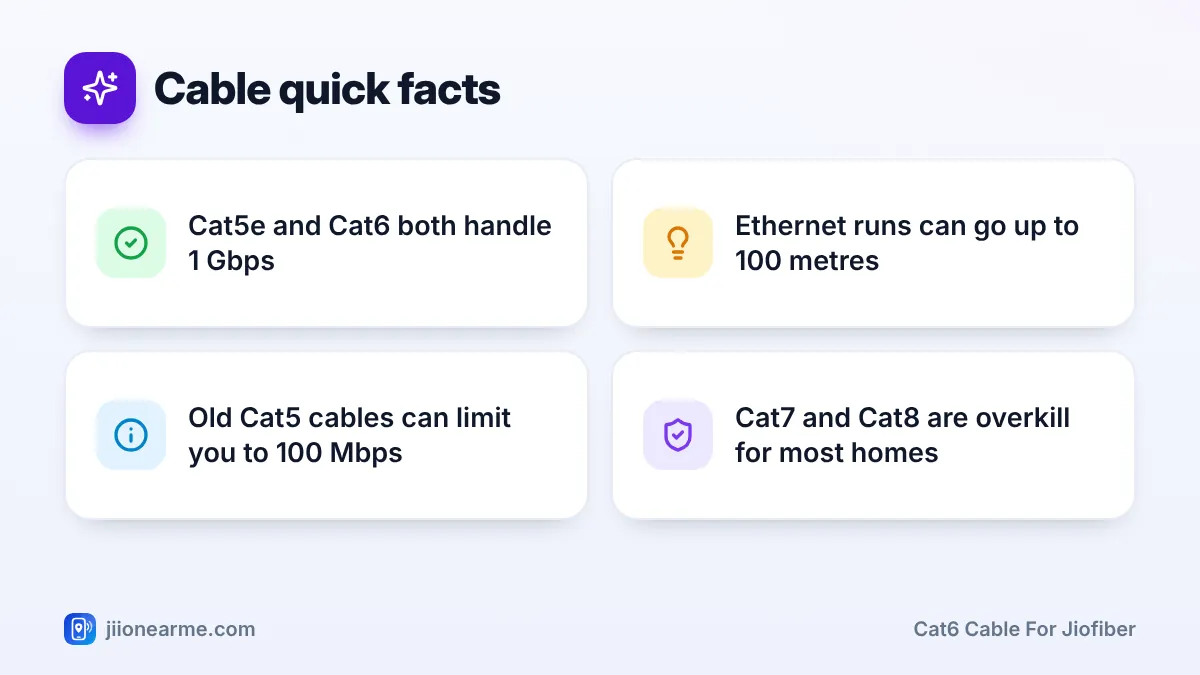
- Cat5e and Cat6 both support 1 Gbps over runs of up to 100 metres.
- Cat6 has better interference protection and handles 10 Gbps over shorter runs.
- An old Cat5 or damaged cable can drop your link to 100 Mbps without any warning.
- Check the category printed on the cable jacket and the link speed on your device.
Ethernet Cable Categories in Plain Language
Ethernet cables are grouped into categories, written as “Cat” followed by a number. A higher category is built to a stricter standard, with tighter twisting of the wire pairs and better protection against interference. That allows it to carry more data reliably.
All of these cables use the same RJ45 plug, so they fit the same ports on your JioFiber router, laptop, TV or console.
| Category | Typical maximum speed | Full-speed length | Home use today |
|---|---|---|---|
| Cat5 | 100 Mbps | Up to 100 m | Outdated, worth replacing |
| Cat5e | 1 Gbps | Up to 100 m | Fine for gigabit connections |
| Cat6 | 1 Gbps, or 10 Gbps on shorter runs | 100 m at 1 Gbps, roughly 55 m at 10 Gbps | Best everyday choice |
| Cat6a | 10 Gbps | Up to 100 m | Future-proof, thicker and stiffer |
| Cat7 and Cat8 | Higher, specialised | Short runs | Not needed in homes |
The exact distance at which Cat6 can carry 10 Gbps depends on the cable quality and nearby interference, so treat that figure as a guide.
Why an Old Cable Can Quietly Cap Your Speed
When you plug in a cable, your device and the router agree on a link speed. If the cable cannot reliably carry gigabit, they quietly fall back to 100 Mbps. The internet still works, so nothing looks wrong. You only notice when wired speed tests never go above about 90 to 95 Mbps.
Common reasons for this hidden cap:
- An old Cat5 cable. It was designed for 100 Mbps.
- Only four of the eight wires connected. Some cheap or hand-made cables use just two wire pairs. That is enough for 100 Mbps, but gigabit needs all four pairs.
- Physical damage. A cable crushed under a door, bent sharply, chewed by pets or with a broken clip can lose pairs or cause errors.
- Loose or badly crimped plugs. A connector that wobbles in the port may cause the same fallback.
- The device itself. Some older TVs, routers and laptops have 10/100 ports, which cap speed at 100 Mbps whatever cable you use.
Why a Cat6 Cable for JioFiber Is the Safe Choice
If you are buying a new cable, Cat6 gives you comfortable headroom for gigabit speeds and better resistance to interference. It is widely available and usually costs only a little more than Cat5e.
That said, you do not need to replace a good Cat5e cable. For connections up to 1 Gbps, a healthy Cat5e cable performs just as well in a home.
Consider Cat6a only if your router and devices have multi-gigabit ports, such as 2.5 Gbps or higher, and you need long cable runs. Check your router and device specifications first.
A cable only removes a bottleneck inside your home. It cannot make your internet faster than your plan speed, and Cat7 or Cat8 cables give no benefit over Cat6 for home broadband.
What to Check Before You Buy
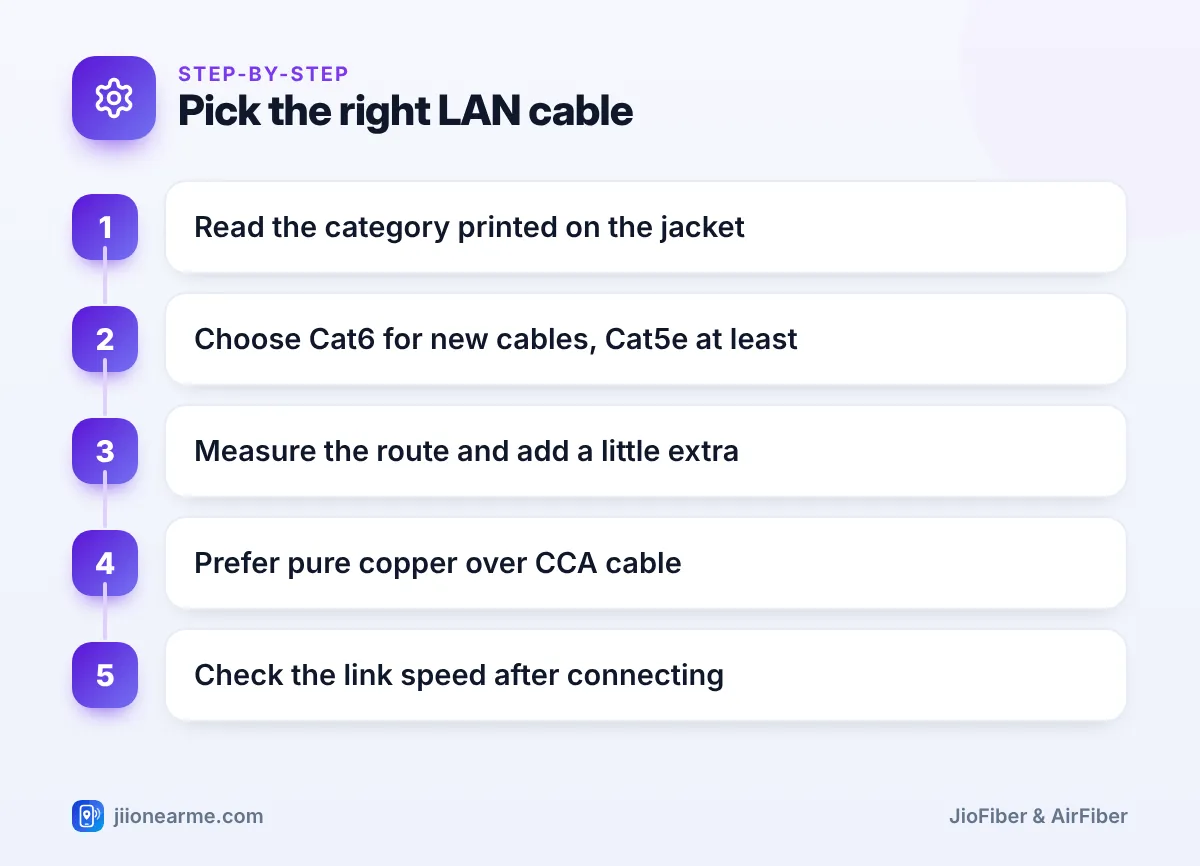
The category printed on the jacket
Genuine cables have text printed along the outer jacket, such as “CAT6 UTP 23AWG”. If there is no category printed at all, choose another cable.
Pure copper vs CCA
Some low-cost cables use copper-clad aluminium (CCA) instead of solid copper. These do not meet the official standards and can perform worse over longer runs. Look for “pure copper” or “solid copper” in the description.
Length
Measure the route along walls and around doors, then add a metre or two of slack. Length within 100 metres does not reduce speed on a good cable, but a huge excess coil is untidy.
Solid vs stranded, flat vs round
Stranded patch cables are flexible and suit short connections. Solid-core cable is better for long runs fixed along walls. Flat cables are easy to hide under carpets and along skirting, and work well for normal home use.
Shielded or unshielded
Unshielded (UTP) cable is fine for almost every home. Shielded types are mainly for areas with heavy electrical interference.
Buy a ready-made cable of the right length instead of crimping plugs yourself. Factory-made ends are less likely to have loose or wrongly ordered wires.
How to Check Your Cable Is Not Limiting Speed
- Connect your device directly to a LAN port on the JioFiber router.
- Check the link speed. On Windows, open Settings, then Network & internet, then Ethernet. On a Mac, look under Network in System Settings. Exact labels vary by version.
- If it shows 1 Gbps (1000 Mbps), the cable and port are fine.
- If it shows 100 Mbps, try a different cable and another router port.
- If it still shows 100 Mbps, check whether the device’s port supports gigabit. Specifications often list this as “10/100/1000” or “Gigabit Ethernet”.
- Run a wired speed test and compare it with your plan speed in the MyJio app.
Cables of different categories are backward compatible. A Cat6 cable works perfectly with an older device, though the link will only run as fast as the slowest part.
Frequently Asked Questions
Will a Cat6 cable make my JioFiber faster?
Only if your current cable is the bottleneck. If your wired speed is stuck around 100 Mbps on a faster plan, a new cable may fix it, but it cannot exceed your plan speed.
Is Cat5e good enough for JioFiber?
Yes, for connections up to 1 Gbps. A Cat5e cable in good condition supports gigabit speeds over normal home distances.
Does cable length affect internet speed?
Not noticeably on a good cable within 100 metres. Damage, loose plugs and poor-quality wire matter far more than length.
Can I use a Cat6 cable with an older laptop or TV?
Yes. Cat6 uses the same plug and works with older ports. The connection will simply run at the speed the older port supports.
Should I buy a Cat7 or Cat8 cable?
There is no need for home broadband. These cables are designed for specialised setups, and Cat6 already handles more than most home connections need.
Summary
For JioFiber, a Cat6 cable is the sensible choice when buying new, and a healthy Cat5e cable is fine to keep. Replace old Cat5 or damaged cables, check the category printed on the jacket, prefer pure copper and confirm the link speed after connecting. That way your cable never becomes the hidden limit on your wired speed.
JIo Near me is an independent guide and is not affiliated with Reliance Jio. App menus, plans and policies can change – always confirm current details in the official MyJio app or on jio.com. We will never ask for your OTP, PIN or passwords.
