Weak Jio signal indoors is usually caused by walls, floors and distance from the nearest tower, not by a fault in your phone. The quickest improvements come from finding the strongest spot in your home or office, often near a window or on a higher floor, and turning on Wi-Fi Calling so calls work even where the signal fails.
You cannot change where the tower is. You can, however, change where you use your phone, how it connects and what it falls back on. This guide covers each practical step, what to avoid, and when to report the problem to Jio.
- Signal drops indoors because concrete, metal, coated glass and basements block radio waves.
- Measure the signal in each room and use the best spot, usually near a window or higher up.
- If 5G keeps dropping indoors, a 4G/LTE mode can give steadier service in that location.
- Turn on Wi-Fi Calling if you have broadband, so calls work in dead spots.
- Avoid unauthorised signal boosters. Report long-running coverage problems to Jio instead.
Why Jio Signal Is Weaker Inside Buildings
Mobile signals are radio waves. Each wall, floor and window they pass through takes away some strength before they reach your phone.
These are the most common reasons for poor indoor reception:
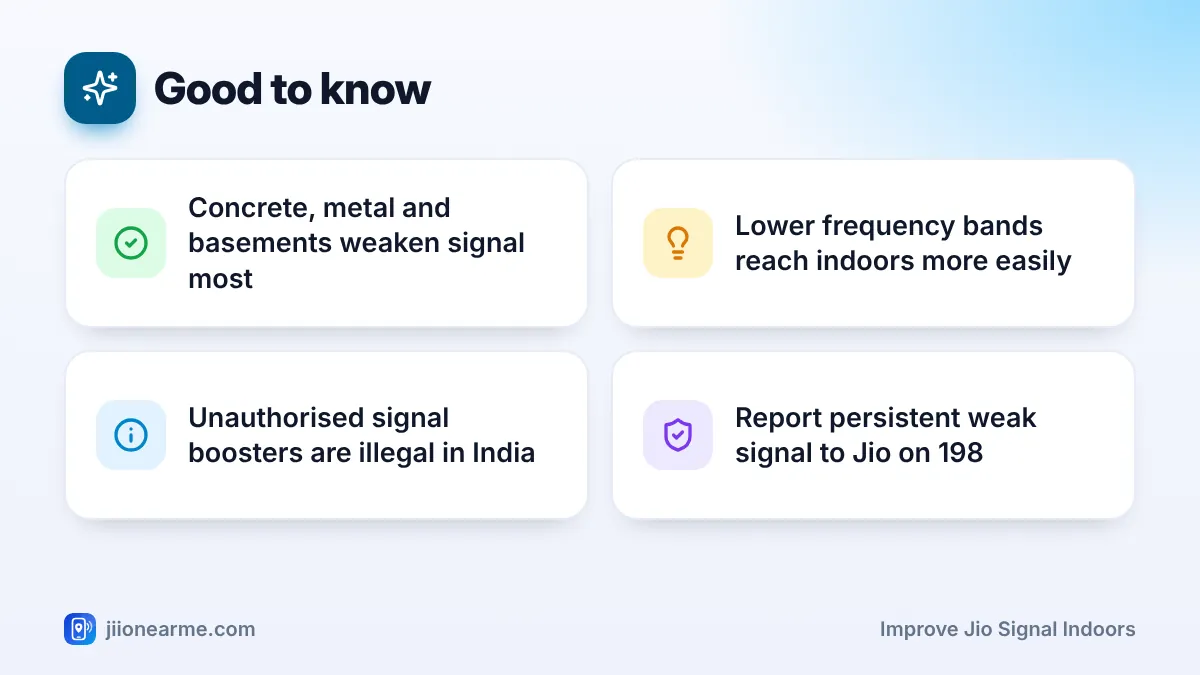
- Building materials: Reinforced concrete, brick, metal frames and tinted or coated glass block signal strongly.
- Location in the building: Basements, lift lobbies, inner rooms and lower floors of tall buildings tend to be the weakest.
- Distance from the tower: At the edge of a tower’s coverage, even one extra wall can push the signal too low.
- Frequency used: Lower frequency bands, such as 700 MHz, pass through walls better. Higher bands, such as the 3.5 GHz band used for much of Jio True 5G, weaken faster indoors.
- Crowding: In busy offices, many phones share the same tower, which can slow data even when the bars look fine.
Step-by-Step: How to Improve Jio Signal Indoors
Work through these steps in order. Most people see a difference after the first two.
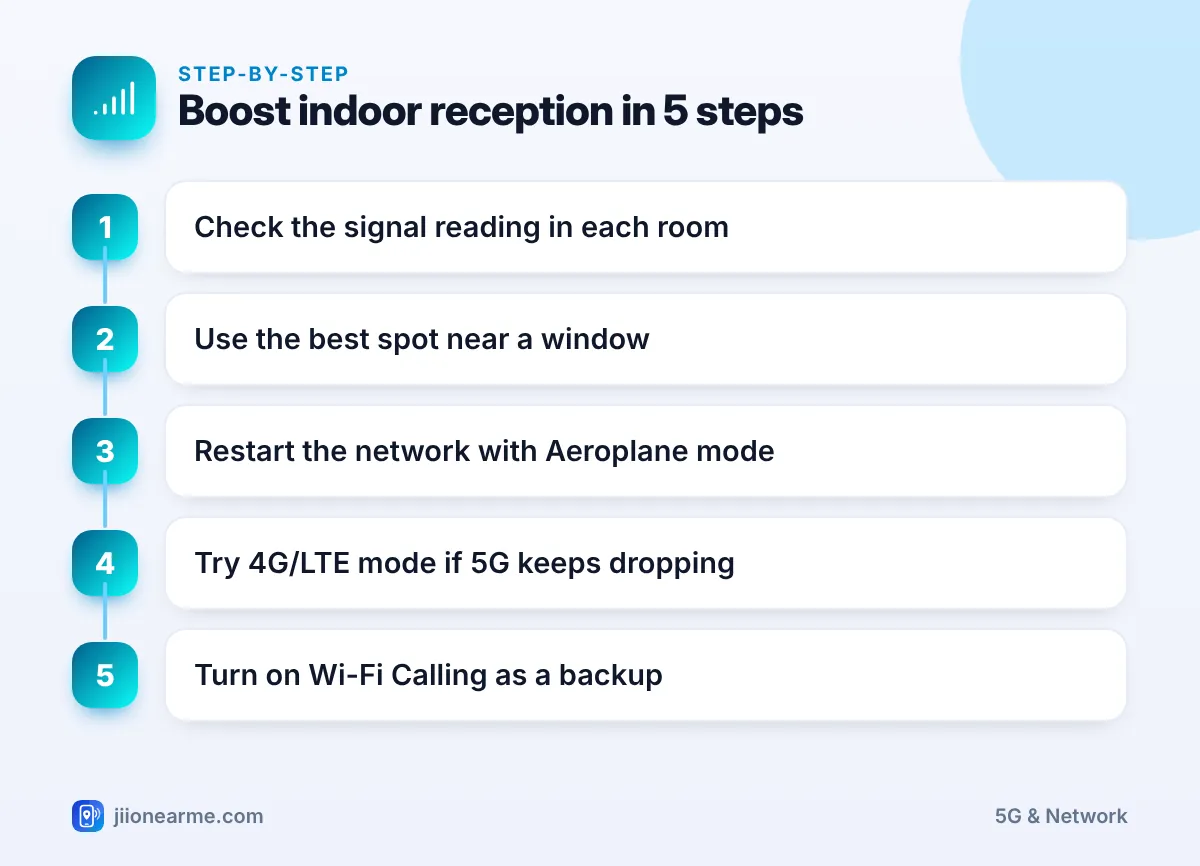
- Measure the signal. Open your phone’s SIM status screen to see the signal reading in dBm. On Android, it is usually under Settings > About phone > SIM status. Values closer to zero are stronger.
- Walk around and compare. Check the reading in each room, near each window and on different floors if you can. Wait about 20 seconds at each spot for the number to settle.
- Pick your spot. Use the strongest place for important calls. Move your desk, chair or charging point there if possible.
- Refresh the connection. After moving rooms, turn Aeroplane mode on for 10 seconds and off again. This makes the phone search for the best available tower.
- Adjust the network mode if needed. If 5G keeps appearing and vanishing, try a 4G/LTE mode for that location (explained below).
- Turn on Wi-Fi Calling. If you have broadband, this gives you a dependable backup for calls in dead spots.
Signal often improves near windows on one side of the building, the side facing the nearest tower. If one window gives a much better reading than others, that is your best calling spot.
Choose the Right Network Mode for Indoor Use
Your phone’s Preferred network type setting decides whether it can use 5G, 4G or both. For most people, the auto mode that includes 5G is the right choice.
Indoors, though, 5G can be patchy. When the phone keeps switching between 5G and 4G, calls and data may stutter, and the battery drains faster. In that case:
- Set the Jio SIM to a 4G/LTE mode while you are at home or work, and switch back to 5G auto when you go out.
- Never choose a 3G only or 2G only mode. Jio does not run those networks, so you will lose service.
The setting usually sits under Settings > SIM or Mobile network > Jio SIM > Preferred network type. Labels differ by brand. On an iPhone, look under Mobile Service > Mobile Data Options > Voice & Data.
Use Wi-Fi Calling as Your Indoor Backup
Wi-Fi Calling lets your phone carry normal Jio calls over your Wi-Fi connection. It is the most effective fix for rooms where mobile signal is very weak but broadband works.
- Android: Open SIM or Mobile network settings, select the Jio SIM and switch on Wi-Fi Calling. On Samsung, check the Phone app’s settings.
- iPhone: Go to Settings > Phone > Wi-Fi Calling and switch it on.
If your phone offers a Calling preference, choose Wi-Fi preferred for home use. If you need faster home internet as well, a JioFiber or Jio AirFiber connection can cover data needs indoors. Check availability for your address in the MyJio app or on jio.com.
Some company firewalls block the secure connection that Wi-Fi Calling uses. If it works at home but not at work, ask your IT team whether it can be allowed.
Check Your Phone and SIM
Sometimes the building is only part of the problem. Run these quick checks:
- Update your phone. System updates can improve modem performance and network support.
- Remove metal or magnetic accessories. Metal cases, magnetic mounts and metal ring holders can interfere with antennas. Normal plastic, silicone and leather covers have little effect.
- Watch your grip. Antennas usually sit near the top and bottom edges. Holding the phone tightly around them can lower the reading slightly.
- Try the SIM in another phone. If the same SIM works better in another phone at the same spot, your phone may be the issue.
- Replace a damaged SIM. A scratched or bent SIM can cause drops. Visit a Jio Store with valid ID for a replacement.
- Reset network settings. This clears saved Wi-Fi passwords and Bluetooth pairings, so note them before you do it.
What Not to Do
Some “quick fixes” sold online cause more harm than good:
- Signal boosters and repeaters: Buying, selling or using unauthorised mobile signal boosters is not allowed in India. They can disturb the network for everyone nearby. Only licensed telecom operators can install such equipment.
- “Signal booster” apps: No app can increase the radio signal reaching your phone.
- Antenna stickers: Stickers that claim to boost reception do not work.
If a whole building has poor Jio coverage, report it. Call 198 from your Jio number to register a complaint, or 199 for queries, and share the exact address and the problem areas.
Problem and Best Fix at a Glance
| Indoor problem | Best fix to try first |
|---|---|
| No signal in one room | Use another room or Wi-Fi Calling |
| Calls drop near the centre of the house | Move closer to a window on the tower side |
| 5G icon keeps flickering | Switch to a 4G/LTE mode at home |
| Weak signal across the whole building | Wi-Fi Calling plus a coverage complaint to Jio |
| Signal fine on other phones, weak on yours | Update software, check case, test SIM in another phone |
Frequently Asked Questions
Why do I get full bars outdoors but no signal inside?
Walls, floors and windows weaken the signal before it reaches your phone. The deeper you go into a building, the more strength is lost.
Does a higher floor always mean better signal?
Often, but not always. Higher floors usually have a clearer path to the tower, but a nearby taller building or a different tower angle can change things. Measure rather than guess.
Will switching from 5G to 4G improve indoor signal?
It can make service steadier indoors, because 4G often uses lower bands that pass through walls better. Speeds may differ, so compare both modes at your usual spot.
Can Jio improve coverage in my building?
You can raise a complaint by calling 198 from your Jio number. Share the exact address and the problem areas so the team can review coverage there.
Is Wi-Fi Calling safe to leave on all the time?
Yes. It works quietly in the background and only steps in when you are connected to Wi-Fi.
Final Thoughts
Better indoor signal starts with measuring and moving, not buying gadgets. Find your strongest spot, refresh the connection when you change rooms, pick a steadier network mode if 5G flickers and turn on Wi-Fi Calling. If the whole building stays weak, report it to Jio rather than reaching for an unauthorised booster.
JIo Near me is an independent guide and is not affiliated with Reliance Jio. App menus, plans and policies can change – always confirm current details in the official MyJio app or on jio.com. We will never ask for your OTP, PIN or passwords.
