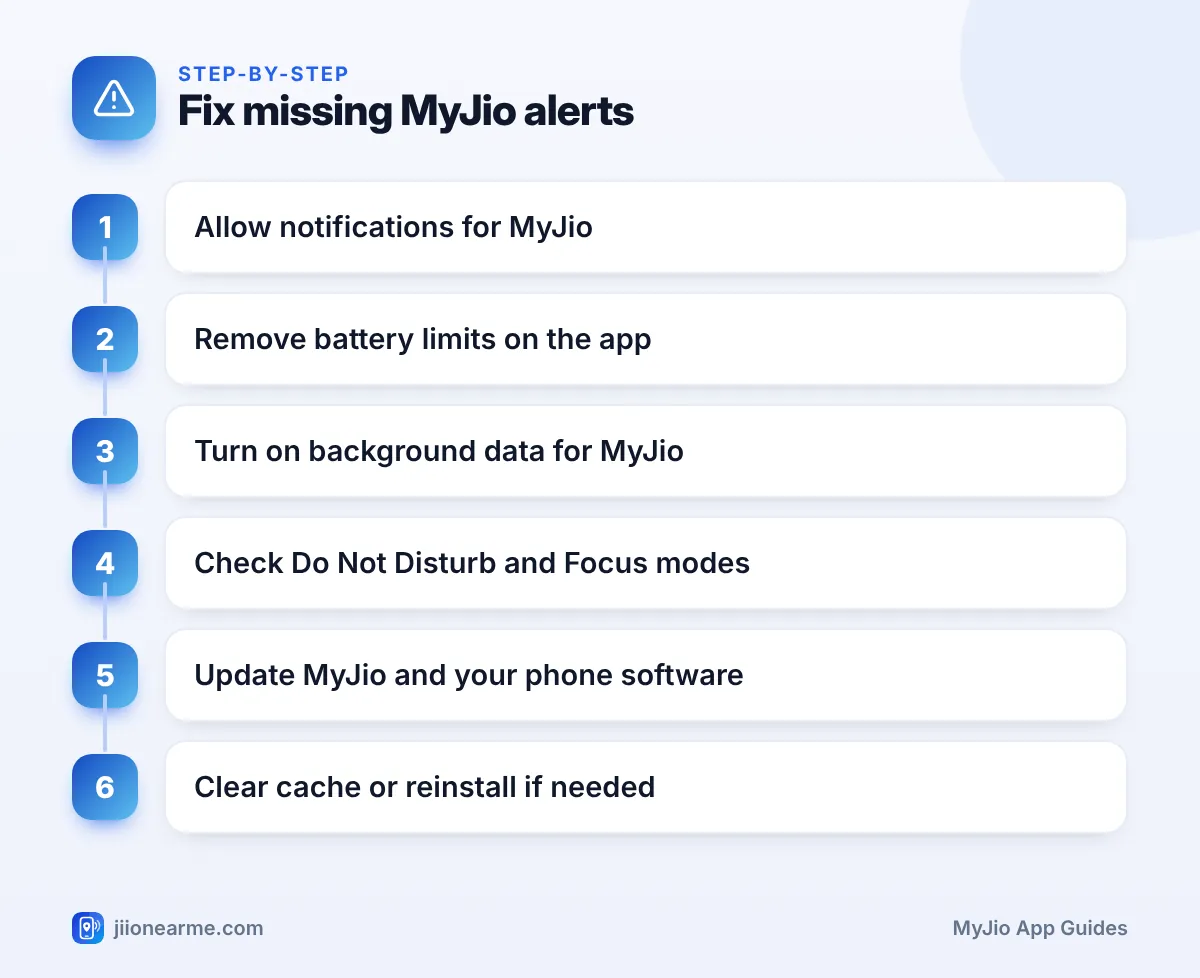
When MyJio alerts stop arriving, the cause is usually a setting on your phone rather than a problem with your Jio account. Start with notification permission, then check battery optimisation, background data, Do Not Disturb or Focus, and whether the app is up to date.
Work through the checks below in order. Most people find the culprit within the first three, and none of them affect your plan or balance.
- First confirm that MyJio is allowed to send notifications on your phone.
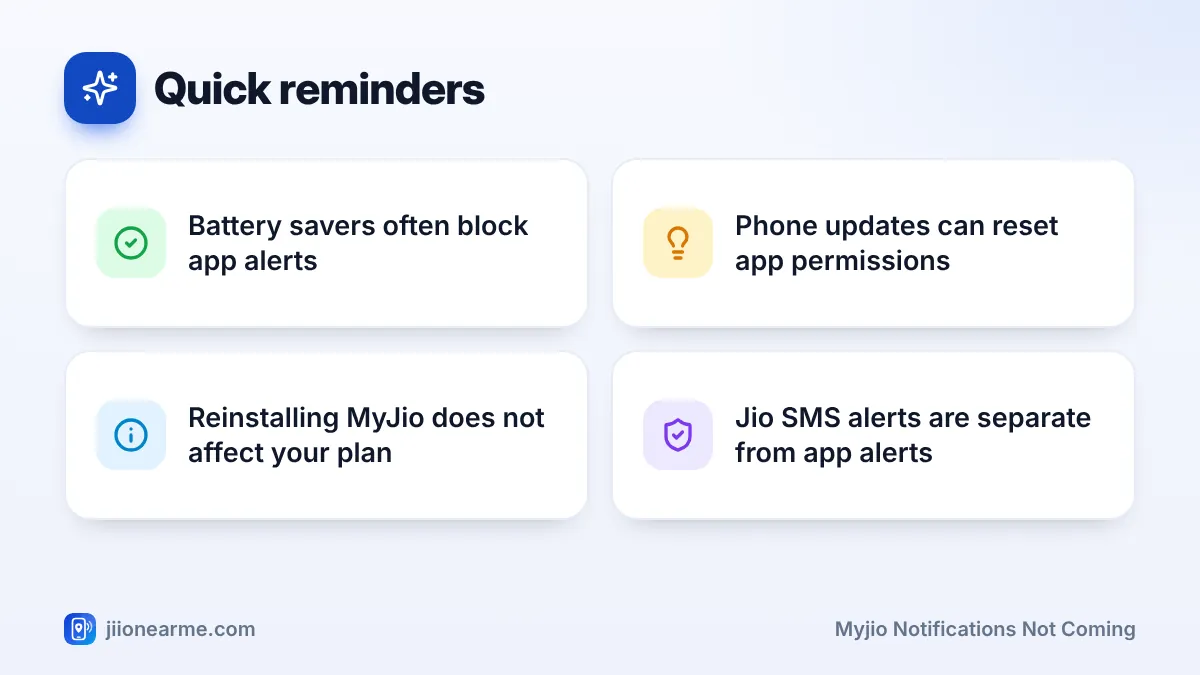
- On Android, battery optimisation and brand-specific power savers often block alerts.
- Background data, Data Saver and Low Data Mode can delay or stop notifications.
- Updating or reinstalling MyJio is safe; your plan and balance stay on Jio’s side.
First, Work Out What Is Missing
Jio reaches you in two ways: app notifications from MyJio and SMS messages from the Jio network. They are separate systems.
- If you get Jio SMS but no MyJio alerts, the problem is almost certainly in your phone’s app settings. Follow the steps below.
- If both SMS and app alerts are missing, check your messaging app’s spam or blocked folder first. If messages are not there either, contact Jio support.
Also check that you are signed in to MyJio with the right number. If you have linked several accounts, alerts relate to those accounts, so make sure the one you care about is still linked.
MyJio Notifications Not Coming? Settings to Check in Order
The fixes below apply to both Android and iPhone unless stated.
Step 1: Check Notification Permission
- Android: Open Settings > Apps > MyJio > Notifications, and make sure notifications are allowed. If you see categories, check that the ones you want are switched on.
- iPhone: Open Settings > Notifications > MyJio, and turn on Allow Notifications. Also make sure at least one of Lock Screen, Notification Centre or Banners is selected.
On Android 13 and later, apps ask for permission the first time they open. If you tapped Don’t allow back then, MyJio has been silent ever since.
Step 2: Remove Battery Limits on Android
Android phones close apps in the background to save battery, which can stop alerts from reaching you.
- Open Settings > Apps > MyJio > Battery.
- Choose Unrestricted or Don’t optimise, depending on what your phone shows.
- Turn off any phone-wide battery saver mode while you test.
Some brands add their own power controls. On Xiaomi, Redmi and POCO phones, look for Autostart and set battery saver to No restrictions for MyJio. On Samsung, make sure MyJio is not listed under Sleeping apps or Deep sleeping apps. On Oppo, Realme and Vivo, look for Allow background activity or Allow auto launch.
On iPhone, Low Power Mode reduces background activity. Alerts usually still arrive, but turning it off while you test helps rule it out.
Step 3: Allow Background Data
- Android: In Settings > Apps > MyJio > Mobile data (sometimes Data usage), turn on Background data. If Data Saver is on, allow Unrestricted data for MyJio.
- iPhone: In Settings > MyJio, make sure Mobile Data and Background App Refresh are on. Check whether Low Data Mode is switched on under your mobile data options.
Step 4: Check Do Not Disturb, Focus and Summaries
Do Not Disturb on Android and Focus modes on iPhone can hide alerts completely. Check the schedule and the list of allowed apps. On iPhone, also check Scheduled Summary. If MyJio is included, its alerts arrive later in a bundle instead of straight away.
Step 5: Update MyJio and Your Phone
Open the Google Play Store or App Store and install any MyJio update. Install pending phone software updates too. On Android, app notifications also depend on Google Play services, so keep it updated through the Play Store.
Set your phone’s date and time to update automatically. A wrong clock can disturb how apps connect and receive alerts.
Step 6: Clear Cache or Reinstall
On Android, open Settings > Apps > MyJio > Storage and tap Clear cache. Avoid Clear data unless you are ready to sign in again.
If nothing works, uninstall MyJio, restart the phone and install it again from the official store. Sign in with your Jio number and OTP, and tap Allow when the app asks to send notifications.
Every phone brand labels these settings slightly differently, and app updates can rename options too. If you cannot find a menu, type “battery” or “notifications” into the search bar at the top of your phone’s Settings app.
Android and iPhone Settings at a Glance
| What to check | Android | iPhone |
|---|---|---|
| Permission | Apps > MyJio > Notifications | Notifications > MyJio |
| Battery | Battery set to Unrestricted | Low Power Mode off while testing |
| Data | Background data on, Data Saver exception | Mobile Data and Background App Refresh on |
| Quiet modes | Do Not Disturb schedule | Focus and Scheduled Summary |
| Updates | MyJio and Google Play services | MyJio and iOS |
Some Android phones close apps when you clear the recent apps screen. Many brands let you lock an app in the recent apps view, usually by pressing and holding its card. Locking MyJio there can help it keep receiving alerts.
When to Contact Jio Support
If you have worked through every step and alerts still do not come, or if SMS alerts are missing too, the issue may not be on your phone. Use the chat option in MyJio’s help section, or call 199 from your Jio number for queries.
Tell support which alerts you are missing, since when, and which settings you have already checked. That saves time for both of you.
Install MyJio only from the Google Play Store or the App Store. Modified app files or “notification booster” apps from other sources can put your account and phone at risk.
Frequently Asked Questions
Why do I get Jio SMS alerts but not MyJio notifications?
SMS comes from the Jio network straight to your messaging app. MyJio alerts depend on your phone’s app settings, so permission, battery or data limits can block them while SMS still works.
My MyJio notifications stopped after a phone update. Why?
Major updates sometimes reset permissions and battery settings. Recheck notification permission and battery optimisation for MyJio after any big update.
Do I need to keep MyJio open to get alerts?
No. Alerts reach you even when the app is closed, as long as permission, battery and background data settings allow it.
Will reinstalling MyJio affect my plan or balance?
No. Your plan, balance and validity are stored by Jio, not on your phone. After reinstalling, sign in with your number and everything appears again.
Is a short delay in MyJio alerts normal?
Yes, a small delay can happen, especially with a weak network or when battery saving is on. Long gaps usually point to one of the settings in this guide.
Conclusion
Missing MyJio notifications are usually fixed in a few minutes. Allow notifications, lift battery limits, allow background data, check quiet modes and keep the app updated.
If all your settings look right and alerts still do not arrive, contact Jio support through the app’s chat or 199, and mention the checks you have already done.
JIo Near me is an independent guide and is not affiliated with Reliance Jio. App menus, plans and policies can change – always confirm current details in the official MyJio app or on jio.com. We will never ask for your OTP, PIN or passwords.
