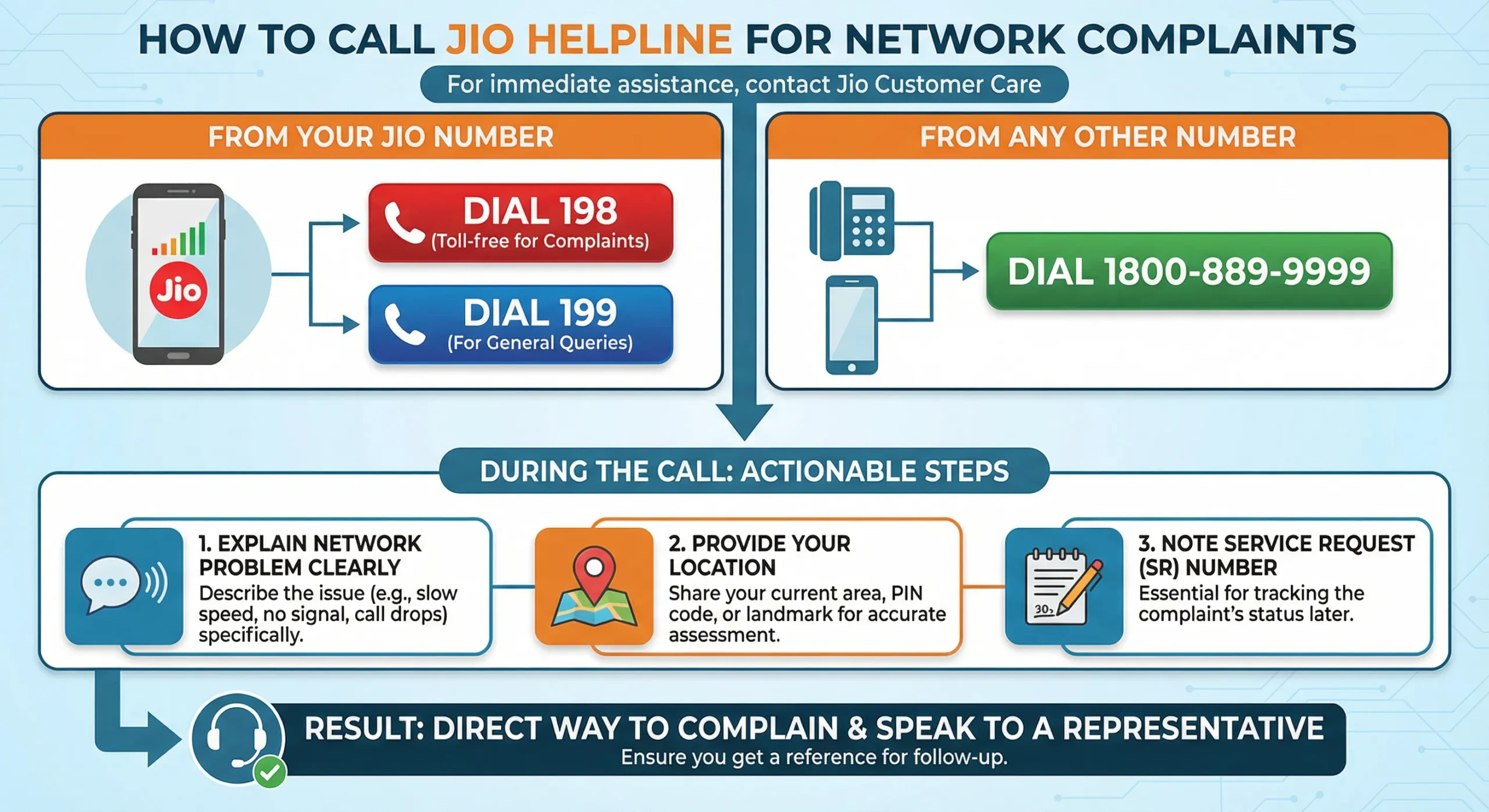
Facing issues with your Jio mobile network, such as slow internet, call drops, or no signal? Learning how to complaint Jio network problem effectively can help you get quick resolution. Reliance Jio provides multiple channels to report and resolve network complaints. In this article, we’ll explore the best ways to complaint Jio network problem and get your connectivity back on track.
Why Complaint Jio Network Problem Promptly?
Network issues can disrupt your daily life, work, or entertainment. When you complaint Jio network problem early, Jio’s team can diagnose congestion, tower issues, or device-specific problems faster. Delaying your complaint Jio network problem might prolong the inconvenience, so act swiftly using official methods.
Method 1: Report It via the MyJio App (Recommended)
The fastest way to report a network issue is directly through the MyJio app:
- Open the MyJio app and log in with your Jio number.
- Go to the menu and select JioCare or Support.
- Choose Troubleshoot or Network Issue.
- Run the in-app diagnostics if prompted — this resolves minor issues automatically in many cases.
- If it’s still not fixed, raise a Service Request (SR) and describe the problem clearly (type of issue, when it started, indoor/outdoor).
- Save your SR number and track status inside the app.
This method tends to get the fastest response because the app can read your device’s location and network data directly, so Jio’s team isn’t relying only on your description.
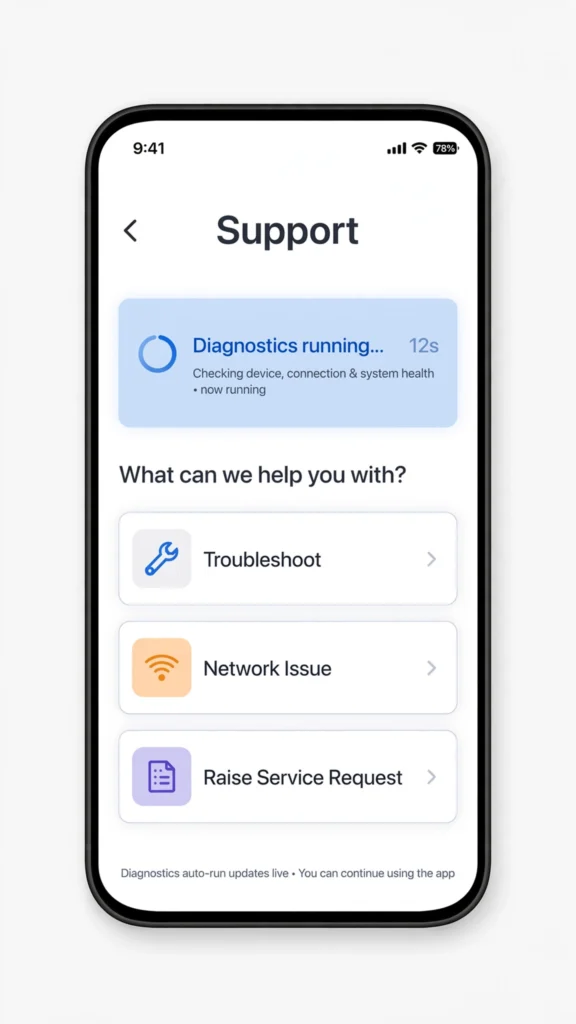
Raise a Service Request directly from the MyJio app’s Troubleshoot section
Method 2: Call Jio Helpline to Complaint Jio Network Problem
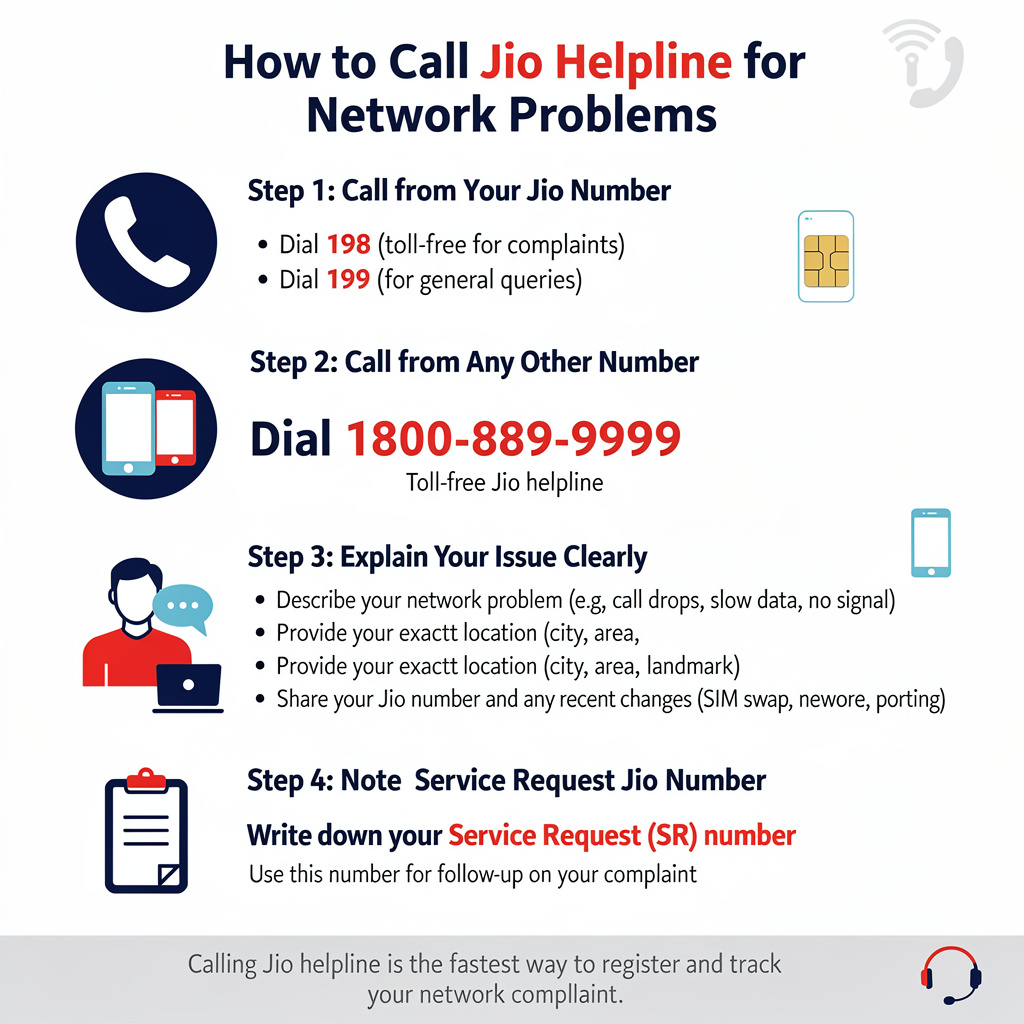
For immediate assistance, dial Jio’s customer care:
- From your Jio number: Dial 198 (toll-free for complaints) or 199 (for general queries).
- From any other number: Dial 1800-889-9999.
Explain your network problem clearly, provide your location, and note the Service Request number for follow-up. This is a direct way to complaint Jio network problem and speak to a representative.
Method 3: Use WhatsApp or Chat Support
Jio offers convenient digital options:
- WhatsApp your issue to +91-7000770007 (for mobile network complaints).
- Visit jio.com and use the live chat feature under ‘Support’ or ‘Troubleshoot’.
These are great for quick queries without calling.
Method 4: Email or Social Media for Escalation
If initial methods don’t resolve your issue:
- Email care@jio.com with details of your network problem.
- Tweet @JioCare on X (formerly Twitter) or message on Facebook for public escalation – Jio often responds faster here.
Method 5: Escalate to the Appellate Authority or TRAI
If your complaint isn’t resolved within a reasonable time, you have formal escalation options:
- Jio’s Appellate Authority — every telecom operator is required to have one under TRAI rules. Contact details are listed on Jio’s website or available via customer care.
- TRAI’s Telecom Consumer Complaints Monitoring System (TCCMS) — file or track a complaint at tccms.trai.gov.in.
- Public Grievance Portal — for broader escalation, use pgportal.gov.in.
Worth knowing: TRAI is clear that it doesn’t resolve individual complaints itself — its role is regulatory oversight. Your operator’s own complaint centre and Appellate Authority are the actual redressal path; TRAI/CMS is where you go if that path fails you.
How Long Should Resolution Actually Take?
This is the part most guides skip — but it’s directly backed by TRAI’s Quality of Service regulations, so it’s worth knowing your rights:
| Complaint Type | Regulatory Timeline |
|---|---|
| Faults / service disruption (network down, no signal) | Within 3 days |
| General complaints without a specified QoS timeline | Within 7 days |
| Billing/charging disputes | Within 4 weeks |
If your network complaint sits unresolved well past 3 days, you’re within your rights to escalate to the Appellate Authority — you don’t need to wait longer out of politeness.
Tips for Faster Resolution
- Share your exact location (pin code, landmark) and describe the issue precisely (indoor/outdoor, time of day, signal bars shown)
- Always note your SR/docket number and follow up using it — don’t start a fresh complaint each time
- Before complaining, try the basics: restart your phone, toggle Airplane Mode, or reseat the SIM — this rules out simple causes
- Check the MyJio app for outage alerts in your area — if it’s a known tower/fiber fault, resolution is often already underway
Frequently Asked Questions
Q1. What’s the fastest way to report a Jio network problem?
The MyJio app‘s Troubleshoot section is generally fastest, since it can pull your device’s location and network data automatically instead of relying only on your description.
Q2. Is there a toll-free number for Jio complaints?
Yes — dial 198 from your Jio number, or 1800-889-9999 from any other number.
Q3. What if Jio doesn’t resolve my complaint in time?
Escalate to Jio’s Appellate Authority first, and if that also fails, file with TRAI’s TCCMS portal or the Public Grievance Portal.
Q4. How long does Jio have to fix a network issue by regulation?
Per TRAI’s QoS rules, faults or service disruptions must be addressed within 3 days; other complaints without a specified timeline get 7 days.
Q5. Do I need my SR/docket number for anything?
Yes — keep it for every follow-up call and for any escalation to the Appellate Authority or TRAI. Without it, your complaint history is harder to trace.
Q6. Can I complain about network issues on social media?
Yes — tagging @JioCare on X or messaging on Facebook is a valid, often faster channel, especially for public visibility on unresolved issues.
Also check issue list in jio:
Final Word
Most Jio network issues get resolved through the MyJio app or a quick call to 198 — but if they don’t, you now know exactly where your complaint should legally be resolved within days, not weeks, and what to do if it isn’t.
For more Jio troubleshooting guides, browse JioNearMe.

Mujhe 6 mahino se Network issue aa rha h kitni bar complain kr di par koi farak nhi h m 3 din or wait kr rha hu fir bhi sahi nhi hua to m sim port krwa lunga
You all are really jokers, you are not able to fix my network problem you are gay