
As of January 30, 2026, Reliance Jio remains India’s largest telecom operator, with massive coverage in 4G, 5G, and data services. However, like any major network (Airtel, Vi, etc.), it faces occasional complaints about network quality. Let’s break down the two main questions: general network issues (including call drops) and the specific beep sound during calls.
1. Does Jio Have Network Issues in 2026?
Yes, Jio users report network problems from time to time, but these are usually localized, temporary, or tied to specific conditions rather than a constant nationwide failure.
- Common Complaints:
- Call drops or sudden disconnections (especially during movement or in fringe areas).
- Slow/no mobile data.
- “No signal” or weak coverage in certain villages, buildings, or cities.
- Incoming calls showing “busy” or not ringing on the receiver’s side.
- Issues with VoLTE (Voice over LTE/HD calling), leading to poor call quality or drops when switching between 5G and 4G.
- Recent Status (Late 2025 – January 2026):
- No major nationwide outage is reported right now (as per outage trackers like Downdetector and user reports).
- Past incidents include significant disruptions in mid-2025 (e.g., June 2025 nationwide outage affecting mobile internet, JioFiber, and calls in states like Kerala, Maharashtra, etc.), but services were restored quickly.
- In early 2026, isolated complaints continue — e.g., no network in specific villages (like Gangipora, Budgam), spotty service in areas like Nashik or parts of West Bengal (Cooch Behar, Alipurduar), and call drops in cities like Bangalore.
- 5G rollout sometimes contributes: Short-range 5G signals cause phones to switch to 4G mid-call, leading to brief drops or muting (a known issue across operators, not just Jio).
- Why These Happen:
- Network congestion in high-traffic areas.
- Interconnection issues with other operators (Jio-to-non-Jio calls fail if the other provider doesn’t provide enough capacity).
- Device compatibility (older phones or certain models struggle with VoLTE).
- Poor Wi-Fi calling if using that feature.
- Location-specific tower coverage gaps, especially rural or indoor spots.
Jio officially states that Jio-to-Jio calls usually work fine, but cross-network issues often stem from other operators’ limitations. also check our well written guide on Can i install jio voice call from airtel network?
Quick Fixes to Try:
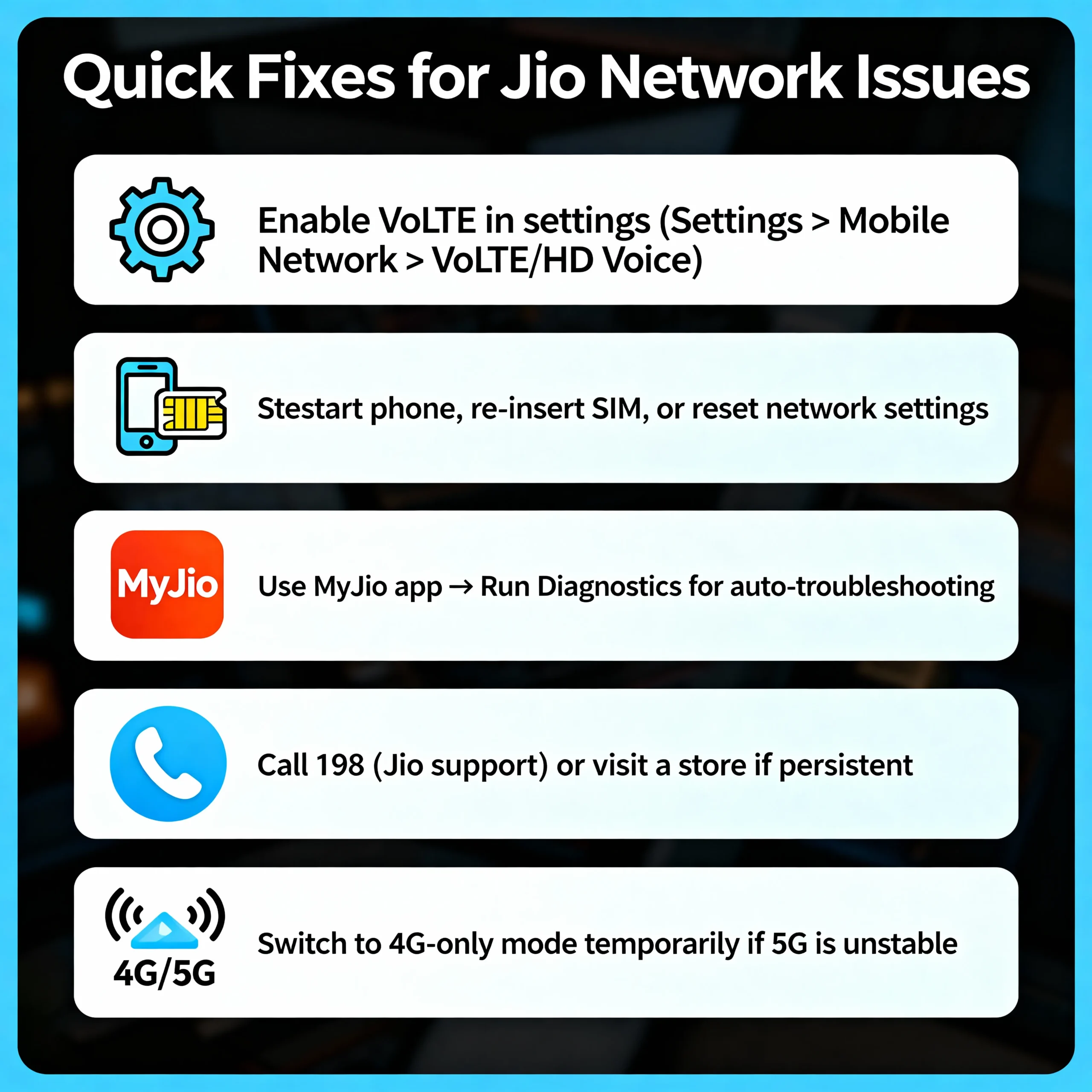
- Enable VoLTE in settings (Settings > Mobile Network > VoLTE/HD Voice).
- Restart phone, re-insert SIM, or reset network settings.
- Use MyJio app → Run Diagnostics for auto-troubleshooting.
- Call 198 (Jio support) or visit a store if persistent.
- Switch to 4G-only mode temporarily if 5G is unstable.
2. Why the Beep Sound When Calls Connect?
This is one of the most misunderstood Jio behaviors — and in most cases, it’s completely normal, not a network issue.
- What the Beep Usually Means:
- When you dial and the other person answers, Jio (and many VoLTE networks) plays a short single beep or tone right as the call connects.
- This is the “call connected” or “answer confirmation” tone — it confirms the call has successfully bridged.
- In VoLTE/HD calling (Jio’s default), connections are faster, so the beep feels more noticeable than on older 2G/3G networks.
- It’s similar to old landline tones or other operators’ signals.
- When It’s NOT Normal:
- Repeated beeps or busy tone (beep-beep-beep) before connecting → Often means the line is busy, network congestion, or interconnection problems.
- Beep + instant disconnect → Possible weak signal, VoLTE glitch, or call drop.
- No ring, just beep → Reported in some rural areas (e.g., user complaints of “beep sound no ring” in West Bengal districts).
- Busy tone for incoming calls → Could be call forwarding active (dial *402 to deactivate), dual-SIM conflicts, or device settings.
Call waiting uses a beep too — a notification beep when someone calls while you’re on another call. also check our well written guide on How to complaint jio network problem?
Bottom Line:
- A single beep when the person picks up → Normal and expected (call connected successfully).
- Continuous beeps, busy signals, or drops → Potential issue (check signal, VoLTE, or report to Jio).
Final Thoughts
Jio’s network is strong overall — especially for data and 5G speeds — but no operator is perfect. Issues are often fixable with simple tweaks or improve as coverage expands. If you’re facing frequent problems:
- Run diagnostics in the MyJio app.
- Contact support via 198 or the app.
- Check your area on Downdetector or social media for similar reports.
If the beep is just the single connect tone, relax — it’s Jio saying “call is live”! Share your location or specific symptoms if you want more tailored advice.
Our best written articles:

Earn big by sharing our offers—become an affiliate today!