
Are you tired of slow internet, frequent call drops, or high bills from BSNL? Switching to Jio while keeping your same mobile number is easier than most people expect. This guide covers how to port BSNL to Jio, the exact documents required, timelines, common problems people run into, and why lakhs of users are switching every month in 2026.
Mobile Number Portability (MNP) lets you move your number from BSNL to Jio in just 3–5 working days, completely free, with the option of home delivery for your new SIM. Whether you’re on BSNL prepaid or postpaid, everything you need is below.
What Is Mobile Number Portability (MNP)?
MNP is a TRAI-regulated service that lets you switch telecom operators — BSNL to Jio, in this case — without changing your phone number. Your call history, contacts saved with that number, UPI accounts, and bank KYC linked to the number all stay valid, since the number itself doesn’t change.
If you’re on BSNL mainly for its long inactivity window before deactivation, it’s worth comparing that against how Jio numbers behave too — see our guide on how to keep a Jio SIM active without recharge for context on both sides.
In 2026, Jio’s 5G network has expanded significantly across India, and a large number of BSNL users are porting over for faster data speeds, better indoor signal, and a more consistent app-based support experience.
Pro Tip: Before starting, confirm your BSNL number is active, not suspended for non-payment, and has a minimum balance (usually around ₹10, required to send the porting SMS).
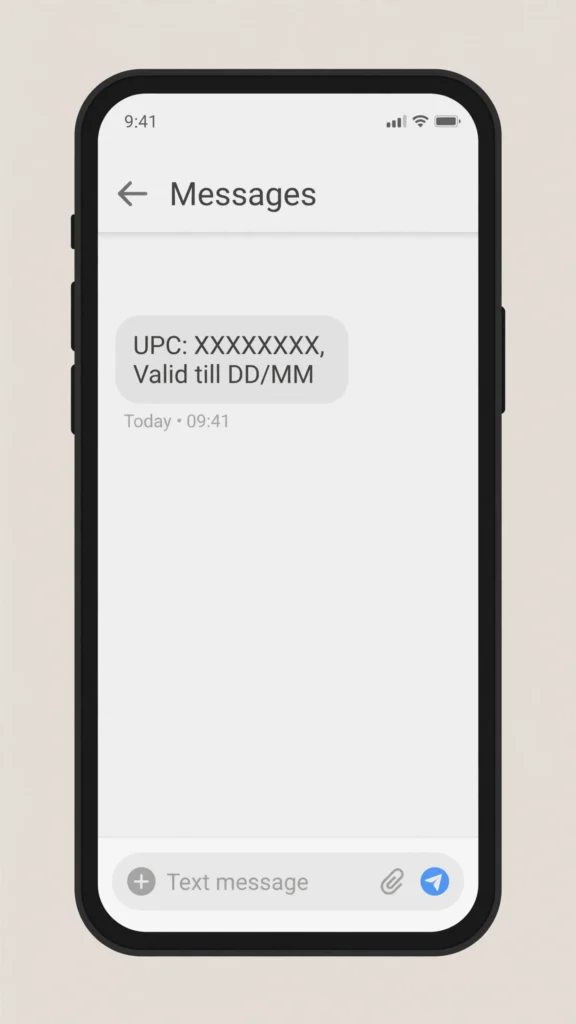
You’ll get your 8-character UPC instantly after sending the PORT SMS
Before You Start: Quick Eligibility Check
Porting will get rejected or delayed if any of these apply — check these first to avoid wasting a UPC (full eligibility rules are set by TRAI):
- Number must be active for 90 days with the current operator (BSNL) before you can port.
- No pending disputes — if you’ve already requested a port in the last 90 days, you may need to wait.
- Postpaid users must have zero outstanding dues.
- Your number should not be already flagged for porting by someone else (rare, but happens with resold/reactivated numbers).
- SIM should not be reported lost or blocked.
If any of these apply to you, resolve them first — otherwise your UPC request will fail or your porting will be rejected later.
Step-by-Step: How to Port BSNL to Jio (Prepaid & Postpaid)
Step 1 — Generate Your Unique Porting Code (UPC)
From your BSNL number, send an SMS:
PORT <your 10-digit mobile number> Example: PORT 9876543210
Send it to 1900.
You’ll receive an SMS within a few minutes containing your UPC and its validity. Per TRAI’s MNP rules, the UPC is valid for just 4 days in most circles — but 30 days in Jammu & Kashmir, Assam, and the North-East. Since the window is short almost everywhere else, generate your UPC only when you’re ready to actually port, not days in advance.
Note: If you don’t receive the UPC SMS within 30 minutes, check your BSNL balance and network signal, then retry. See the Troubleshooting section below for other common causes.
Step 2 — Choose Store Visit or Free Home Delivery
- Option A — Visit a Jio Store/Retailer: Fastest if you have documents ready. Locate the nearest store via the MyJio app or Jio’s website.
- Option B — Free Home Delivery (Recommended): On Jio’s official Port to Jio page, enter your name and number, verify OTP, select Port to Jio, choose Prepaid or Postpaid, and enter your delivery address. A Jio executive typically visits within 24–48 hours.
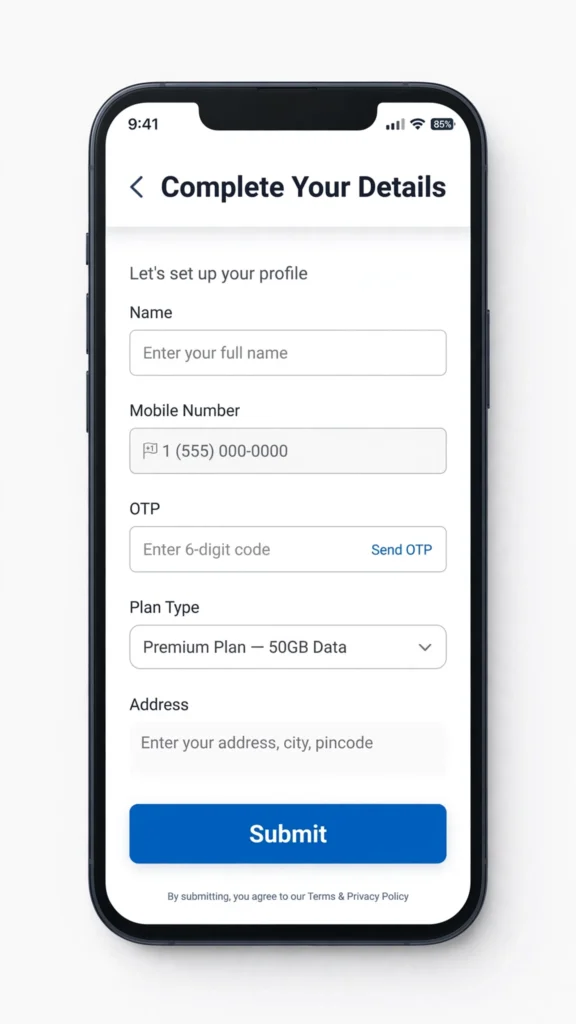
Fill in your details on Jio’s Port to Jio page to get free home delivery
Step 3 — Complete KYC and Submit Your UPC
Keep these ready when the executive arrives or when you visit the store:
- Your UPC code
- Original ID/address proof: Aadhaar, Voter ID, Passport, or Driving Licence
- A passport-size photo (some stores still ask for this even with eKYC)
Most circles now support Aadhaar-based eKYC, which speeds this step up to a few minutes.
Step 4 — Receive and Activate Your New Jio SIM
You’ll get a new Jio SIM, but do not remove your old BSNL SIM yet — keep it inserted and working until you get the porting confirmation SMS. This protects you from any downtime.
Step 5 — Porting Completion
Once porting completes (usually within 3–5 working days), you’ll get a confirmation SMS on your number. Your BSNL SIM will stop working automatically at that point, and the number becomes fully active on Jio’s network.
You can track status anytime in the MyJio app after the SIM is delivered.
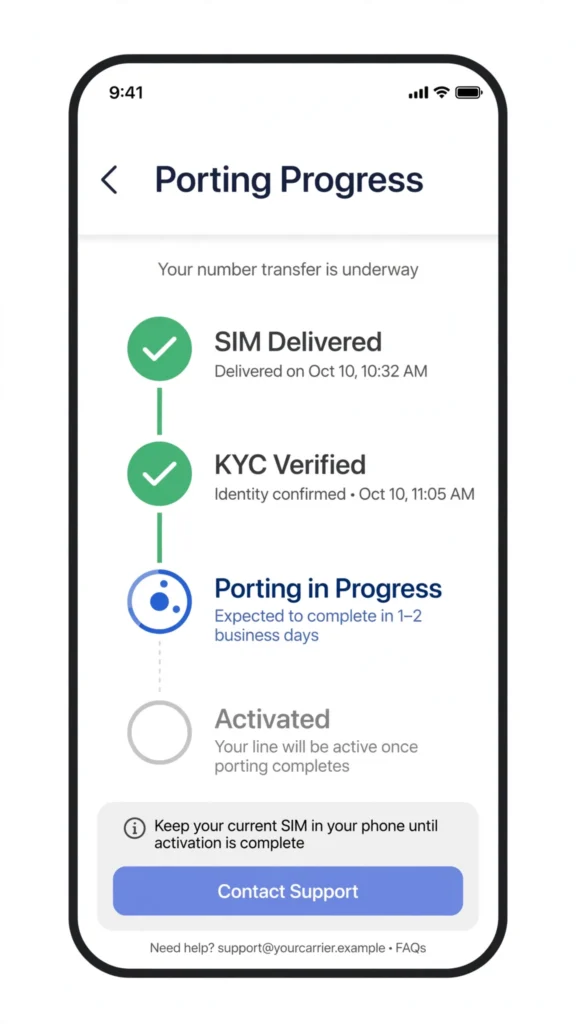
Track your porting progress in real time from the MyJio app
Also check our related guide: Can Jio TV App Work on Other Networks?
Special Steps: Porting BSNL Postpaid to Jio
The process is nearly identical, with one critical extra step:
- Clear all pending BSNL dues before requesting your UPC — an outstanding bill is the single most common reason postpaid ports get rejected.
- Visit your nearest BSNL Customer Service Centre (CSC) if you need a final bill or a “No Dues” confirmation.
- Follow the same 5 steps above, selecting Postpaid during the online request or in-store.
Once ported, Jio Postpaid plans typically include unlimited 5G data, zero security deposit on select plans, and bundled OTT subscriptions — but always confirm current plan details on Jio’s official page, since pricing changes periodically.
Documents Required to Port BSNL to Jio
| Document | Required For |
|---|---|
| Unique Porting Code (UPC) | Both prepaid & postpaid |
| Proof of Identity (Aadhaar / Voter ID / Passport / DL) | Both |
| Proof of Address (can be same as above) | Both |
| Passport-size photo | Sometimes, at physical stores |
| No Dues Certificate | Postpaid only, if requested by store |
eKYC (Aadhaar OTP-based) is available in most circles and skips the need for physical photocopies.
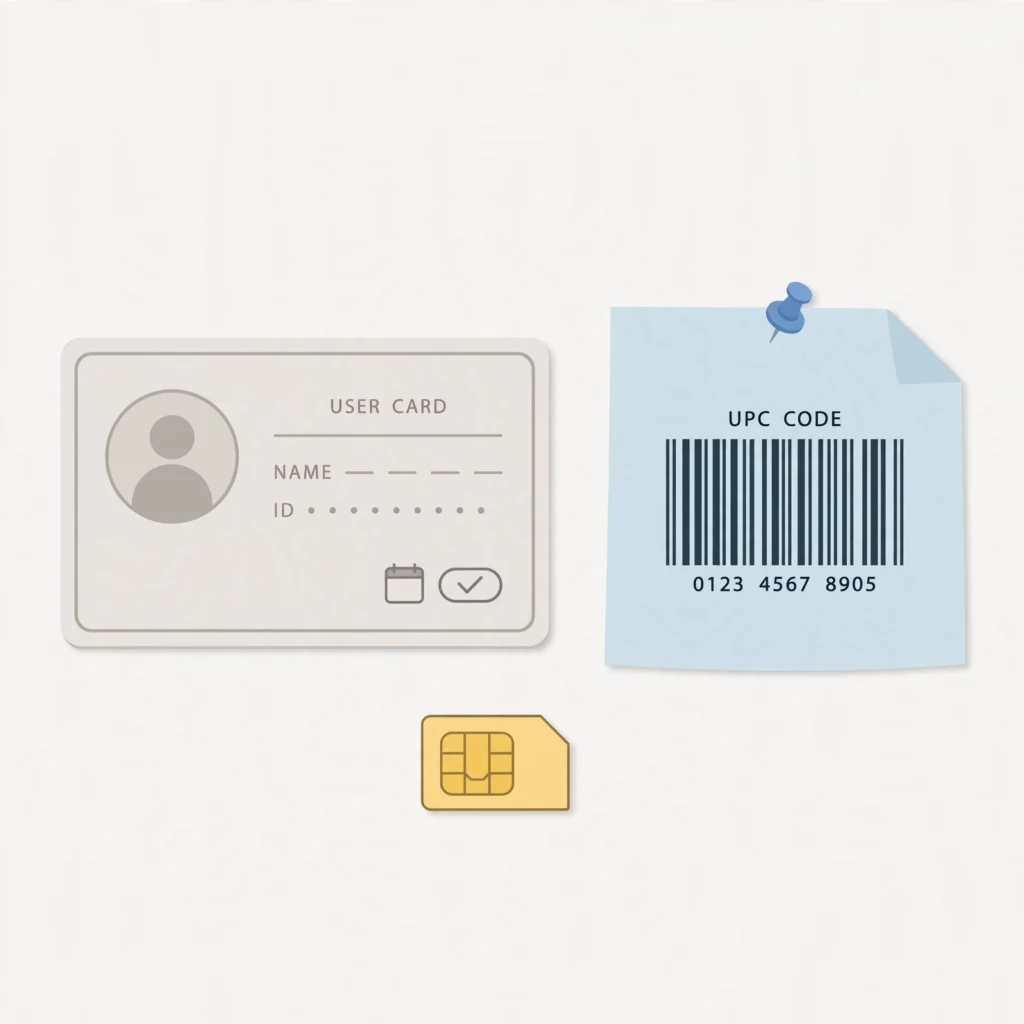
Keep these documents ready before your porting appointment
How Long Does BSNL to Jio Porting Actually Take?
| Stage | Typical Time |
|---|---|
| UPC generation | Instant (a few minutes) |
| Home delivery / store visit | Same day to next day |
| KYC + SIM activation | 3–5 working days |
| Remote circles (J&K, Assam, North-East) | May take slightly longer |
Troubleshooting: Common Porting Problems
UPC SMS not received: Check that you have sufficient BSNL balance, are not in a no-signal area, and that the message is sent exactly as PORT <10-digit number> with no spaces removed. Retry after 30 minutes.
Porting request rejected: Usually caused by pending dues, a number younger than 90 days on the network, or a duplicate port request already in progress. Contact BSNL customer care to check the exact rejection reason (they’ll share a rejection code).
UPC expired before you could port: No problem — simply send the PORT SMS again to generate a fresh code.
Old BSNL SIM stopped working before Jio SIM activated: This shouldn’t normally happen if you follow the sequence correctly, but if it does, contact Jio customer support immediately with your UPC and application reference number.
Why Choose Jio Over BSNL in 2026?
| Feature | Jio | BSNL |
|---|---|---|
| 5G Network | Wide 5G coverage in most circles | Limited/expanding 4G-5G rollout |
| Data Speeds | Generally faster in urban & semi-urban areas | Average, varies by region |
| App-Based Support | MyJio app for plans, tracking, support | Mostly offline/call-based support |
| Home Delivery | Available for new SIMs | Limited |
| Bundled OTT | Included on many plans | Rare |
| Long-Validity Value Plans | Fewer ultra-long-validity options | Often cheaper for long validity |
If your priority is speed, app-based convenience, and 5G coverage, Jio is generally the stronger pick. If your priority is the lowest possible cost for long-validity prepaid recharges in a low-usage scenario, BSNL can still make sense for some users — it’s worth comparing your actual usage pattern before switching.
Frequently Asked Questions
Q1. Can I port my BSNL number to Jio fully online?
Yes — the UPC request and home delivery request can both be done online; only the final KYC step needs an in-person or video verification.
Q2. Is there any charge for porting?
No, MNP porting itself is free. You may pay for your first Jio recharge/plan separately.
Q3. What if my UPC expires before I use it?
Just send the PORT SMS again — there’s no limit on how many times you can request a new UPC.
Q4. Can a BSNL postpaid user switch to Jio prepaid, or vice versa?
Yes, you can choose either plan type during the port request, regardless of what you were using on BSNL — just clear postpaid dues first if switching from postpaid.
Q5. Will my old balance, validity, or data carry over?
No — porting only moves your number, not your balance or plan. You start fresh on a new Jio plan.
Q6. How do I check my porting status?
Use the MyJio app once your new SIM is delivered, or call Jio customer care with your application reference number.
Q7. Can I cancel a porting request after generating a UPC?
Yes, if you don’t complete the process, the UPC simply expires and your number stays with BSNL — no action needed.
Q8. Does porting affect UPI, bank OTPs, or other services linked to my number?
No — since the number itself doesn’t change, all services linked to it continue working once porting is complete. There’s a brief window during activation where you may not receive calls/SMS, so avoid scheduling anything time-sensitive that day.
Ready to Switch?
Porting from BSNL to Jio takes a few days, costs nothing, and lets you keep your number while upgrading your network. Check your eligibility, generate your UPC, and start the process today.
For more Jio plan comparisons, recharge guides, and troubleshooting tips, browse more guides on JioNearMe.
