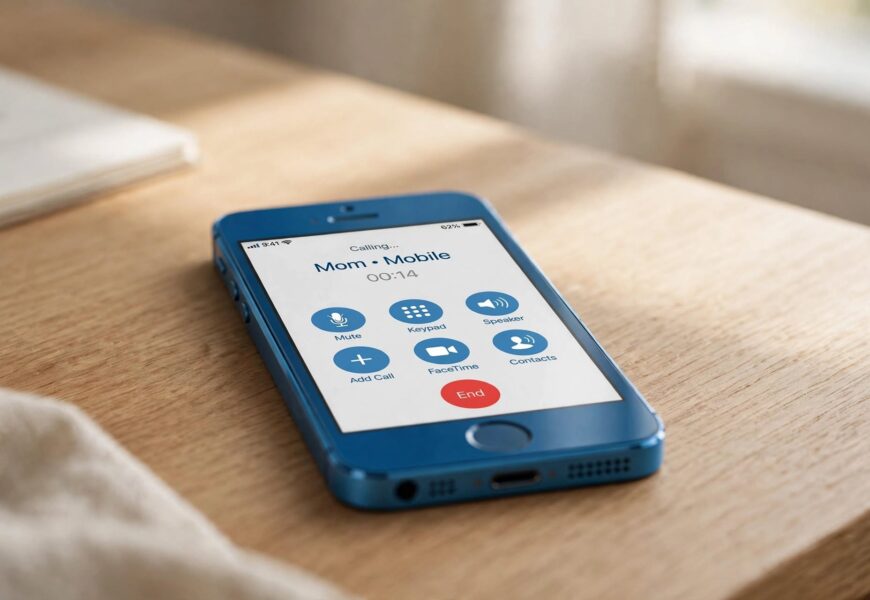
Quick answer: No, iPhone 5c cannot make or receive regular calls on Jio’s network by default, because it doesn’t support VoLTE — and Jio is a VoLTE-only network with no 2G/3G voice fallback. To use Jio voice calling on an iPhone 5c, you need to install the JioCall app (formerly Jio4GVoice), sign in with your Jio number, and make calls through the app’s own dialer using your data connection instead of the phone’s native calling stack.
If you’ve put a Jio SIM into an iPhone 5c and mobile data works fine but calls simply don’t connect, this is the reason — and it’s the same underlying issue affecting the iPhone 5, 5s, and 4s.
Why iPhone 5c Can’t Make Native Jio Calls
VoLTE (Voice over LTE) calling requires an iPhone 6 or later, according to Apple’s own support documentation — the iPhone 5c falls below that cutoff, alongside the iPhone 5, 5s, and 4s. Since Jio operates entirely on VoLTE with no traditional circuit-switched voice network behind it, a phone that can’t do VoLTE effectively can’t make or receive regular calls on Jio, even though it can typically still use 4G data without any issue.
This isn’t a bug or a misconfiguration — it’s a hardware and software limitation that applies to the iPhone 5c specifically, and to every other pre-iPhone 6 device.
The Fix: Use the JioCall (Jio4GVoice) App
Jio built the JioCall app (originally launched as Jio4GVoice) specifically to solve this problem for non-VoLTE phones. Reliance Jio released an update to the app that explicitly added support for the iPhone 5 and 5s after users on those models were initially left out, and iPhone 5c has been listed among the officially supported devices for the app alongside the iPhone 5, 5s, and SE.
Here’s how to set it up:
Step 1: Confirm Your Jio SIM and Data Are Working
Before installing anything, make sure your Jio SIM is active and mobile data is turned on under Settings > Mobile Data. JioCall relies on a data connection — mobile data or Wi-Fi — to place and receive calls, so this needs to be working first.
Step 2: Download JioCall From the App Store
Search “JioCall” in the App Store. The app requires iOS 9.1 or later to run, which the iPhone 5c can support, so compatibility isn’t a concern here. If your region’s App Store still shows the older “Jio4GVoice” listing, that’s the same app under its previous name.
Step 3: Sign In With Your Jio Number
Open the app and log in using your Jio mobile number. You’ll get an OTP by SMS to verify it — this links the app to your Jio SIM so calls, texts, and your caller ID all route correctly.
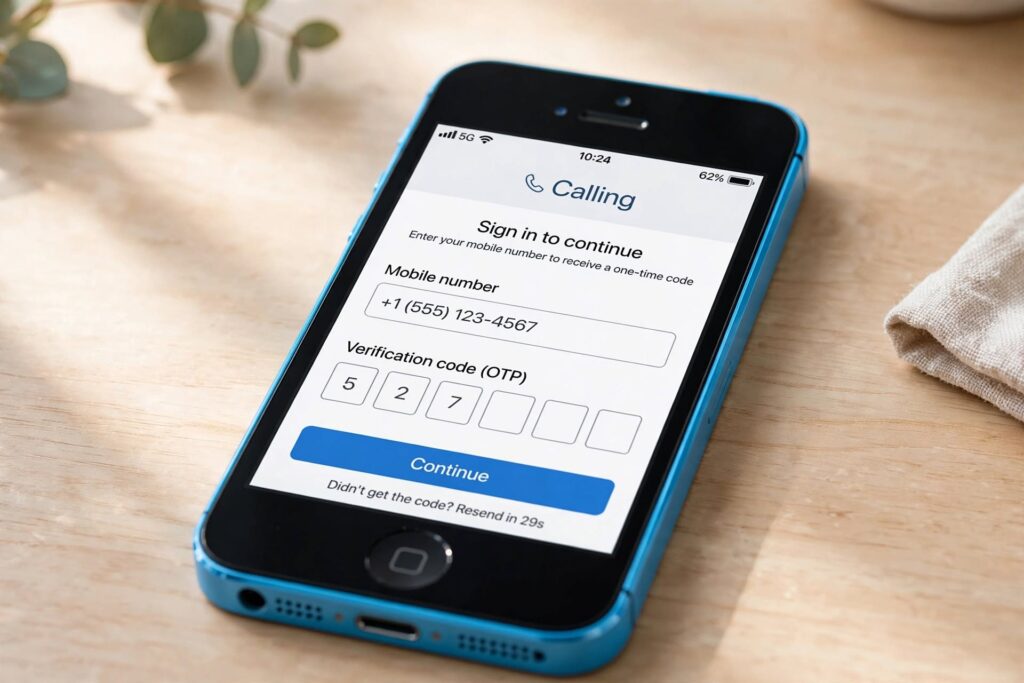
Signing in with your Jio number links the app directly to your SIM for calls and SMS.
Step 4: Allow Contacts and Microphone Access
Grant the app permission to access your Contacts and Microphone when prompted. Without microphone access specifically, the app will open but you won’t be able to make or receive audio on calls.
Step 5: Make and Receive Calls Through the App
Use JioCall’s own dial pad for outgoing calls, and keep the app running (or notifications enabled) in the background so incoming calls can reach you. Since this is a VoIP-based call rather than a native cellular call, incoming calls will appear as an in-app notification rather than the standard iPhone lock-screen call interface.
What Works and What to Expect
- Calls and SMS to any mobile or landline number in India work through the app, using your Jio number as caller ID.
- Video calling also works, provided the person you’re calling has JioCall installed too.
- Call quality depends entirely on your data connection — a stable 4G or Wi-Fi connection gives noticeably clearer calls than a weak signal.
- The person you’re calling does not need JioCall installed for a regular voice call — only for video calls between two JioCall users specifically.
A Few Limitations to Keep in Mind
- The app needs to be running or have notifications enabled to catch incoming calls — it isn’t a system-level replacement for your native dialer.
- Emergency calls may not route the same way through a VoIP app as they would through a normal cellular call, so this is worth being aware of if the iPhone 5c is used by a family member as their main device.
- As iOS versions move further ahead of what the iPhone 5c can run, app updates may eventually stop supporting it — at that point, a VoLTE-capable device (iPhone 6 or later) becomes the only long-term fix.
If you’re also managing an iPhone 5s on Jio, the exact same JioCall setup applies — our guide on how to get Jio voice calls working on iPhone 5s covers it in more detail, including troubleshooting steps for permissions and notifications. And if you’re trying to reach Jio customer support while sorting out your SIM, our guide on calling Jio customer care from the JioCall app explains the correct numbers to use, since 121 doesn’t work on Jio.
Key Takeaways
- iPhone 5c does not support native VoLTE, so it can’t make regular calls on Jio’s VoLTE-only network by default.
- The JioCall app (formerly Jio4GVoice) is the officially supported workaround, and iPhone 5c is explicitly listed among its supported devices.
- Setup takes just a few minutes: install, sign in with OTP, grant microphone access, and use the app’s dialer.
- If the iPhone 5c is a primary device, keep in mind this is a workaround, not a permanent native fix — an iPhone 6 or later removes the need for it entirely.
Sources referenced:
- Apple Support — Make Phone Calls With Voice Over LTE (VoLTE)
- DataReign — Reliance Jio Adds Video Call Support to Jio4GVoice iOS App
- TechApple — How to Use Jio 4G Voice App to Make VoLTE Calls on iPhone 5s & 5c
Frequently Asked Questions
Does iPhone 5c officially support Jio VoLTE calling?
Not natively — iPhone 5c lacks hardware/software VoLTE support, which Apple restricts to iPhone 6 and later. It does officially support Jio calling through the JioCall app instead.
Do I need a JioFi device to use Jio calling on iPhone 5c?
No, a JioFi device is only needed for non-4G phones. Since the iPhone 5c supports 4G data, you can insert the Jio SIM directly and use the JioCall app without a JioFi hotspot.
Will the person I’m calling also need the JioCall app?
No, for regular voice calls to any mobile or landline number, only you need JioCall installed. The other party only needs the app if you want to make a video call through it.
