Most new Jio SIMs become active within a few hours of completing KYC, though some take longer. You don’t need to dial a special code in most cases. Insert the SIM, restart your phone and wait for the Jio network to appear, then test calls, SMS and data.
This guide explains what happens between KYC and activation, how to tell your SIM is live and what to do if it isn’t. It works whether you bought the SIM at a Jio Store or received it through home delivery.
- Activation follows your KYC; you usually just need to insert the SIM and wait.
- A Jio network name, signal bars and an SMS from Jio are the signs your SIM is live.
- Make sure VoLTE (often called 4G Calling or HD Calling) is on, because Jio calls need it.
- Test a call, an SMS and mobile data, then sign in to MyJio to check your plan.
What Happens Before a New Jio SIM Goes Live
When you complete KYC, your details are sent to Jio for processing. Once they are checked, your number is switched on in the network. That is what activation means.
With Aadhaar e-KYC, the check is often quick, because your identity is verified directly with UIDAI. With other documents, there may be extra checks. If your ID shows an address in another state, or you are a foreign national, activation can take longer.
During this time, the SIM may show “No service” or “Emergency calls only”. This is normal. Keep the SIM in the phone and the phone switched on.
A prepaid SIM needs an active plan to make calls and use data. You usually choose one at the store or with the delivery executive. If you didn’t, recharge through the MyJio app or jio.com once the SIM is active.
How to Activate Jio SIM on Your Phone
Follow these steps once you have the SIM in hand.
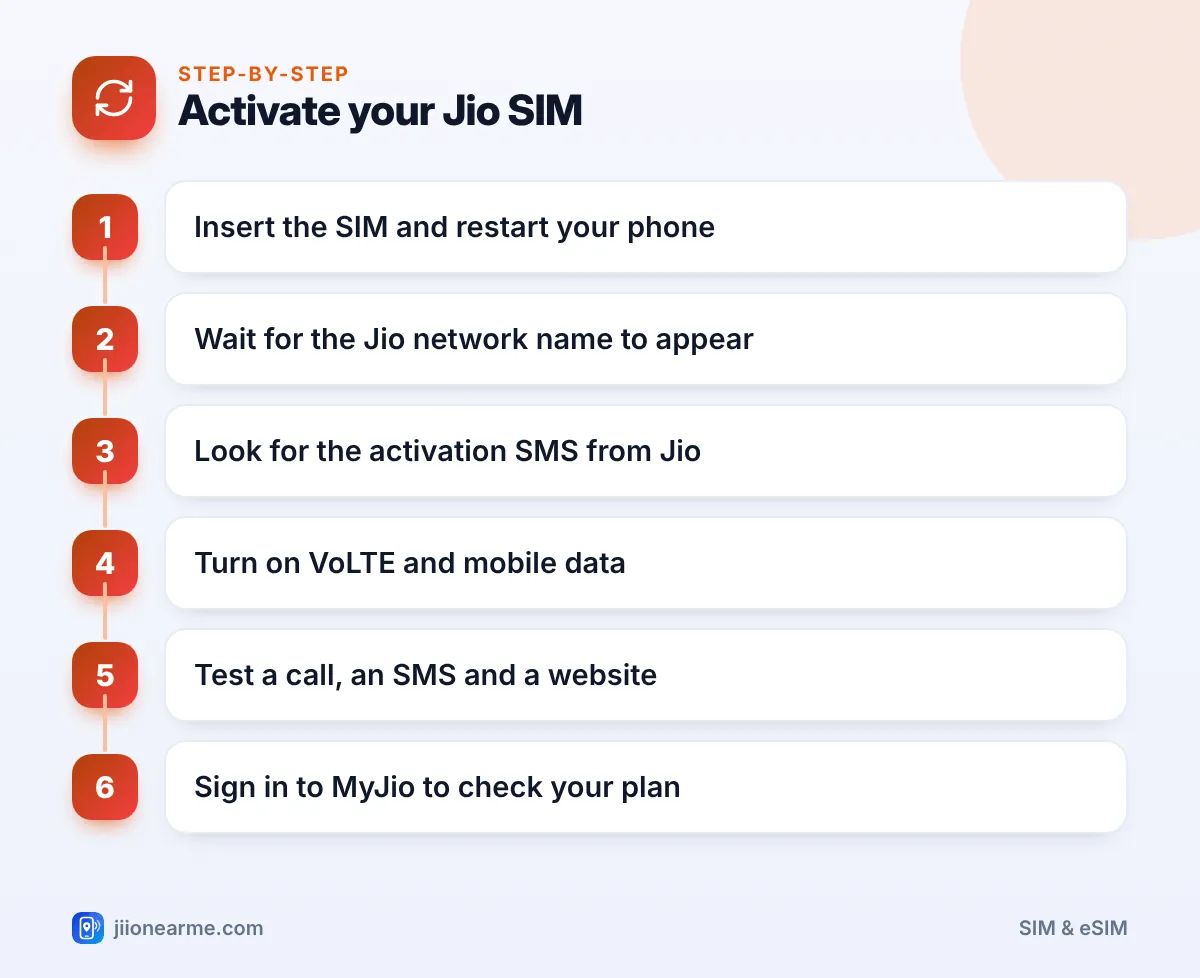
- Switch off your phone and insert the SIM in the correct tray. On a dual-SIM phone, use SIM slot 1 if you want Jio as your main number.
- Switch the phone back on. Wait a few minutes for it to search for networks.
- Look for the network name. You should see Jio (or Jio 4G or Jio True 5G) with signal bars at the top of the screen.
- Watch for an SMS from Jio. Once your number is active, you should receive a welcome or confirmation message.
- Turn on VoLTE. On Android, look under Settings > Mobile network or SIM cards for VoLTE, 4G Calling or HD Calling. On iPhone, open Settings > Mobile Data > Mobile Data Options and make sure LTE or 5G is enabled for voice and data. Labels vary by phone and software version.
- Turn on mobile data and select the Jio SIM for data if you have two SIMs.
If your SIM came with instructions in an SMS or on the card holder, follow those as well. In some cases, such as outstation KYC, Jio may ask you to complete an extra verification step.
Set the Jio SIM as your preferred SIM for data and calls right away. On dual-SIM phones, this is usually under Settings > SIM cards or SIM manager.
How to Tell Your Jio SIM Is Live
Use these signs to confirm activation:
- Signal bars and the Jio name appear instead of “No service”.
- A 4G or 5G icon shows when mobile data is on.
- An SMS from Jio confirms activation or your plan details.
- You can sign in to MyJio using an OTP sent to your new number.
If you don’t know your number yet, check the SIM card holder or the order confirmation. You can also call a family member and ask them to note the number that shows up.
Your First Test: Call, SMS and Data
Once the SIM looks active, run three quick checks. Each one tests a different part of the service.
| Test | How to do it | What success looks like |
|---|---|---|
| Voice call | Call a family member’s number | Clear audio both ways |
| SMS | Send a short text to another phone | The other person receives it |
| Mobile data | Turn off Wi-Fi and open a website | The page loads normally |
| MyJio | Sign in with your new number | Your plan and validity appear |
Do the data test with Wi-Fi turned off. Otherwise, the page may load over Wi-Fi and hide a data problem.
What to Do If Your Jio SIM Isn’t Working
If something fails, work through these checks before calling for help.
Signal shows, but calls fail
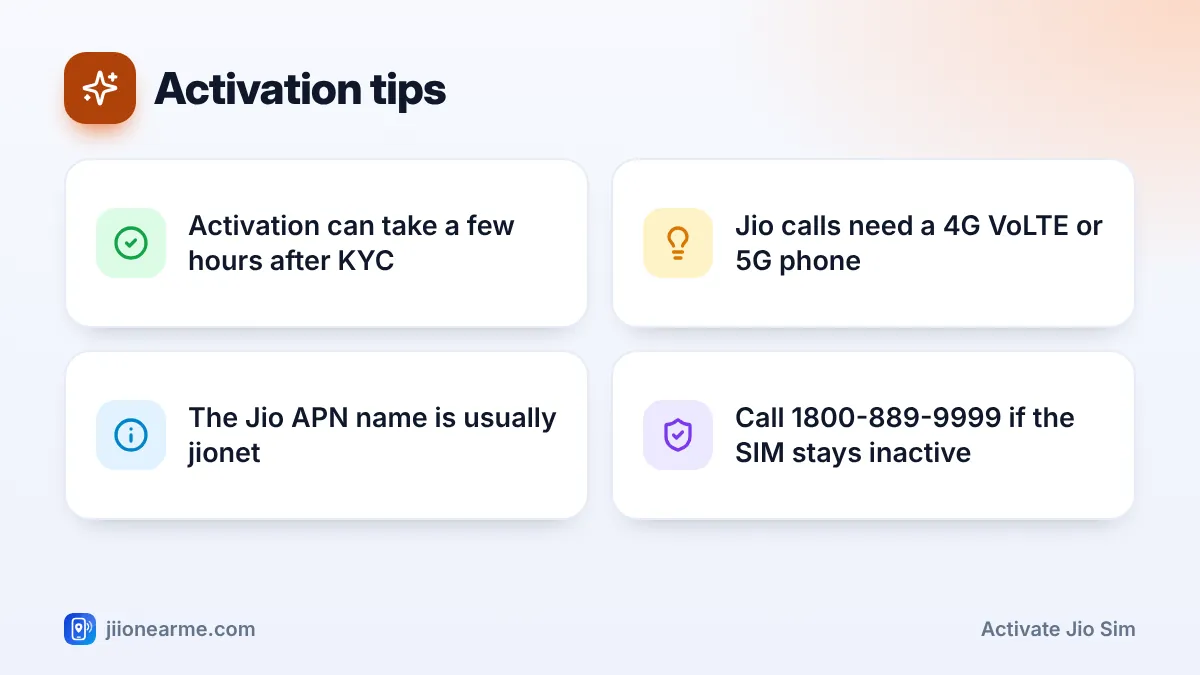
Your phone may not have VoLTE switched on, or it may not support VoLTE at all. Phones without VoLTE support can’t make Jio calls. Turn on VoLTE in settings and restart.
Calls work, but data doesn’t
Check that mobile data is on and the Jio SIM is selected for data. If it still fails, open the Access Point Names (APN) settings and check that the APN is jionet. Reset APN to default if your phone offers that option.
No signal at all
Restart the phone and check the SIM is seated properly. Set network mode to 4G/LTE or 5G/4G automatic. You can also try manual network selection and choose Jio.
“SIM not supported” or “Invalid SIM”
The phone may be locked to another operator. Try the SIM in another phone to check. If it works there, the issue is with your phone.
Jio does not call new customers asking for an OTP, Aadhaar number or bank details to activate a SIM. If anyone does, hang up and report the number on the Chakshu facility of the Sanchar Saathi portal.
If your SIM is still inactive after a day, contact Jio support. Call 1800-889-9999 from any phone, or 199 from a Jio number once calls work. You can also visit the store where you bought the SIM.
Frequently Asked Questions
How long does it take to activate a Jio SIM?
It is often active within a few hours of KYC. It can take longer for outstation customers, foreign nationals or KYC done with documents other than Aadhaar.
Do I need to call a number to activate my Jio SIM?
Usually not. Activation happens on its own after KYC. If Jio sends an SMS asking you to complete a verification step, follow those official instructions.
Why does my new Jio SIM show "Emergency calls only"?
This usually means activation isn’t complete yet. Wait a few hours with the phone on. If it continues for more than a day, contact Jio support.
Can I use a Jio SIM in a phone without VoLTE?
If the phone supports 4G but not VoLTE, data may work but calls won’t. A 2G or 3G-only phone won’t work with Jio at all, so use a VoLTE-supported phone.
How do I activate a Jio eSIM?
eSIM activation follows a different process that depends on your phone. Check the eSIM steps on jio.com or ask at a Jio Store.
Final Thoughts
To activate a Jio SIM, you mostly need patience after KYC. Insert the SIM, restart the phone and wait for the Jio name, signal bars and the confirmation SMS.
Then do the three quick tests: a call, an SMS and a website on mobile data. If anything fails, check VoLTE and the APN first, and contact Jio support if the SIM stays inactive after a day.
JIo Near me is an independent guide and is not affiliated with Reliance Jio. App menus, plans and policies can change – always confirm current details in the official MyJio app or on jio.com. We will never ask for your OTP, PIN or passwords.