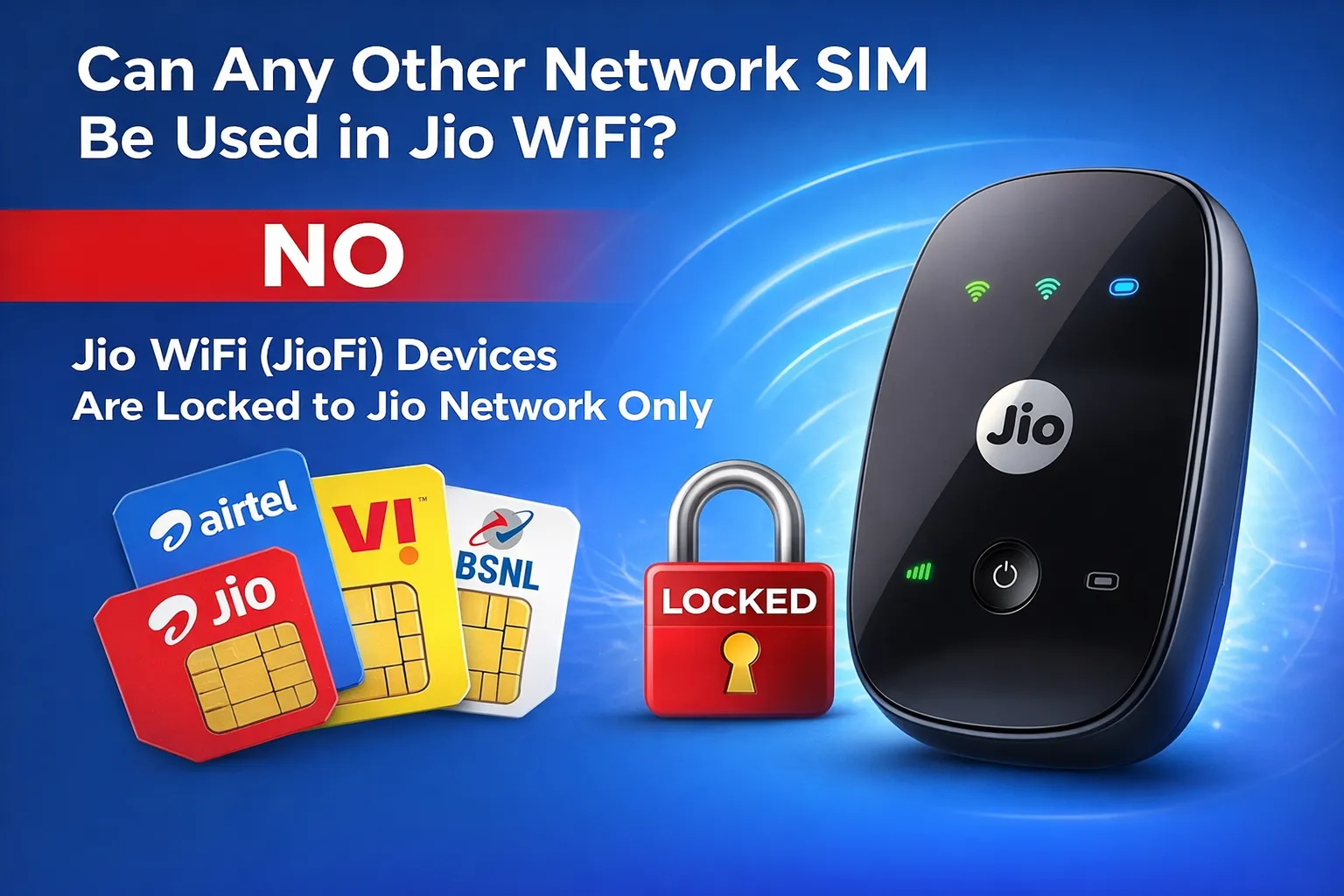
Jio WiFi, often known as JioFi, is a native hotspot gadget of Jio which is a famous small-sized hotspot gadget supplied by Reliance Jio in India. Some users have a question of whether they can use the SIM cards of other network providers such as Airtel, Vodafone-Idea (Vi), or BSNL in their JioFi device. In this paper, we will discuss the interoperability of JioFi with other network SIMs and give valuable insights.
Understanding JioFi and Its SIM Lock
The JioFi is aimed at Jio SIM cards in the first place and offers either high-speed 4G (and in some models 5G) internet as a mobile Wi-Fi hotspot. JioFi is officially network-locked against Jio, so will not connect to the internet when a SIM card of a different operator is inserted. This lock will keep the users within the Jio ecosystem but restricts flexibility to those who want to have another option.
By 2025, the majority of JioFi models will be locked, and Jio does not have a formal process of unlocking them to use other networks.
Is It Possible to Use Other Network SIM in JioFi?
No, out of the box, you cannot use any other network SIM in JioFi. Attempting to insert an Airtel, Vi, or BSNL SIM will result in no network registration or internet access. This has been consistent across user reports and official documentation. However, some older models have been unofficially unlocked by tech enthusiasts, though success varies and it’s not guaranteed for newer devices.
Methods to Use Alternative SIMs with JioFi-Like Devices
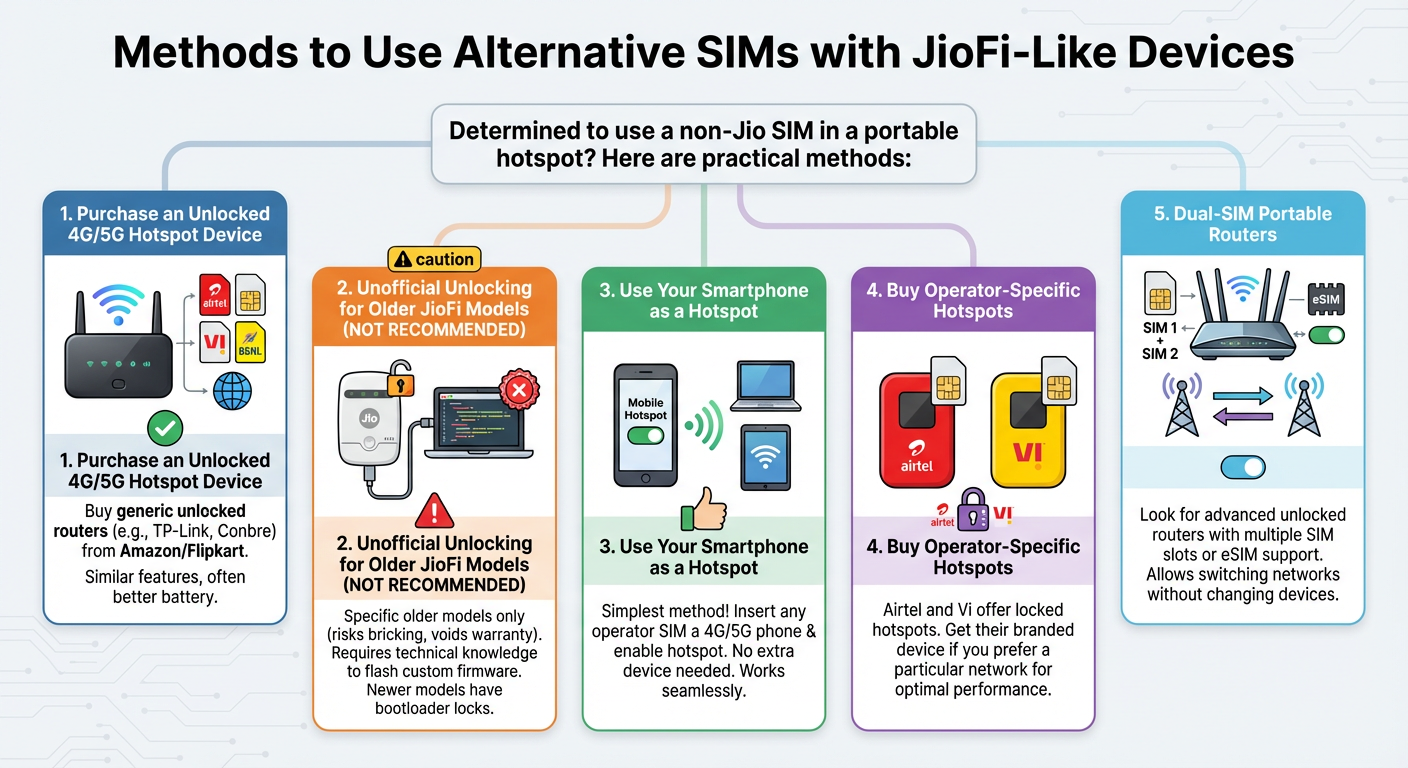
If you’re determined to use a non-Jio SIM in a portable hotspot, here are some practical methods for users:
- Purchase an Unlocked 4G/5G Hotspot Device: Instead of trying to modify your JioFi, buy a generic unlocked portable router available on platforms like Amazon or Flipkart. These devices (e.g., from brands like TP-Link, Conbre, or Amazon Basics) support all Indian SIM cards, including Airtel, Vi, and BSNL. They offer similar features like Wi-Fi sharing for multiple devices and often come with better battery life.
- Unofficial Unlocking for Older JioFi Models (Not Recommended): For specific older models like JioFi 3 (JMR540/JMR541), community guides on forums like XDA Developers involve flashing custom firmware to remove the SIM lock. This requires technical knowledge, a computer, and risks bricking the device or voiding any remaining warranty. Newer models often have bootloader locks that prevent this.
- Use Your Smartphone as a Hotspot: Insert any operator’s SIM into a 4G/5G smartphone and enable the mobile hotspot feature. This is the simplest method—no extra device needed—and works seamlessly with Airtel or Vi for sharing internet with laptops, tablets, or other gadgets.
- Buy Operator-Specific Hotspots: Airtel and Vi offer their own locked hotspots. If you prefer a particular network, get their branded device for optimal performance.
- Dual-SIM Portable Routers: Look for advanced unlocked routers that support multiple SIM slots or eSIM, allowing switching between networks without changing devices.
Risks of Attempting to Unlock JioFi
While some YouTube videos or tools claim easy unlocks for JioFi, many are outdated or misleading. Risks include:
- Permanent device damage (bricking).
- Loss of warranty.
- Security vulnerabilities from unofficial firmware.
- Incompatibility with future updates.
It’s safer and more reliable to opt for unlocked alternatives.
Conclusion: Stick to Jio or Switch Devices?
In summary, JioFi is excellent for Jio users but not flexible for other network SIMs. If you need multi-operator support, investing in an unlocked hotspot is the best long-term solution. This gives you freedom to choose the best data plans from any provider.
For the latest updates on JioFi compatibility, check official Jio sources or reliable tech forums. Stay connected wisely!
Also check our article on: