Many phones bought abroad work fine with Jio, but some don’t, and the reason is usually one of three things. The phone may be locked to a foreign carrier, it may not support the frequency bands Jio uses, or its software may not support Jio’s VoLTE calling. Knowing these three checks helps you avoid a phone that only half works.
This explainer covers each cause in simple terms, what you will see on the screen, and how to check a phone before you buy it or rely on it as your main device.
- A carrier-locked phone rejects a Jio SIM until the original carrier removes the lock.
- Jio 4G mainly uses bands 3, 5 and 40, and Jio 5G mainly uses n78 and n28.
- Jio calls run on VoLTE, so the phone’s software must support VoLTE on Jio.
- Jio True 5G is standalone, so 5G also needs SA support for Jio.
- Check the IMEI and the exact model number before you depend on an imported phone.
Why Some Imported Phones Fail on Jio
Phones are built and set up for the markets they are sold in. A model sold in the US, Japan or Europe may be identical on the outside to the Indian version, but differ in the radio bands it supports, the carrier settings in its software, or a lock added by the original seller.
Here is how each problem tends to show up:
| Problem | What you usually see | Can it be fixed? |
|---|---|---|
| Carrier lock | “SIM not supported” or a request for a network PIN | Yes, by the original carrier |
| Missing 4G bands | Weak signal, no service in some areas | No, it is hardware |
| Missing 5G bands or SA support | Stays on 4G in Jio 5G areas | Bands no, SA sometimes by update |
| No VoLTE support for Jio | Data works, calls fail | Sometimes, by software update |
| Invalid or blocked IMEI | No service on any SIM | Only through the maker or official channels |
Carrier Lock: The First Thing to Check
In some countries, phones sold on contract or at a discount are locked to that carrier. A locked phone accepts only that carrier’s SIMs. Insert a Jio SIM and you may see SIM not supported, Invalid SIM or a request for a network unlock PIN.
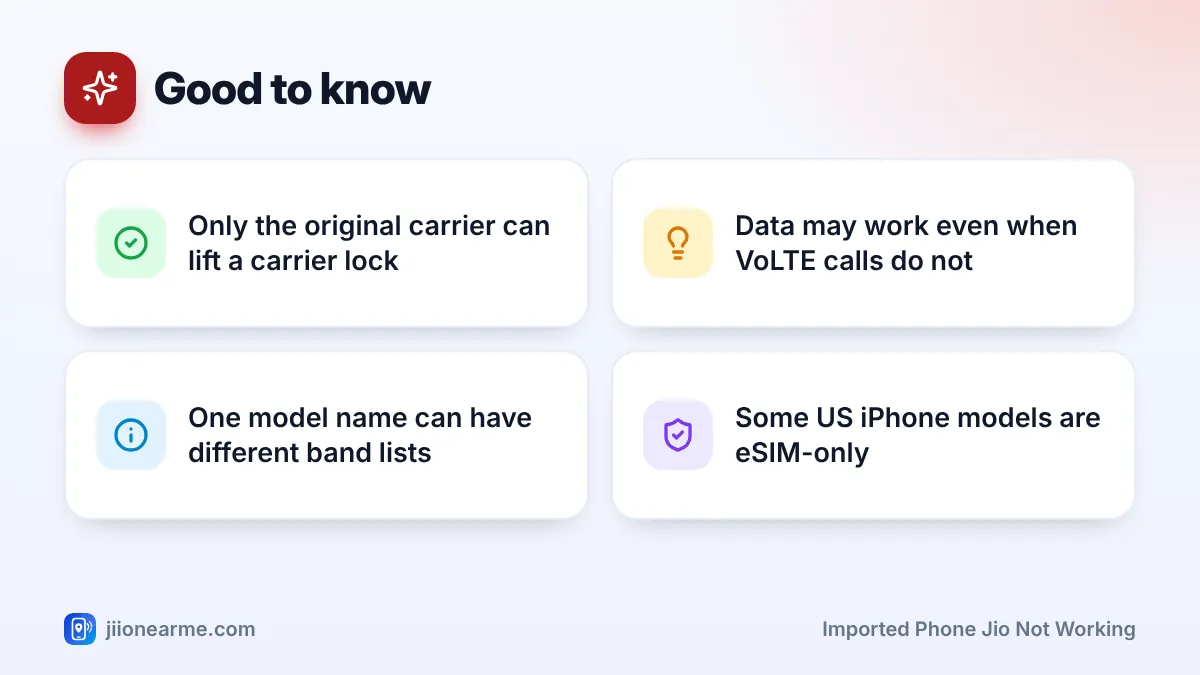
Only the original carrier can remove this lock officially, usually after the contract or payment plan is complete. Ask the seller for proof that the phone is unlocked, or ask them to request lock removal from the carrier.
On an iPhone, you can check under Settings > General > About. Look for Carrier Lock or Network Provider Lock. It should say No SIM restrictions.
Do not use unofficial lock removal services, tools or code sellers. They can damage the phone’s software, void the warranty and, in some cases, tamper with the IMEI, which is illegal in India. Only lock removal by the original carrier is safe.
Imported Phone, Jio Not Working? Check the Bands
Jio’s 4G network mainly uses LTE bands 3, 5 and 40. Jio True 5G mainly uses n78 and n28. If an imported phone lacks some of these, it may show weak signal, lose service indoors or never connect to 5G.
Band 40 matters a lot in towns and cities, where it adds capacity to Jio’s 4G network. Band 5 and n28 are low bands that help with coverage indoors and in rural areas.
To check, find the exact model number of the phone, often shown under Settings > About phone, or on the original box. Then compare the band list on the maker’s official spec page for that model number. The same model name can have different band lists in different countries.
Band support is hardware. A software update cannot add a band the phone’s radio does not have.
VoLTE and 5G: The Software Side
VoLTE calling
Jio has no 2G or 3G network, so all Jio calls use VoLTE. The phone must support VoLTE and have it enabled for Jio in its carrier settings. Some imported phones connect to Jio data but fail on calls, because their software does not include Jio’s VoLTE profile.
Test this before you rely on the phone. Insert the Jio SIM, turn on VoLTE or 4G calling in the SIM settings, and make a call. If calls fail, check for a software update, then try Wi-Fi Calling as a test.
Standalone 5G
Jio True 5G is standalone (SA) 5G. Even if the phone has the right 5G bands, it needs SA support enabled for Jio. Imported models sometimes get this later through updates, or never.
Some recent iPhone models sold in the US have no physical SIM tray and work only with eSIM. You can use a Jio eSIM on such a phone if it is unlocked and supports Jio eSIM. Check the current eSIM process in the MyJio app or on jio.com.
How to Check an Imported Phone Before You Rely on It
Follow these steps, ideally before you pay:
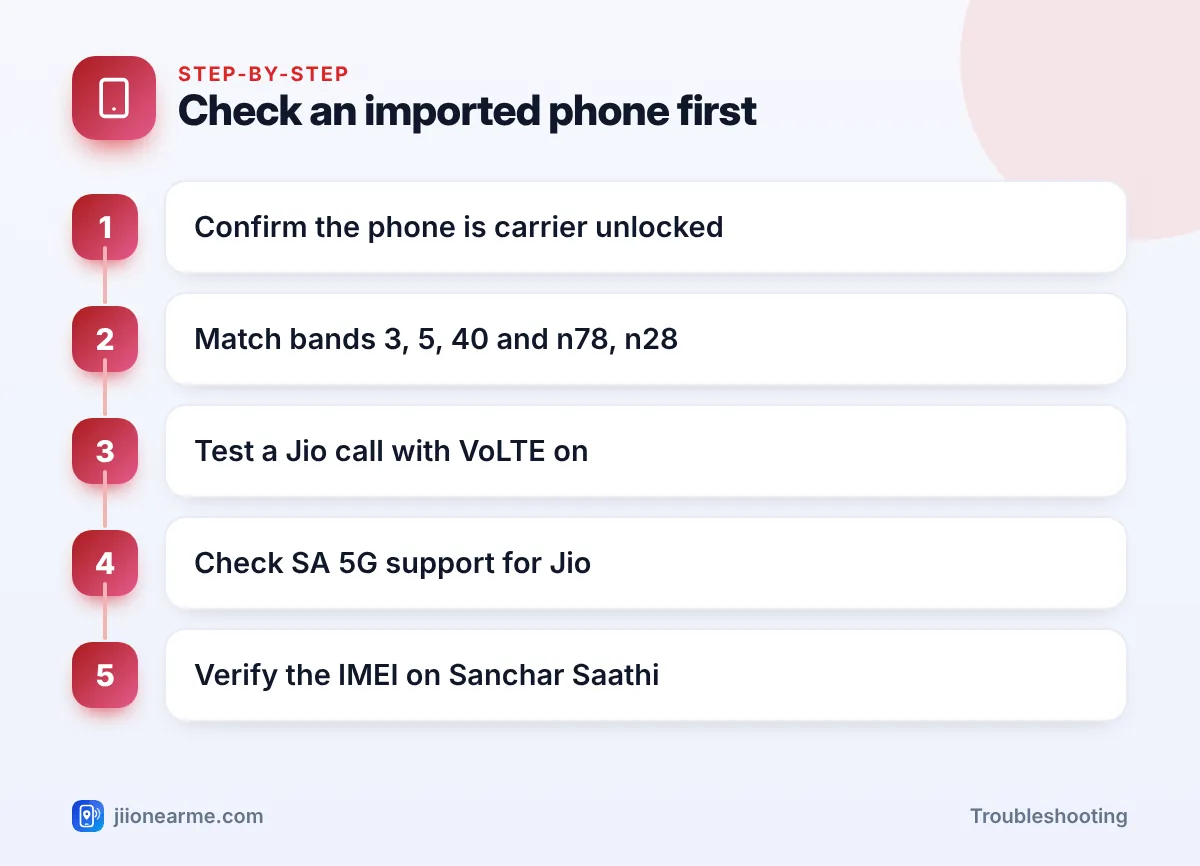
- Confirm the lock status. Insert a Jio SIM. If the phone asks for a network PIN or code, or shows SIM not supported, it is locked.
- Match the bands. Look up the exact model number and confirm support for bands 3, 5 and 40, and n78 and n28 for 5G.
- Make a test call. Turn on VoLTE and call another number. Check that both sides hear clearly.
- Test data and 5G. Open a website. In a known Jio 5G area, see whether the 5G icon appears.
- Check the IMEI. Dial *#06# to see the IMEI. Then use the handset genuineness check on the Sanchar Saathi portal to confirm the IMEI is valid.
Also ask whether the warranty covers India. Many international warranties do not, which makes repairs costlier.
If you are buying a phone abroad yourself, choose an unlocked, international or India-compatible variant. Compare its band list with Jio’s main bands before you buy.
Frequently Asked Questions
Why does my imported phone show SIM not supported with Jio?
The phone is most likely locked to a foreign carrier. Ask the seller or the original carrier to remove the lock officially.
My imported phone has Jio data but calls fail. Why?
The phone’s software may not support VoLTE on Jio. Turn on VoLTE, install all software updates and test again.
Can a software update add missing bands?
No. Bands depend on the phone’s radio hardware. Updates can enable features like VoLTE or SA 5G, but cannot add bands.
Is it legal to use a phone bought abroad in India?
Using a genuine phone with a valid IMEI that you brought in through proper channels is generally fine. Check the IMEI on Sanchar Saathi, and follow customs rules when you bring a phone into India.
Can Jio remove a lock placed by another carrier?
No. Only the carrier that locked the phone can remove the lock.
Conclusion
An imported phone can work well with Jio if it is unlocked, supports Jio’s main bands and has VoLTE support for Jio. Check those three things, plus the IMEI, before you rely on it. If calls or 5G are missing, software updates sometimes help, but missing bands cannot be fixed.
JIo Near me is an independent guide and is not affiliated with Reliance Jio. App menus, plans and policies can change – always confirm current details in the official MyJio app or on jio.com. We will never ask for your OTP, PIN or passwords.