A frequency band is a slice of radio spectrum that your phone and the mobile tower agree to use. For Jio users, the bands that matter are n78 and n28 for 5G, and LTE bands 3, 5 and 40 for 4G. If your phone supports these, it can use most of Jio’s network.
The numbers look technical, but the idea is simple. Lower frequencies travel further and pass through walls better. Higher frequencies carry more data and give faster speeds, but over a shorter distance. This explainer breaks down each band in plain words and shows how to check your phone.
- Jio’s main 5G bands are n78 (mid band, around 3.5 GHz) and n28 (low band, 700 MHz).
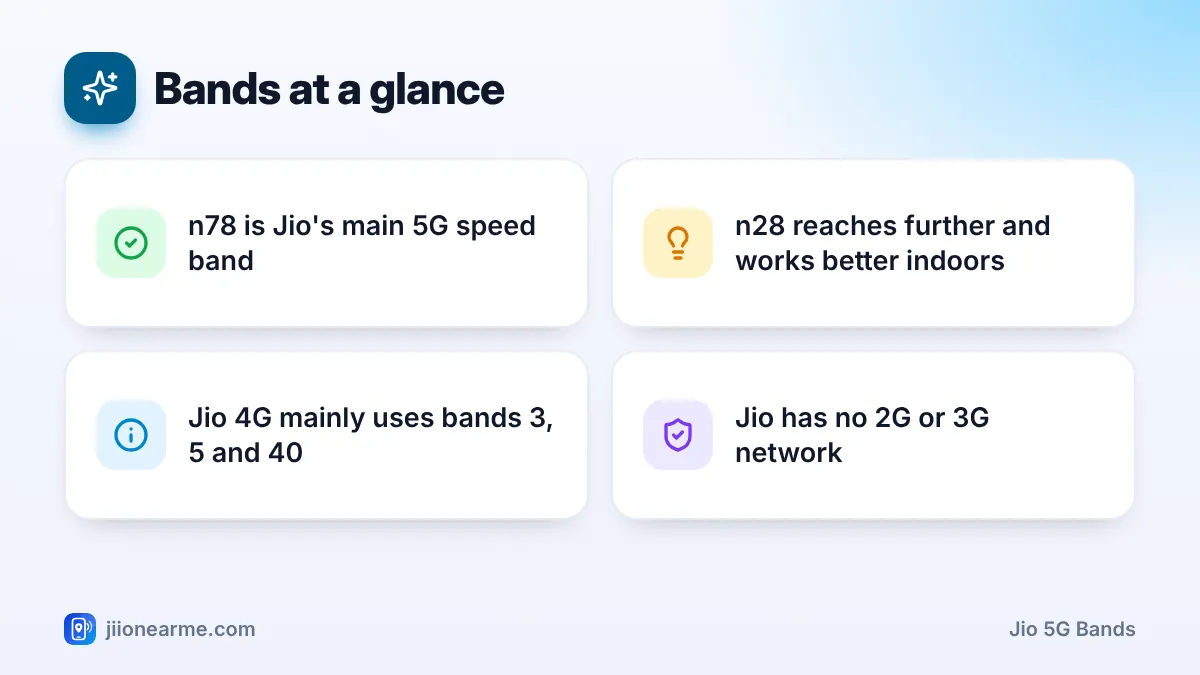
- Jio’s 4G network mainly uses LTE bands 3 (1800 MHz), 5 (850 MHz) and 40 (2300 MHz).
- Low bands give wider reach and better indoor signal, while mid bands give more speed and capacity.
- Check your phone’s official spec sheet for these band numbers before you buy.
What Is a Frequency Band?
Think of FM radio. Each station broadcasts on its own frequency, and you tune your radio to hear it. Mobile networks work in a similar way, but with blocks of frequencies called bands.
International standards give each band a number so that phone makers and networks use the same labels. On spec sheets you will see two styles:
- 4G (LTE) bands are written as plain numbers, such as “B3”, “Band 40” or “LTE band 5”.
- 5G bands start with the letter “n”, such as “n28” or “n78”. The “n” stands for New Radio, the technical name for 5G.
Your phone can only use a band if its hardware supports it. That is why two “5G phones” can perform very differently on the same network.
Jio 4G Bands: Band 3, Band 5 and Band 40
Jio’s 4G network mainly runs on three LTE bands. Jio does not run 2G or 3G networks, which is why calls on Jio use VoLTE (voice over LTE) instead of older call technology.
- Band 3 (1800 MHz): A balanced band with decent reach and good speed. It is widely used across the network.
- Band 5 (850 MHz): A lower frequency that travels further and gives better indoor signal.
- Band 40 (2300 MHz): A higher frequency that adds extra capacity, which helps in busy areas.
Most 4G and 5G phones sold in India support all three. Imported phones sometimes miss one of them, which can mean weaker signal indoors or slower speeds in crowded places.
Jio 5G Bands: n78, n28 and n258
Jio True 5G runs as a standalone (SA) network on its own 5G bands.
- n78 (3.5 GHz mid band): The n78 band covers 3300 to 3800 MHz. This is Jio’s main 5G band for speed and capacity. If your phone lacks n78, you will miss most of Jio’s 5G.
- n28 (700 MHz low band): This band travels much further and gets into buildings more easily. It helps keep you on 5G indoors and in areas further from a tower.
- n258 (26 GHz millimetre wave): Jio also holds spectrum in this very high band. It can carry huge amounts of data but over very short distances. Few phones in India support millimetre wave, and you do not need it for everyday Jio 5G use.
A network can combine bands, a technique called carrier aggregation. Phones that support both n78 and n28 can make better use of the network, getting reach from n28 and speed from n78.
Low Band vs Mid Band: Reach Versus Speed
The trade-off between bands comes down to physics. Lower frequencies have longer waves that travel further and bend around obstacles. Higher frequencies carry more data but fade faster.
| Band type | Jio examples | Reach | Indoor signal | Speed and capacity |
|---|---|---|---|---|
| Low band | n28, band 5 | Long | Better | Lower |
| Mid band | n78, band 3, band 40 | Medium | Moderate | Higher |
| High band (mmWave) | n258 | Very short | Poor | Very high |
This explains a common experience. You may see 5G outdoors but drop to 4G inside a building or basement. Walls weaken mid-band signals like n78 much more than low-band signals.
FDD and TDD in plain words
You may notice “FDD” and “TDD” next to band numbers. FDD uses two separate frequencies, one for sending and one for receiving, like a two-lane road. TDD uses one frequency and takes turns very quickly, like a single lane with fast traffic signals. Both work well, and your phone handles this automatically. Band 40 and n78 are TDD, while band 3, band 5 and n28 are FDD.
How to Check Which Bands Your Phone Supports
You cannot see supported bands in most phone menus, so use the official specifications.
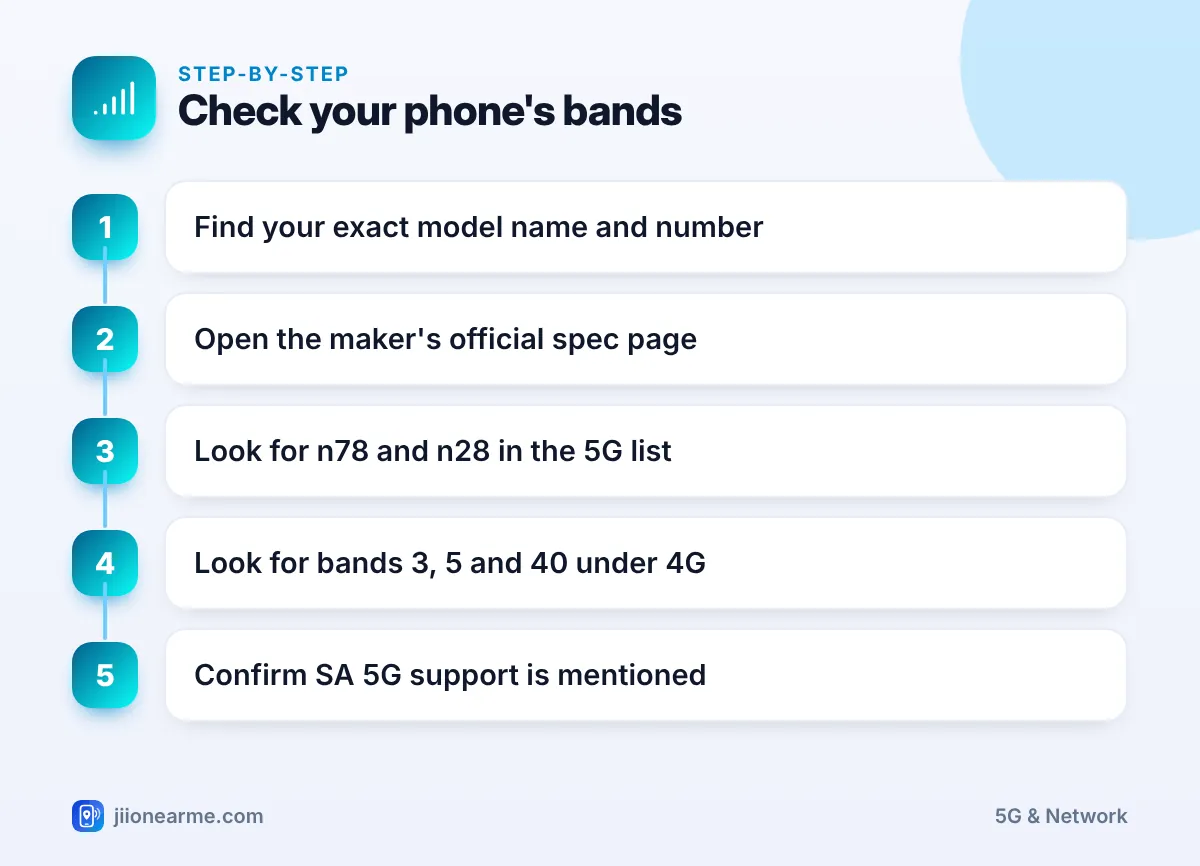
- Find your exact model in Settings > About phone (or General > About on iPhone).
- Open the manufacturer’s official website and go to the model’s Specifications page.
- In the Network or Connectivity section, look for n78 and n28 in the 5G list.
- In the 4G or LTE list, look for bands 3, 5 and 40.
- Check that SA (standalone) 5G is mentioned.
Some phones have regional versions with different bands. Matching the exact model number avoids confusion with versions sold in other countries.
Why Bands Are Only Part of the Story
Supporting the right bands is necessary, but it does not guarantee good speeds. Other factors matter too:
- Standalone 5G support: Jio True 5G is SA, so the phone must support SA mode, often through a software update.
- Coverage: You need Jio 5G coverage where you are, and it differs by area.
- Crowding: Many users on one tower share the available capacity, so speeds dip at busy times.
- Distance and walls: Signal weakens with distance from the tower and through concrete.
- Phone software: Updates can improve band handling and stability.
Frequently Asked Questions
Which band does Jio use for 5G?
Jio mainly uses n78 in the 3.5 GHz range and n28 in the 700 MHz range. It also holds 26 GHz (n258) millimetre-wave spectrum, but few phones support that band.
Is n78 or n28 more important for Jio 5G?
n78 is more important for speed and is the main 5G band. n28 adds reach and better indoor signal, so having both is ideal.
Why does my phone drop from 5G to 4G indoors?
Mid-band signals such as n78 weaken through walls. If your phone also supports n28, it has a better chance of staying on 5G indoors.
Do I need band 40 for Jio 4G?
It is not strictly required, but it helps. Band 40 adds capacity in busy areas, so a phone without it may see slower 4G speeds at peak times.
Can I enable missing bands through settings?
No. Band support depends on the phone’s hardware and approved software. Do not use hidden codes or apps that claim to add bands.
Summary
Jio 5G bands come down to two key numbers: n78 for speed and n28 for reach. For 4G, look for bands 3, 5 and 40. When you check a phone, match these numbers on the official spec sheet, confirm standalone 5G support and keep the software updated.
JIo Near me is an independent guide and is not affiliated with Reliance Jio. App menus, plans and policies can change – always confirm current details in the official MyJio app or on jio.com. We will never ask for your OTP, PIN or passwords.
