If your family shares one phone’s hotspot for all its internet, Jio AirFiber will usually give you a steadier and more convenient connection. A hotspot is fine for one or two devices for short periods. Once the TV, laptops and several phones depend on it every day, the phone becomes the weak link.
This comparison looks at the points that matter at home: coverage, number of devices, battery strain, convenience and TV streaming. Costs differ by plan, so compare the current AirFiber and mobile plans in the MyJio app or on jio.com before you decide.
- A hotspot works for light, short-term use by one or two people.
- AirFiber suits families with several devices, a smart TV or daily work and study.
- Running a hotspot for hours drains your phone’s battery and heats it up.
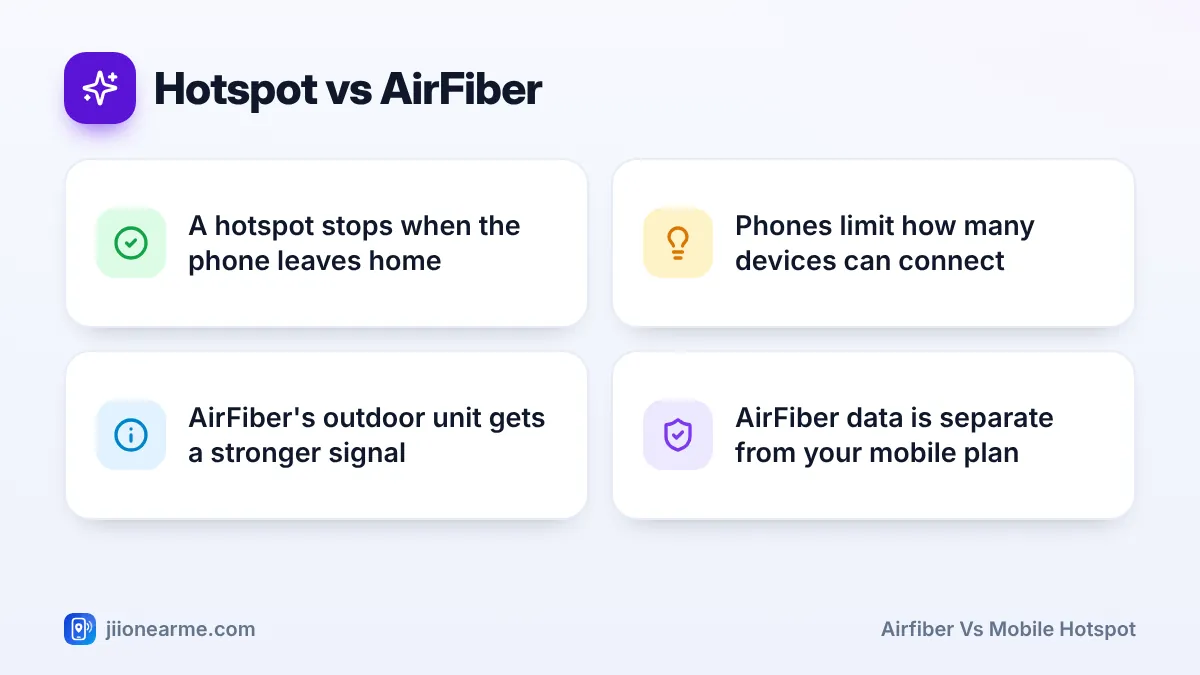
- AirFiber keeps working when the phone owner leaves home.
How Each Option Works
A mobile hotspot turns your phone into a small Wi-Fi router. The phone picks up Jio’s mobile signal with its built-in antennas and shares that data with nearby devices. Everything connected uses your mobile plan’s data.
Jio AirFiber is a home broadband service built for always-on use. An outdoor unit fixed to your wall, balcony or terrace receives Jio’s 5G signal. A cable carries it to an indoor unit, which creates Wi-Fi for the whole home. It has its own plan, separate from your mobile recharge.
Both use Jio’s wireless network. The difference is the equipment at your end and what it is designed to do.
AirFiber vs Mobile Hotspot: Side-by-Side Comparison
| Factor | Mobile hotspot | Jio AirFiber |
|---|---|---|
| Signal pickup | Phone’s small antennas, often indoors | Outdoor unit placed for the best signal |
| Devices at once | Limited by the phone | Many devices together |
| Wi-Fi range | Usually a room or two | Covers more of a typical home |
| Phone battery | Drains fast, phone gets warm | No effect |
| When it works | Only when the phone is home and hotspot is on | Always on |
| Data used | Your mobile plan’s data | Separate home broadband plan |
| TV streaming | Possible, but uses mobile data quickly | Suited to daily TV and Set-Top Box use |
Coverage and Signal Quality
Your phone usually sits indoors, often in the middle of the house. Walls, floors and windows weaken the mobile signal before it reaches the phone. That is why a hotspot may work well near a window and poorly in an inner room.
AirFiber’s outdoor unit has larger antennas and is placed outside, where the signal is clearer. During installation, the team positions it towards the best signal. Even when both connect to the same tower, the outdoor unit generally receives a stronger, steadier signal than a phone in your hand.
AirFiber still needs good Jio True 5G coverage at your address. An availability check while booking, followed by the installation visit, confirms whether your home qualifies.
Number of Devices and Wi-Fi Range
Phones limit how many devices can join a hotspot, and many let you set a maximum in the hotspot settings. Every extra device shares the same phone connection, so speeds drop for everyone when several people stream at once.
A phone’s hotspot also has a short range. Rooms at the other end of the house may get a weak signal or none.
AirFiber’s indoor unit is a proper home router. It handles more devices together, covers a wider area and usually offers Ethernet ports for a TV, desktop or Set-Top Box. For a family with phones, laptops, a smart TV and maybe a printer, this makes a clear difference.
Battery, Heat and Everyday Convenience
Running a hotspot is hard work for a phone. The battery drains quickly and the phone gets warm, especially during long streaming sessions. Many people keep the phone on charge while sharing, which adds more heat. Over months, this can wear the battery faster.
Then there is the human side:
- When the phone owner goes out, everyone at home loses internet.
- Calls and notifications compete with the hotspot on the same phone.
- Someone has to remember to switch the hotspot on and share the password.
- Some phones switch the hotspot off automatically after a period of no use.
AirFiber removes these problems. It stays on, every family member connects on their own, and your phone is free for your own use.
If your phone gets very hot while sharing a hotspot, turn the hotspot off and let it cool. Avoid running it for hours under a pillow, in direct sun or inside a tight cover while charging.
TV Streaming and Heavy Use
Streaming video on a TV uses far more data than browsing on a phone. On a hotspot, an evening of TV can use a large share of your mobile data, and if your plan has a daily limit, it may run out early. After that, speeds drop for everyone sharing the phone. Plan terms differ, so check how your mobile plan counts hotspot use.
AirFiber is designed for this kind of use. You can watch on a smart TV over Wi-Fi, or through a Set-Top Box with eligible plans, using apps such as JioTV and JioHotstar. Picture quality stays more consistent because the connection does not depend on one phone’s battery, position or remaining data.
When a Hotspot Is Still Enough
A hotspot remains a sensible choice in some situations:
- You live alone and use the internet mostly on your phone.
- You are staying somewhere for a short time or move often.
- You only need a laptop online occasionally.
- You want a backup for the rare times home broadband is down.
If you want something in between, a JioFi portable router uses its own SIM and keeps your phone free. It still relies on the mobile signal where it sits, though.
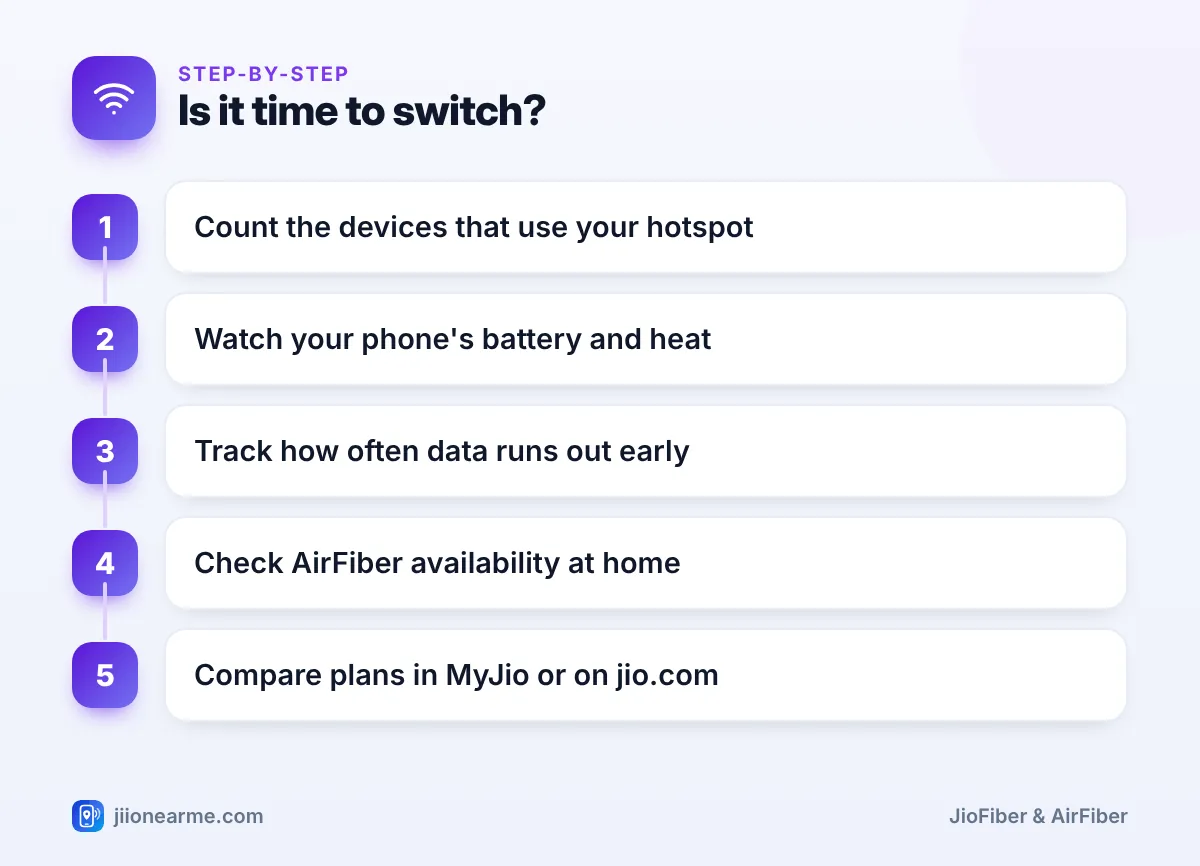
Signs it is time to switch
- Count the devices that use your hotspot every day.
- Notice whether your phone’s battery and heat have become a daily problem.
- Track how often your data runs out before the day ends.
- Check AirFiber availability for your address on jio.com or in MyJio.
- Compare the total cost of your current mobile plans with an AirFiber plan.
Keep your phone’s hotspot set up even after AirFiber is installed. It makes a handy backup during a long power cut or a rare outage.
Frequently Asked Questions
Does AirFiber use my mobile plan's data?
No. AirFiber has its own plan and benefits. Your phone’s mobile data is used only when your phone is not on Wi-Fi.
How many devices can connect to a phone hotspot?
It depends on the phone and its settings. Even when more devices can join, speeds drop as more of them use the connection at the same time.
Is AirFiber available everywhere I get 5G on my phone?
Not always. AirFiber needs a strong enough signal where the outdoor unit will be fixed, which the availability check and installation visit confirm.
Can I watch TV using a mobile hotspot?
Yes, you can stream apps on a smart TV through a hotspot. It uses a lot of mobile data quickly, so home broadband is more practical for daily TV.
Will using a hotspot every day damage my phone?
Occasional use is fine. Long daily sessions add heat and charging cycles, which can wear the battery faster over time.
Wrapping Up
A mobile hotspot is a useful tool, but it was never meant to be a family’s only internet connection. If several people, a smart TV and daily work or study depend on one phone, AirFiber gives you better coverage, more devices and freedom for your phone. Check availability at your address, compare the plans, and keep the hotspot as your backup.
JIo Near me is an independent guide and is not affiliated with Reliance Jio. App menus, plans and policies can change – always confirm current details in the official MyJio app or on jio.com. We will never ask for your OTP, PIN or passwords.
