On a dual-SIM phone, Jio data usually fails for one simple reason: the phone is set to use the other SIM for mobile data. Pick Jio as the data SIM in your SIM settings and, in most cases, data starts working straight away.
If that doesn’t do it, the next suspects are the slot, the network mode for the Jio SIM, and how your phone handles data during calls. This guide walks through each one in order.
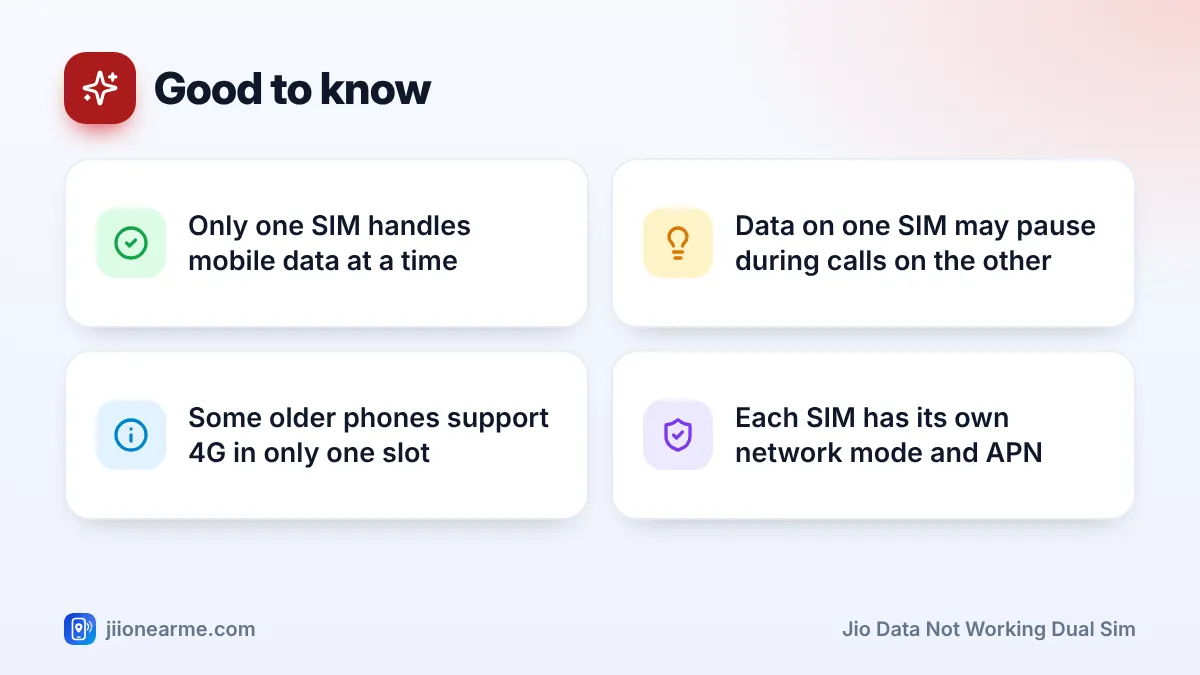
- Only one SIM can handle mobile data at a time, so select Jio as the data SIM.
- Make sure the Jio SIM is enabled, with a 4G or 5G network mode and VoLTE on.
- On some older phones, only one slot supports 4G, and Jio needs 4G.
- Data on one SIM can pause while you’re on a call on the other.
- Settings such as Mobile data during calls or Allow Mobile Data Switching change this behaviour.
Jio Data Not Working on Dual SIM? Set Jio as the Data SIM
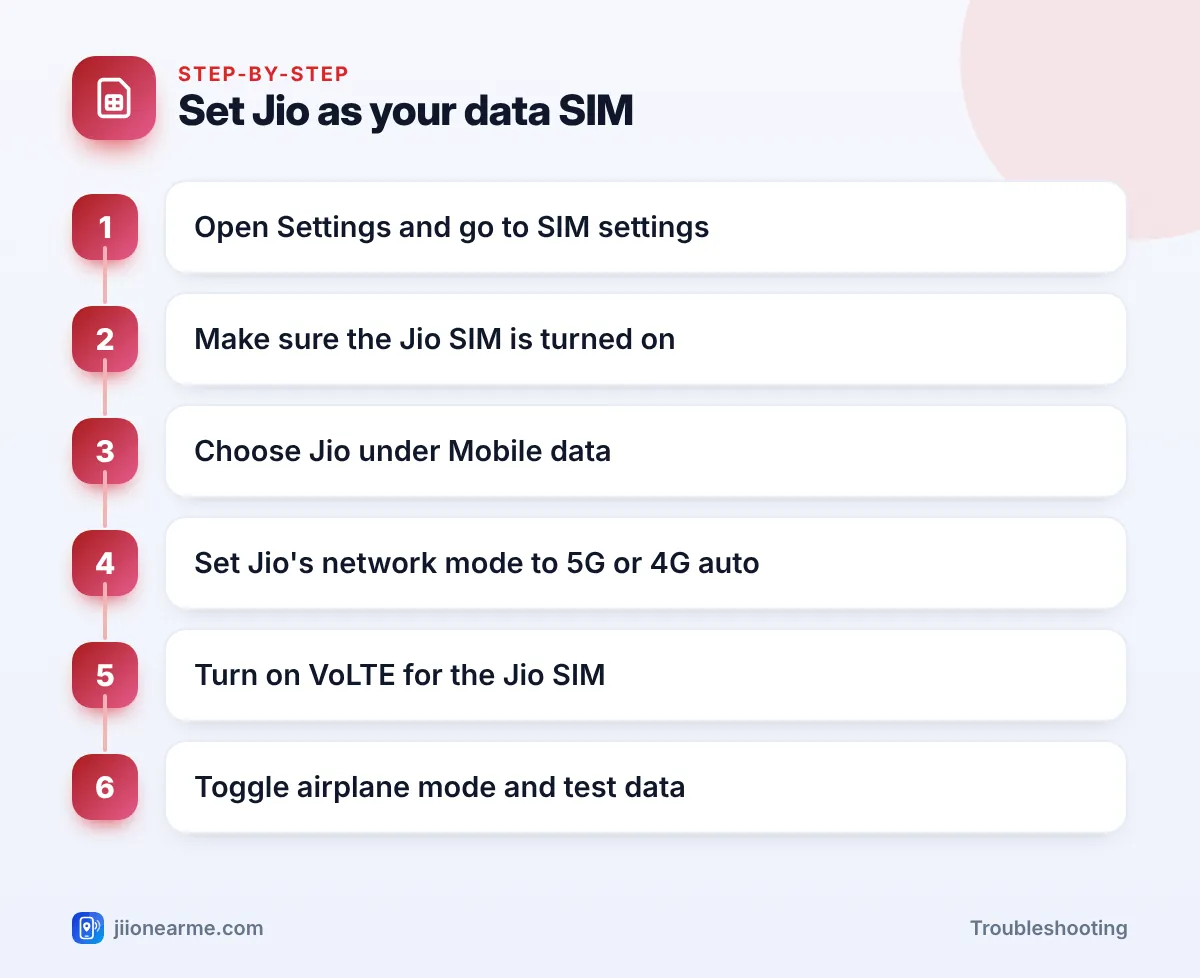
Your phone can keep both SIMs active for calls and SMS, but it uses only one for mobile data. If that’s the other SIM, Jio data won’t work even with full Jio signal.
On most Android phones
- Open Settings > Network & internet > SIMs.
- Tap your Jio SIM and make sure Use SIM is on.
- Turn on Mobile data for the Jio SIM. The phone will turn it off for the other SIM.
On Samsung phones
- Open Settings > Connections > SIM manager (called SIM card manager on older versions).
- Make sure the Jio SIM is turned on.
- Under Preferred SIM card, tap Mobile data and select Jio.
On iPhone
- Go to Settings > Mobile Data.
- Tap Mobile Data and choose your Jio line.
Menu names vary between brands and software versions. If you can’t find these, search for “SIM” in the Settings search bar.
Check Which Slot Supports 4G and 5G
Jio works only on 4G and 5G. It has no 2G or 3G network. Most phones today support 4G on both slots, but some older or budget dual-SIM phones support 4G in just one slot, with the other limited to 2G or 3G.
If your Jio SIM is in a slot that doesn’t support 4G, it won’t work properly. Try this:
- Power off the phone.
- Swap the SIMs between the two slots.
- Power on and select Jio as the data SIM again.
On some phones, choosing a SIM for mobile data automatically moves 4G support to that slot. Check the phone’s manual or the brand’s support page if you’re unsure.
If Jio is on an eSIM and your other SIM is a physical card, the same rules apply. Select the Jio eSIM line for mobile data in your SIM settings.
Set Network Mode and VoLTE for the Jio SIM
Each SIM has its own settings. Your other SIM’s settings don’t carry over to Jio.
- In SIM settings, tap your Jio SIM.
- Open Preferred network type or Network mode.
- Choose an automatic option that includes 5G or LTE, such as “5G/4G/3G/2G (auto)”.
- Turn on VoLTE, 4G calling or HD calls if the switch appears.
Also check the Jio SIM’s Access Point Names. Tap the menu (⋮) and choose Reset to default. The Jio APN is usually jionet and is added automatically.
Why Jio Data Drops During Calls on the Other SIM
Most dual-SIM phones use a design where both SIMs share one radio. When you’re on a call on your other SIM, the Jio SIM can’t use data at the same time. Data comes back as soon as the call ends.
This is normal behaviour, not a fault. But some phones offer settings to work around it:
- Android: in the settings for your other SIM, look for Mobile data during calls. When on, the phone temporarily uses the calling SIM’s data during calls. This uses that SIM’s data allowance.
- Samsung: look in SIM manager for a data switching option, sometimes under More SIM settings.
- iPhone: under Settings > Mobile Data, turn on Allow Mobile Data Switching to use the calling line’s data during calls.
If you’d rather keep all data on Jio, leave these options off and accept the short pause during calls on the other SIM.
Turn off automatic data switching if data keeps moving
Some phones also have an option that moves mobile data to whichever SIM has better signal or availability. It can be called Switch mobile data automatically, smart data switching or something similar. It’s handy in weak-signal areas, but it can also make it look as if Jio data has stopped, because the phone has quietly moved to the other SIM.
If your data keeps jumping between SIMs, open the SIM settings and turn this option off. Then select Jio again as the mobile data SIM and check that it stays selected after a restart.
If you turn on data switching during calls, your other SIM’s data and plan will be used for that time. Make sure that SIM has an active data plan, or you may see failed connections during calls.
Other Checks If Data Still Fails
If Jio is set as the data SIM and settings look right, run these quick checks:
| Check | What to look for |
|---|---|
| Plan validity | Active plan with data left in MyJio |
| Data limit | No phone data limit blocking Jio |
| Data Saver | Off while you test |
| Airplane mode | Toggle on for 15 seconds, then off |
| Restart | Full power off and on |
If the Jio SIM shows no signal in either slot, test it in another phone. If it fails there too, the SIM may need replacing at a Jio store. For other problems, call 198 or 199 from your Jio number, or 1800-889-9999.
Frequently Asked Questions
Can I use mobile data from both SIMs at the same time?
No. Phones use only one SIM for mobile data at a time. You choose which one in SIM settings.
Why does Jio data stop when I'm on a call on my other SIM?
Most dual-SIM phones share one radio between both SIMs, so data on one pauses while the other is on a call. It resumes when the call ends.
Does Jio work in SIM slot 2?
On most current phones, yes. On some older phones, only one slot supports 4G, so Jio needs to go in that slot or the data SIM setting must move 4G to it.
Will my Jio calls work if the other SIM is my data SIM?
Yes, as long as VoLTE is on for the Jio SIM. Calls and SMS work on both SIMs; only mobile data is limited to one.
Which SIM should I use for mobile data?
Use the SIM whose plan has the data you need and which has the better signal where you spend most time. You can switch the data SIM in settings whenever your needs change.
Wrapping Up
When Jio data fails on a dual-SIM phone, check the data SIM setting first. Then confirm the slot supports 4G, set the Jio SIM’s network mode and VoLTE, and reset its APN if needed. Short pauses during calls on the other SIM are normal, and data switching settings can help if you need data during calls.
JIo Near me is an independent guide and is not affiliated with Reliance Jio. App menus, plans and policies can change – always confirm current details in the official MyJio app or on jio.com. We will never ask for your OTP, PIN or passwords.