Go through this list a few days before your flight and once more at the airport, and your Jio number should work as expected when you land. It covers the four things that cause most roaming problems: the pack, your base plan, your phone settings and how you will reach support.
Each item is short, and most take a minute or two. Plan names and app menus change, so confirm the current pack details in the MyJio app or on jio.com while you work through it.
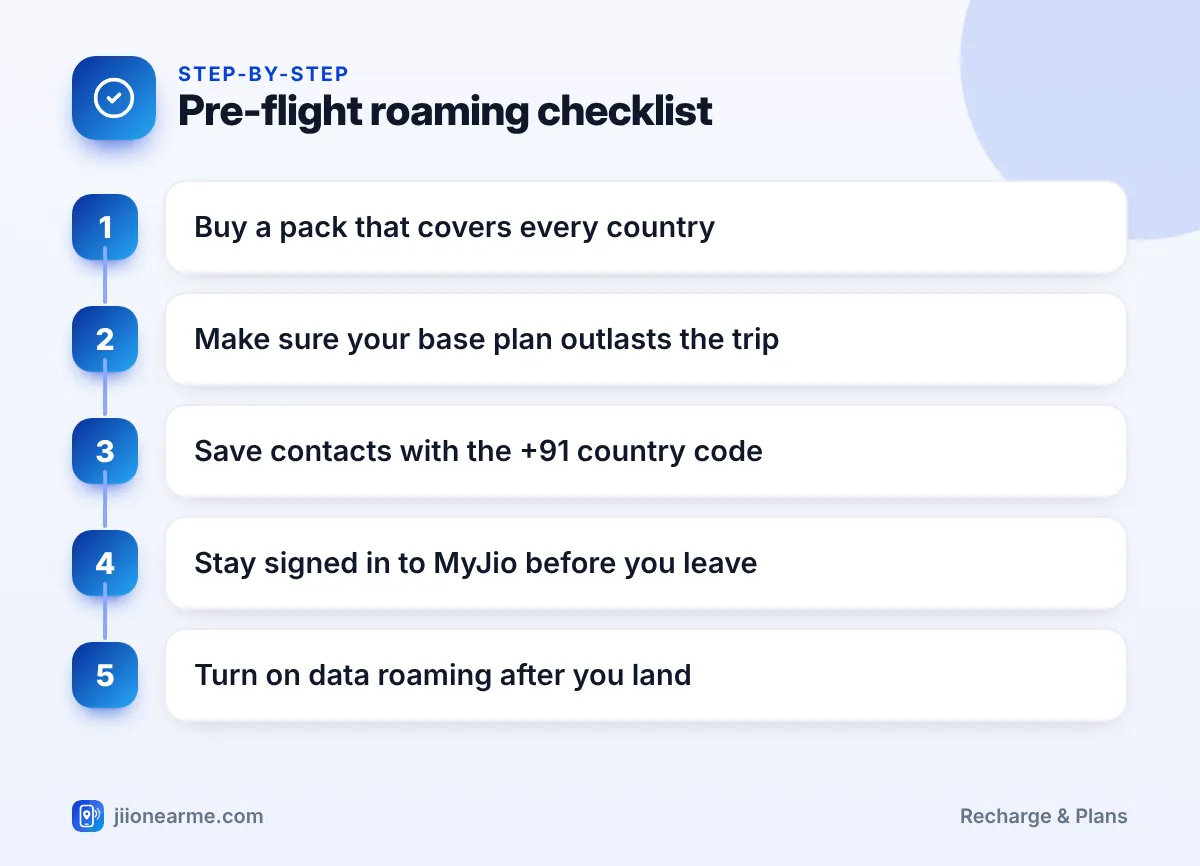
- Buy a roaming pack that lists every country on your trip and read when its validity starts.
- Keep your base plan valid for the full trip so the number stays active.
- Learn where the data roaming switch is on your phone before you leave.
- Save support options and stay signed in to MyJio, because OTP logins can be tricky abroad.
A Week Before: Jio Roaming Before Travel Basics
Start here, because these checks can take time to fix if something is wrong.
- Pick the right roaming pack. In the MyJio app, open the recharge section and find International Roaming. Check that the pack lists every country you will visit, including any transit stops where you plan to use your phone.
- Read when validity starts. The pack details say when the validity clock begins. If it starts at purchase or activation, buy the pack close to departure so you do not lose days.
- Check your base plan validity. Your regular plan keeps the number active in India. If it ends during the trip, recharge or queue a new plan before you leave.
- Check postpaid roaming status. If you are on postpaid, confirm that international roaming is available on your connection and that your credit limit is enough. MyJio or customer care can confirm this.
- Note what the pack includes. Write down or screenshot the calls, SMS, data and validity, so you can track usage abroad.
If your regular plan expires while you are abroad, services on the number can stop, and getting things working again from overseas is harder. Recharge in advance if there is any doubt.
Phone Settings to Prepare
Know where the data roaming switch is
Most phones keep data roaming off by default. Find the setting now so you are not searching for it after a long flight:
- Android: open Settings, go to Network & internet or Connections, open your SIM or mobile network settings, and look for Roaming.
- iPhone: open Settings, tap Mobile Service (shown as Mobile Data or Cellular on some versions), then Mobile Data Options, and look for Data Roaming.
Labels can differ slightly by phone brand and software version.
Stop background data drains
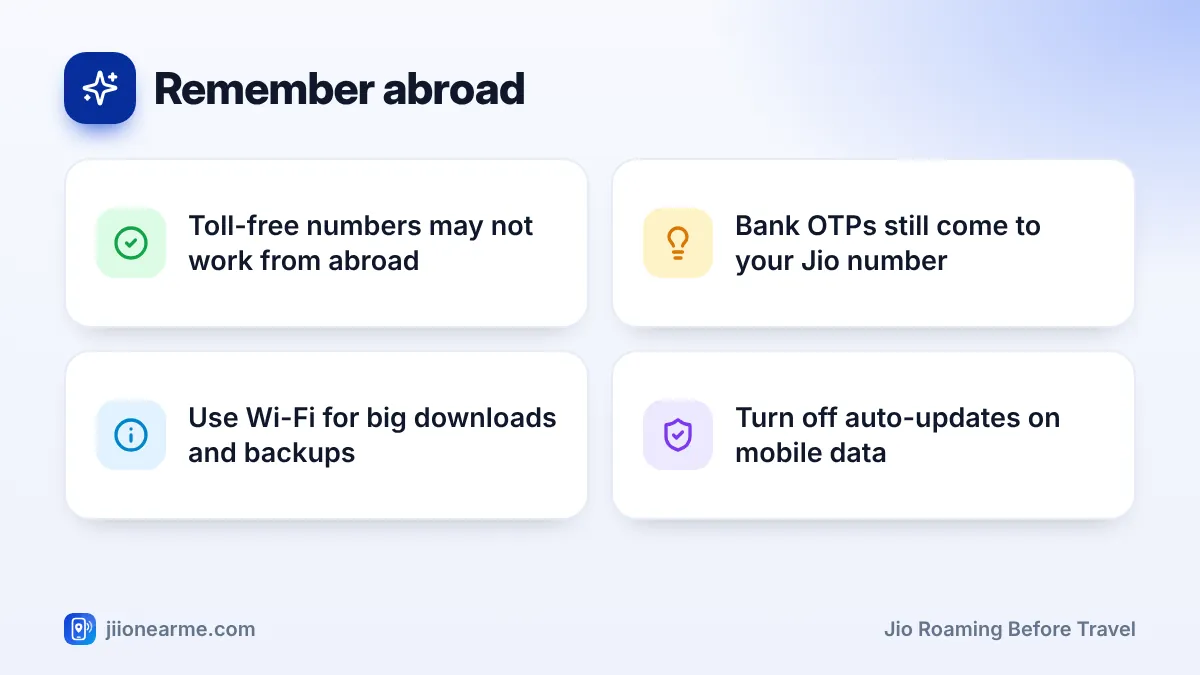
Turn off automatic app updates and photo backups on mobile data. Large updates and cloud backups can use a big share of your pack data in the background. Let them run on hotel Wi-Fi instead.
Save contacts in international format
Abroad, numbers saved without a country code may not dial correctly. Save important Indian numbers with +91 in front, for example +91 followed by the 10-digit number.
Download what you need offline
Download offline maps for the cities you will visit, along with boarding passes, hotel bookings and travel insurance papers. That way you are not depending on data for the basics.
Protect Your OTPs and Accounts
Your bank, UPI apps and many websites send OTPs to your Jio number. Plan for this before you go:
- Keep the Jio SIM in your phone, even if you buy a local SIM. Dual-SIM phones let you use the local SIM for data and the Jio SIM for SMS.
- If you use a local SIM for data, turn off data roaming on the Jio SIM so it does not use roaming data by mistake.
- Sign in to the MyJio app before you leave and stay signed in. Signing in again abroad needs an OTP on your Jio number, which depends on roaming working.
- Never share an OTP with anyone who calls or messages you, even if they claim to be from Jio or your bank.
How to Reach Jio Support from Abroad
Many people only think about support after something goes wrong. Sort it out now:
- Toll-free numbers such as 1800-889-9999 are meant for calls within India and may not work from overseas.
- Short codes like 199 may not work on a foreign network, or may be treated as a roaming call.
- MyJio help: the help or support section in the app works over Wi-Fi, which makes it a reliable option abroad.
- jio.com: check the website before you leave for the current support options for customers travelling overseas.
If your phone is lost or stolen abroad, contact Jio as soon as you can to block the SIM, so no one can misuse your number or OTPs.
Save a note on your phone with your Jio number, pack name, validity end date and support options. Keep a copy in your email too, in case the phone is lost.
At the Airport and After Landing
- Charge your phone fully and carry a power bank.
- Keep your SIM ejector tool in your wallet, if you plan to swap SIMs.
- Switch to flight mode before take-off, and keep it on during the flight.
- After landing, turn off flight mode and wait for the phone to register on a local network.
- Turn on Data roaming and check that mobile data is on for the Jio SIM.
- Open the MyJio app to confirm the pack is active. Restart the phone if there is no network after several minutes.
Quick Reference: What to Do and When
| When | What to check |
|---|---|
| A week before | Roaming pack, base plan validity, postpaid roaming status |
| A few days before | Phone roaming switch, auto-updates, offline maps, contacts with +91 |
| Day before | MyJio signed in, support note saved, screenshots of pack details |
| At the airport | Phone charged, flight mode on before take-off |
| After landing | Data roaming on, pack active in MyJio |
Frequently Asked Questions
When should I buy my Jio roaming pack?
Check the pack details first. If validity starts at purchase or activation, buy it a day or two before departure so no days are wasted. If the terms are unclear, ask customer care before you pay.
Do I need to turn on roaming in my phone settings?
Yes. Most phones keep data roaming off by default, so switch it on after you land. Calls and SMS may work without it, but data usually will not.
Will I get bank OTPs while abroad?
OTPs come to your Jio number by SMS, so you need the Jio SIM in your phone with roaming working. Check how SMS is handled in your pack details before you travel.
Can I call Jio customer care from another country?
Toll-free and short codes may not work overseas. Use the help section in the MyJio app over Wi-Fi, or check the current support options on jio.com before you fly.
Should I buy a local SIM instead?
For short trips, a roaming pack is usually simpler. For longer stays, a local SIM for data plus your Jio SIM for OTPs can work well, as long as your Jio number stays active.
Conclusion
Most roaming trouble comes from a missed basic: a pack that does not cover a country, a base plan that runs out mid-trip or data roaming left switched off. This checklist covers all of them in a few minutes.
Run through it a week before departure, tick off the phone settings a few days later and do the final checks at the airport. Then you can land, switch on roaming and get on with your trip.
JIo Near me is an independent guide and is not affiliated with Reliance Jio. App menus, plans and policies can change – always confirm current details in the official MyJio app or on jio.com. We will never ask for your OTP, PIN or passwords.