The fastest way to tell a Jio outage from a phone problem is to compare with someone else. If other Jio users around you have the same issue, it is likely the network. If only your phone is affected, the cause is almost always your phone, SIM or plan, and you can usually fix it yourself.
Knowing which one you are facing saves time and stops you from resetting a phone that was never broken. The tests below take a few minutes and need nothing more than a second phone or a friend nearby.
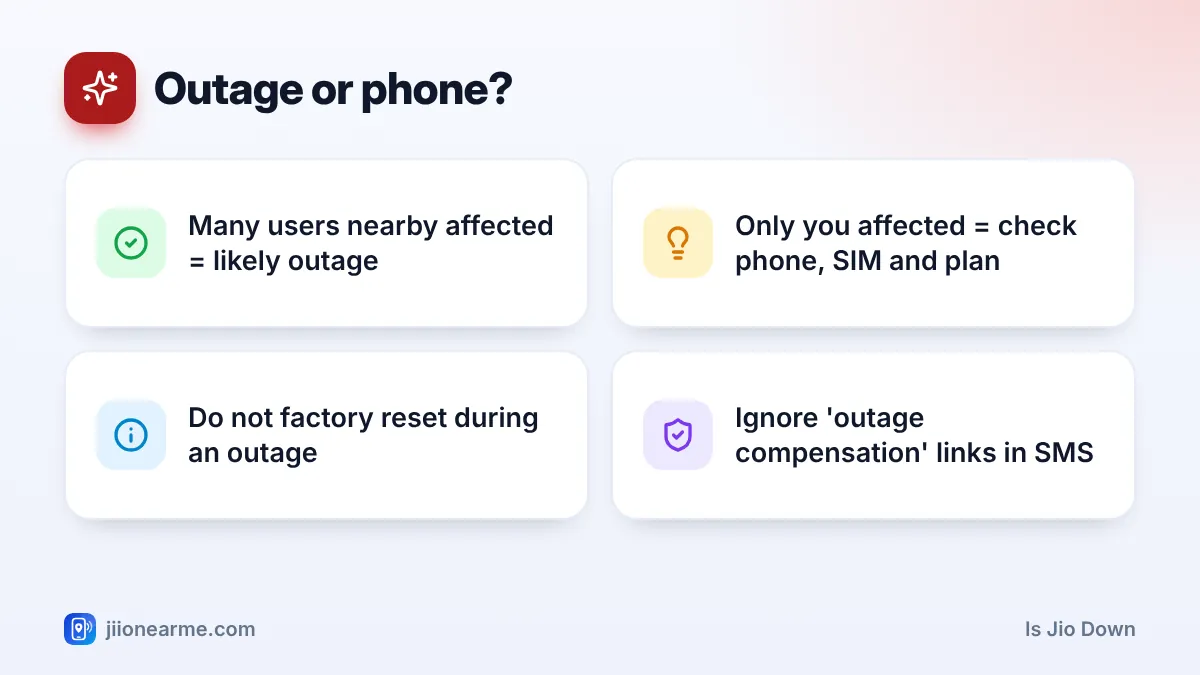
- If many Jio users nearby are affected at the same time, a network outage is likely.
- If only you are affected, check your plan, settings and SIM.
- Swap tests with another phone and SIM point to the faulty part quickly.
- During a real outage, waiting is the fix. Do not reset your phone.
- Report persistent local problems to Jio with your exact location.
Is Jio Down? Quick Tests to Find Out
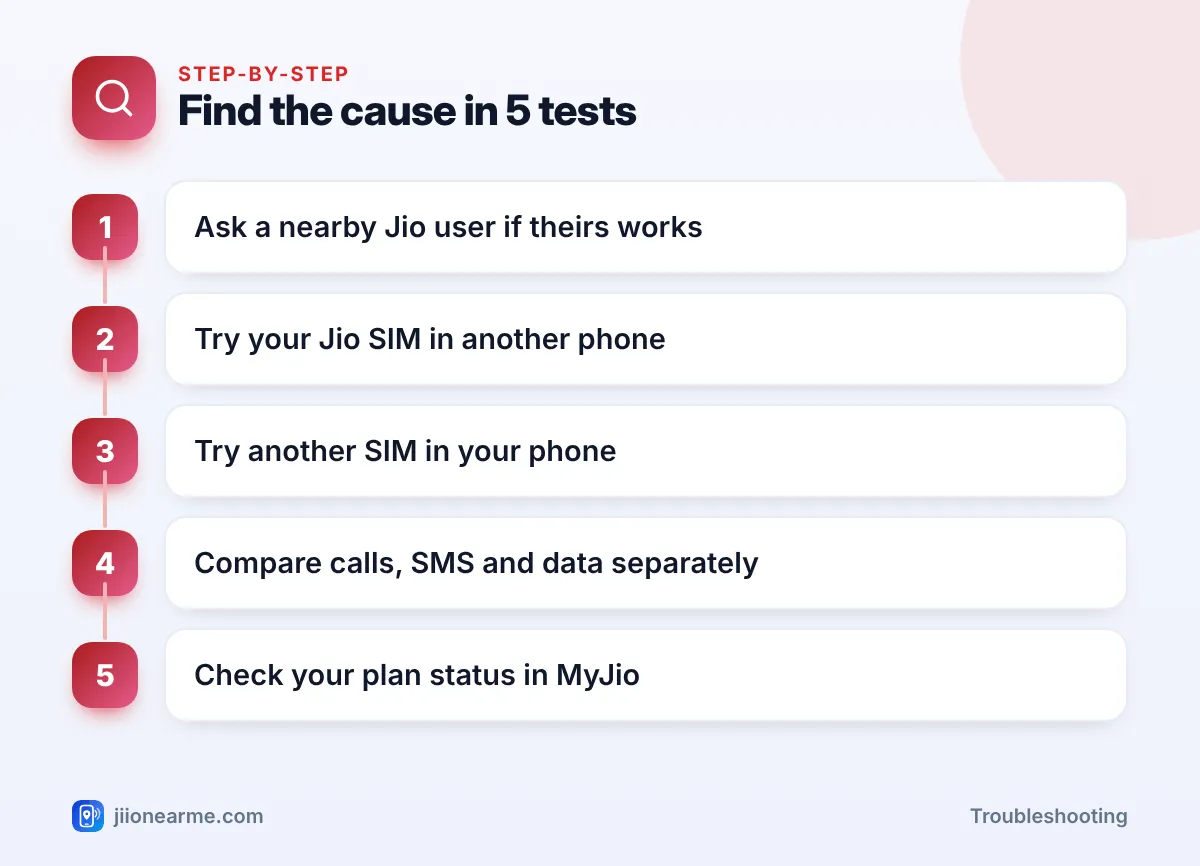
Do these tests in order. Each takes a minute or two.
- Ask around. Check with family, neighbours or colleagues who use Jio. If their calls or data also fail, the problem is probably the network.
- Swap the SIM into another phone. If your Jio SIM works in another phone, your own phone or its settings are the cause.
- Put another SIM in your phone. If a working SIM from someone else also fails in your phone, the phone is likely at fault.
- Compare services. Note whether calls, SMS and data all fail, or just one. A total failure points to the network or SIM. A single failure often points to a setting, such as VoLTE or mobile data.
- Check your plan. Open the MyJio app over Wi-Fi, or sign in at jio.com, and confirm your validity and data balance.
You can also look for news reports or many social media posts about Jio services at the same time. These hint at a wider problem, but user reports are not official confirmation.
Signs of a Jio Outage vs a Phone Problem
Once you have done the tests, match what you found against this table:
| What you notice | Likely a Jio outage | Likely your phone, SIM or plan |
|---|---|---|
| Who is affected | Many Jio users nearby at the same time | Only you, others nearby are fine |
| How it started | Suddenly, for everyone at once | After an update, a fall or a missed recharge |
| SIM swap test | Other people’s Jio SIMs fail as well | Your SIM works in another phone |
| Other networks | Work fine, only Jio is down | Another SIM also fails in your phone |
| Services affected | Calls, SMS and data all fail | Often just one, such as calls or data |
| Outside signals | News or many social posts mention Jio | Nothing reported anywhere |
Outages can be regional, affecting a city or state, or very local, such as a single tower facing a power or equipment fault. A local fault can look like a phone problem at first, so the “ask around” test matters most.
If your answers fall in both columns, start with the quick fixes for your own phone. They are harmless, and they rule out the simple causes while you wait to hear from others.
Slow data at busy hours can be congestion on the network, not an outage. If speeds recover late at night and others nearby see the same slowdown, the tower is likely busy rather than broken.
What to Do During a Jio Outage
If the tests point to a network problem, your phone does not need fixing.
- Wait it out. Most outages are fixed by the network team without you doing anything.
- Use Wi-Fi. If you have home broadband from another source or public Wi-Fi, use it for internet. Wi-Fi Calling may also help with calls when the fault is limited to local towers.
- Keep emergency numbers in mind. Phones are designed to connect emergency calls to 112 through any available network, where one is in range.
- Avoid resets. Do not reset network settings or factory reset your phone. It will not fix a network outage and can create new problems.
- Check back. Toggle airplane mode every so often to see if service has returned.
If the outage is only in your locality and lasts a long time, report it. Call 198 for complaints or 199 for queries from a Jio number that has service, or use the toll-free number 1800-889-9999 from another phone. Give your exact address or landmark and the time the problem started.
After big outages, fraudsters often send SMS or WhatsApp messages offering “compensation”, “free data” or “refunds” through a link. Do not click these links or share OTPs. Report suspicious messages through Chakshu on the Sanchar Saathi portal.
What to Do If It Is Your Phone or SIM
If the tests point to your side, work through these fixes:
- Check plan validity and recharge if the plan has expired.
- Toggle airplane mode for 15 seconds, then restart the phone.
- Check settings: mobile data on, Jio chosen as the data SIM, VoLTE on, and a network mode that includes 4G or 5G. Jio has no 2G or 3G network.
- Reseat the SIM. Switch off, remove it, wipe the contacts gently with a dry cloth and reinsert it.
- Reset network settings if the problem continues. This keeps your data but clears Wi-Fi passwords and Bluetooth pairings.
- Get a replacement SIM at a Jio Store with valid photo ID if the SIM fails in every phone.
If another SIM also fails in your phone, the phone may need a check at the brand’s authorised service centre.
Frequently Asked Questions
How do I know if Jio is down in my area?
Ask nearby Jio users and compare. If several people lose service at the same time while other networks work, it is likely a Jio outage in your area.
Should I restart my phone during a Jio outage?
A single restart does no harm, but it will not fix a network outage. Avoid network resets and factory resets until you know the problem is your phone.
Why does Jio work for my family but not for me?
That points to your phone, SIM or plan. Check validity in MyJio, then try your SIM in their phone to find out which part is at fault.
Does Jio send compensation after an outage?
Do not rely on messages that claim so. Check any genuine offer directly in the MyJio app or on jio.com, and never click links in unexpected SMS.
Is JioFiber affected when Jio mobile is down?
Not necessarily. JioFiber and mobile services can be affected separately. Check the router lights and the MyJio app to see your broadband status.
Final Thoughts
When service stops, compare before you change anything. If many Jio users around you are affected, it is likely an outage, so wait and use Wi-Fi. If only you are affected, the swap tests show whether the phone, SIM or plan is to blame, and the fixes above usually bring you back online.
JIo Near me is an independent guide and is not affiliated with Reliance Jio. App menus, plans and policies can change – always confirm current details in the official MyJio app or on jio.com. We will never ask for your OTP, PIN or passwords.