
Postpaid can be a good fit for elderly parents because it removes recharge deadlines and puts their phone on a monthly bill that you can pay for them. Their number keeps working through each billing cycle, so a forgotten recharge never cuts them off from calls.
That said, postpaid is not automatic peace of mind. You still need to check their phone, set up payments and make sure they know how to spot scam calls. This guide covers the benefits, the two main setup options, what to check before switching and the settings that make daily use easier and safer.
- Postpaid removes recharge expiry, so parents are less likely to lose service suddenly.
- You can give parents their own postpaid plan or add them to your JioPlus family plan.
- Keep their existing number if it is linked to bank, pension or Aadhaar services.
- Check phone compatibility, coverage and deposit rules before switching.
- Turn on DND, set up autopay and explain the basics of scam calls.
Why Postpaid Can Make Life Easier for Parents
Many older people find prepaid recharges stressful. They have to remember the expiry date, find a shop or open an app, and pick from many plans. When the validity ends without warning, outgoing calls and data can stop.
With Jio postpaid for parents, the main benefits are:
- No recharge expiry. Service continues through the billing cycle as long as the bill is paid.
- One bill you can pay remotely. You can pay from your phone using the MyJio app, UPI or autopay, even if you live in another city.
- Fewer recharge reminders. Parents have fewer recharge messages to act on, which also means fewer chances of tapping a fake recharge link.
- Easier family management. If you already use JioPlus, their number can sit on your family bill.
Two Ways to Set It Up
You have two main options. Both are official and work on Jio’s postpaid service, called JioPlus.
| Option | Who gets the bill | Best for |
|---|---|---|
| Parent’s own postpaid connection | Parent, though you can still pay it | Parents who like to keep their account in their own name |
| Add-on on your JioPlus family plan | You, as the primary holder | Families where you already manage payments |
As an add-on, your parent keeps their own SIM, number and KYC, but their charges appear on your bill. You also handle plan changes for them. With their own postpaid connection, the account stays fully in their name, and you can still pay the bill for their number.
Whichever option you choose, write down your parent’s number, the plan name, the bill due date and how it is paid. Keep a copy with you and another with a sibling or trusted relative.
What to Check Before Switching
A few checks now prevent problems after the switch.
Their phone and network
- Phone support: Jio calls need a phone with 4G VoLTE or 5G. Older 2G and 3G keypad phones will not work. If your parent prefers a simple phone, ask at a Jio Store which compatible options can be used on postpaid.
- Coverage: Check that Jio signal is good inside their home, especially in the rooms where they usually sit.
Their existing number
- Keep the same number if it is linked to bank accounts, UPI, pension, Aadhaar or medical records. Converting an existing Jio prepaid number, or porting from another operator, avoids updating all these services.
- Remaining prepaid benefits may not carry over when the number moves to postpaid. If possible, switch near the end of the current recharge.
Money matters
- Security deposit: Postpaid may need a refundable deposit, depending on the plan and eligibility.
- Credit limit: Every postpaid account has one. Usage beyond it can restrict services until the bill is paid.
- Usage needs: Most parents use calls more than data. Pick a plan that fits their real usage, which you can see in their MyJio app.
How to Set Up Jio Postpaid for Parents
Here is a simple order to follow. App labels can vary by version, so look for the closest option.
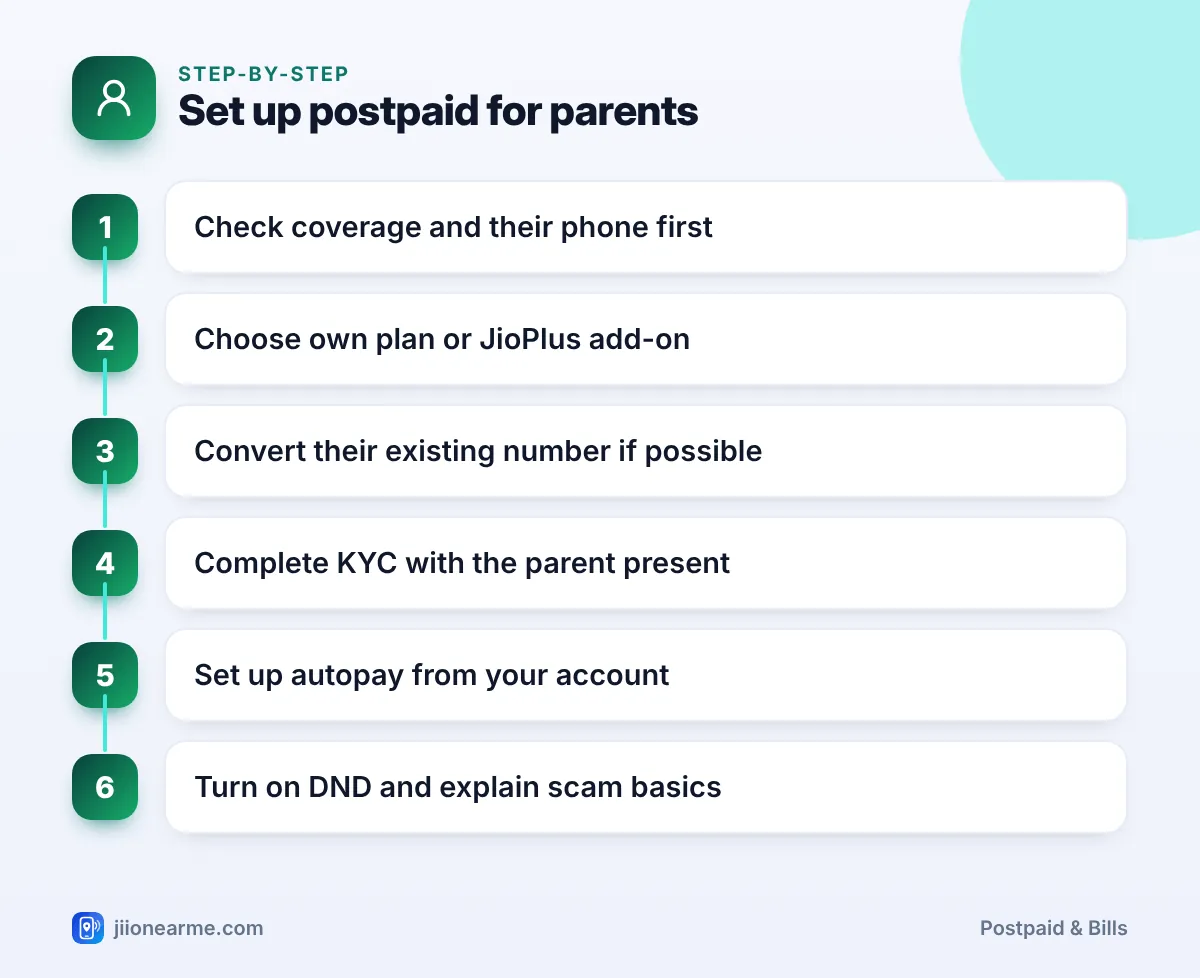
- Check coverage and their phone as described above.
- Choose the setup: their own postpaid connection or an add-on on your JioPlus plan.
- Request the change through the MyJio app, on jio.com or at a Jio Store. For older parents, a store visit is often easiest.
- Complete KYC with your parent present. The connection must be verified with their own ID, as they are the user.
- Set up autopay or reminders from your own MyJio app or banking app, so the bill is never missed.
- Test calls and SMS on their phone once the change is active.
Safety Settings to Turn On
Older people are often targeted by fraud calls about KYC updates, SIM blocking or electricity bills. A few settings and simple rules go a long way.
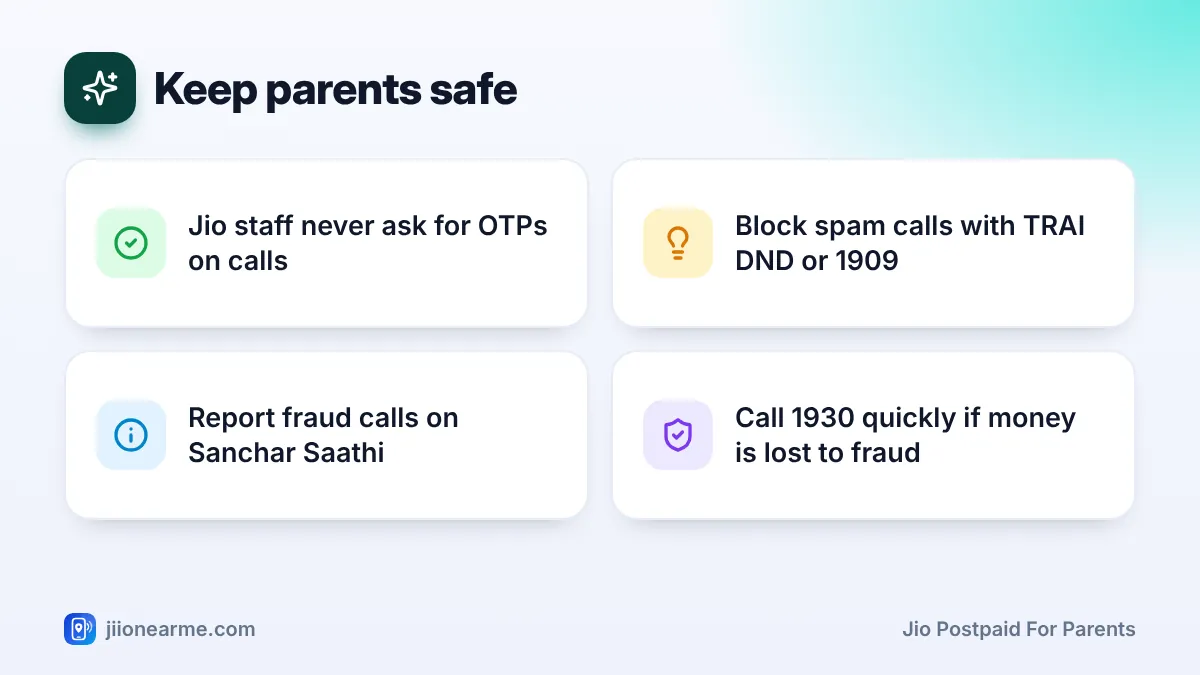
- Turn on DND: Use the TRAI DND app or call 1909 from their number to block promotional calls and messages.
- Teach the one golden rule: No genuine Jio, bank or government staff will ask for an OTP, PIN or password on a call.
- Report suspicious calls: Fraud calls and messages can be reported through the Chakshu facility on sancharsaathi.gov.in. The same portal lets you check which mobile connections are registered in their name.
- Know the cybercrime helpline: If money is lost to fraud, call 1930 quickly or file a complaint on cybercrime.gov.in.
Some scammers call older people claiming their SIM will be blocked unless they “upgrade to postpaid” or share a code. Tell your parents to hang up and call you. Real changes are made only through MyJio, jio.com or a Jio Store.
Making Daily Use Easier
Small changes help parents feel confident with their phone:
- Save your number, a sibling’s number and 199 for Jio queries as favourites.
- Increase the font size and screen brightness in phone settings.
- Show them where bill messages arrive, and tell them they do not need to act on them if you pay.
- Install MyJio on their phone only if they want to use it. Otherwise, manage everything from yours.
Frequently Asked Questions
Can I pay my parent's Jio postpaid bill from my phone?
Yes. You can pay a Jio postpaid bill for any number through the MyJio app, the Jio website or a UPI app. Autopay is also an option.
Will my parent lose their number when switching to postpaid?
No, not if you convert their existing Jio number or port it in from another operator. Their number stays the same.
Is a JioPlus add-on better than a separate plan for parents?
It depends on who should own the account. An add-on puts the bill in your name, while a separate plan keeps the account in your parent’s name.
What if my parent uses a keypad phone?
Jio calls work only on 4G VoLTE or 5G phones. Some 4G keypad phones support this, but older keypad phones do not, so check before switching and ask at a Jio Store if unsure.
Final Thoughts
Jio postpaid for parents can remove the stress of recharges and let you handle payments from anywhere. Choose between their own plan and a JioPlus add-on, keep their existing number, and check their phone and coverage first.
Most of all, spend a few minutes on safety. Turn on DND, set up autopay and remind them that no real caller will ever ask for an OTP.
JIo Near me is an independent guide and is not affiliated with Reliance Jio. App menus, plans and policies can change – always confirm current details in the official MyJio app or on jio.com. We will never ask for your OTP, PIN or passwords.