If you want a simple keypad phone that still makes clear 4G calls and lets you pay by UPI, a JioBharat phone is designed for exactly that. It runs on Jio’s 4G network, comes with Jio apps such as JioPay for UPI payments, and has the long battery life of a basic phone. What it doesn’t offer is a smartphone experience: there’s no touchscreen, no Play Store and only the apps that come with it.
This guide explains the main JioBharat phone features, what you can and can’t do, and who the phone suits. JioBharat phones are sold by Jio and partner brands, so screen size, battery and some features vary by model. Check the box or the official product page for the exact model you’re considering.
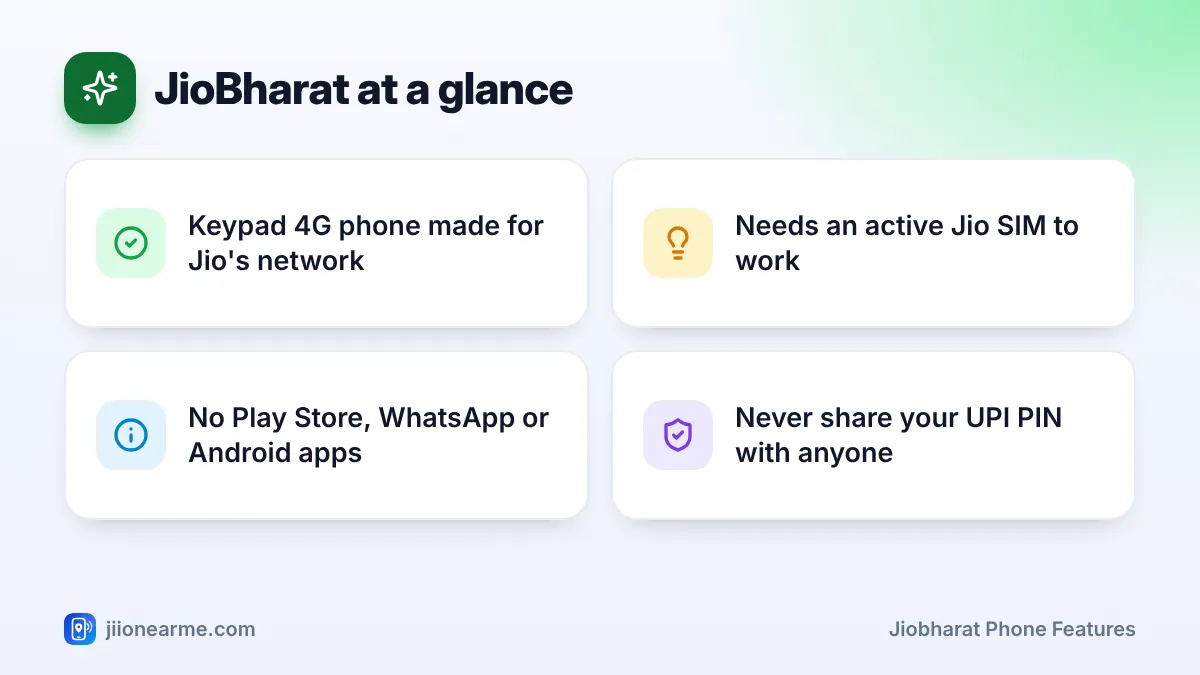
- JioBharat phones are 4G keypad phones built for Jio’s network and need an active Jio SIM.
- JioPay on many models lets you scan QR codes and make UPI payments from your bank account.
- Built-in Jio apps cover music and entertainment, but you can’t install Play Store apps or WhatsApp.
- It suits first-time users, seniors and anyone who wants a dependable second phone.
What a JioBharat Phone Is
A JioBharat phone is a 4G feature phone: a keypad phone that connects to Jio’s 4G network instead of older 2G networks. It’s aimed at people who’ve used basic phones for years and want better call quality and simple digital services without moving to a smartphone.
JioBharat phones are different from the keypad JioPhone models, which run KaiOS, and from the JioPhone Next, which runs Android-based Pragati OS. JioBharat phones have their own simpler software, so their menus and apps are different too.
JioBharat Phone Features at a Glance
Features vary by model, but most JioBharat phones offer:
- 4G voice calls (VoLTE): clearer calls than old 2G phones, over Jio’s 4G network.
- JioPay for UPI: on many models, scan a QR code at a shop or send money to a UPI ID or mobile number.
- Built-in Jio apps: such as JioSaavn for music and JioTV, depending on the model and software version.
- Camera: a basic camera for simple photos and for scanning payment QR codes.
- Everyday extras: a torch, and on many models FM radio and a music player.
- Memory card slot: to store songs, photos and videos.
- Indian language support: menus and typing in many Indian languages.
- Long battery life: a small screen and simple software use little power.
Jio’s apps are updated and sometimes renamed, and each model can come with a slightly different set. If a particular app matters to you, check the app menu on a demo unit before buying.
How UPI Payments Work With JioPay
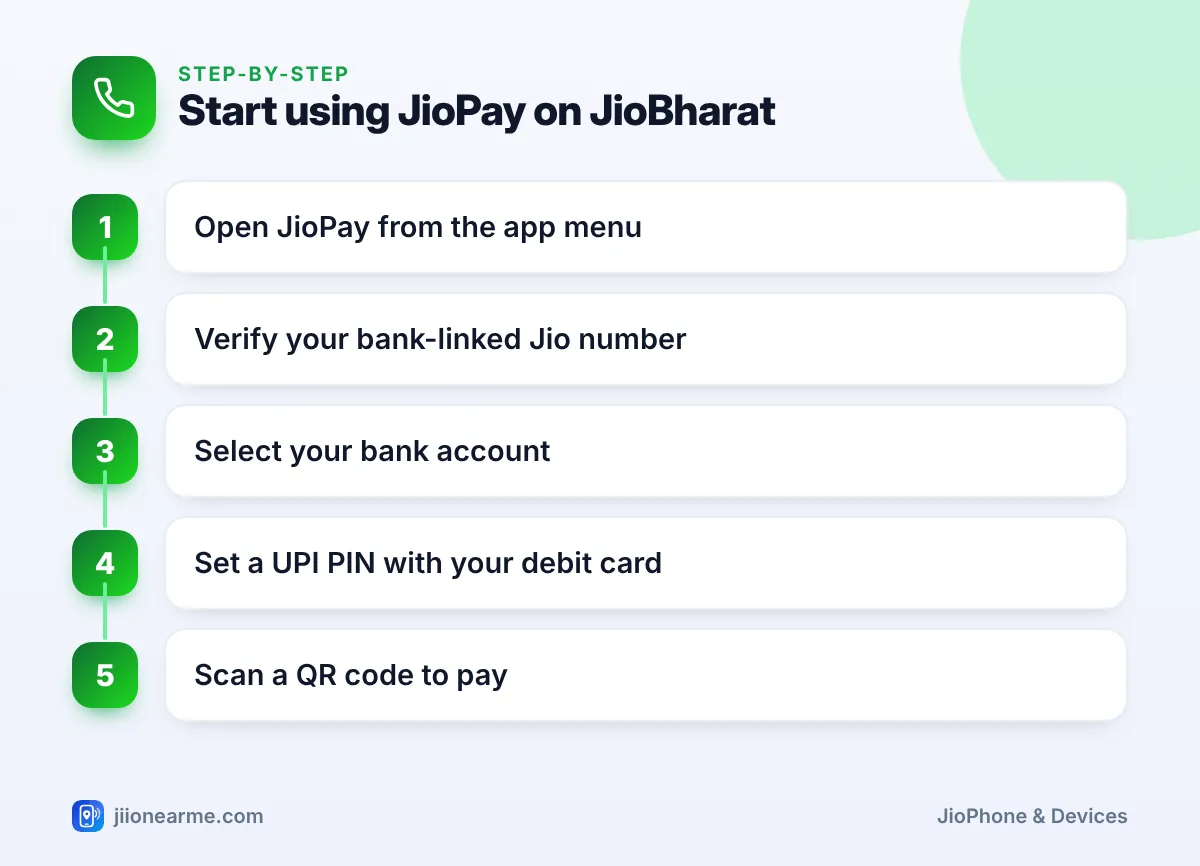
JioPay is what makes a JioBharat phone useful for daily payments. Setup steps can vary by software version, but they usually look like this:
- Open JioPay from the app menu.
- Verify your mobile number. This must be the Jio number registered with your bank account.
- Choose your bank from the list, and JioPay finds the account linked to your number.
- Set a UPI PIN using your debit card details, if you haven’t set one before.
- To pay, choose the scan option, point the camera at the shop’s QR code, enter the amount and confirm with your UPI PIN.
Check the name shown on screen before you confirm any payment. If it doesn’t match the shop or person you’re paying, cancel. JioPay uses your mobile data, so keep your plan active.
You never need your UPI PIN to receive money. If someone asks you to enter your PIN or scan a QR code to “receive” a payment, it’s a scam. Report money fraud on 1930 or at cybercrime.gov.in.
What a JioBharat Phone Cannot Do
Being clear about the limits helps you decide whether it’s enough for you.
- No Play Store or Android apps. You can’t add apps the way you would on a smartphone.
- No WhatsApp. JioBharat phones focus on Jio’s own apps, so WhatsApp chats and video calls aren’t possible.
- No touchscreen. Everything works through the keypad and navigation keys.
- Small screen. Fine for calls and messages, but tiring for long videos or reading.
- Basic camera. Good enough for QR codes and simple photos, not for detailed pictures.
- No 5G. It works on Jio’s 4G network only.
- Jio SIM only. It’s built for Jio, so a SIM from another operator won’t work in it.
JioBharat vs Other Jio Phones
| Feature | JioBharat | Keypad JioPhone | JioPhone Next |
|---|---|---|---|
| Type | 4G keypad phone | 4G keypad phone | Touchscreen smartphone |
| Software | Jio’s own simple software | KaiOS | Pragati OS (Android-based) |
| Getting apps | Built-in apps only | JioStore | Google Play Store |
| No | On supported models | Yes | |
| UPI payments | JioPay on many models | Depends on available apps | Any UPI app from the Play Store |
| Best for | Calls, UPI, music | Calls and basic apps | Everyday smartphone use |
Who Should Buy a JioBharat Phone?
A JioBharat phone is a good fit for:
- People moving from a 2G phone who mainly make calls.
- Seniors who want physical keys, a long-lasting battery and simple menus.
- Small shopkeepers or workers who want UPI payments without a smartphone.
- Anyone who wants a sturdy second phone alongside a smartphone.
If you need WhatsApp video calls, online classes, banking apps or maps, a smartphone such as the JioPhone Next is the better choice.
JioBharat phones have their own set of recharge plans. Check the current JioBharat plans in the MyJio app or on jio.com before recharging, and make sure the plan you pick is meant for your phone.
Frequently Asked Questions
Can I use a non-Jio SIM in a JioBharat phone?
No. JioBharat phones are built for Jio’s network and need an active Jio SIM to work.
Does a JioBharat phone have WhatsApp?
No. JioBharat phones don’t offer WhatsApp. If WhatsApp messages or video calls matter to you, choose a smartphone such as the JioPhone Next.
Do I need mobile data to use JioPay?
Yes. JioPay works over your mobile data connection, so keep your plan active and data switched on. Payments may fail in places with weak network.
Does a JioBharat phone support 5G?
No. JioBharat phones work on Jio’s 4G network for both calls and data.
How do I recharge a JioBharat phone?
Recharge through the MyJio app, jio.com, a Jio Store or a retailer, choosing a plan from the JioBharat section. Check the current plans before you pay.
Wrapping Up
A JioBharat phone does a few things well: clear 4G calls, UPI payments through JioPay, built-in music and a battery that lasts. It won’t replace a smartphone for WhatsApp, apps or browsing. If your needs are calls and payments, it’s a sensible, simple choice. If you want more, look at a smartphone instead.
JIo Near me is an independent guide and is not affiliated with Reliance Jio. App menus, plans and policies can change – always confirm current details in the official MyJio app or on jio.com. We will never ask for your OTP, PIN or passwords.