For most homes, the right answer is to use both bands. Connect devices near the router to 5 GHz for higher speed, and use 2.4 GHz for far rooms and smart home gadgets that need range more than speed. Your JioFiber router broadcasts both, so you never have to pick just one.
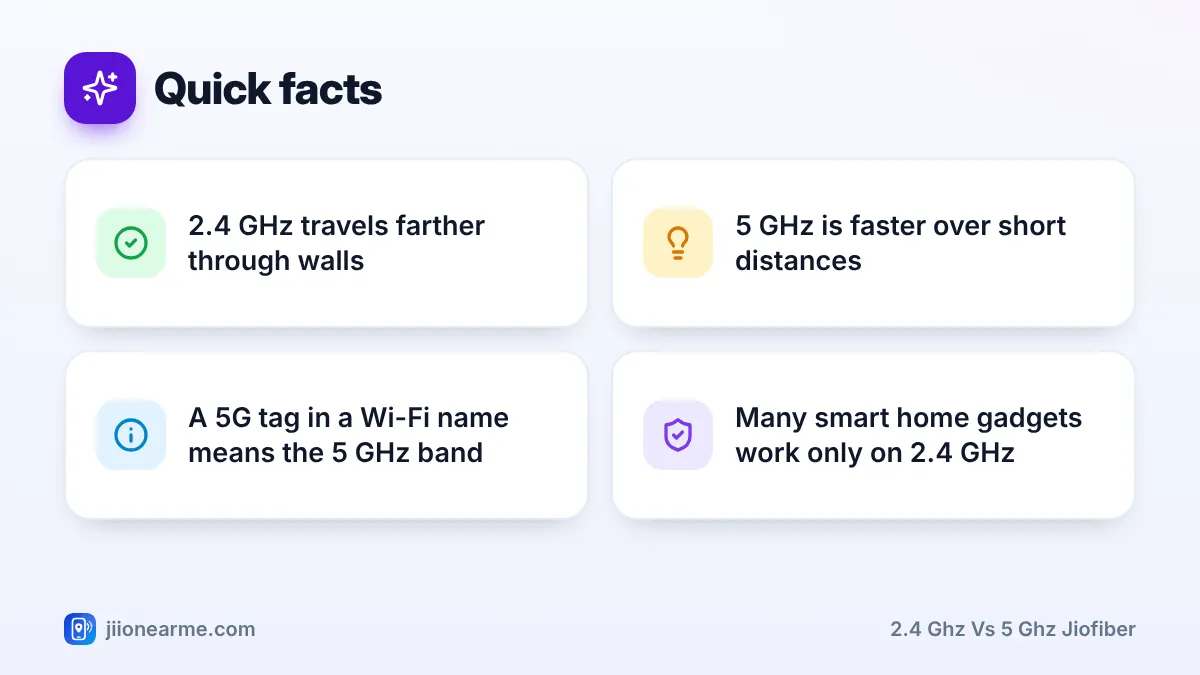
The trade-off is simple: 5 GHz is faster but fades quickly through walls, while 2.4 GHz reaches farther but is slower and more crowded. This guide explains that trade-off in plain words and suggests the best band for phones, laptops, TVs and smart devices in different parts of your home.
- 5 GHz gives higher speeds close to the router but weakens through walls.
- 2.4 GHz covers more distance but is slower and picks up more interference.
- Use 5 GHz for streaming, gaming and video calls near the router.
- Keep smart plugs, bulbs and most cameras on 2.4 GHz.
What 2.4 GHz and 5 GHz Mean on JioFiber
Wi-Fi uses radio waves, and your JioFiber router sends them on two frequency bands: 2.4 GHz and 5 GHz. Think of them as two separate roads leading to the same internet connection. One is longer but narrower, the other is wider but shorter.
Depending on your router model and settings, you may see the bands in one of two ways:
- Two separate names: one network for 2.4 GHz and another, often with “5G” in its name, for 5 GHz.
- One combined name: the router shows a single network and moves devices between bands on its own. This is often called band steering.
When a Wi-Fi name ends in “5G”, it refers to the 5 GHz band of your home router. It has nothing to do with Jio True 5G mobile service on your SIM.
2.4 GHz vs 5 GHz JioFiber: Range and Speed Compared
Higher frequencies carry more data but lose strength faster as they pass through walls, doors and furniture. That single fact explains most of the differences.
| Feature | 2.4 GHz | 5 GHz |
|---|---|---|
| Range | Longer, reaches distant rooms | Shorter, best within a room or two |
| Through walls | Handles walls better | Weakens quickly through concrete |
| Top speed | Lower | Much higher |
| Interference | More, from neighbours and appliances | Less, more channels available |
| Device support | Almost every Wi-Fi device | Most modern phones, laptops and TVs |
| Best for | Far rooms, smart home gadgets | Streaming, gaming, video calls nearby |
Why 2.4 GHz often feels slow
The 2.4 GHz band has only a few channels that do not overlap. In a building full of flats, many routers share them, and microwaves and Bluetooth devices add noise. Your phone may show full bars on 2.4 GHz and still feel sluggish.
On faster JioFiber plans, 2.4 GHz Wi-Fi may not deliver your full plan speed even next to the router. If you want speeds close to your plan, use 5 GHz nearby or connect with an Ethernet cable.
Which Band Suits Each Device
Phones and tablets
Use 5 GHz in rooms close to the router for faster downloads and smoother video. In a far bedroom or on the balcony, 2.4 GHz may give a steadier connection. Save both networks so your phone can join whichever works.
Laptops and computers
Use 5 GHz for work calls, large downloads and online classes. For a desk that never moves, an Ethernet cable from the router is even better and avoids Wi-Fi issues altogether.
Smart TVs and the Set-Top Box
Streaming in high quality needs a steady, fast link. If the TV is in the same room or next to the router, use 5 GHz. If it is far away and buffers often, try 2.4 GHz, or use an Ethernet cable where the TV or box has a port.
Smart home devices
Most smart plugs, bulbs, doorbells and budget cameras support only 2.4 GHz. They send small amounts of data and benefit more from range than speed. Keep them on 2.4 GHz.
Older devices
Some older laptops, phones and printers cannot see 5 GHz networks at all. If a device does not show your 5 GHz network, it probably supports only 2.4 GHz.
How to Choose the Right Band Room by Room
You can work out the best band for each room in about fifteen minutes:
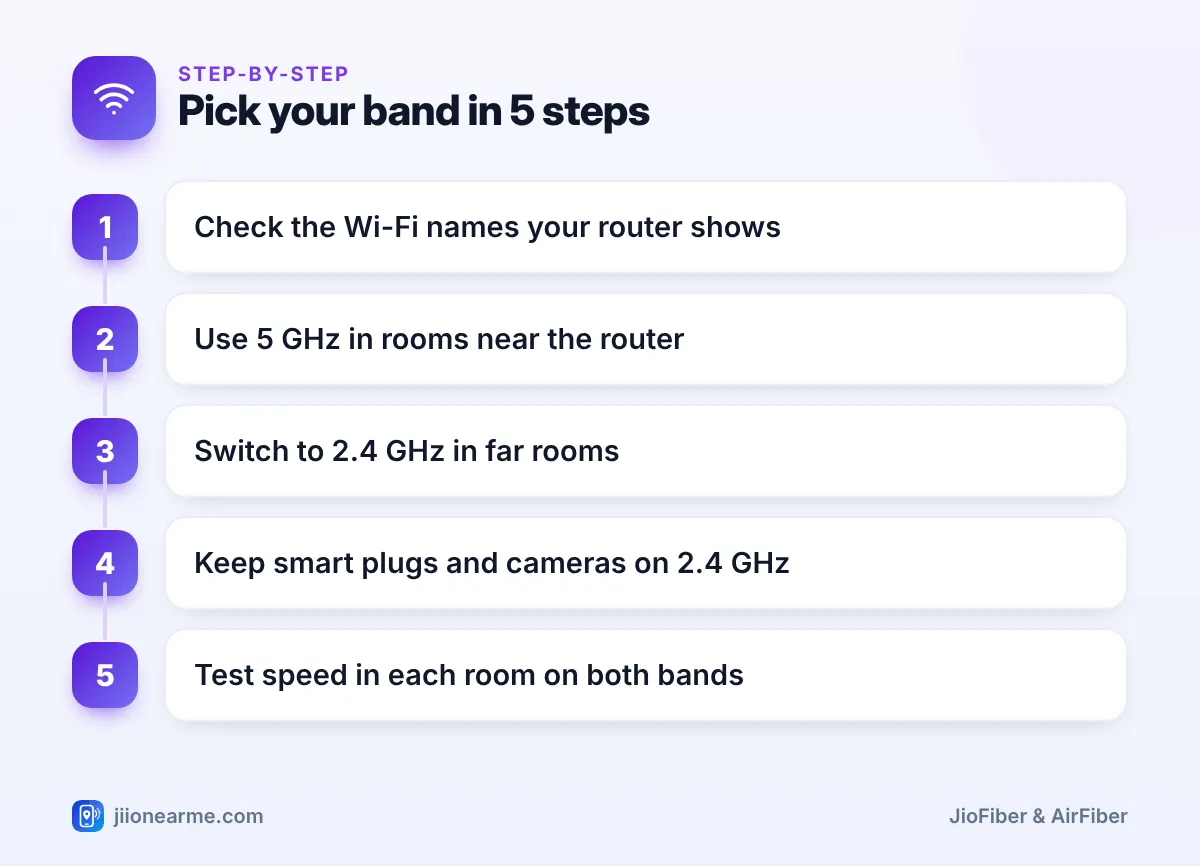
- Check whether your router shows two Wi-Fi names or one combined name.
- Stand in the room you use most and connect your phone to the 5 GHz network.
- Run a speed test and note the result.
- Switch to the 2.4 GHz network in the same spot and test again.
- Repeat in each important room, including bedrooms and the study corner.
- Use the band that gives the faster and more stable result in each room.
If both bands are weak in a room, the problem is coverage, not the band. Moving the router to a more central spot, or adding a mesh system or extender, usually helps more than switching bands.
Give both networks the same password. Your phone and laptop can then move between them easily, and you only have one password to remember and share with family.
When a combined network name works better
If your router supports band steering, a single name is convenient. The router tries to put each device on the most suitable band without you doing anything. The catch is that some smart devices fail to set up on a combined network. If that happens, you can temporarily give the 5 GHz band its own name in your router or MyJio Wi-Fi settings, finish the setup and then switch back.
Frequently Asked Questions
Is 5 GHz Wi-Fi the same as Jio 5G?
No. 5 GHz is a Wi-Fi band from your home router. Jio True 5G is the mobile network your SIM connects to, and the two are unrelated.
Should I switch off the 2.4 GHz band on my JioFiber router?
It is better to keep it on. Smart home devices, older gadgets and far rooms often depend on 2.4 GHz, and turning it off can leave them disconnected.
Why can my old laptop not see the 5 GHz network?
Its Wi-Fi hardware probably supports only 2.4 GHz. Use the 2.4 GHz network, connect with an Ethernet cable or use a USB Wi-Fi adapter that supports 5 GHz.
Which band is better for online gaming and video calls?
5 GHz is usually better because it is faster and has less interference, as long as you are close to the router. A wired Ethernet connection is the most stable option of all.
Why does my speed drop in the bedroom on 5 GHz?
5 GHz weakens as it passes through walls. Try 2.4 GHz in that room, move the router to a more central spot or add a mesh system for better coverage.
Conclusion
The 2.4 GHz vs 5 GHz JioFiber question has a practical answer: use 5 GHz for speed near the router and 2.4 GHz for range and smart gadgets. Test both bands in the rooms you use most, give them the same password and fix weak coverage with better placement before blaming the band.
JIo Near me is an independent guide and is not affiliated with Reliance Jio. App menus, plans and policies can change – always confirm current details in the official MyJio app or on jio.com. We will never ask for your OTP, PIN or passwords.
