A red LOS light on your JioFiber router means the router is not receiving the light signal from the fibre cable. LOS stands for loss of signal. While it stays red, the internet, landline and TV services that run through the router will not work.
The cause is usually physical: a sharply bent or damaged cable, a loose connector, or a fault outside your home. Some of these you can check safely yourself. Others need a Jio technician. This guide covers both, in an order that saves you time.
- A red LOS light means no usable light signal is reaching the router.
- Check the cable for sharp bends, pinching and damage, and check the connector.
- Restart once, but do not factory reset, as a reset cannot fix a fibre fault.
- If the light stays red, raise a service request through MyJio or customer care.
What a JioFiber Red LOS Light Means
Your router’s optical part constantly watches for light arriving through the fibre cable. When that light is missing or too weak, the LOS light comes on. On some models it glows steady red. On others it blinks. Treat both the same way.
You will usually notice other signs at the same time. The PON light may go off or keep blinking, and the internet light may switch off. Your Wi-Fi name may still appear on phones, because the router itself is working. It simply has no connection to Jio’s network.
Common causes include:
- A sharp bend or kink in the fibre cable inside your home
- A cable pinched by a door, window or piece of furniture
- A fibre connector pulled loose at the router or the wall box
- Damage from rodents, pets, painting or repair work
- A cut or damaged cable in your building or street
- Maintenance or a fault on Jio’s network in your area
Safe Checks You Can Do at Home
These checks are safe for anyone and often solve the problem when the cause is inside your home.
- Note the lights. Take a photo of the router showing which lights are on, off or blinking.
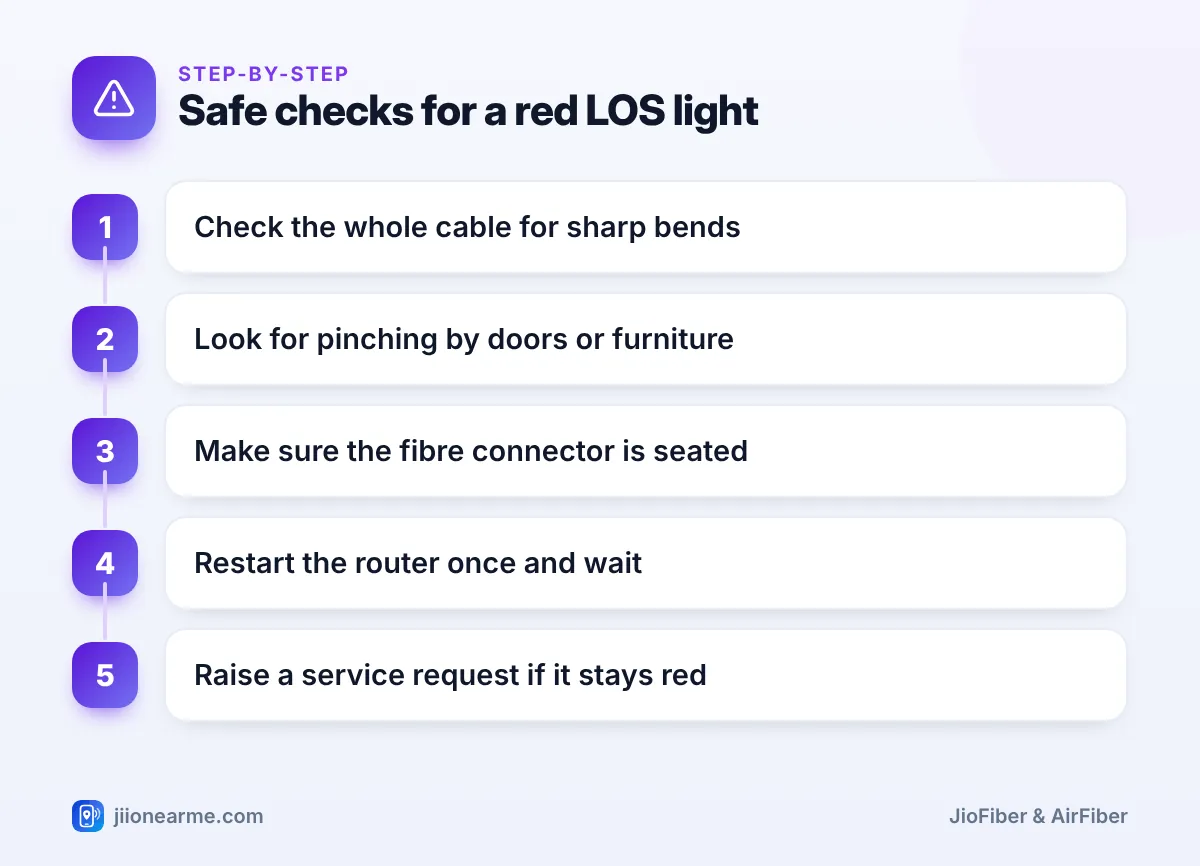
- Trace the cable. Follow the thin fibre cable from the router to where it enters your home. Look for tight bends, kinks, crushed spots, cracks or chew marks.
- Free any pinched section. Open a door that may be pressing on it, or move furniture away gently. Let the cable relax into a gentle curve. Do not pull it straight with force.
- Check the connector at the router. It should sit fully in its port. If it looks loose, push it in gently until it clicks. Do not pull it in and out repeatedly.
- Check the wall box. If there is a small box where the cable enters, make sure its cover is closed and the cable is not hanging from it.
- Restart once. Switch the router off, wait about 30 seconds and switch it on. Give it a few minutes to settle.
- Ask around. If neighbours also use JioFiber, check whether they are affected. That points to an area or building fault.
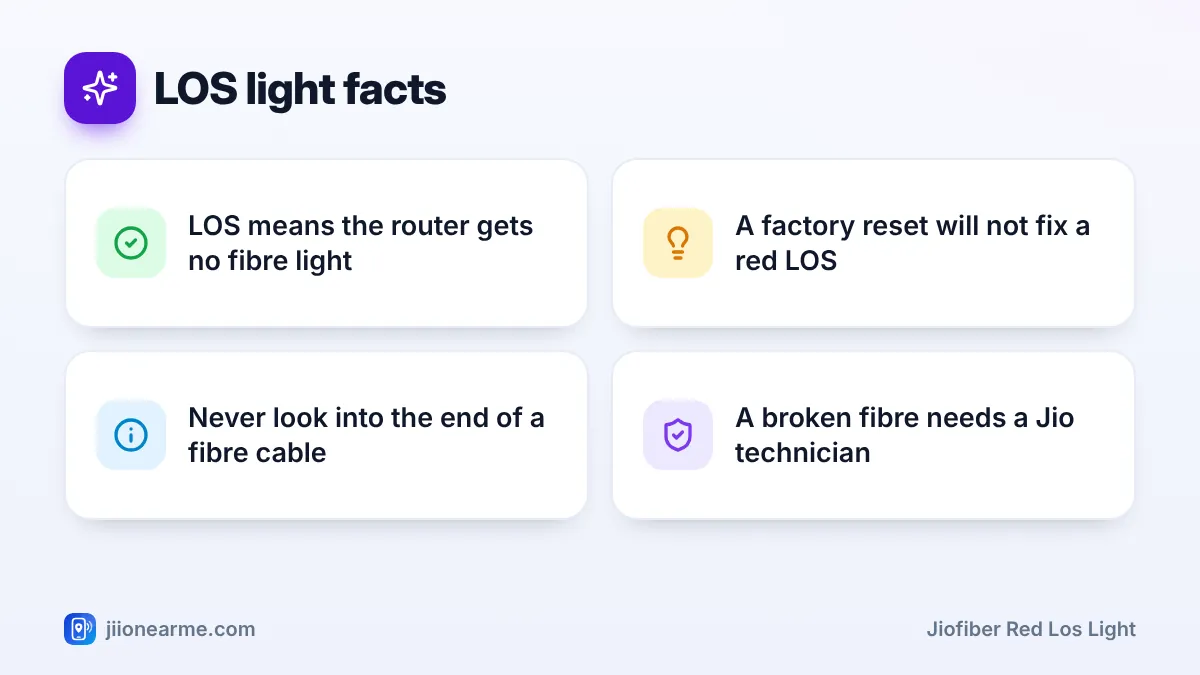
Never look into the end of a fibre cable or into the router’s fibre port. Do not cut, tape, glue or try to join a fibre cable. Broken fibre needs special tools and a trained technician.
What Not to Do
Some common reactions make things worse or waste time:
- Factory resetting the router. A reset erases your Wi-Fi name, password and other settings, but it cannot bring back a missing fibre signal.
- Opening the router or wall box. There is nothing inside you can fix, and you may damage it.
- Pulling the cable tight to move the router somewhere new.
- Wiping or blowing on the connector tip. Dust or oil from fingers can weaken the signal further.
- Swapping routers with a neighbour. Routers are registered to individual connections.
When to Raise a Service Request With Jio
Contact Jio if the LOS light stays red after your checks and one restart, or straight away if you can see visible damage to the cable.
You can:
- Open the MyJio app, select your JioFiber connection and look for a help or support option to report the issue. Labels can differ slightly by app version.
- Call 198 for complaints or 199 for queries from a Jio mobile number.
- Call the Jio toll-free number 1800-889-9999.
Share clear details: when the light turned red, which other lights are affected, any visible damage and whether neighbours are affected. Note down the complaint or service request number.
What the technician usually does
A technician checks the signal level with a meter, inspects the cable path and connectors, and finds where the light is being lost. Depending on the fault, they may clean or re-fix a connector, repair a damaged section or replace a length of cable. If the fault is in the building or street, it may need work outside your home.
While you wait for the repair, use your phone’s hotspot for urgent work or classes. Keep your service request number handy in case you need to follow up.
How to Prevent a Red LOS Light in Future
Most cable damage inside a home happens by accident. A few habits reduce the risk:
- Run the cable along wall edges, secured with clips or a plastic casing.
- Keep it away from door hinges, window frames and walkways.
- Keep every bend in a gentle curve, never a sharp fold.
- Tell painters and repair workers where the cable runs before they start.
- Check for rodent activity near the cable path.
Frequently Asked Questions
Is a red LOS light a Wi-Fi problem?
No. Your Wi-Fi may still appear, but the router has no link to Jio’s network. The problem is with the fibre signal, not Wi-Fi.
Will restarting the router fix a red LOS light?
Sometimes, if it was a brief glitch. If the light comes back red after a restart, the cause is usually physical and needs checking.
Can an area outage cause a red LOS light?
Yes. If the fibre is damaged in your building or street, or there is a fault on the network, several homes can show LOS at the same time.
Is a blinking LOS light different from a steady one?
Both point to a problem with the fibre signal. Follow the same checks and contact Jio if it continues.
How long does a repair take?
It depends on where the fault is. Jio usually updates you on the service request, and you can follow up using the request number.
Wrapping Up
A JioFiber red LOS light looks alarming, but the message is simple: light is not reaching your router. Check the cable for bends and pinching, make sure the connector is seated and restart once. If the light stays red, raise a service request and let a technician handle the fibre safely.
JIo Near me is an independent guide and is not affiliated with Reliance Jio. App menus, plans and policies can change – always confirm current details in the official MyJio app or on jio.com. We will never ask for your OTP, PIN or passwords.
