Yes, you can get JioFiber in a rented flat or in an apartment society. The connection is booked in your own name using your KYC, but you also need two kinds of approval: your landlord’s for any drilling or cable work inside the flat, and the society’s for cables running through shared areas.
This guide explains how to handle both, how the fibre cable usually reaches a flat in a building and what to plan for when you eventually move out. A little planning now prevents disputes with your landlord or society later.
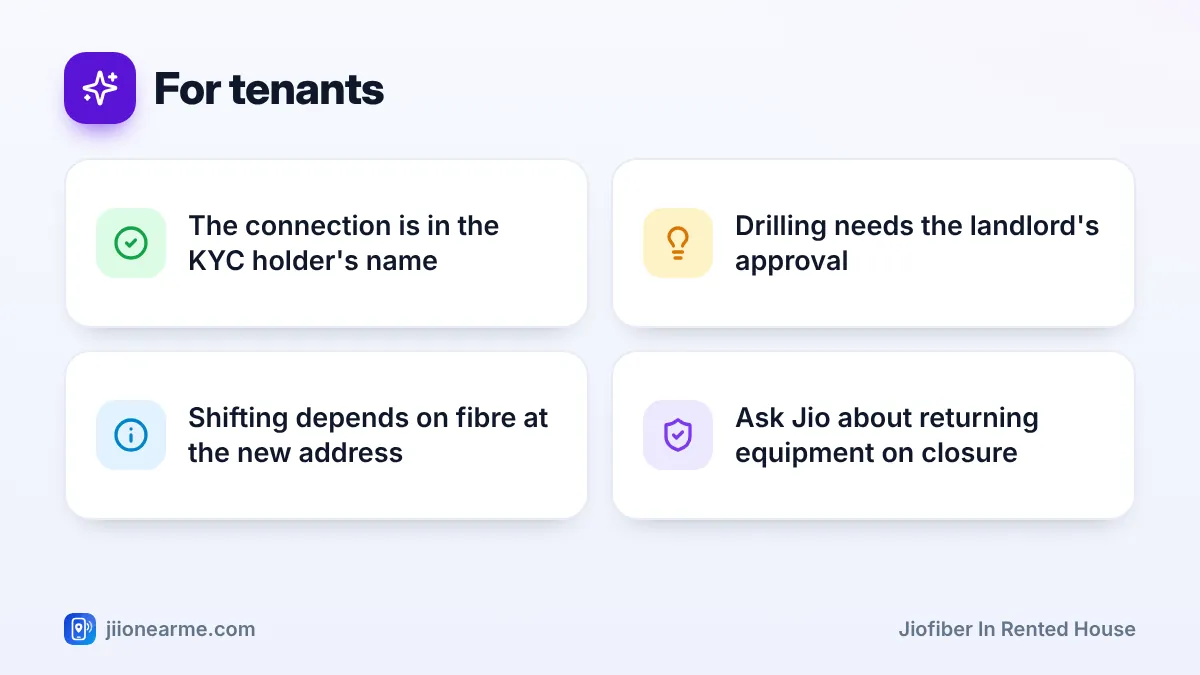
- Tenants can book JioFiber in their own name with their own KYC documents.
- Get your landlord’s approval in writing before any drilling or cable work.
- The society decides how cables pass through corridors, shafts and the terrace.
- Before moving, request a shift or closure and settle what happens to the equipment.
JioFiber in Rented House or Flat: Can Tenants Get It?
Getting JioFiber in a rented house works much like it does for an owner. You book online or at a Jio store, complete KYC and get an installation visit. The connection, bills and responsibility belong to the person whose KYC is used, which will usually be you.
The main difference is address proof. If your ID shows an older address, ask Jio which documents it accepts as proof of your current rented address. Some tenants use a rent agreement or a recent utility bill, but confirm before relying on it.
Avoid taking the connection in the landlord’s name for convenience. If the account is not yours, you cannot easily manage plans, shift the connection or close it when you leave.
Getting Your Landlord’s Permission
A landlord will usually want to know what will change in their property. Talk to them before booking and cover these points:
- Drilling: Whether a small hole may be needed in a wall or window frame for the cable.
- Cable path: Where the cable will run inside the flat and whether it will be clipped along walls.
- Router location: Where the router will be fixed or placed.
- Exit plan: Whether the cable and any wall fittings can stay after you move out.
Ask for approval by message or email, so you have a record. A short note such as “Approved: JioFiber cable entry through the hall window frame” is enough to avoid confusion later.
Working With Your Apartment Society
In a society, common areas such as corridors, staircases, shafts and the terrace are managed by the society or building management. Your landlord’s approval covers your flat, not these shared spaces.
If Jio fibre is already in the building
Many city buildings already have a Jio fibre distribution box, often in the ground floor, a utility shaft or the stairwell. In that case, the technician only needs to run a short cable from that box to your flat. The society usually knows the routine, but inform the office and security about the visit anyway.
If the building has no Jio fibre yet
Jio may first need to bring fibre into the building, which can involve the society’s approval for a distribution box and cable routes. This can take time. Ask the society office whether there is a process for telecom installations and whether other residents have already requested JioFiber.
How Cables Are Routed Through Shared Areas
The fibre cable usually travels from the building’s distribution box through a vertical shaft or duct to your floor. From there, it runs along the corridor ceiling or wall edge to your flat and enters through a small hole, window frame or existing conduit.
A good route in shared areas:
- Uses existing cable ducts or trays where available.
- Is clipped neatly at ceiling height, away from where people walk.
- Avoids fire exits, lift machine rooms and electrical panels.
- Keeps gentle curves, because fibre should not be bent sharply.
If your society has rules on cable colour, routing or work timings, share them with the technician before work starts.
A Step-by-Step Plan for Tenants
Follow this order to keep the process smooth:
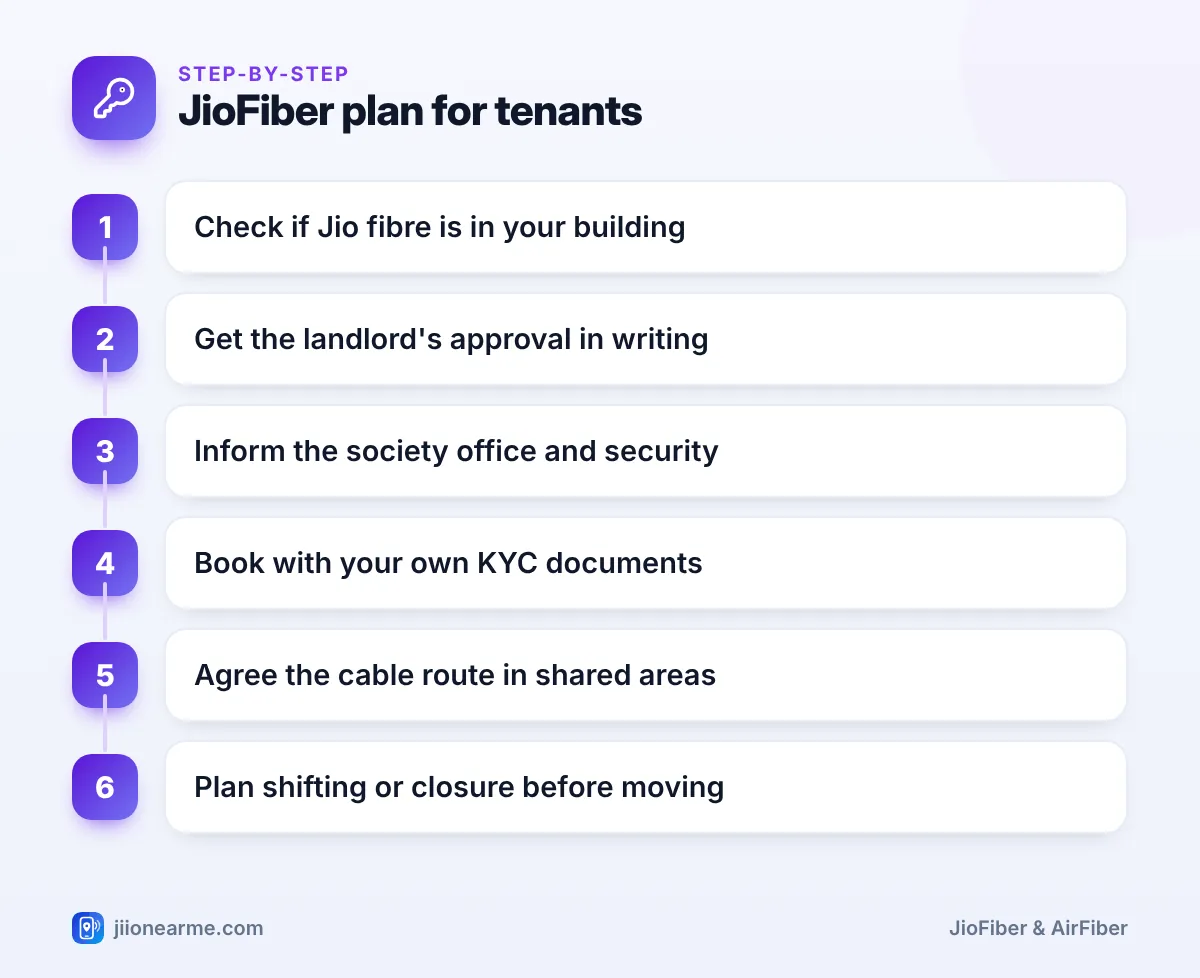
- Ask the society office or neighbours whether Jio fibre is already in the building.
- Get your landlord’s written approval for drilling and the cable path.
- Inform the society office and security about the booking and visit date.
- Book JioFiber through jio.com, the MyJio app or a Jio store using your own KYC.
- On the visit day, agree the cable route through shared areas with the technician.
- After installation, save your booking details and note where the cable enters.
Take a few photos of the cable route and entry point after installation. If the society or landlord raises questions later, you can show exactly what was done.
Planning for When You Move Out
A rental is rarely permanent, so think ahead about what happens to the connection. Jio offers ways to shift or close a JioFiber connection, but options and charges depend on current terms, so check in the MyJio app or with customer care.
| Your situation | What to do |
|---|---|
| Moving where JioFiber is available | Request a shift through MyJio or customer care; a feasibility check is done at the new address |
| New address has no fibre | Ask about other options, such as Jio AirFiber, or request closure |
| No longer need the connection | Request disconnection, clear any dues and ask about returning equipment |
| Next tenant wants broadband | They should book in their own name, not use your account |
Ask Jio whether the router, Set-Top Box or other equipment must be returned when you close the connection. Keep any closure confirmation SMS or reference number safely.
Do not simply leave the router behind and stop paying. The account stays in your name until it is formally closed, so bills and responsibility remain yours.
Frequently Asked Questions
Can a tenant get JioFiber without the landlord's permission?
You can book it, but installation usually involves cable work and sometimes drilling, so you need the landlord’s agreement. Getting it in writing avoids disputes later.
Which address proof can tenants use for JioFiber?
If your ID does not show your current address, ask Jio which proofs it accepts. A rent agreement or utility bill may be options, but confirm before booking.
Who gives permission for cables in corridors and shafts?
The society or building management controls shared areas. Inform the society office and follow any rules it has on routing and work timings.
Can I take my JioFiber connection to my next rented flat?
You can request a shift through the MyJio app or customer care. It depends on fibre availability at the new address, and current terms and any charges apply.
What happens to the fibre cable after I move out?
Discuss this with your landlord when you get approval. Often the cable inside the flat is left in place, but follow what you agreed with the landlord and society.
Conclusion
Getting JioFiber in a rented house mostly comes down to communication. Keep the connection in your own name, get your landlord’s written approval, follow your society’s rules for shared areas and plan your exit before you move. Handled this way, a tenant’s broadband connection is as simple as an owner’s.
JIo Near me is an independent guide and is not affiliated with Reliance Jio. App menus, plans and policies can change – always confirm current details in the official MyJio app or on jio.com. We will never ask for your OTP, PIN or passwords.
