JioPhone and JioBharat numbers have their own plan sections because those plans are designed for these specific feature phones. They work as intended only while the SIM is used in the matching type of phone. So when you recharge one of these numbers, pick a plan from the JioPhone or JioBharat section, not from the regular smartphone list.
Many people recharge these numbers for a parent or grandparent, so this explainer also covers how to recharge from another phone and how to make sure the plan reached the right device.
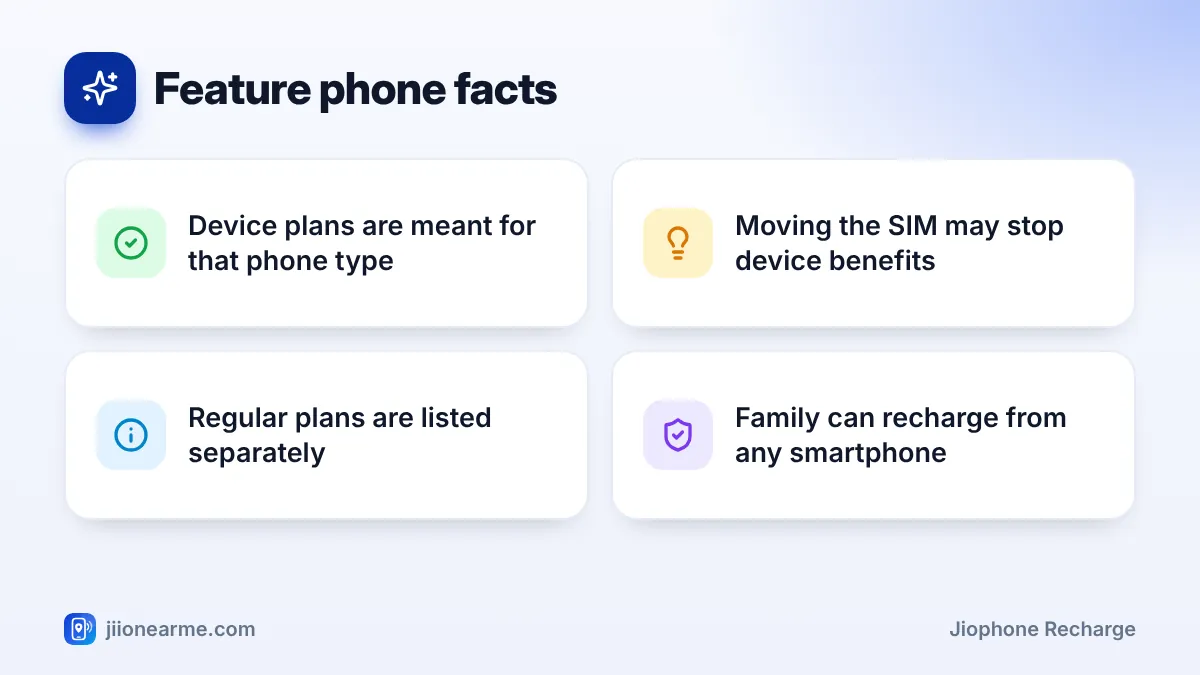
- JioPhone and JioBharat plans are meant for those phones and are listed separately.
- Official channels usually show the right plans once you enter the number.
- If the SIM is moved to a smartphone, device plans may not work as expected.
- Family members can recharge these numbers from MyJio, jio.com or UPI apps.
Why JioPhone and JioBharat Have Separate Plans
Feature phones are used differently from smartphones. Most users make calls, send SMS and use a few built-in apps, with lighter data use. Jio therefore offers plans built around these devices, which are listed apart from regular plans.
These plans are tied to the type of phone, not just the SIM. Jio’s systems can usually tell which type of phone the SIM is being used in. That is why official channels usually show device plans automatically when you enter such a number.
Here is a quick view of the devices involved:
| Device | What it is | Plans to look for |
|---|---|---|
| JioPhone | Jio’s 4G keypad phone with built-in apps | The JioPhone plan section |
| JioBharat | 4G feature phones from Jio and partner brands | The JioBharat plan section |
| JioPhone Next | An Android smartphone, not a keypad phone | Whatever MyJio shows for that number |
JioPhone Next works differently because it is a smartphone. If you have one, check the plans MyJio shows for that number rather than assuming keypad phone plans apply.
How to Find the Right Plans for a JioPhone Recharge
You can recharge these numbers through most channels. The key is finding the correct plan section.
- MyJio app: Enter the number on the recharge screen. The app usually shows the plans that apply. Look for a JioPhone or JioBharat tab if you see a long list.
- jio.com: The prepaid plans section usually has separate categories for JioPhone and JioBharat. Enter the number to see the plans for it.
- UPI and bank apps: Some list device plans under their own category. If you cannot find them or the details look different, check MyJio or jio.com.
- Retail shop or Jio Store: Tell the retailer it is a JioPhone or JioBharat number, and check the plan on their screen.
Plans and their benefits change from time to time. Always read the details before paying.
How to Do a JioPhone or JioBharat Recharge Step by Step
From the phone itself
If the phone has the MyJio app, you can recharge directly from it. Open MyJio from the app menu, select Recharge, choose a plan and follow the payment steps. Some models also include JioPay for UPI payments. Small screens can make reading plan details harder, so take your time.
From a family member’s smartphone
This is often easier, especially for elders:
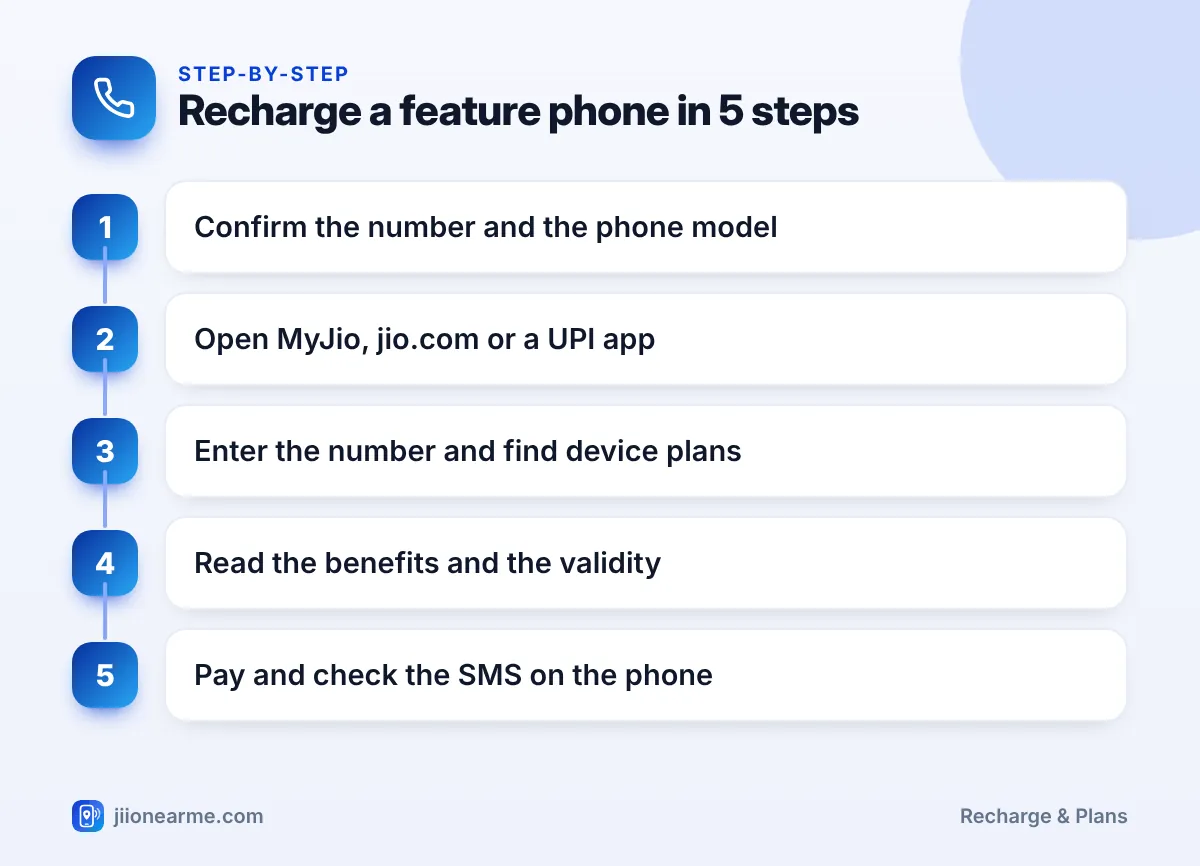
- Confirm the number. Ask the person to send it, or check it on the phone’s MyJio app if available.
- Confirm the phone model. Check whether it is a JioPhone or a JioBharat phone. The name is usually printed on the phone or its box.
- Open a channel. Use MyJio, jio.com or a UPI app on your smartphone.
- Enter the number and find device plans. Pick from the matching section.
- Read the details. Check validity, calls, data and SMS.
- Pay and confirm. Ask the person to check for the Jio SMS on their phone.
When recharging for an elderly parent, recharge a few days before expiry. The new plan usually waits in a queue, so they never face a gap if you get busy.
What Happens If You Pick the Wrong Plan
Mistakes here are usually about the plan section, not the payment.
- A regular plan on a JioPhone number: Regular plans can usually be used on these numbers too, but they are designed for smartphone use. They may give more data than a feature phone user needs.
- A device plan for a SIM in a smartphone: If the SIM has been moved to a smartphone, device plans may not appear, may not apply, or may not work as expected. Choose a regular plan in that case.
- A data pack after expiry: A data pack alone will not restore calls. Recharge a base plan from the right section first.
If you take a JioPhone or JioBharat SIM out and use it in a smartphone, the special device plan benefits may stop working. Check the plan terms in MyJio or on jio.com before switching, and recharge with a suitable regular plan if needed.
Checking Balance and Validity on a Feature Phone
After recharging, there are a few ways to check the plan:
- Jio SMS: The confirmation message shows the plan and validity.
- MyJio on the phone: If available, the home screen shows the plan and balance.
- Linked account: If the number is linked to a family member’s MyJio app, they can check it there.
- Customer care: Call 199 from the Jio number for plan queries, or 198 for complaints.
Short codes for balance checks can change over time, so the MyJio app and Jio’s official customer care are the most reliable options.
Frequently Asked Questions
Can I use a JioPhone plan on a smartphone?
JioPhone plans are meant for JioPhone devices. If the SIM is in a smartphone, these plans may not apply or may not work as expected, so use a regular plan instead.
Can I recharge a JioBharat number using a UPI app?
Yes, many UPI apps support it. If the JioBharat plans are hard to find or look different, use MyJio or jio.com, which list device plans clearly.
Is JioPhone Next recharged like a JioPhone?
Not necessarily. JioPhone Next is an Android smartphone, so check the plans MyJio shows for that number instead of assuming keypad phone plans.
Why do I see only regular plans for a JioPhone number?
The channel may not have detected the device, or the SIM may be in a different phone. Check that the SIM is in the JioPhone, then try MyJio or jio.com and look for the JioPhone section.
Will the confirmation SMS come to the feature phone?
Yes. The Jio SMS goes to the recharged number, so it arrives on the JioPhone or JioBharat phone.
Final Thoughts
A JioPhone recharge is simple once you know that these phones have their own plan sections. Confirm the number and phone model, choose from the matching section and read the details before paying.
Whether the user recharges from the phone itself or a family member does it from a smartphone, the Jio SMS on the feature phone is the final confirmation that everything worked.
JIo Near me is an independent guide and is not affiliated with Reliance Jio. App menus, plans and policies can change – always confirm current details in the official MyJio app or on jio.com. We will never ask for your OTP, PIN or passwords.