On a JioPlus family plan, the primary member owns the account and pays the combined bill, while each add-on member gets their own number and uses services under that account. The primary holder usually makes plan-level decisions, such as adding or removing members, and add-on members manage their own phone use.
Knowing who does what avoids confusion later, especially when a bill is higher than expected or someone wants to leave the plan. This guide explains both roles in simple terms, with a side-by-side table and tips for setting up your family account well.
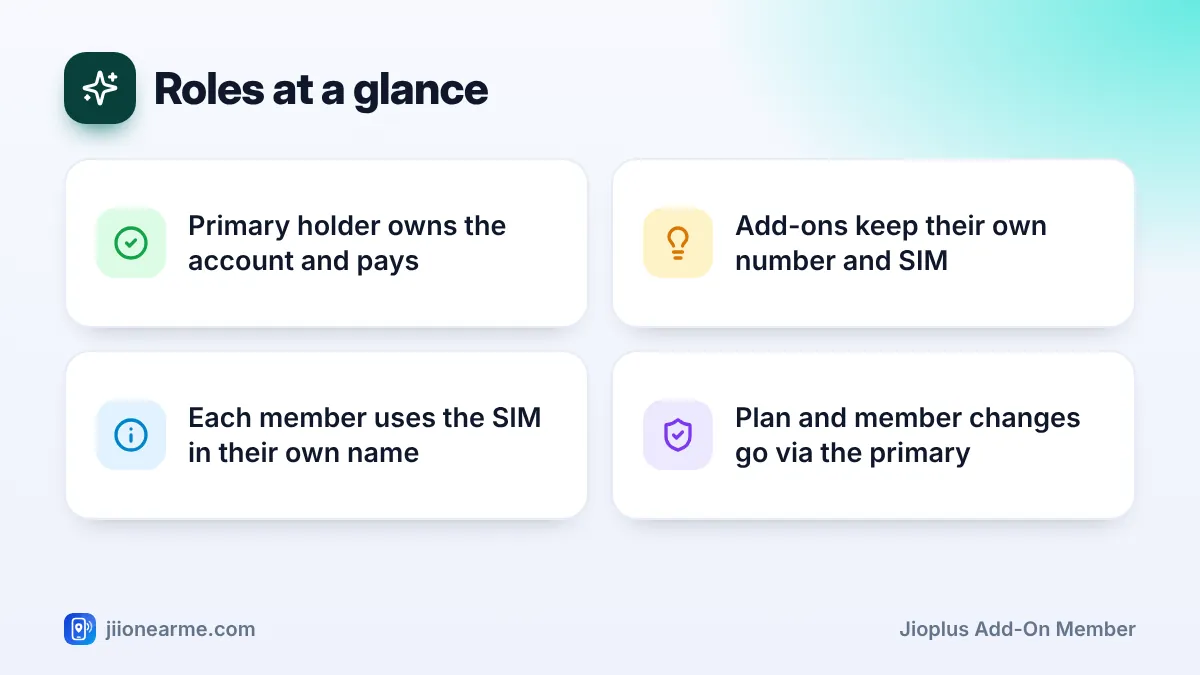
- The primary holder owns the JioPlus account and receives the single family bill.
- Paying the bill on time is the primary holder’s responsibility.
- A JioPlus add-on member has their own SIM, number and KYC.
- Plan changes and member changes generally go through the primary holder.
- Exact app controls can differ, so check what your MyJio app shows.
Who Is the Primary Member on JioPlus?
The primary member is the person who takes the JioPlus family plan in their name. Everything on the account is linked to this connection.
The primary holder usually:
- Receives the monthly bill for the whole family.
- Pays the bill, or arranges autopay, before the due date.
- Chooses the plan and requests upgrades or downgrades.
- Requests new add-on members or removes existing ones.
- Is the main contact for billing questions and disputes.
Because the account is in their name, any unpaid dues on the family bill are also linked to them. This is why the primary holder should be someone who checks bills regularly and can pay on time.
What Is a JioPlus Add-On Member?
A JioPlus add-on member is anyone linked to the primary account as an extra connection. This could be a spouse, child, parent or another relative.
Each add-on member:
- Has their own SIM and mobile number.
- Completes their own KYC with their own valid ID, if they are an adult.
- Uses the calls, SMS and data allowed by the family plan.
- Does not receive a separate bill, because their charges go to the primary account.
An add-on member can usually sign in to the MyJio app with their own number. There, they can check their own usage and plan benefits, though the exact details shown depend on the app version.
Even though the primary holder pays, an adult add-on SIM should be registered with the ID of the person who actually uses it. Using a SIM registered to someone else can cause problems if the number is ever misused.
Primary vs Add-On Members: Side-by-Side
The table below shows the usual split of roles. Some controls can differ by plan or app version, so confirm anything important in MyJio or with customer care.
| Area | Primary holder | Add-on member |
|---|---|---|
| Account ownership | Owns the account | Linked to the primary account |
| Monthly bill | Receives the combined bill | No separate bill |
| Payment responsibility | Responsible for paying | Can help, but not responsible to Jio |
| Choosing or changing the plan | Usually yes | Usually no |
| Adding or removing members | Usually yes | Usually no |
| Own SIM and number | Yes | Yes |
| KYC | In their own name | In their own name (adults) |
| Checking own usage in MyJio | Yes | Yes |
| Seeing family usage overview | Often yes, depending on the app | Usually only their own |
Who Receives and Pays the Bill
All charges for the primary connection and every add-on appear on one bill. This includes plan charges and any extra usage, such as international roaming or premium services, used by any member.
The bill goes to the primary holder, who can view and download it in the MyJio app or on jio.com. Payment can usually be made through the app, UPI, cards, net banking or autopay.
Add-on members can contribute money to the primary holder, but from Jio’s point of view, the account holder is responsible. If the bill is not paid, services on the account may be affected after the due date, including for add-on members.
If one member starts international roaming or a premium service, those charges appear on the family bill. Agree on simple rules in advance, and check the bill each month.
What Each Member Can Manage in MyJio
The MyJio app is the main place where both roles manage their part of the account. Labels can vary slightly between versions.
Primary holder
- View and pay the combined bill.
- See plan details and, in many cases, a summary of family usage.
- Request plan changes or member changes.
- Set up autopay and update the email address for bills.
Add-on member
- Check their own data, call and SMS usage.
- See the benefits available on their connection.
- Manage settings on their own number, such as caller tunes through JioTunes or DND preferences.
- Raise service issues for their own number, such as network or SIM problems.
If an add-on member needs a plan-level change, they should ask the primary holder, who can make the request.
Choosing the Right Primary Holder
The primary role suits someone who is organised and comfortable with payments. Follow these simple steps when setting up roles:
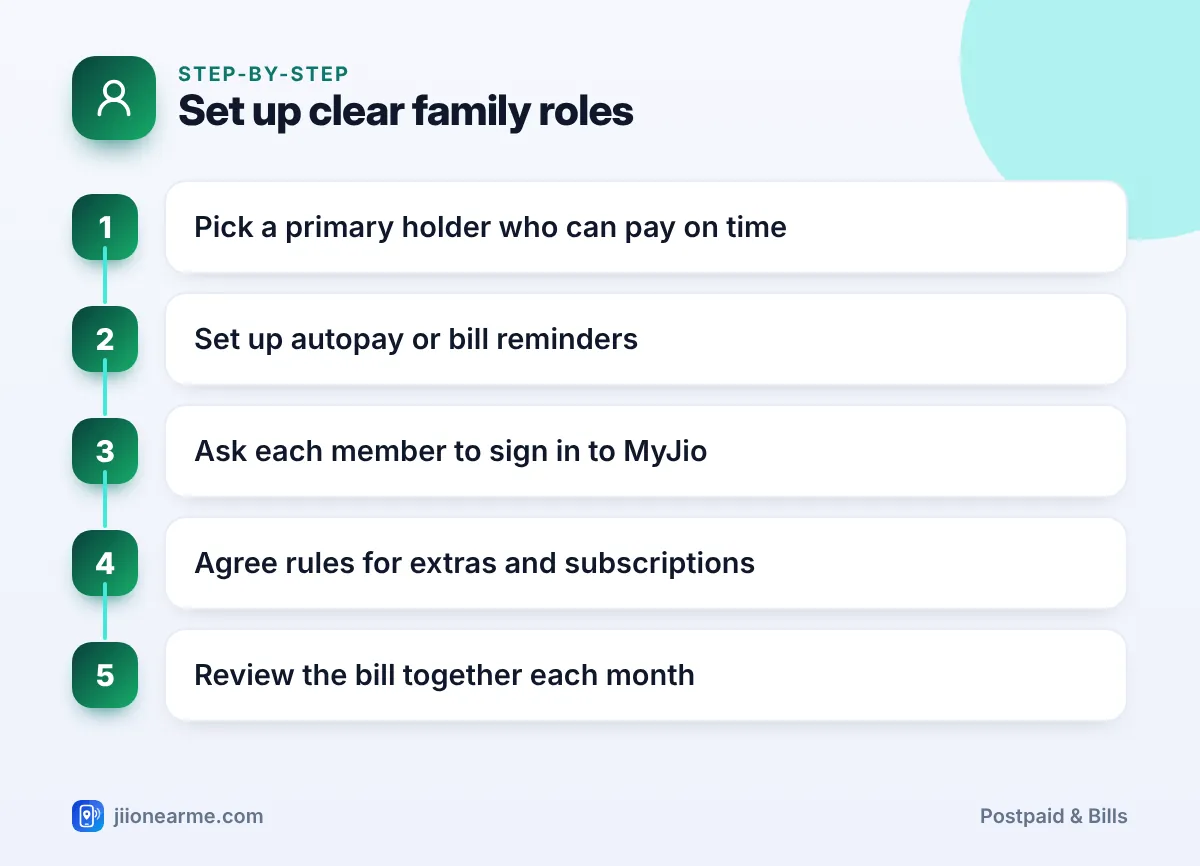
- Pick the primary holder who can pay on time, every month.
- Set up autopay or bill reminders so the due date is never missed.
- Ask each member to sign in to MyJio with their own number to track their usage.
- Agree on rules for roaming, subscriptions and other extras.
- Review the bill together for a minute each month.
Changing the primary holder later may involve extra steps, so it helps to choose carefully at the start.
When Roles Need to Change
Families change over time. A child starts earning, parents move to another city, or the primary holder wants to hand over the account. Here is how these situations usually work:
- An add-on member wants independence: They can usually move their number to prepaid or to their own postpaid plan. The primary holder requests the removal from the family plan.
- The primary holder wants to step back: Transferring ownership of an account is not always a simple app option. Ask at a Jio Store or call customer care about the current process.
- A member stops using their number: Remove them rather than paying for an unused connection. If the number will be closed, update their bank, UPI and Aadhaar details first.
Write down every member’s number, the plan name, the bill due date and how the bill is paid. If the primary holder is busy or travelling, someone else in the family will know where things stand.
Frequently Asked Questions
Can an add-on member pay the family bill?
Anyone can usually pay the bill for the primary number through official payment options. However, the account and its dues remain the primary holder’s responsibility.
Can an add-on member change the family plan?
Generally no. Plan changes are requested by the primary holder, because they own the account.
Can the primary holder see my calls and messages?
The family bill and app show charges and usage for the account, and an itemised bill may include call and SMS records. The content of your messages is never shown, but if privacy matters, discuss it before joining.
Is a JioPlus add-on member's number really their own?
Yes, each add-on has a separate number and SIM. When leaving the plan, the member can usually keep the number by moving it to prepaid, their own postpaid plan or another operator.
Who should contact customer care for a billing problem?
The primary holder is the best person, as the bill is in their name. They can call 199 from their Jio number for queries or 198 for complaints.
Summary
On JioPlus, the primary holder owns the account, receives one bill and makes plan-level decisions. Add-on members get their own SIM and number and manage their own usage, but their charges flow to the primary account.
Choose a dependable primary holder, set up autopay, and agree on clear rules for extras. A quick monthly look at the bill keeps everyone on the same page.
JIo Near me is an independent guide and is not affiliated with Reliance Jio. App menus, plans and policies can change – always confirm current details in the official MyJio app or on jio.com. We will never ask for your OTP, PIN or passwords.