Your phone and MyJio count data in different places and over different time periods, so the two numbers rarely match exactly. MyJio shows what Jio’s network has recorded against your plan, while your phone’s counter shows what the handset has measured, often since a date set months ago. A small gap is normal, and a large gap usually has a simple cause.
This explainer covers the common reasons for the mismatch, such as Wi-Fi, dual SIM, hotspot use and update delays. It also gives you a fair way to compare the two counters yourself, and tells you when a difference is worth reporting to Jio.
- MyJio shows Jio’s network record of your usage. This is what decides your balance and speed.
- Your phone’s counter often covers a different period, such as a month or “since last reset”.
- Wi-Fi data, the other SIM on a dual-SIM phone and update delays explain most gaps.
- To compare fairly, test both counters over the same short window on the same day.
Where Each Number Comes From
MyJio: Jio’s Network Count
When you use mobile data, Jio’s network records how much passes through your connection. MyJio reads that record and shows it as data used and data remaining for your plan. Your daily quota, any add-on packs and the point where speed drops all depend on this count.
Your Phone: The Handset’s Own Count
Android phones and iPhones keep their own record of mobile data, usually broken down by app. The phone does not know your plan, your daily limit or when your quota resets. It simply adds up what it has sent and received over mobile data during whatever period it is set to show.
Why Your MyJio Data Usage Is Different from the Phone Counter
Most mismatches come from one or more of these reasons.
Different Counting Periods
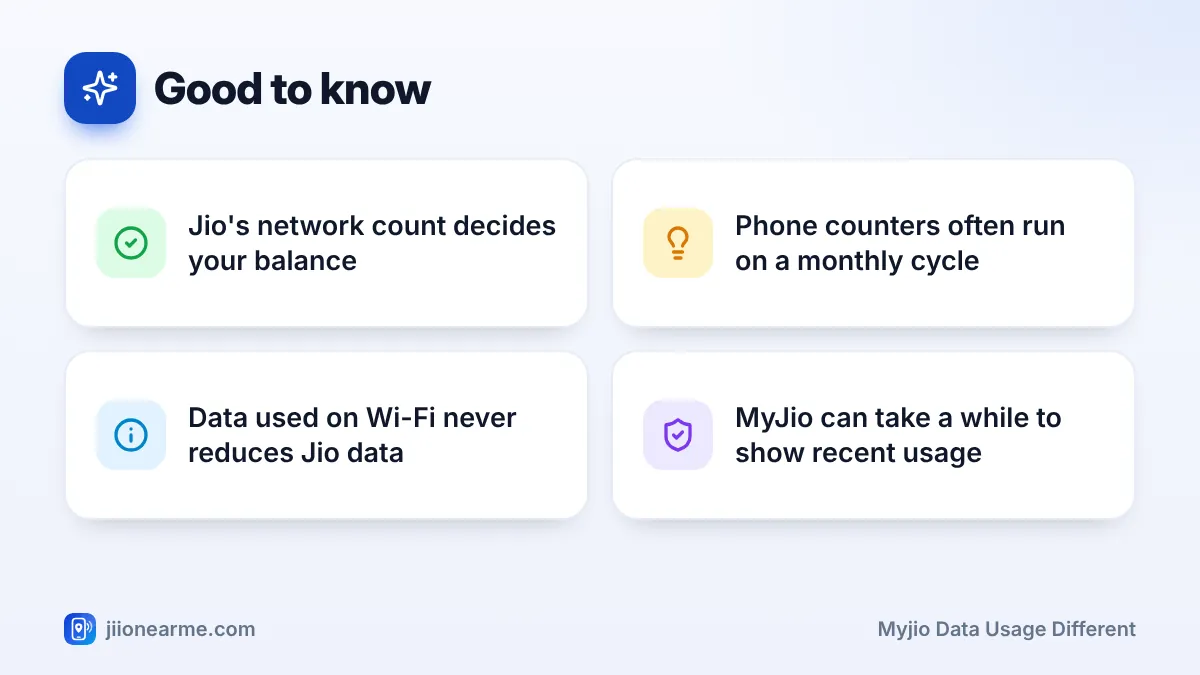
Jio daily data plans reset once a day, so MyJio’s main figure usually covers today only. Your phone’s counter rarely works that way:
- Android usually shows a monthly cycle that starts on a date set in the data usage settings.
- iPhone shows usage for the “current period”, which runs from the last time the statistics were reset. That could be weeks or months ago.
If you compare today’s MyJio figure with a monthly phone figure, they will never match.
Update Delays in MyJio
MyJio does not always update the moment you use data. The usage record can take some time to reach the app. If you stream a video and check MyJio straight away, the balance may still look higher than it should. Check again after a while and pull down on the screen to refresh.
Wi-Fi Versus Mobile Data
Data used over Wi-Fi, whether at home, at the office or on JioFiber, does not come out of your Jio mobile plan. Phones show Wi-Fi usage separately, but people sometimes read the wrong section. Make sure you are looking at mobile data for the Jio SIM, not total or Wi-Fi usage.
Dual SIM Phones
On a phone with two SIMs, the counter may show each SIM separately or combine both. If your mobile data switched to the other SIM for a while, that usage will appear on the phone but never in MyJio.
Hotspot and Tethering
When you share your Jio data through a hotspot, every connected device uses your plan. Some phones list this under Hotspot or Tethering instead of under each app. If you skip that line, the phone total looks smaller than what Jio recorded.
Plan Features and Small Measurement Gaps
If your plan includes unlimited 5G data in Jio True 5G areas, MyJio may show 5G usage separately or not take it from your daily quota. Your phone counts all mobile data together, so it can show much more than MyJio’s daily figure. Check your plan details in MyJio to see how your 5G data is shown.
Small differences can also come from how each side records and rounds data, from background traffic and from data that is resent on a weak connection. These normally cause only a small gap.
| Reason | What the phone counter shows | What MyJio shows |
|---|---|---|
| Counting period | Monthly or since last reset | Today, or your plan period |
| Update timing | Updates almost at once | Can lag behind recent use |
| Wi-Fi use | Listed separately | Not counted at all |
| Dual SIM | May mix both SIMs | Only your Jio number |
| Hotspot | Separate line, easy to miss | Included in your usage |
How to Compare the Two Counters Fairly
If you want to check the numbers yourself, set up a simple test so both counters measure the same thing. Menu names differ between phone brands, so use the closest option on your screen.
- Pick a short window on a single day, such as from 10 AM to 8 PM, so the daily reset does not interfere.
- At the start, open MyJio, refresh the home screen and note the data remaining. Take a screenshot.
- On Android, open Settings, go to the network or connections section and find Data usage or Mobile data usage for your Jio SIM. Note the current figure.
- On iPhone, open Settings, tap Mobile Service or Mobile Data, scroll to the bottom and tap Reset Statistics, or simply note the current figure.
- During the window, use only your Jio SIM for mobile data. Note any hotspot use.
- At the end, note the phone’s new mobile data figure and work out how much was used.
- Wait a while, refresh MyJio and work out how much the balance went down. Compare the two amounts.
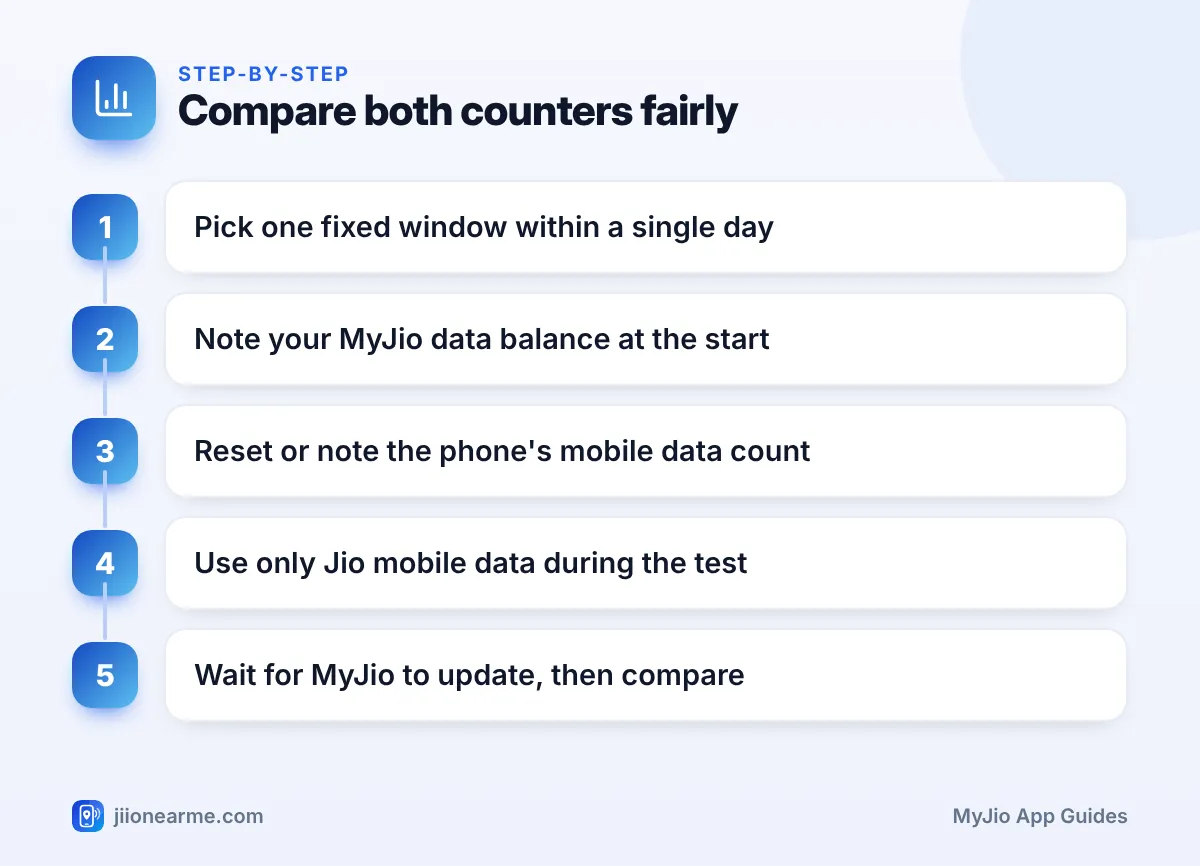
If the two amounts are close, both counters are working normally.
MyJio also has a usage history or statement section with day-wise data use. Comparing one full day in that history with the same day on your phone is often easier than watching the balance live.
Which Counter Should You Rely On?
For your balance, your daily limit and the point where speed drops, Jio’s own record is what counts. That is the figure MyJio shows.
Your phone’s counter is still useful. It shows which apps use the most data, which helps you cut waste. Use MyJio to know how much you have left, and use the phone to find out where it went.
If you cannot find a menu named here, search for “data usage” in your phone’s settings or look for a usage or history option in MyJio.
When the Gap Is Too Big to Ignore
A gap is worth reporting only when it is large and keeps happening, even after a fair test. Before you contact Jio:
- Check that hotspot use, the other SIM and 5G usage are not explaining the difference.
- Look at the day-wise usage history in MyJio for any unusual spikes.
- Think about whether the SIM was used in another device, such as a JioFi or a family phone.
- Keep screenshots from your test, with dates and times.
If the difference still looks wrong, raise a service request in MyJio or call 199 from your Jio number for queries. To register a complaint, call 198.
Ignore messages or apps that promise to correct your balance or add free data. Jio does not need your OTP to check your usage, so never share it with anyone who asks.
Frequently Asked Questions
Does data used on Wi-Fi reduce my Jio data balance?
No. Only mobile data used through your Jio SIM is taken from your plan. Wi-Fi use, including JioFiber, does not touch your mobile data balance.
Why does MyJio say my daily data is over when my phone shows less?
Your phone may be counting a different period, missing hotspot use, or showing the wrong SIM. MyJio may also have caught up with usage the phone counted under a different section.
How long does MyJio take to show my latest usage?
It varies. Recent usage can take some time to appear, so wait a while and refresh before deciding that the figure is wrong.
Can I reset the data counter in MyJio?
No. MyJio’s figure comes from your plan and Jio’s records. You can only reset the counter on your phone.
Wrapping Up
When MyJio and your phone disagree, check the counting period first, then Wi-Fi, dual SIM, hotspot and update delays. For a fair check, compare both counters over the same short window on one day. Rely on MyJio for your balance, use your phone to see which apps use data, and contact Jio only if a large gap keeps showing up.
JIo Near me is an independent guide and is not affiliated with Reliance Jio. App menus, plans and policies can change – always confirm current details in the official MyJio app or on jio.com. We will never ask for your OTP, PIN or passwords.
