An OTP (one-time password) is a short code that approves one specific action, such as a payment, a login on a new device, a password reset or a SIM-related request. Whoever types that code gets to complete that action. That is why the basic rule of OTP safety is simple: never share an OTP with anyone who asks for it.
This explainer covers what an OTP really authorises, why banks, telecom operators and delivery services never call you to ask for it, how to read the full OTP message before using it, and what to do if you shared one by mistake.
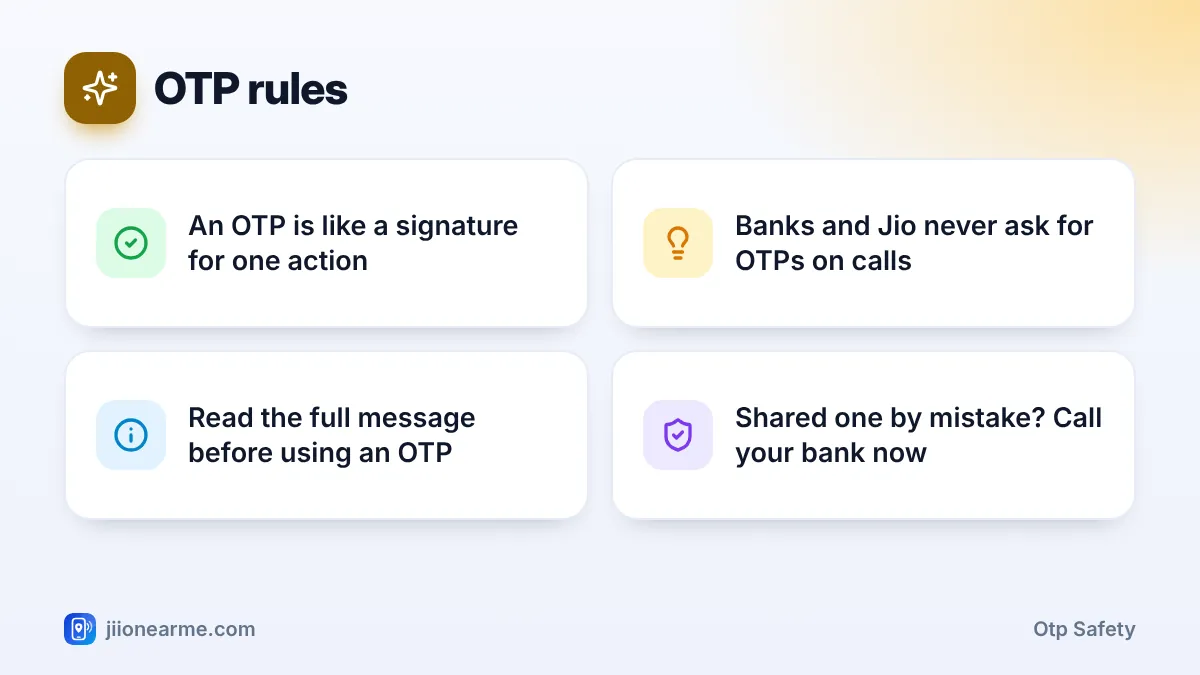
- An OTP is a one-time approval, much like signing a cheque for one task.
- Banks, Jio and other genuine services do not ask you to read out an OTP on a call or chat.
- Always read the full message: who sent it, what it is for and the amount, if shown.
- Use an OTP only in an app or website you opened yourself, for an action you started.
- If you shared an OTP, contact your bank or the service immediately and report any loss on 1930.
What an OTP Actually Authorises
An OTP proves that the person completing an action has access to your phone at that moment. Services use it as an extra check on top of your password, card details or PIN.
Common uses include:
- Payments: approving an online card payment, or adding a card or bank account to an app.
- Logins: signing in to an email, social media or shopping account on a new device.
- Account changes: resetting a password, or changing a registered mobile number or email.
- Messaging apps: registering WhatsApp or another app on a new phone.
- Telecom requests: some SIM, eSIM or number-related requests can involve OTP verification.
- Deliveries: confirming, at your doorstep, that a parcel reached you.
The key idea is this: the OTP does not prove who you are. It proves that whoever types it has your code. If you read it out to a fraudster, they become “you” for that one action.
Why Banks, Telecom Operators and Delivery Services Never Ask for It
A genuine organisation sends you an OTP so that you can enter it. They do not need you to tell them the code, because their own system already knows it.
- Banks remind you in their OTP messages not to share the code, even with bank staff.
- Jio and other telecom operators do not call customers to collect an OTP to “verify KYC”, “stop disconnection” or “activate 5G”.
- Delivery services may ask you to show or tell a delivery code at the door when you receive your own parcel. They do not call you to ask for an OTP to “reschedule delivery” or “confirm your address”.
If someone asks for an OTP over a call, SMS, WhatsApp or email, that request itself is the warning sign.
Fraudsters often read out your name, address or the last digits of your card to sound genuine. Those details may have leaked elsewhere. Knowing them does not make the caller real, and it is never a reason to share an OTP.
How to Read the Full OTP Message Before Using It
Many people look only at the digits and ignore the rest. The rest of the message is where OTP safety really starts.
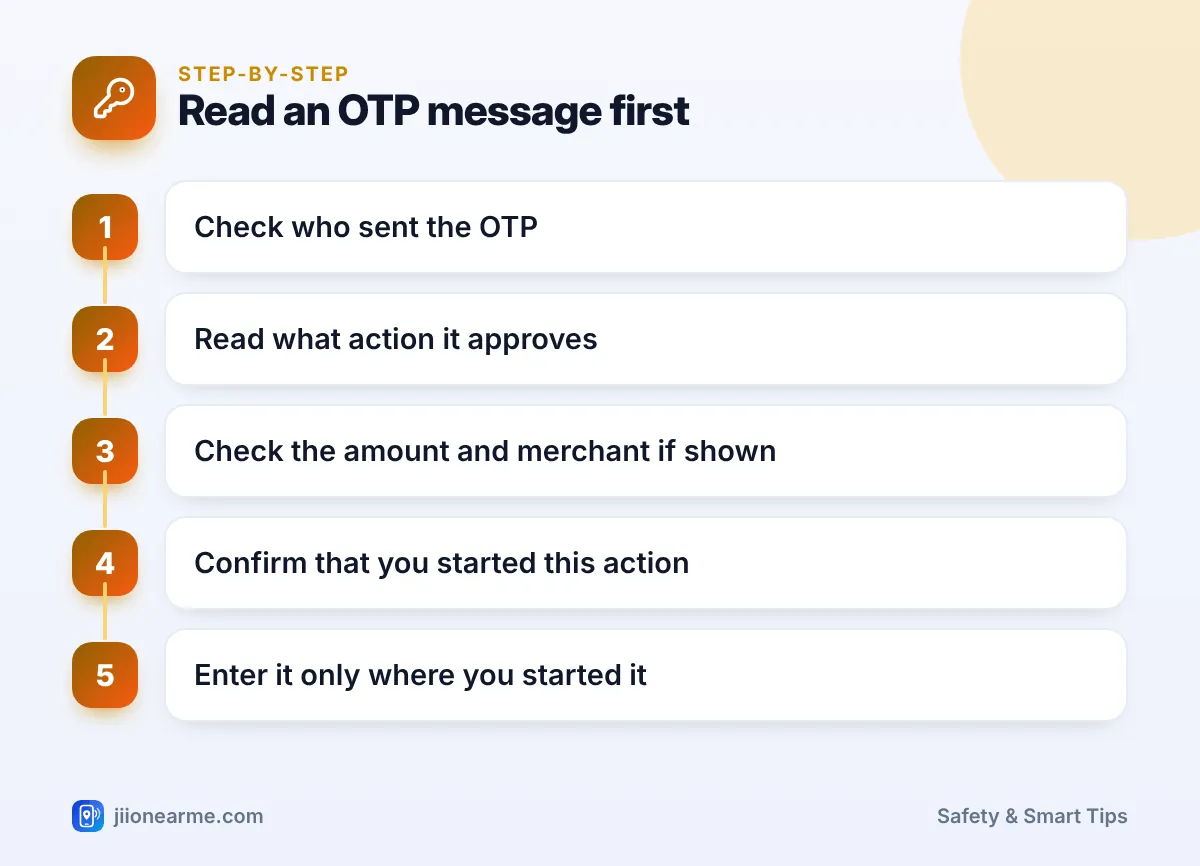
- Check the sender. Is it the bank, app or service you are actually using? Business messages come from alphabetic headers, not personal numbers.
- Read what the OTP is for. Many messages say it clearly: a transaction, a login, a change of number or a registration on a new device.
- Check the amount and merchant. For payments, the message often shows the amount and the merchant name. If they do not match what you are buying, stop.
- Confirm that you started it. If you did not begin the login, payment or change yourself, do not use the OTP.
- Enter it only where you started. Type the OTP into the app or website you opened yourself, never into a page someone sent you a link to.
An example of reading carefully
Suppose a caller says they are sending a code to “cancel a wrong order”. Your SMS then says the OTP is for a payment, with an amount and an unknown merchant name. That mismatch tells you the code would approve a payment, not a cancellation. End the call.
| What the caller says | What the OTP message may actually say |
|---|---|
| “Share the code to receive your refund” | OTP for a payment from your account |
| “Tell me the code to verify your KYC” | OTP to log in to your account on a new device |
| “Share the code to reschedule your delivery” | OTP to register your WhatsApp on another phone |
| “Give the code to stop your SIM block” | OTP for a number or SIM-related request |
OTP Safety Habits for Every Day
- Hide sensitive notification content on your lock screen if your phone allows it, so others cannot read your OTPs.
- Never install screen sharing or remote access apps at a caller’s request. They can read OTPs from your notifications.
- Never dial codes that a caller gives you. Some codes can forward your calls, including OTP calls.
- Turn on extra protection where offered, such as WhatsApp’s two-step verification PIN.
- Keep your phone locked with a PIN, pattern or fingerprint.
Write this line on a note near the family phone: “No OTP, no PIN, no app installs for callers.” A short rule like this is easy for elderly parents and children to remember.
What to Do If You Shared an OTP by Mistake
Act quickly. The right step depends on what the OTP was for.
- Bank or card OTP: Call your bank’s official helpline at once and ask them to block the card, UPI or net banking. Check your recent transactions.
- Money already lost: Call the national cybercrime helpline 1930 and file a complaint on cybercrime.gov.in.
- WhatsApp or social media OTP: Sign in again on your own phone to push the other device out, turn on two-step verification and warn your contacts.
- Email or other account OTP: Reset the password from your own device and sign out of all other sessions.
- Telecom or SIM-related OTP: If your SIM suddenly loses network, call the Jio toll-free number 1800-889-9999 from another phone and visit a Jio Store with your ID.
Also report the caller’s number through Chakshu on the Sanchar Saathi portal, so it can be checked.
Frequently Asked Questions
Is it ever safe to share an OTP?
The common exception is a delivery code you show at your door for a parcel you ordered, after checking the message is for that delivery. Never share an OTP over a call, chat or email.
Can someone misuse an expired OTP?
Most OTPs work only once and only for a short time. Still, treat every OTP as private, because you cannot always be sure it has expired.
Why do I keep getting OTPs I did not request?
Someone may be trying to log in to your account or may have typed your number by mistake. Do not share the codes, change the password of that account and turn on extra security.
Does Jio ask for an OTP when calling about KYC?
Do not share an OTP with anyone who calls you, including callers who say they are from Jio. If you have a doubt, check your account in the MyJio app or call 199 from your Jio number.
Conclusion
Good OTP safety comes down to two habits: read the whole message, and keep the code to yourself. An OTP is your approval for one action, so use it only when you started that action in an app or website you trust. If you slip up, contact your bank or the service immediately and report it without delay.
JIo Near me is an independent guide and is not affiliated with Reliance Jio. App menus, plans and policies can change – always confirm current details in the official MyJio app or on jio.com. We will never ask for your OTP, PIN or passwords.