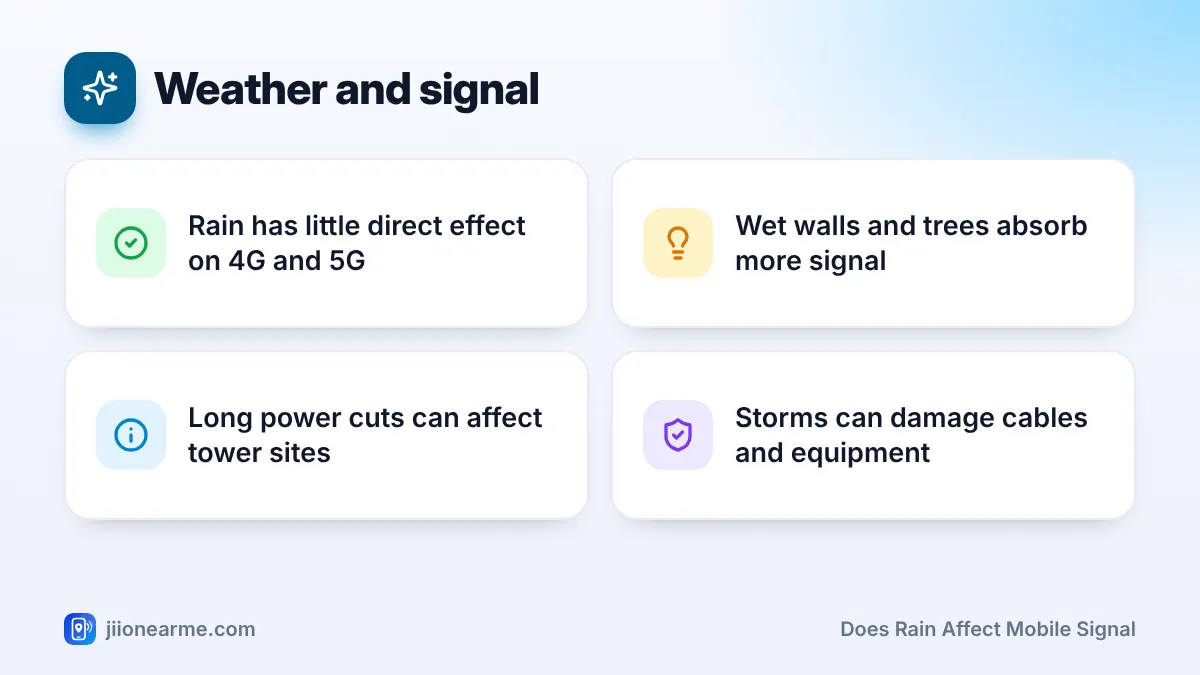
Light or moderate rain has very little direct effect on the 4G and 5G signal your phone uses. The main bands on Jio’s network, such as n28 and n78 for 5G and bands 3, 5 and 40 for 4G, sit at frequencies where raindrops absorb only a tiny amount of signal. So if your bars drop during a shower, the rain itself is rarely the full story.
What weather does affect is everything around the signal: soaked walls and trees, power supply at tower sites, cables and equipment, and how many people use the network at the same time. That is why the network can feel worse during the monsoon or a storm. This explainer covers what really happens and what you can do about it.
- Rain absorbs very little signal at the frequencies phones use for 4G and 5G.
- Wet walls, wet trees and closed windows can weaken indoor signal a little.
- Power cuts, storm damage, flooding and cable cuts at sites cause most weather-related outages.
- Wi-Fi Calling, moving near a window and switching to 4G can help when signal is poor.
Does Rain Affect Mobile Signal Directly?
Only a little. Rain causes noticeable signal loss mainly at very high frequencies. Satellite TV is a good example: a DTH dish works at a much higher frequency than your phone, which is why the TV picture can freeze in a heavy downpour.
Mobile phone bands are much lower. At these frequencies, raindrops are tiny compared with the radio waves, so most of the signal passes through. In very heavy rain, you may see a small dip at the edge of coverage, and mid-band 5G (n78) feels it slightly more than low bands such as n28 or band 5. For most people, the change is too small to notice.
Links between towers can be more sensitive
Your phone talks to a tower, but the tower also needs its own link back to the main network. Many sites use optical fibre, which rain does not affect. Some sites use point-to-point microwave links, and those at higher frequencies can weaken in very heavy rain. If that link struggles, everyone on that site may see slower data, even with full signal bars.
How Monsoon Conditions Weaken Indoor Signal
The bigger monsoon effect is on the space around you:
- Wet walls and roofs absorb more radio energy than dry ones, so indoor signal can dip.
- Wet trees and leaves block more signal, especially along roads lined with dense trees.
- Closed windows and doors during rain remove an easy path for signal to enter your home.
- More time indoors means more time in spots where signal was always weaker.
Humidity and fog have only a very small effect on mobile bands. If your signal drops on a humid day, look for other causes first.
Storms, Power Cuts and Damage at Tower Sites
Most weather-related outages come from what storms do to the network’s equipment and power supply.
- Power cuts: tower sites have battery backup and often generators, but a long outage can exhaust backup power, especially if flooding or blocked roads delay refuelling.
- Strong winds: cyclones and storms can damage antennas, bring down trees on cables or move equipment out of alignment.
- Lightning: sites have protection, but strikes can still damage equipment nearby.
- Flooding: water can damage ground-level equipment and fibre cables, and makes repair visits harder.
- Crowding: during storms, many people stay home and call family at the same time, which can slow the network in your area.
When a site loses power or a cable is cut, the problem affects that area. Phones nearby may connect to a farther site, which can mean weaker signal and slower data until repairs finish.
4G and 5G in Bad Weather Compared
| Situation | Effect on low bands (n28, band 5) | Effect on mid bands (n78, band 40) |
|---|---|---|
| Light or moderate rain | Almost none | Almost none |
| Very heavy rain at edge of coverage | Very small | Small dip possible |
| Wet walls and trees indoors | Small | More noticeable |
| Power cut or cable damage at a site | Outage in that area | Outage in that area |
Your phone also handles this on its own. If 5G gets too weak, it moves to 4G to keep you connected. Seeing 4G more often during the monsoon is normal.
What to Do When Signal Drops in Bad Weather
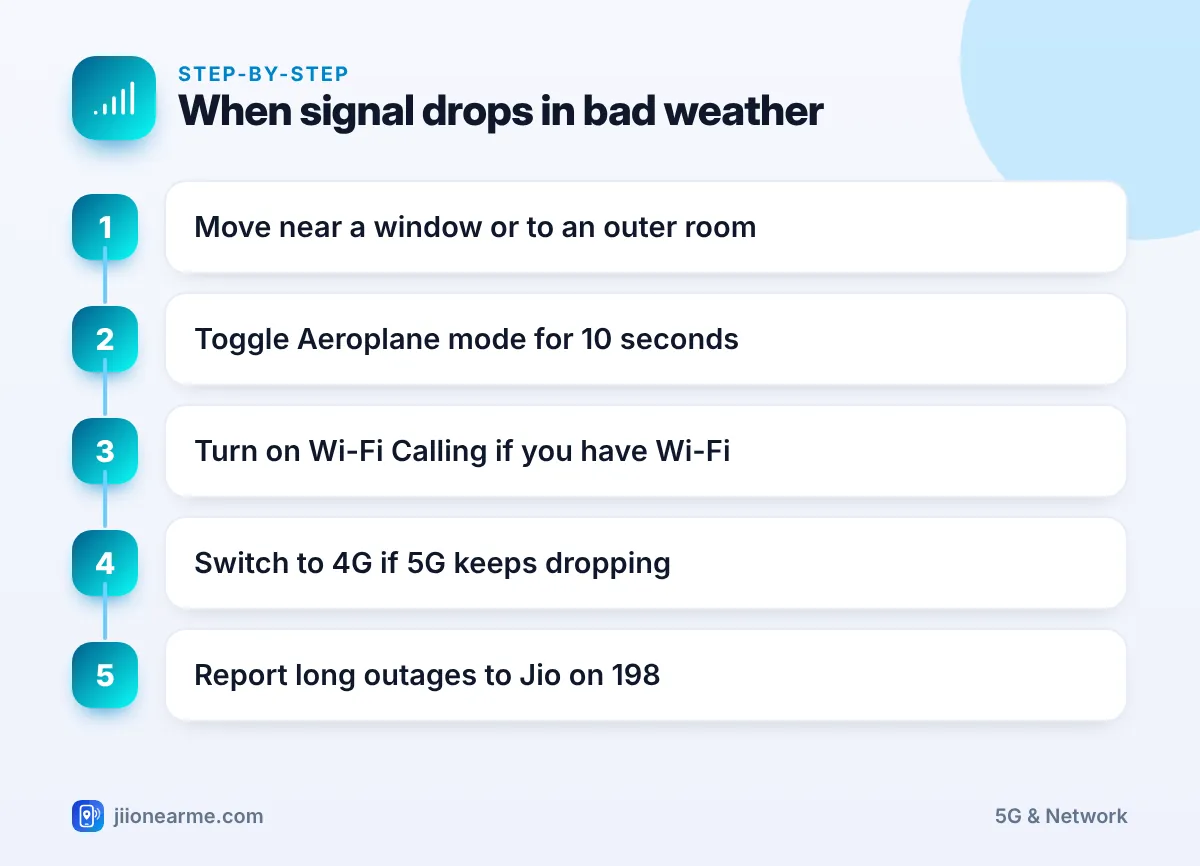
Try these steps in order:
- Move to a room with an outside wall, or stand near a window.
- Turn Aeroplane mode on for about 10 seconds, then off. This makes the phone search for the best available site again.
- Turn on Wi-Fi Calling if you have a working Wi-Fi connection, such as JioFiber or Jio AirFiber. Calls can then go over Wi-Fi.
- If 5G keeps dropping, set your Jio SIM’s preferred network type to 4G for a while.
- If the outage lasts for hours, report it to Jio on 198 (complaints) or 199 (queries) from your Jio number, or through the MyJio app.
Charge your phone and a power bank when a storm or cyclone warning is issued. Save important numbers offline, and keep 112, India’s emergency number, handy for real emergencies.
If your home has no power, your Wi-Fi router stops too, so Wi-Fi Calling will not work until power returns. In that case, mobile data and normal calls are your only options, so save battery by lowering screen brightness and closing heavy apps.
Frequently Asked Questions
Does humidity or fog affect 5G signal?
Only very slightly. At the frequencies phones use, humidity and fog have little effect. Walls, distance and crowding matter much more.
Is it safe to use my phone during a thunderstorm?
Using a mobile phone indoors is generally safe. The real risk is being outdoors in open areas during lightning, so move indoors. Unplug chargers and routers during heavy lightning to protect them from power surges.
Does rain affect JioFiber?
Rain does not affect the optical fibre itself. Problems usually come from power cuts at your home or in the area, or physical damage to cables during storms or road work.
Why is my internet slow after a storm, even with full bars?
Full bars show signal strength between your phone and the tower. If the site’s link to the main network is damaged, or many people are online at once, data can be slow even with good bars.
Wrapping Up
Rain on its own does very little to your 4G or 5G signal. Wet walls, storm damage, power cuts and crowded networks are the real reasons the monsoon can feel rough on mobile service. Move closer to a window, use Wi-Fi Calling when you can and switch to 4G if 5G keeps dropping. For outages that last, report them to Jio so the local team knows about the problem.
JIo Near me is an independent guide and is not affiliated with Reliance Jio. App menus, plans and policies can change – always confirm current details in the official MyJio app or on jio.com. We will never ask for your OTP, PIN or passwords.
