A Jio postpaid bill looks busy at first glance, but it follows a simple order. The top tells you whose bill it is and when to pay. The summary tells you how much you owe. The pages after that show the detailed charges that add up to that amount.
Once you know what each section does, you can check a bill in a few minutes. This guide walks through a typical bill section by section. Layouts can change over time, so the exact labels on your bill may differ slightly.
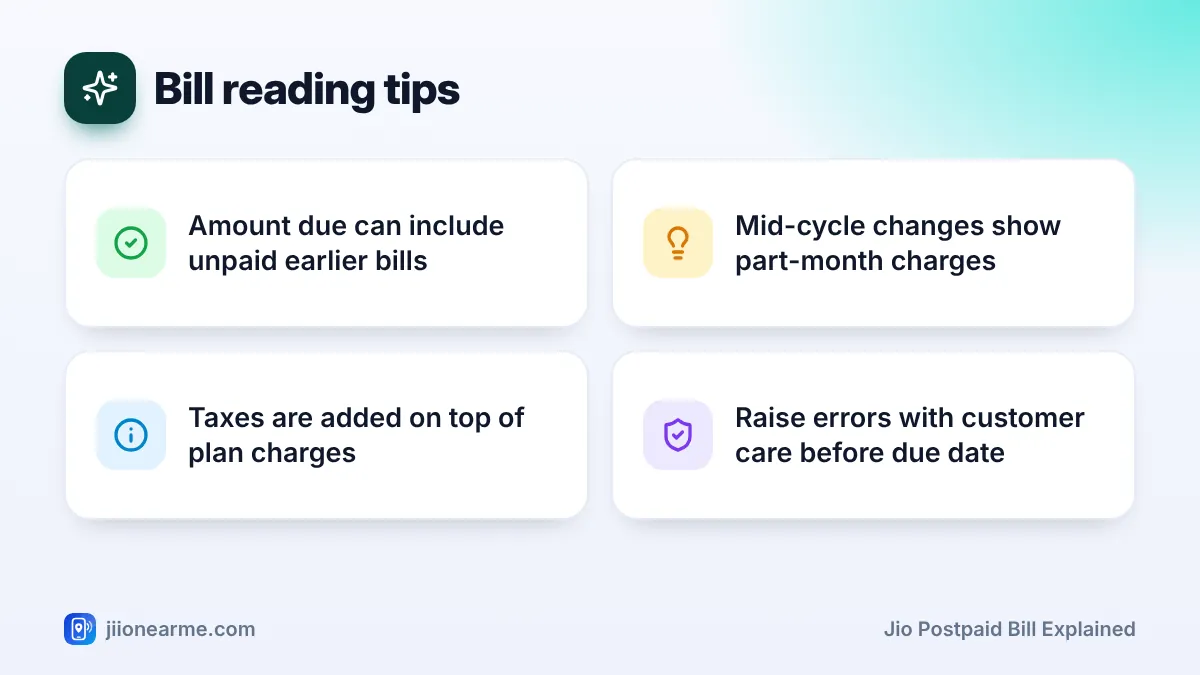
- Start with the bill period, bill date and due date at the top of the bill.
- The account summary shows previous balance, payments, current charges and total amount due.
- Plan charges, one-time charges and usage charges are listed separately.
- Taxes are added on top of the charges and shown as separate lines.
- Raise any doubtful charge with customer care before the due date.
Where to Find Your Jio Postpaid Bill
You can usually get your bill in two ways: in the MyJio app, or by email if you have added your email address.
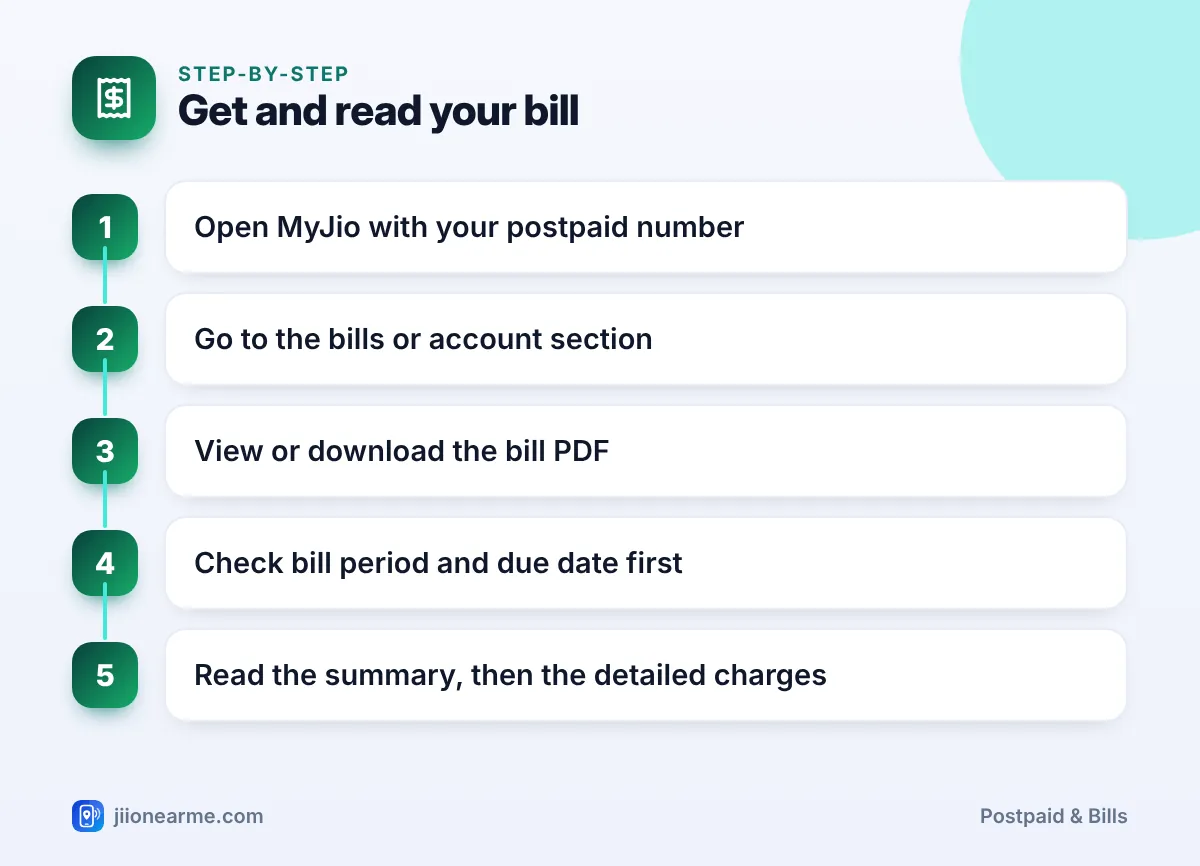
- Open the MyJio app and sign in with your postpaid number.
- Go to your bills or postpaid account section. It may be on the home screen or in the menu (☰).
- Choose the bill you want and tap to view or download it as a PDF.
- Check the bill period and due date first.
- Read the summary, then move to the detailed charges.
You can also sign in on jio.com to see your bills. Save the PDF if you need it for reimbursement or your own records.
Jio Postpaid Bill Explained: Account Details at the Top
The first part of the bill identifies the account and sets the key dates. Common fields include:
- Name and billing address of the account holder.
- Mobile number and account number. The account number is useful when you contact customer care.
- Bill number, a unique reference for this bill.
- Bill date, the date the bill was generated.
- Bill period, the dates of usage covered by this bill.
- Due date, the last date to pay without late charges.
- Credit limit and, if applicable, your security deposit.
Many confusing charges make sense once you check the bill period. A plan change, a trip abroad or a new family member during that period explains most unusual lines.
The Account Summary Box
This is the most important part of the bill. It shows how the amount you owe is worked out.
| Line | What it means |
|---|---|
| Previous balance | The amount on your last bill |
| Payments received | Payments made since your last bill |
| Adjustments or credits | Refunds, waivers or corrections applied |
| Current bill charges | Charges for this bill period, including taxes |
| Total amount due | What you need to pay by the due date |
If you paid your last bill in full and on time, the previous balance and payments received usually cancel out. In that case, the amount due is roughly the current bill charges.
If the amount due looks higher than usual, check whether an earlier bill was left unpaid. A late payment charge, if any, also appears here or in the charges section.
Plan Charges and One-Time Charges
This section shows what you pay for the plan itself and for anything that happens only once.
Plan charges
This is the regular monthly charge for your postpaid plan. On a JioPlus family plan, you may also see lines for add-on members. If you changed plans during the period, you may see two plan lines, each for part of the month. These are called pro-rata charges.
One-time charges
These appear only in the bill period when they happen. Examples can include charges related to a new SIM, a plan change or a service you activated. They should not repeat in later bills.
Usage Charges and Itemised Details
Usage charges cover anything outside your plan’s included benefits. Depending on your plan and usage, these can include:
- Data used beyond your plan allowance.
- International roaming usage or roaming packs.
- ISD calls to numbers outside India.
- Value-added services, meaning optional paid services you subscribed to.
- Add-on packs bought during the period.
Many bills also include an itemised section listing calls, SMS and data sessions with dates and times. Use it to match charges with your actual usage.
If you see a value-added service you never subscribed to, note its name and date from the bill. Call 198 to raise a complaint and ask for it to be deactivated.
Taxes, Discounts and Credits
Taxes appear as separate lines below your charges. Telecom services in India attract GST. Depending on your billing state, it may appear as CGST and SGST together, or as IGST.
Discounts and credits reduce your bill. They may include plan benefits, waivers or corrections from a previous complaint. Check that any promised credit actually appears.
How to Spot and Fix Billing Errors
Go through these checks each month:
- Does the bill period match the dates you expect?
- Is the plan name correct, especially after a plan change?
- Are the family add-on members listed correctly?
- Do usage charges match your trips, calls and data use?
- Did your last payment appear under payments received?
If something looks wrong, call 199 for queries or 198 to register a complaint from your Jio number, or 1800-889-9999. Do this before the due date and keep the bill number ready.
Download each bill as a PDF and store it in one folder. This makes it easy to compare months and support any complaint.
Frequently Asked Questions
Why is my total amount due higher than my plan charge?
The amount due can include taxes, extra usage, one-time charges and any unpaid earlier balance. Check the account summary to see which part is higher.
What does pro-rata mean on my bill?
It means a charge for part of a billing period. It usually appears after a plan change or when a service starts or stops mid-cycle.
Where can I see my credit limit?
It is usually shown in the account details of your bill and in the MyJio app. Labels can differ by app version.
Can I get an itemised bill?
Many bills include itemised usage details. If yours does not, check MyJio for usage history or ask customer care.
What should I do if a payment does not appear?
Payments can take a little time to reflect. If it still does not appear on your bill, contact customer care with your payment receipt.
Summary
Reading a Jio postpaid bill gets easy once you follow its order: account details and dates at the top, the summary box for the amount due, then plan, one-time and usage charges, followed by taxes and credits.
Check the bill period first, compare the summary with your last payment, and question anything unclear before the due date. A few minutes each month keeps your bills accurate.
JIo Near me is an independent guide and is not affiliated with Reliance Jio. App menus, plans and policies can change – always confirm current details in the official MyJio app or on jio.com. We will never ask for your OTP, PIN or passwords.