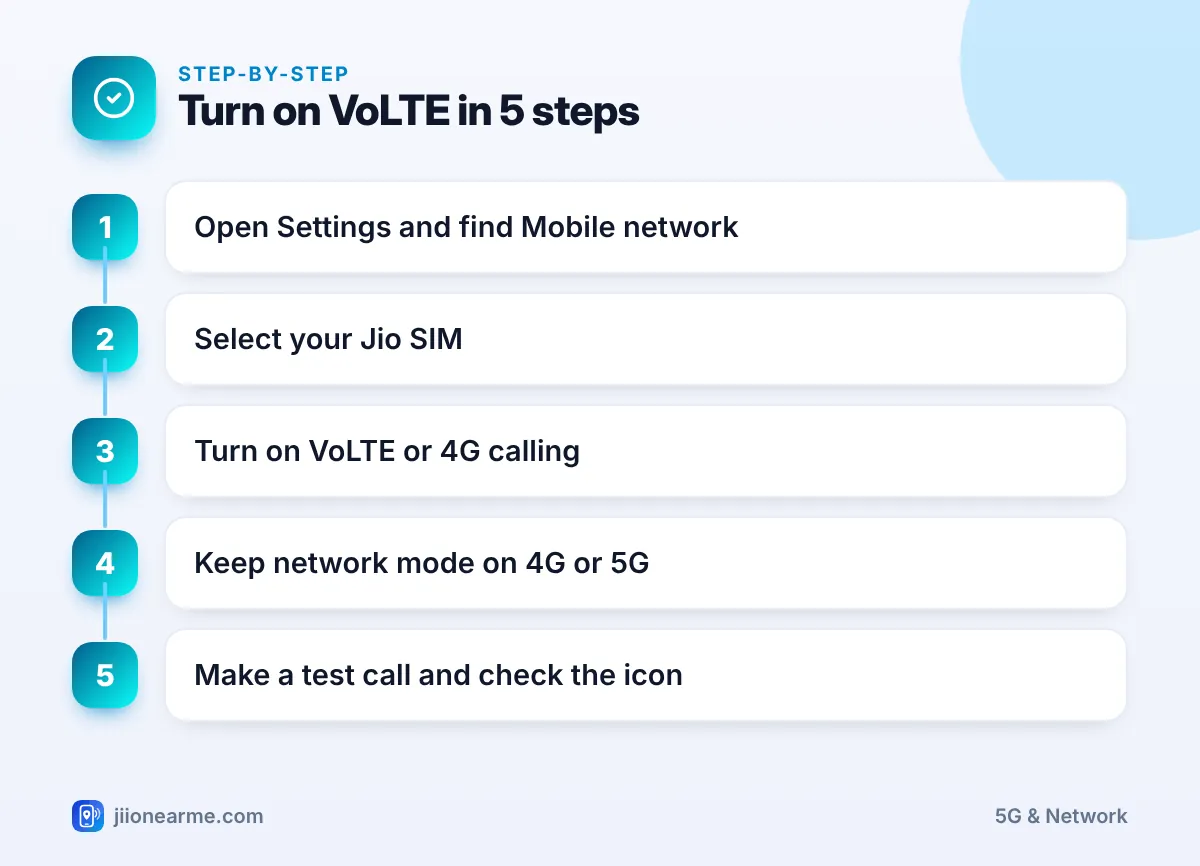
On most phones sold in India, VoLTE is already switched on for a Jio SIM, but it is easy to check. On Android, open your SIM settings, select the Jio SIM and make sure VoLTE or 4G calling is turned on. On iPhone, the option sits under Voice & Data in your mobile service settings.
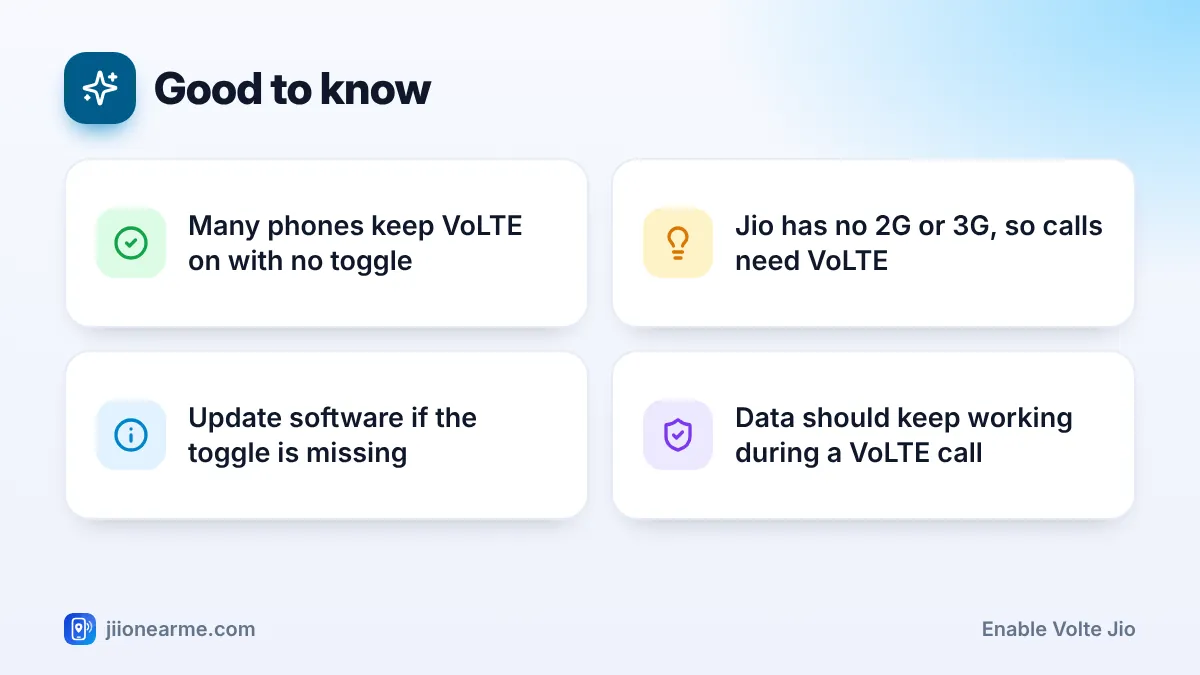
This matters because Jio has no 2G or 3G network. If VoLTE is off, Jio calls may fail even with full signal. Below you will find the exact places to look on popular phone brands, how to confirm VoLTE is working and what to do when the switch is missing.
- Jio calls need VoLTE, so it should stay on for your Jio SIM.
- On Android, look for VoLTE or 4G calling in the Jio SIM’s settings.
- On iPhone, check Voice & Data under your mobile service settings.
- A missing toggle often means VoLTE is always on, but a software update may also be needed.
- Confirm it works by checking for a VoLTE or HD icon and using data during a call.
Before You Start: Quick Checks
A few basics affect whether VoLTE can work at all:
- Your phone supports VoLTE. Nearly every 4G and 5G phone sold in India does. Older or imported phones may not.
- Your network mode includes 4G or 5G. A 2G or 3G only mode leaves a Jio SIM without service.
- Your Jio number is active with a valid plan.
- Your phone software is up to date. Updates often fix calling bugs.
On a dual SIM phone, each SIM has its own VoLTE setting. Make sure you change the one for your Jio SIM.
How to Enable VoLTE for Jio on Android
Menu names differ by brand and Android version, but the general path is similar on most phones.
- Open Settings.
- Go to Network & internet, Connections, Mobile network or SIM cards & mobile networks.
- Select your Jio SIM.
- Turn on VoLTE, VoLTE calls, 4G calling or Enhanced 4G LTE mode, whichever your phone shows.
- Check that the network mode includes 4G or 5G.
- Make a test call.
Samsung Galaxy (One UI)
Go to Settings > Connections > Mobile networks. Look for VoLTE calls and turn it on for the Jio SIM. On dual SIM models, you may see separate switches for SIM 1 and SIM 2.
Xiaomi, Redmi and POCO
Go to Settings > SIM cards & mobile networks, then tap your Jio SIM. Turn on VoLTE. On some versions, the switch appears directly on the SIM cards screen.
OnePlus, OPPO and realme
Go to Settings > Mobile network (or SIM card & mobile data), then tap the Jio SIM. Turn on VoLTE or VoLTE calling. Some versions place it under an advanced section.
vivo and iQOO
Go to Settings > Mobile network, then select the Jio SIM. Turn on VoLTE, or VoLTE HD calling on some versions.
Google Pixel and Motorola
Go to Settings > Network & internet > SIMs, then select the Jio SIM. Look for 4G calling or VoLTE. On many recent versions, there is no switch because VoLTE stays on by default for Jio.
If you cannot find the option, open Settings and type VoLTE or 4G calling in the search bar at the top. This works on most Android phones and saves time.
How to Turn On VoLTE on iPhone
iPhones that support VoLTE handle it through the Voice & Data screen. Labels can vary with iOS version.
- Open Settings > Mobile Service (or Mobile Data on some versions).
- If you use two lines, select your Jio line.
- Tap Mobile Data Options.
- Tap Voice & Data.
- Choose 5G Auto, 5G On or LTE, not a 3G or 2G option if shown.
- If you see a VoLTE switch on this screen, turn it on.
If the VoLTE switch is missing, VoLTE may already be on for your Jio line. Install the latest iOS and check for a carrier settings update under Settings > General > About. Wait a few seconds on that screen and tap Update if a pop-up appears.
How to Confirm VoLTE Is Active
Once VoLTE is on, a few simple signs confirm it is working:
- An icon in the status bar. Many Android phones show VoLTE, Vo LTE or HD next to the signal bars, either all the time or during calls.
- 4G or 5G stays during a call. If the network icon stays on 4G or 5G while you talk, the call is likely using VoLTE.
- Data works during a call. During a test call, open a website or send a message. If it works, VoLTE is active.
- Clear call audio. VoLTE calls often sound clearer than older calls, especially when both callers support HD voice.
iPhones do not show a VoLTE icon in the status bar. Use the data test above instead.
| Sign | VoLTE likely active | Possible problem |
|---|---|---|
| Status bar icon | VoLTE or HD shows | No icon on a phone that normally shows one |
| Network label during calls | Stays on 4G or 5G | Signal drops or shows no service |
| Data during a call | Works normally | Stops completely |
| Call connection | Connects quickly | Fails or drops straight away |
VoLTE Toggle Missing or Calls Still Failing?
If you cannot find the switch or calls fail even with VoLTE on, work through these steps:
- Restart the phone. This makes it register again for calling.
- Toggle airplane mode for 10 to 15 seconds, then turn it off.
- Install software updates, as they can add VoLTE support or fix bugs.
- Check the SIM slot. Some older dual SIM phones support VoLTE on only one slot. Move the Jio SIM to SIM 1 and test.
- Reset network settings from your phone’s reset options. This clears saved Wi-Fi passwords.
- Check the phone’s specifications on the maker’s official website to confirm VoLTE support.
Some websites share hidden dialler codes or apps claiming to turn on VoLTE. These can change settings you do not understand. Stick to your phone’s own settings and official updates.
If calls still fail, call Jio customer care on 198 from your Jio number to register a complaint, or 199 for queries. From another phone, use the toll-free number 1800-889-9999.
Frequently Asked Questions
Why is there no VoLTE switch on my phone?
Many phones keep VoLTE on permanently for Jio and hide the switch. If calls work, you do not need to do anything.
Do I need to turn on VoLTE for both SIMs?
Only for the SIMs that need it. Your Jio SIM needs VoLTE, because Jio has no 2G or 3G network. Your second SIM depends on its network.
Does turning on VoLTE use more battery or data?
VoLTE calls do not use your data balance. Battery use is generally similar to regular calls.
Can I turn on VoLTE on a phone that does not support it?
No. VoLTE needs support in the phone’s hardware and software. Check the official specifications, or use a VoLTE-capable phone for your Jio SIM.
Will VoLTE work on Jio True 5G?
Yes. On 5G, your phone handles calls automatically, either over 4G VoLTE or over 5G voice where supported. Keep VoLTE on.
Wrapping Up
To make sure Jio calls work, keep VoLTE or 4G calling switched on in your Jio SIM’s settings, or check Voice & Data on iPhone. Confirm it with a quick test call while using data. If the switch is missing and calls still fail, update the phone, restart it and contact Jio support.
JIo Near me is an independent guide and is not affiliated with Reliance Jio. App menus, plans and policies can change – always confirm current details in the official MyJio app or on jio.com. We will never ask for your OTP, PIN or passwords.
