When your phone shows 4G+ or LTE+, it means the phone is downloading data over two or more 4G frequency bands at the same time. This technique is called carrier aggregation, and it gives your connection extra room for higher speeds than a single band could offer.
You cannot switch it on yourself. The Jio network decides when to use it, based on your location, signal and how busy the tower is. Your phone also needs to support it. This explainer covers how carrier aggregation works, what it does for your speed and how to check if your phone can use it.
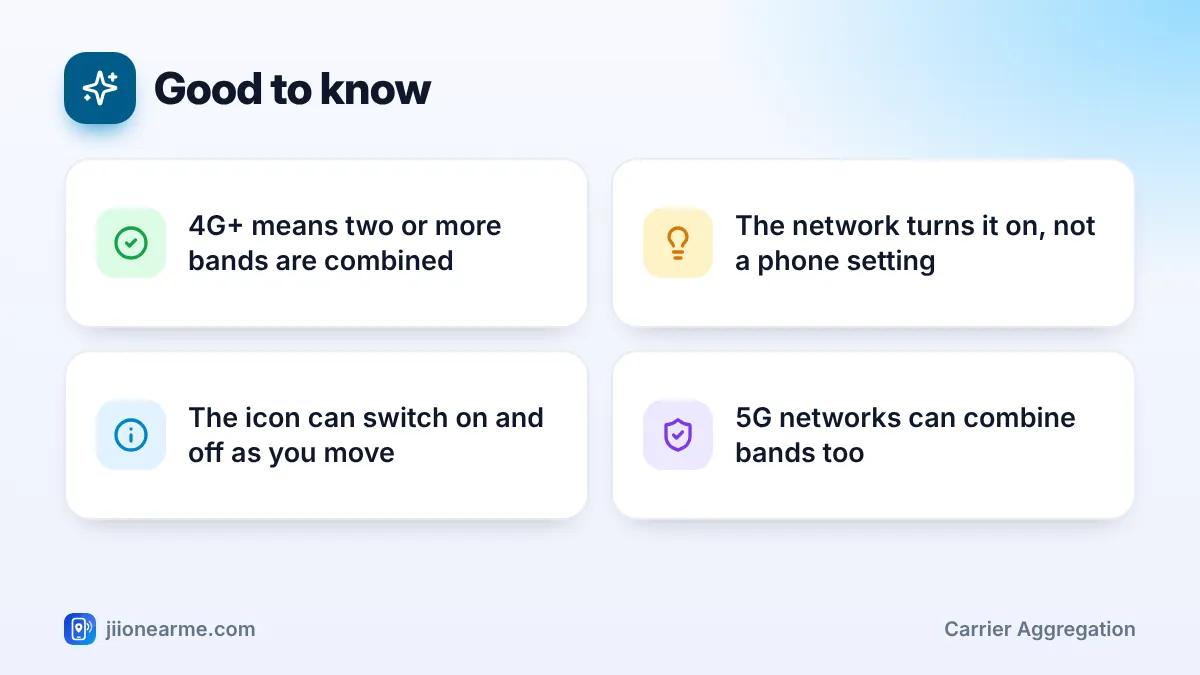
- 4G+ and LTE+ mean your phone is combining multiple 4G bands for extra capacity.
- Carrier aggregation is controlled by the network. There is no setting to force it.
- Jio’s 4G mainly uses bands 3, 5 and 40, which can be combined in different ways.
- Most mid-range and premium phones support it. Look for LTE-A or LTE Cat 6 and above.
- A 4G+ icon shows extra capacity, not guaranteed speed. Busy towers still slow down.
What 4G+ and LTE+ Mean
Mobile networks send data over slices of radio spectrum called bands. Each band has a limited width, a bit like a road with a fixed number of lanes. On plain 4G, your phone uses one band at a time.
With carrier aggregation, the network lets your phone use two or more bands together. Your phone treats them as one wider connection. Phone makers show this with a plus sign: 4G+ on some brands, LTE+ on others. Both mean the same thing.
Some phones never show a separate plus icon, even when they use carrier aggregation. So a plain 4G or LTE icon does not always mean it is off.
How Carrier Aggregation Works
Think of a highway. A single band is one stretch of road. Carrier aggregation opens a second and sometimes a third road in parallel, so more data can travel at once.
In technical terms, each band used is called a component carrier. One band acts as the main connection and handles control signals. The extra bands add capacity, mostly for downloads, and the network can add or remove them in a fraction of a second. Your phone joins the data back together, so apps never notice the difference.
How Jio’s 4G bands fit together
Jio’s 4G network mainly runs on three bands:
- Band 3 (1800 MHz): A balanced band with good reach and speed.
- Band 5 (850 MHz): A lower frequency with longer reach and better indoor signal.
- Band 40 (2300 MHz): A higher frequency that adds capacity in busy areas.
Carrier aggregation can combine them, for example band 3 with band 40, or band 5 with band 40. Which combination you get depends on what is deployed at your nearest tower and what your phone supports.
A low band like band 5 keeps the connection steady indoors, while a higher band like band 40 adds speed. Combining them gives you some of the benefits of both.
What Carrier Aggregation Does for Your Speed
More bands mean more capacity, so carrier aggregation can raise your top speed and keep things smoother when many people share a tower. Here is how it compares with plain 4G.
| Point | Plain 4G (LTE) | 4G+ (carrier aggregation) |
|---|---|---|
| Bands used at once | One | Two or more |
| Peak speed potential | Lower | Higher |
| Main benefit | Basic coverage | Extra capacity for downloads |
| Who turns it on | Not applicable | The network, based on conditions |
| Status bar label | 4G or LTE | 4G+ or LTE+ on many phones |
Remember what the icon does not promise:
- Busy towers still slow down. If many users share the same bands, each person gets a smaller share.
- Weak signal still hurts. A combined connection with poor signal can be slower than a single strong band.
- Uploads may not improve much. Carrier aggregation is used mainly for downloads.
Which Phones Support Carrier Aggregation
Most mid-range and premium phones sold in India in recent years support carrier aggregation on 4G. Many budget phones do too. The quickest way to be sure is to check official specifications.
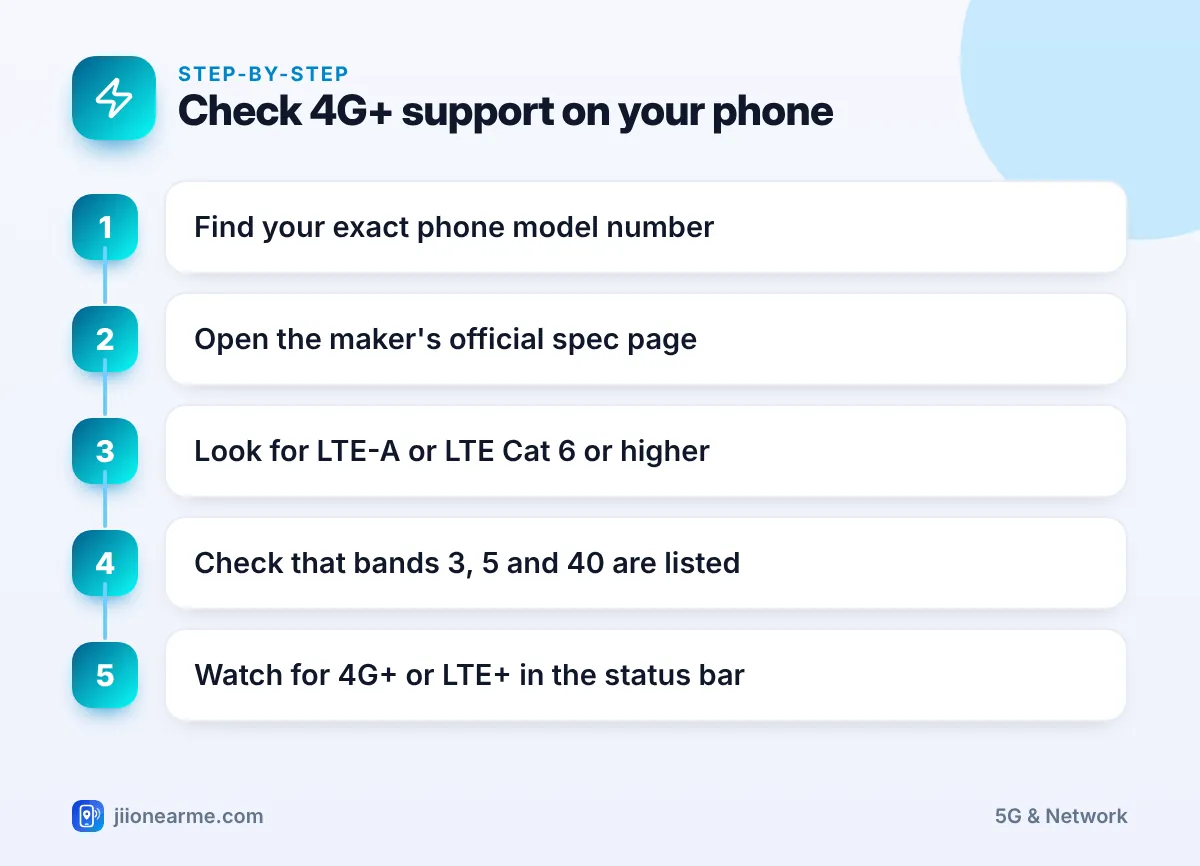
- Find your exact model in Settings > About phone (or General > About on iPhone).
- Open the manufacturer’s official website and go to the Specifications page for that model.
- In the network section, look for LTE-A, LTE Advanced, or an LTE Category of 6 or higher.
- Check that Jio’s 4G bands 3, 5 and 40 are listed.
- Use the phone on Jio 4G in a good coverage area and watch for 4G+ or LTE+.
A higher LTE category usually means the phone can combine more bands. Imported phones sometimes miss band combinations used in India, even if they list the individual bands.
Carrier aggregation is controlled by the network. Apps or hidden codes that promise to switch on 4G+ cannot change that, and some may be unsafe. Keep your phone updated instead.
Carrier Aggregation on 5G
The same idea works on 5G. A 5G network can combine bands, such as a low band like n28 with a mid band like n78. The low band carries the signal further and indoors, while the mid band adds speed.
When your phone is on Jio True 5G, you will see a 5G icon instead of 4G+. Many phones do not show a separate plus sign for combined 5G bands, so you cannot always tell from the icon. Phones that support both n28 and n78, along with standalone (SA) 5G, are best placed to benefit.
Getting the Most From 4G+ and Jio 4G
You cannot force carrier aggregation, but you can help your phone use the best connection available:
- Keep your phone’s software updated, as updates can improve modem behaviour.
- Use a network mode that includes 4G or 5G, never a 2G or 3G only mode.
- Move closer to a window if you are deep indoors, where higher bands fade.
- Remove thick metal cases that may weaken signal.
- If speeds are poor everywhere, check your remaining data in the MyJio app.
Frequently Asked Questions
Is 4G+ the same as 5G?
No. 4G+ is a faster version of 4G that combines multiple 4G bands. 5G is a newer network standard with its own bands, such as n78 and n28 on Jio.
Why does the 4G+ icon keep appearing and disappearing?
The network adds and removes extra bands as conditions change, such as when you move or the tower gets busy. This is normal.
Can I turn on carrier aggregation in my phone settings?
No. There is no user setting for it. The network turns it on when your phone and the tower both support it.
Does 4G+ use more data or battery?
It does not use more data by itself. Data use depends on what you do. Battery use is usually similar, and faster downloads can even finish sooner.
Why does my phone never show 4G+ on Jio?
Your phone may not show a plus icon at all, may not support the band combinations used near you, or your nearest tower may not offer it. Check your phone’s specifications.
Final Thoughts
Carrier aggregation is the reason behind the 4G+ and LTE+ icons. It joins Jio’s 4G bands for extra capacity, and the network decides when to use it. Make sure your phone supports LTE-A and the right bands, keep the software updated, and judge your connection by real speed and stability rather than the icon alone.
JIo Near me is an independent guide and is not affiliated with Reliance Jio. App menus, plans and policies can change – always confirm current details in the official MyJio app or on jio.com. We will never ask for your OTP, PIN or passwords.
