Before you buy a new phone for use on Jio, check a few things beyond the “5G” label: the 5G bands it supports, standalone (SA) 5G, VoLTE and Wi-Fi Calling, and how long the brand will keep sending software updates. A phone that ticks all of these will work well on Jio True 5G and keep working well for years.
Most 5G phones sold officially in India today meet the basics. The checks matter most for budget models, older stock, imported phones and used phones. Use the checklist below while comparing models online or in a store.
- Look for 5G bands n78 and n28 on the official spec sheet, plus standalone (SA) 5G support.
- VoLTE is essential on Jio, and Wi-Fi Calling helps in homes with weak signal.
- A good software update record keeps 5G, security and network features working longer.
- Indian models are the safest pick, and used phones should have their IMEI verified.
Quick Checklist: What a 5G Phone for Jio Must Support
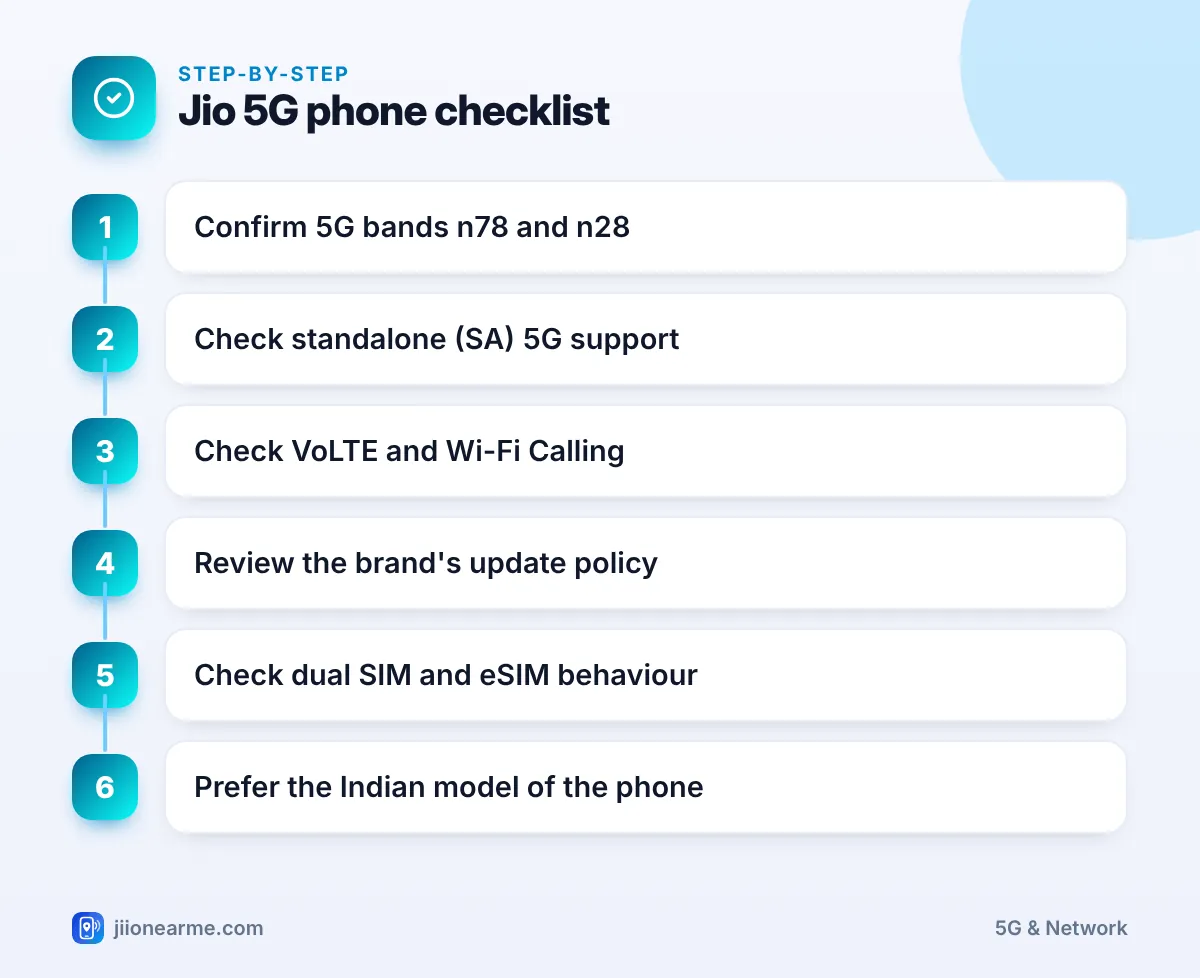
Run through these points for every phone on your shortlist:
- 5G bands n78 and n28 are listed in the official specifications.
- Standalone (SA) 5G is supported, either at launch or through an update.
- Jio 4G bands 3, 5 and 40 are supported for areas without 5G.
- VoLTE and Wi-Fi Calling work with Jio.
- The brand’s update policy covers several years for that model.
- Dual SIM and eSIM behaviour suits how you use your SIMs.
- The model is sold officially in India, or you have confirmed it works on Indian networks.
Must-haves and nice-to-haves
Not every point carries the same weight. Use this table to decide where you can compromise.
| Feature | Priority for Jio users | Why it matters |
|---|---|---|
| n78 band and SA 5G | Must-have | Without them, Jio True 5G will not work in most places |
| VoLTE | Must-have | Jio calls need it, as Jio has no 2G or 3G |
| n28 band | Strongly recommended | Better reach and indoor 5G |
| Wi-Fi Calling | Recommended | Clear calls where mobile signal is weak |
| Long update policy | Recommended | Keeps network features and security current |
| eSIM support | Nice to have | Useful if you want two numbers or a spare slot |
Network Support: 5G Bands and Standalone 5G
Bands n78 and n28
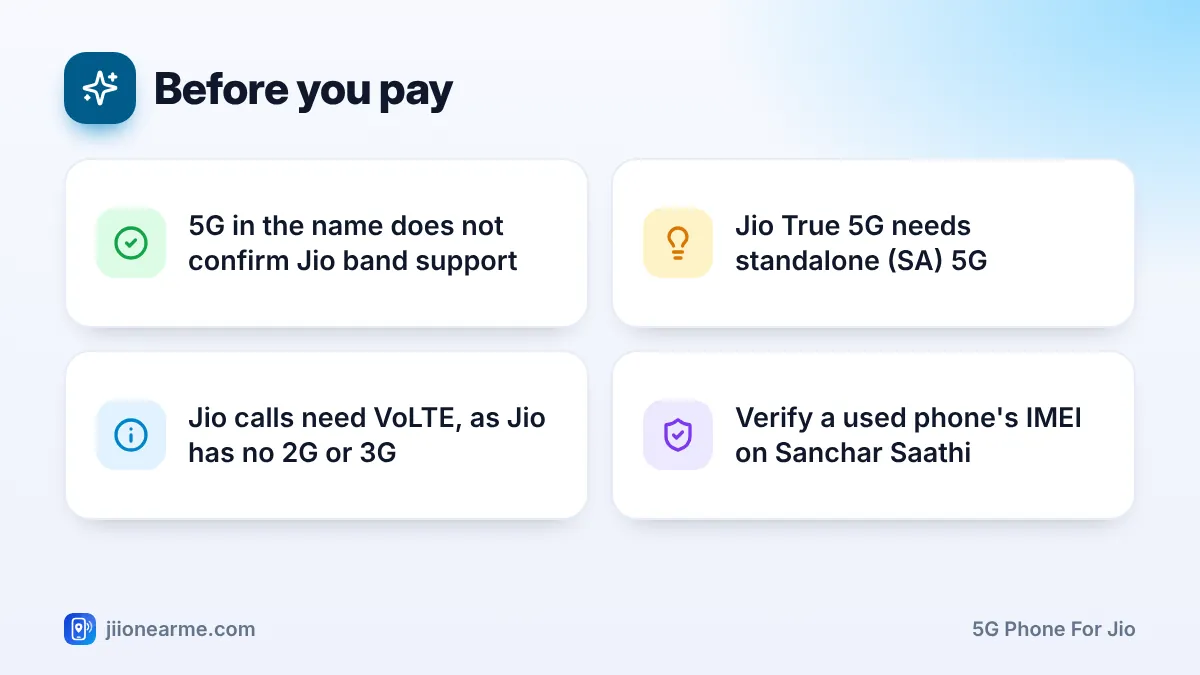
Jio’s main 5G band is n78, in the 3.5 GHz range. It carries most of the speed. The n28 band (700 MHz) travels further and helps you stay on 5G indoors. A phone with n78 but not n28 can still use Jio 5G, but may fall back to 4G more often inside buildings.
Find these on the manufacturer’s official spec page, under Network or Connectivity. The list usually looks like “5G NR: n1/n3/n5/n28/n40/n78”.
Standalone (SA) 5G
Jio True 5G is a standalone network. That means the phone must support SA mode, not only NSA (non-standalone). Look for “SA/NSA” on the spec sheet. If it is not mentioned, check the brand’s support pages or ask the brand directly before you buy.
Jio’s 4G bands
You will still spend time on 4G when 5G is not available. Jio 4G mainly uses LTE bands 3, 5 and 40. Most phones sold in India support all three, but it is worth a quick look.
Retail listings sometimes simplify or copy specifications. Always confirm bands and SA support on the manufacturer’s own website for the exact model number.
Calling Features: VoLTE and Wi-Fi Calling
Jio does not run 2G or 3G networks, so every call needs VoLTE (voice over LTE). Nearly all 4G and 5G phones sold in India support it, but imported or very old models may not work properly with Jio’s VoLTE.
Wi-Fi Calling (VoWiFi) lets you make normal Jio calls over a Wi-Fi network. It is very useful if your home or office has weak mobile signal, especially with a JioFiber or Jio AirFiber connection. Check that the phone supports Wi-Fi Calling for Jio. After buying, you can usually find the switch under your SIM or calling settings.
Software Updates: Check the Brand’s Track Record
Updates matter more for network features than most people realise. Many phones received Jio SA 5G support through updates after launch. Updates also bring security patches and fixes for calling, battery and network stability.
Before you buy, check:
- How many years of Android or iOS upgrades the brand promises for that specific model.
- How long security updates will continue.
- How regularly the brand has updated its older phones in India.
Some brands now promise several years of upgrades for selected models, while budget models often get fewer. iPhones usually receive iOS updates for many years. Look for the official update policy on the brand’s website rather than relying on reviews alone.
SIM Setup: Dual SIM, 5G Slots and eSIM
If you use two SIMs, check how the phone handles 5G between them.
- On many Android phones, only the mobile data SIM can use 5G. That is fine if Jio handles your data.
- If you want to use Jio eSIM, confirm the phone supports eSIM, then check Jio’s current eSIM details and supported devices on jio.com.
- Some newer phones sold in other countries are eSIM-only, with no physical SIM tray. Plan for a Jio eSIM if you buy one of these.
Indian Models vs Imported or Used Phones
Phones sold officially in India are designed for Indian networks and usually support Jio’s bands, SA 5G, VoLTE and Wi-Fi Calling. They also come with local warranty and service.
Imported phones can differ. A model with the same name may lack n28 or SA support, or have problems with VoLTE on Jio. If you are buying one, compare the exact model number’s specifications carefully.
Before buying a used or imported phone, check that its IMEI is genuine using the Know Your Mobile feature on the Sanchar Saathi portal. Avoid phones with tampered IMEIs or no proof of purchase.
Frequently Asked Questions
Will any 5G phone work on Jio 5G?
Not always. The phone needs n78 (ideally n28 too) and standalone 5G support. Most recent 5G phones sold in India meet this, but check before you buy.
Is n28 support a must for Jio 5G?
It is not strictly required, but it helps. n28 improves reach and indoor coverage, so a phone with both n78 and n28 stays on 5G more often.
Do I need a new SIM with a new 5G phone?
No. Your existing Jio 4G SIM works on Jio True 5G. Just move it to the new phone, or set up a Jio eSIM if the phone supports it.
How do I know if a phone supports Wi-Fi Calling on Jio?
Check the brand’s specifications and support pages. After buying, look for a Wi-Fi Calling switch in the SIM or calling settings.
Should I avoid imported phones for Jio?
Not always, but they carry more risk. Check the exact model’s bands, SA support and VoLTE compatibility, and remember that local warranty may not apply.
Final Thoughts
A good 5G phone for Jio is one that supports n78 and n28, standalone 5G, VoLTE and Wi-Fi Calling, and gets regular updates. Check these on the official spec sheet before paying. Then move your Jio SIM across, select 5G in network settings and you are ready to go.
JIo Near me is an independent guide and is not affiliated with Reliance Jio. App menus, plans and policies can change – always confirm current details in the official MyJio app or on jio.com. We will never ask for your OTP, PIN or passwords.
