Seeing the 5G icon change to 4G or LTE the moment a call connects is normal on many phones using Jio True 5G. It usually means your phone has moved the call to Jio’s 4G VoLTE network, which is how many 5G phones handle voice today. Once the call ends, the phone should return to 5G shortly if the signal is good.
The switch is not a fault in your phone or SIM. It is part of how 5G networks were designed to carry calls while voice over 5G support spreads across phones and networks. This explainer shows what happens behind the scenes and when it is worth checking your settings.
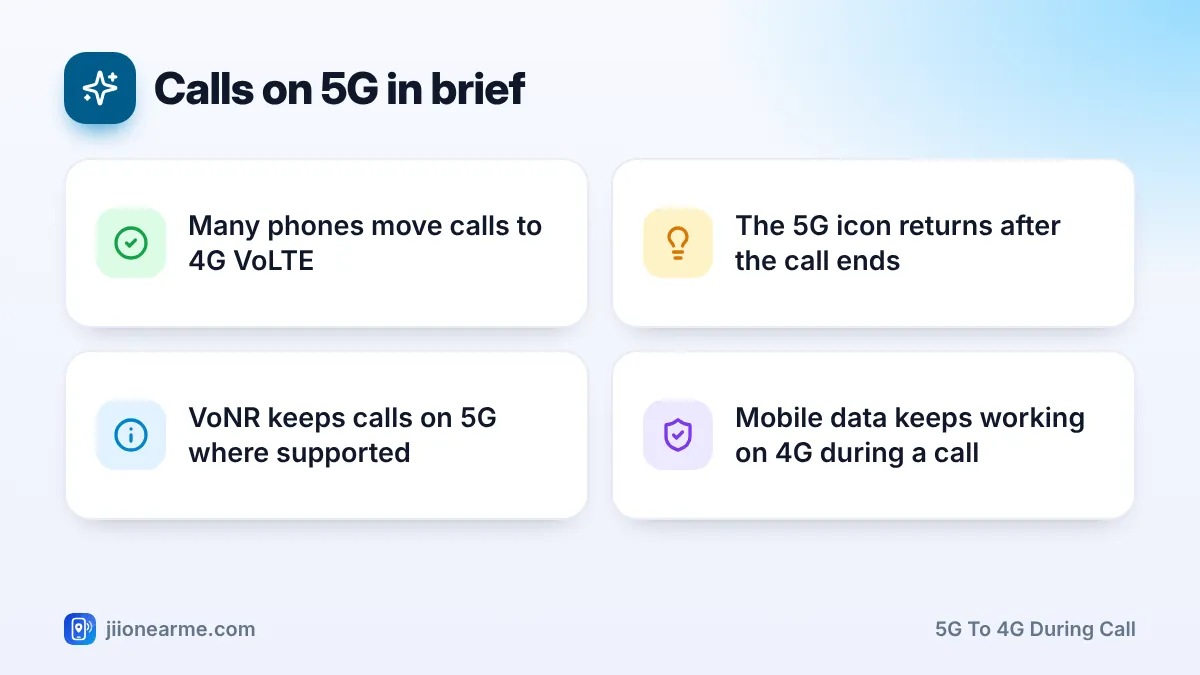
- Many phones move a call from 5G to 4G VoLTE when it starts. This is called EPS fallback.
- After the call ends, the phone returns to 5G if coverage allows.
- Voice over 5G (VoNR) can keep calls on 5G, but the phone, its software and the network must all support it.
- Act only if calls drop, fail to connect or the phone stays on 4G long after calls.
How Voice Calls Work on Mobile Networks
Jio’s 4G network carries calls as VoLTE, which stands for Voice over LTE. Your voice travels as data packets over 4G, with priority so the call stays clear. Jio does not run older 2G or 3G networks, so VoLTE has always been how Jio carries calls.
5G networks carry data very well, but voice needs extra pieces in place: support in the network core, in the phone’s modem and in the phone’s software. The 5G standards give two main ways to handle a call when you are on 5G.
Option 1: EPS fallback to 4G
Your phone is on 5G when you dial or receive a call. The network then hands the phone over to 4G, and the call runs on VoLTE. “EPS” is the technical name for the 4G system, so EPS fallback simply means falling back to 4G for the call. This is a common method on many 5G networks and phones.
Option 2: VoNR (Voice over New Radio)
With VoNR, the call stays on the 5G network from start to end. It works only when your phone model, its software and the network all support VoNR for that connection. Where any piece is missing, the phone uses EPS fallback instead.
Why the 5G to 4G Switch During a Call Is Normal
When EPS fallback happens, your status bar shows the network you are actually using. That is why you see 4G, LTE or 4G+ while you talk. The change is quick and happens while the call is being set up, so you usually notice nothing except the icon.
A few more things are worth knowing:
- Data continues on 4G. Maps, WhatsApp and other apps keep working during the call, just over 4G.
- The phone returns to 5G afterwards. This can take a few seconds or a little longer, depending on signal and how the network releases the connection.
- Voice quality stays high. VoLTE supports HD voice, so call quality does not suffer because you left 5G.
The status bar shows the network your phone is using at that moment. A change to 4G during a call reflects where the call is running. It does not mean your phone is weaker or your SIM has a problem.
Why Some Phones Behave Differently
You may notice that a friend’s phone keeps showing 5G during calls while yours switches. Several reasons can explain this:
- VoNR support: some phone models and software versions support VoNR on certain networks, and others do not.
- Dual SIM setup: on many dual SIM phones, a call on the second SIM can pause or slow data on the first SIM. The data SIM may also drop from 5G to 4G during that call.
- Signal where you stand: if 5G is weak at your location, the phone may already be close to switching to 4G.
- Icon style: brands display network icons in slightly different ways, and some update the icon faster than others.
None of these differences means one phone is broken. They reflect how each model and software version handles calls.
| What you see | What it usually means |
|---|---|
| 5G changes to 4G when a call starts | EPS fallback, normal behaviour |
| 5G stays during the call | VoNR in use, or the icon updates slowly |
| 4G stays for a while after the call | The network has not yet moved you back to 5G |
| Calls fail or drop often | Worth checking settings and coverage |
When to Check Your Settings
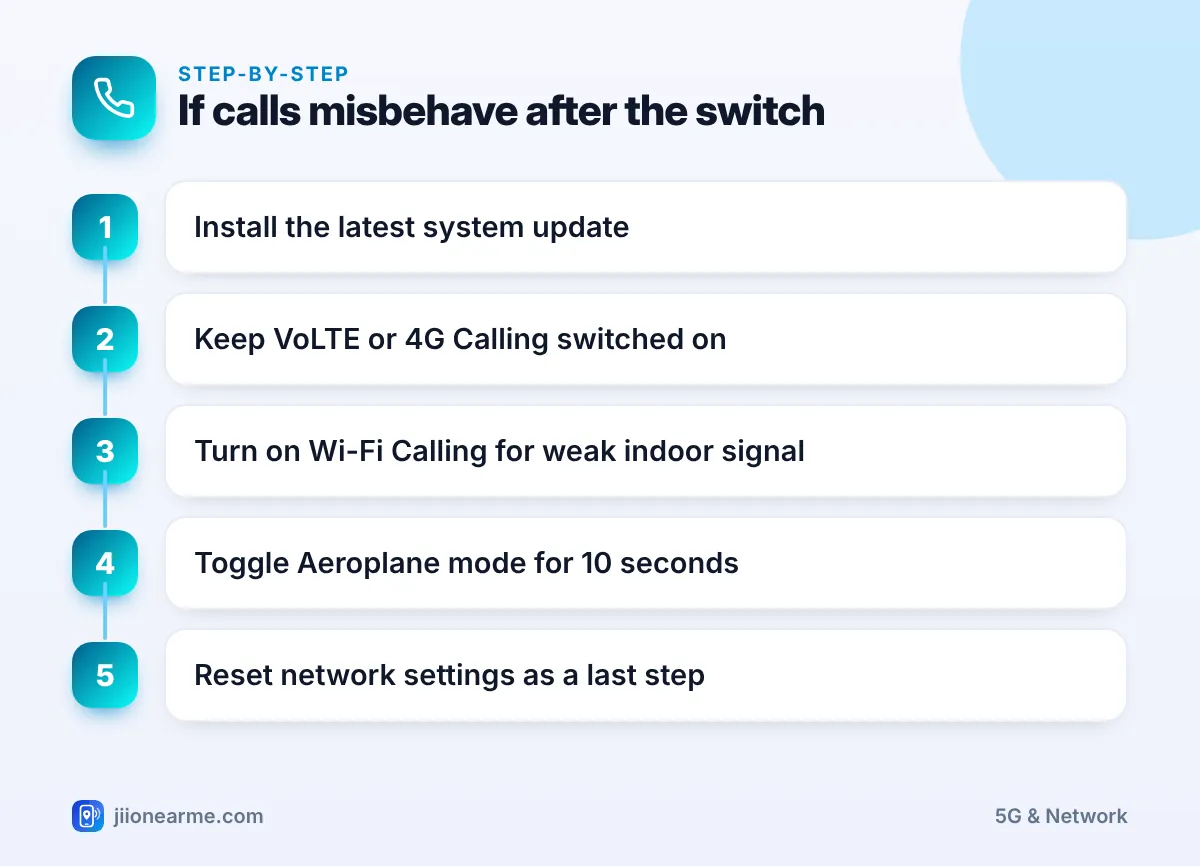
The switch itself is normal. Look into it only if you notice real problems, such as calls that fail to connect, drop often or have one-way audio, or a phone that stays stuck on 4G long after the call ends. Try these steps in order:
- Install the latest system update from Settings. Phone makers often improve 5G calling through updates.
- Make sure VoLTE (sometimes called 4G Calling or Enhanced 4G LTE Mode) is on for your Jio SIM. On iPhone, check the Voice & Data screen under Mobile Data Options.
- Turn on Wi-Fi Calling if mobile signal is weak at home. Jio supports Wi-Fi calling on compatible phones.
- Turn Aeroplane mode on for about 10 seconds, then turn it off.
- As a last step, reset network settings. This clears saved Wi-Fi passwords and Bluetooth pairings, so note them first.
Some websites share hidden dialler codes or apps that claim to switch on voice over 5G. These can change radio settings and break calling altogether. Wait for official updates from your phone maker instead.
If calls still fail, contact Jio customer care on 199 from your Jio number for help, or 198 to register a complaint. Share your phone model, your location and when the problem happens, so the team can check coverage and your SIM status.
Frequently Asked Questions
Is it bad that my phone switches from 5G to 4G during calls?
No. It is a standard way of handling calls on 5G networks. Your call runs on 4G VoLTE, and the phone returns to 5G afterwards.
Will my internet stop working during a call?
Usually not. Data continues on 4G while the call is active. On some dual SIM phones, a call on the non-data SIM can pause mobile data briefly.
How can I keep calls on 5G instead of 4G?
That needs VoNR support from your phone, its software and the network. Keep your phone updated, as support usually arrives through official updates, and leave your network type set to 5G.
Why does my phone stay on 4G for a while after a call?
The network may take a short time to move the phone back to 5G. If it stays on 4G for long, toggle Aeroplane mode or check whether 5G signal is available where you are.
Conclusion
A switch from 5G to 4G during a call is expected on many phones and networks. Your call runs on reliable 4G VoLTE, data keeps flowing and the phone goes back to 5G afterwards. Only troubleshoot if calls actually fail or drop, and start with a software update and your VoLTE and Wi-Fi Calling settings.
JIo Near me is an independent guide and is not affiliated with Reliance Jio. App menus, plans and policies can change – always confirm current details in the official MyJio app or on jio.com. We will never ask for your OTP, PIN or passwords.
