It’s confusing when most apps work fine on Jio data but one website or app refuses to load. Since the connection itself is working, the cause is usually a setting on your phone, such as Private DNS, a VPN, the wrong date and time, or an app that’s blocked from using mobile data.
Sometimes the problem is on the website’s side, or the site is blocked under an official order. The steps below help you tell these cases apart and fix what you can.
- First test the same site on Wi-Fi, in another browser and on another phone to narrow it down.
- A custom Private DNS setting is a common reason websites stop opening on mobile data.
- VPNs, proxy apps and ad blockers can break some sites and apps.
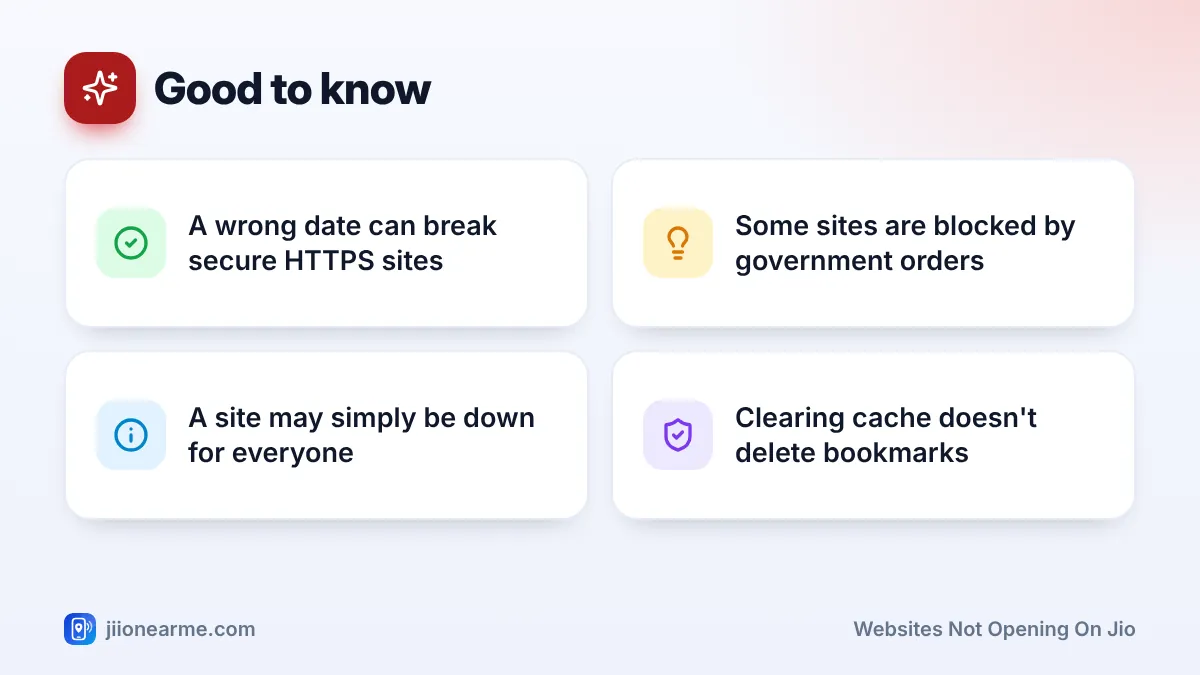
- A wrong date or time causes security errors on many websites.
- If a site is blocked by an official order, don’t try to get around it.
First, Narrow Down the Problem
A few quick tests save a lot of time:
- Try Wi-Fi. If the site opens on Wi-Fi but not on Jio data, the issue is linked to your mobile data settings or the network path.
- Try another browser. If it opens in Chrome but not in another browser, the problem is that browser.
- Try another phone on Jio. If it fails there too, the site may be down or blocked.
- Read the error. “DNS_PROBE” or “server not found” points to DNS. “Your connection is not private” points to date, time or security software.
Also make sure your plan is active and daily data is left in the MyJio app. When daily data is finished, speed drops so much that heavy sites may time out while light apps like WhatsApp still send text messages.
Note down what you find. If the site fails only on Jio data and works everywhere else, the fixes in the next few sections are the ones to try first.
Check Private DNS Settings
Android has a Private DNS option that sends your website lookups to a specific provider. If it’s set to a provider that’s slow, down or filtering, some websites simply won’t open.
- Open Settings and go to Network & internet (or Connections > More connection settings on Samsung phones).
- Tap Private DNS.
- Select Automatic, or Off for testing.
- Reload the website.
If websites start opening, the custom DNS was the cause. Many people set this once to block ads and later forget about it. On iPhone, a similar effect can come from a DNS or ad-blocking profile, so check Settings > General > VPN & Device Management.
Turn Off VPNs, Proxies and Ad Blockers
VPN apps send all your traffic through another server. If that server is slow or blocked by a website, pages fail or apps show errors. Banking and payment apps often refuse to work over VPNs for security reasons.
- Open the VPN app and disconnect, or turn it off under Settings > VPN.
- On Android, check Settings > Network & internet > VPN for an Always-on VPN setting and turn it off while testing.
- Disable any ad-blocker or “data saver” proxy app the same way.
If a website is blocked in India by a government or court order, Jio and other operators must follow it. Using workarounds to reach blocked sites can break rules and expose you to unsafe pages.
Fix the Date, Time and Time Zone
Secure websites use certificates with valid dates. If your phone’s clock is wrong, the browser thinks these certificates are invalid and shows a privacy or security error.
- Open Settings > System > Date & time (or General management > Date and time on Samsung). On iPhone, go to Settings > General > Date & Time.
- Turn on Set automatically or Automatic date and time.
- Make sure the time zone is India Standard Time.
Clear the Browser Cache and App Data
Old or corrupted saved files can stop a page from loading properly.
In Chrome on Android
- Open Chrome, tap the menu (⋮) and choose Delete browsing data or Clear browsing data.
- Select Cached images and files. You can leave passwords and history unticked.
- Tap Delete data and reload the site.
For a problem app
Open Settings > Apps, select the app, tap Storage and choose Clear cache. If that doesn’t help, update the app from the Play Store or App Store, or uninstall and reinstall it. On iPhone, Safari’s cache can be cleared under Settings > Safari > Clear History and Website Data, which also removes history.
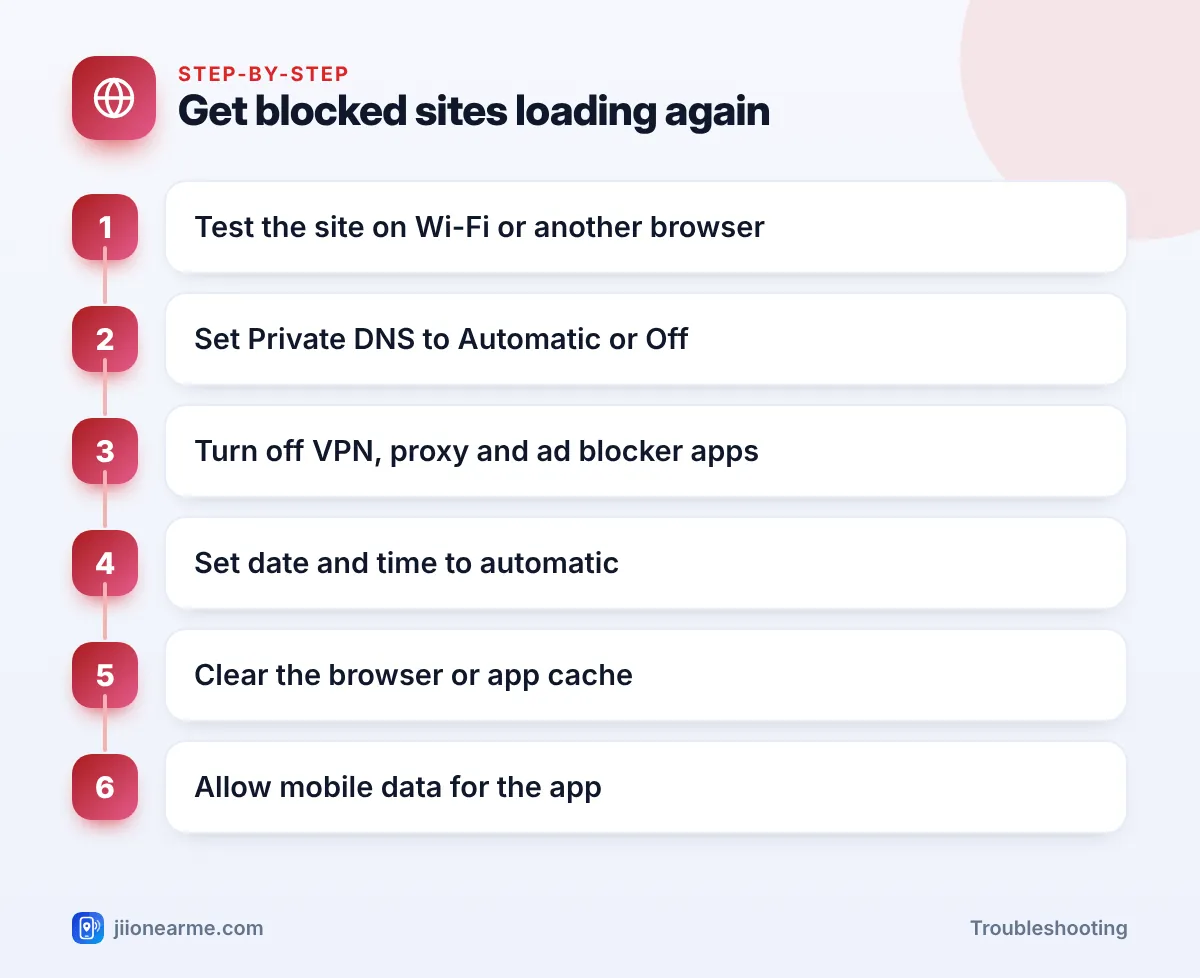
Check App Data Restrictions
If a single app won’t load anything on Jio data but works on Wi-Fi, it may be blocked from mobile data.
- Android: go to Settings > Apps, pick the app, open Mobile data & Wi-Fi or Data usage, and make sure mobile data and background data are allowed. Also check whether Data Saver is on.
- iPhone: go to Settings > Mobile Data, scroll to the app list and turn the app’s switch on.
After changing settings, toggle Airplane mode on for 15 seconds and then off. This gives you a fresh connection and often clears small glitches in one go.
When Websites Not Opening on Jio Isn’t a Phone Problem
Sometimes there’s nothing to fix on your side:
| Situation | How to tell | What to do |
|---|---|---|
| Site is down | It fails on Wi-Fi and other networks too | Wait and try later |
| Site is blocked by order | It fails on every Jio connection, often with a notice | Respect the block |
| Local network issue | Several sites fail for people nearby | Call 199 or 198 from your Jio number |
| App server problem | Only one app fails, everywhere | Check the app’s official updates |
If many normal websites fail for days and you’ve tried every step, call 198 for complaints or 199 for queries from your Jio number, or use 1800-889-9999.
Frequently Asked Questions
Why do websites open on Wi-Fi but not on Jio data?
A setting such as Private DNS, a VPN or app data restrictions may affect mobile data only. Reset Private DNS to Automatic, disconnect VPNs and check the app’s mobile data permission.
What Private DNS setting should I use on Jio?
For most people, Automatic works best. It uses the default lookup service and avoids problems caused by third-party DNS providers.
Why does my browser say "Your connection is not private" on Jio?
Usually your phone’s date or time is wrong, or security software is interfering. Set the date and time to automatic and turn off VPN or ad-blocking apps.
Will clearing the cache delete my saved passwords?
Not if you only choose Cached images and files. Passwords, history and cookies are separate options you can leave unticked.
How do I know if a website is blocked in India?
A blocked site may show a notice saying access has been restricted under a government or court order, or it may simply fail on every Indian network. In that case, the block is deliberate and there’s nothing to fix on your phone.
Conclusion
When only some apps or websites fail on Jio data, check your phone before blaming the network. Reset Private DNS, turn off VPNs and ad blockers, fix the date and time, clear the cache and confirm the app can use mobile data. If a site is down or officially blocked, waiting or accepting the block is the right call.
JIo Near me is an independent guide and is not affiliated with Reliance Jio. App menus, plans and policies can change – always confirm current details in the official MyJio app or on jio.com. We will never ask for your OTP, PIN or passwords.