Moving your number to Jio postpaid takes only a few minutes, but the checks you do beforehand decide whether the first few bills feel smooth or stressful. Five areas matter most: your real usage, the security deposit, the credit limit, how you will pay, and what happens to your current prepaid plan.
This checklist walks through each one in order. Nothing here needs special knowledge. You only need the MyJio app, a little time and an honest look at how you use your phone.
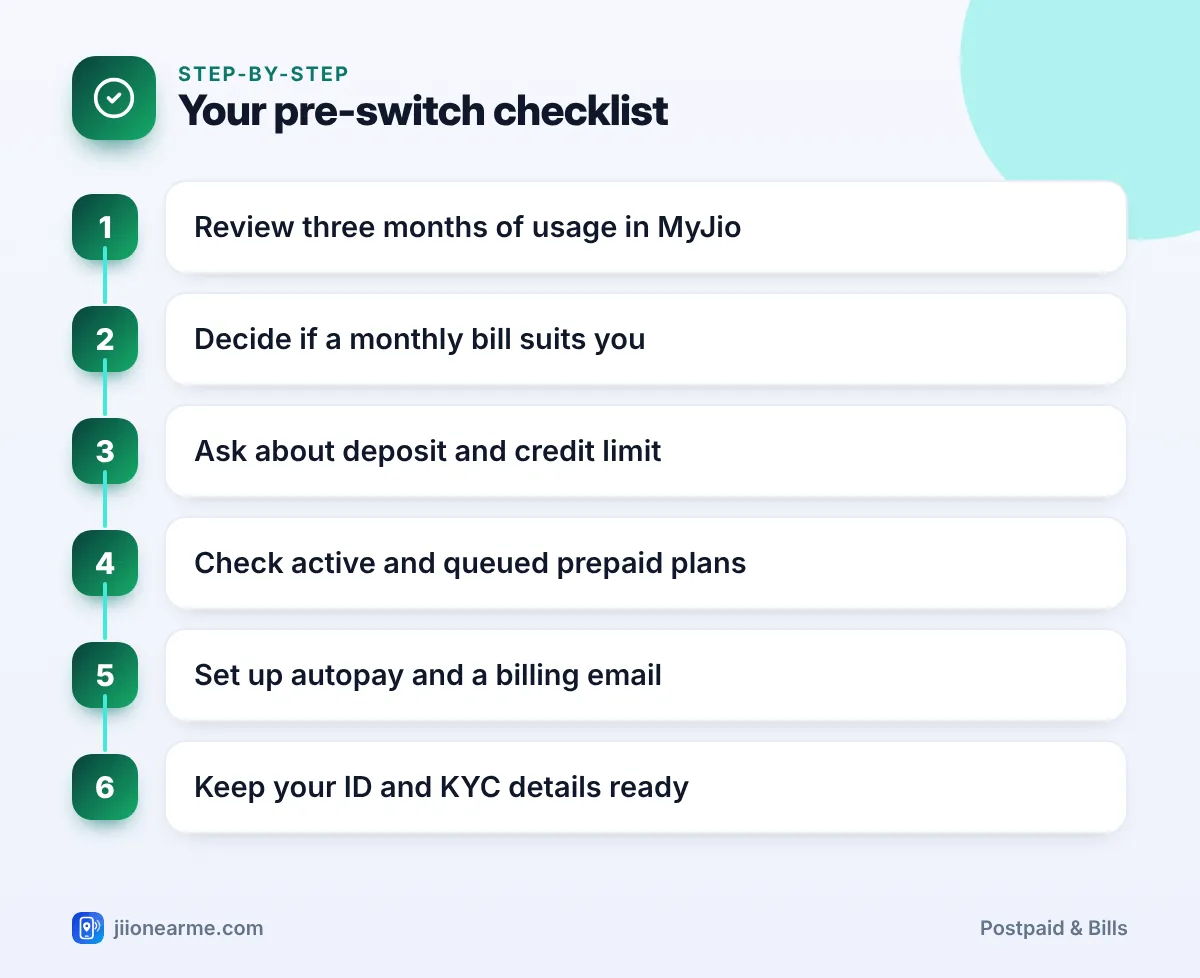
- Check your actual data, calling and roaming use in MyJio before picking a postpaid plan.
- Ask whether a security deposit applies and what your credit limit will be.
- Confirm what happens to your active and queued prepaid recharges before you switch.
- Set up autopay and a billing email so you never miss a due date.
- Keep your ID ready in case your KYC details need updating.
Check Your Usage Habits Before Switching to Jio Postpaid
Postpaid plans give you a monthly allowance instead of a daily one. So the first thing to know is how much you really use in a month.
Open MyJio and look at your usage history for the last two or three months. Note down:
- Monthly data use. Add up your daily data use, or check the monthly total if the app shows it.
- Calls and SMS. Most plans include generous calling, but check if you make international calls.
- Roaming. Note how often you travel abroad, since international roaming is a common reason to choose postpaid.
- Peaks. Look for months with unusually high use, such as during exams, travel or work from home.
Pick a plan that covers a normal month comfortably. If your usage swings a lot, plan for your typical month, not your heaviest one.
On prepaid, you may stop using data once your daily limit is over. Your real demand could be higher than your usage history shows. Leave some buffer when choosing a monthly postpaid allowance.
Be Honest About How You Handle Bills
Postpaid works on a “use now, pay later” basis. That is convenient, but it also means you need to pay a bill on time every month.
Ask yourself a few simple questions:
- Do you remember due dates, or do you prefer automatic payments?
- Would a surprise extra charge upset your monthly budget?
- Do you like knowing your exact spend in advance, as with a recharge?
If you answered yes to the last two, prepaid may still suit you better. If you are comfortable with a monthly bill and autopay, postpaid can save you the effort of recharging.
Understand the Security Deposit and Credit Limit
These two terms confuse many first-time postpaid users. Clear them up before you switch.
Security deposit
Some postpaid plans or customers may need a refundable security deposit. Whether it applies can depend on the plan, your payment method and eligibility. The app, website or store tells you before you confirm. Ask how it is refunded or adjusted if you leave postpaid later.
Credit limit
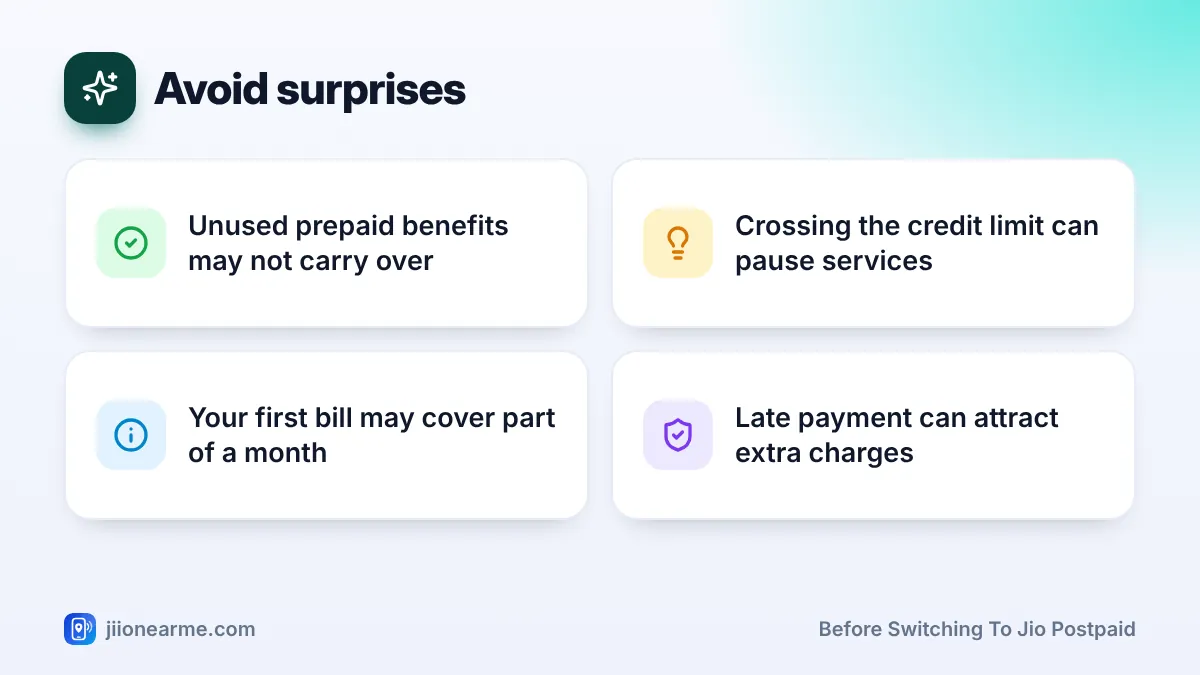
Every postpaid account has a credit limit. This is the maximum amount of charges your account can build up before you pay. If your usage crosses it, some services, especially outgoing ones, may be restricted until you make a payment.
After the switch, your credit limit and any deposit usually appear in the MyJio app and on your bill. Labels can differ slightly by app version, so look in your account or bill details.
Your Active Prepaid Plan and Queued Recharges
This is the step people most often skip. When your number moves to postpaid, prepaid benefits usually stop.
Check these points before you request the switch:
- Current plan validity. Note the end date of your active prepaid plan in MyJio.
- Queued or advance recharges. If you recharged in advance, an upcoming plan may be waiting in the queue. Ask what happens to it before you switch.
- Add-on packs. Data add-ons or roaming packs bought on prepaid may not move over.
- Bundled app access. Subscriptions linked to your prepaid plan may stop and need to be set up again on postpaid.
The simplest approach is to switch close to the end of your current recharge. That way, you lose very little unused value.
Set Up Payment and Bill Delivery
A good payment setup removes the biggest risk of postpaid, which is a missed due date.
- Autopay: Many people set up autopay through MyJio, a UPI autopay mandate or a card. Check which options your account offers.
- Billing email: Add a working email in MyJio so you receive bills and can save them as PDFs.
- Bill date and due date: Note both once your account is active. The bill date starts the payment window and the due date ends it.
- Payment records: Keep receipts, especially for work reimbursement or tax records.
Family, ID and Other Practical Checks
A few more checks complete the list:
- Family members. If you pay for family numbers, a JioPlus family plan could bring them onto one bill. Check how many members your preferred plan allows.
- ID and KYC. Keep your Aadhaar or another accepted ID ready. A store visit may be needed if your KYC details must be updated.
- Phone and 5G. Jio True 5G depends on your plan, your phone and coverage in your area.
- Who pays. The bill is in the account holder’s name, so make sure the right person is the account holder.
Your Pre-Switch Checklist at a Glance
| Check | Where to look | Why it matters |
|---|---|---|
| Monthly usage | MyJio usage history | Helps you pick the right plan size |
| Security deposit | App, jio.com or Jio Store | Avoids a surprise upfront payment |
| Credit limit | Plan details or store | Services may pause if you cross it |
| Active and queued plans | MyJio plan section | Unused benefits may not carry over |
| Autopay and email | MyJio settings, UPI app | Prevents missed due dates |
| ID and KYC | Your documents | Needed if verification is requested |
When everything on this list is ticked, start the switch in MyJio, on jio.com or at a Jio Store.
Jio does not need your OTP, Aadhaar number or passwords over a phone call to move you to postpaid. If someone calls offering an “upgrade”, hang up and use only official channels.
Frequently Asked Questions
Do I need to change my SIM to move to postpaid?
Usually not. The switch changes your connection type, and your number stays the same. If a new SIM is ever needed, Jio will tell you during the process.
Will my unused prepaid data carry over?
Generally no. Unused prepaid benefits may be lost at the time of the switch, so it is best to move near the end of your current recharge.
Is a security deposit always required?
Not always. It depends on the plan, payment method and your eligibility. You will see whether it applies before you confirm.
What if I choose a plan that is too small?
You can usually change your postpaid plan later in MyJio or through customer care. Check your usage after the first bill and adjust if needed.
Who can I call with questions before switching?
Call 199 from your Jio number for queries, or the toll-free number 1800-889-9999.
Final Thoughts
Switching to postpaid is easy. Switching without surprises takes a little homework. Review your usage, ask about the deposit and credit limit, and confirm what happens to your current prepaid plan.
Then set up autopay and a billing email before the first bill arrives. With these checks done, your move to Jio postpaid should be smooth from the very first month.
JIo Near me is an independent guide and is not affiliated with Reliance Jio. App menus, plans and policies can change – always confirm current details in the official MyJio app or on jio.com. We will never ask for your OTP, PIN or passwords.