Buying a Jio SIM from a Jio Store is a short and simple visit if you carry the right ID. You show your Aadhaar or another valid document, complete a quick KYC check, pick a plan, and the staff hand over a SIM that usually becomes active within a few hours.
This guide explains each stage in order. You will know what to carry, what happens at the counter, what to check before you leave and how to confirm the SIM is working once you are home.
- Carry your Aadhaar for the quickest biometric e-KYC, or another original photo ID with your address.
- The SIM is registered in the name of the person who completes KYC, so the actual user should visit.
- The store does KYC digitally, so you generally don’t need photocopies or forms.
- Activation normally follows within a few hours, and a test call, SMS and data check confirm it.
Before You Go: What to Carry to the Jio Store
A little preparation saves a second trip. Before you leave home, keep these ready:
- Your Aadhaar details. Aadhaar-based e-KYC is the fastest route. You will verify with your fingerprint, so you must go in person.
- Another original ID, if you don’t want to use Aadhaar. A passport, voter ID or driving licence that shows your photo and address is commonly accepted. The store photographs the document and takes a live photo of you.
- An alternate mobile number. Many stores ask for a contact number for updates about your connection.
- A compatible phone. Jio calls work over 4G VoLTE or 5G, so an older 2G or 3G-only phone will not work for calls.
- A way to pay for your first recharge or postpaid plan, such as cash, card or UPI.
You can find your nearest Jio Store or authorised retailer using the store locator on jio.com. Larger Jio Stores tend to handle every type of request, including eSIM and number porting.
If you want to keep your current number from another operator, get your Unique Porting Code (UPC) before you go. SMS “PORT” followed by your 10-digit number to 1900 from that number, and carry the code with you.
What Happens When You Buy a Jio SIM from a Jio Store
The process at the counter usually follows the same order. Staff may do some steps quickly together, but this is what is going on.
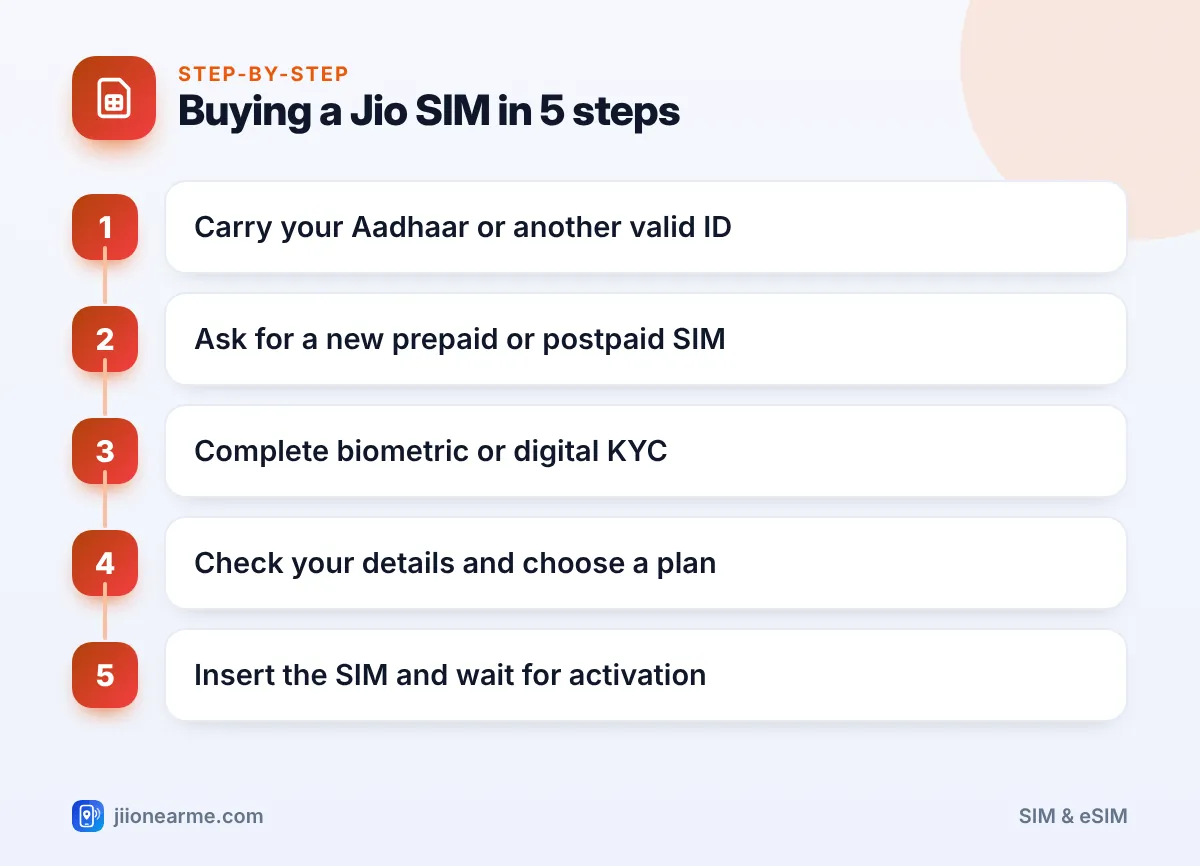
Step 1: Tell the staff what you need
Say whether you want a new prepaid connection, a postpaid connection or a port-in of your existing number. If your phone supports it, you can also ask about a Jio eSIM instead of a physical card.
Step 2: Complete the KYC check
With Aadhaar, the staff enter your Aadhaar number and you place your finger on a small biometric scanner. Your details are verified with UIDAI and filled in automatically.
With another ID, the staff use a digital KYC app. They capture a photo of your original document and a live photo of you at the counter.
Step 3: Check the details on the screen
Before the connection is created, look at the name, date of birth and address shown. Ask the staff to correct any spelling mistakes now, because changing details later takes more effort.
Step 4: Choose a plan and pay
The staff will show you the current prepaid or postpaid plans. Plans change often, so compare them in the MyJio app or on jio.com if you are unsure. Pay for your first recharge or plan here.
Step 5: Collect your SIM and number
You get a SIM card in a holder that shows your SIM details. Note down your new mobile number before you leave. Jio SIMs usually come as a multi-size card, so you can pop out the size your phone needs.
Aadhaar e-KYC vs Other ID: Which Is Faster?
Both routes are valid. The difference is mostly about speed and what you need to carry.
| Aadhaar e-KYC | Other valid ID (digital KYC) | |
|---|---|---|
| What you carry | Aadhaar number, plus your fingerprint | Original passport, voter ID or driving licence |
| How it is verified | Biometric match with UIDAI | Photo of document plus live photo |
| Typed details | Filled in automatically | Entered or checked by staff |
| Usual activation | Often quicker | Can take a little longer |
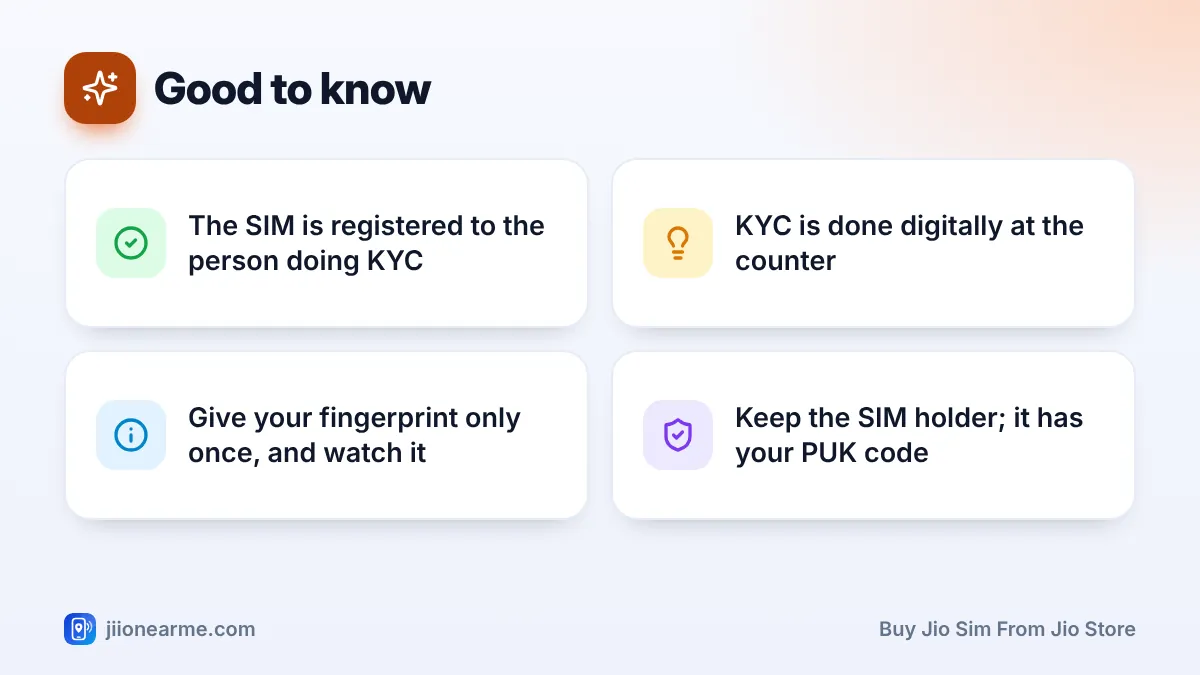
Give your fingerprint only for your own connection and watch the screen while you do it. If the staff ask for repeated scans, ask why. Extra scans can be misused to issue SIMs in your name without your knowledge.
After You Leave the Store: Getting the SIM Active
Activation is not always instant. Here is what to do once you get home.
- Switch off your phone, insert the SIM and switch it back on.
- Wait for the network name to show Jio with signal bars. This can take a few hours after KYC.
- Look for an SMS from Jio confirming your connection is active.
- Make a short test call, send a test SMS and open a website on mobile data.
- Install the MyJio app and sign in with your new number to see your plan and validity.
If your ID shows an address in a different state, you may be asked to complete an extra verification step. Follow only the instructions in the official SMS from Jio or from the store staff.
If the SIM still shows no service after a day, visit the store again or call Jio’s toll-free number 1800-889-9999. Once the SIM works, you can also dial 199 for queries from your Jio number.
Common Mistakes to Avoid at the Jio Store
A few small slips cause most problems with new connections:
- Letting someone else complete KYC for you. The SIM gets registered in their name, and they are legally responsible for it.
- Not checking phone compatibility. A phone without VoLTE support can show signal but fail to make calls.
- Throwing away the SIM holder. It carries your PUK code, which you need if your SIM gets locked after wrong PIN attempts.
- Ignoring spelling errors. A wrong name or address can create trouble later when you link the number to your bank or Aadhaar.
- Sharing OTPs with callers. Jio staff will not phone you asking for an OTP after your visit.
Once your new SIM is active, you can see all mobile numbers registered against your ID on the Sanchar Saathi portal (sancharsaathi.gov.in). Report any number you don’t recognise.
Frequently Asked Questions
Can I buy a Jio SIM for someone else at the store?
Every SIM is registered to the person whose KYC is completed. The person who will use the number should visit and verify with their own ID. For a child, the SIM is taken in a parent’s or guardian’s name.
How long does a new Jio SIM take to activate?
It is often active within a few hours of KYC, though it can take longer in some cases. If it still isn’t working after a day, contact the store or Jio customer care.
Do I need passport-size photos for a new Jio SIM?
Usually not, because the store captures a live photo as part of digital KYC. If a particular store asks for one, it does no harm to carry a spare.
What if my fingerprint doesn't match during Aadhaar e-KYC?
Try a different finger, and clean and dry your hands first. If it still fails, you can usually complete KYC with another original ID instead.
Can I get a Jio eSIM at a Jio Store?
Yes, if your phone supports eSIM. Ask the staff when you arrive, and they will guide you through the eSIM steps for your device.
Final Thoughts
When you buy a Jio SIM from a Jio Store, the whole process rests on one thing: a clean KYC in your own name. Carry your Aadhaar or another original ID, check your details on the screen and keep an eye on the fingerprint scanner.
Once you are home, insert the SIM, wait for the confirmation SMS and run a quick call, SMS and data test. If anything doesn’t work within a day, go back to the store or contact Jio support.
JIo Near me is an independent guide and is not affiliated with Reliance Jio. App menus, plans and policies can change – always confirm current details in the official MyJio app or on jio.com. We will never ask for your OTP, PIN or passwords.
