Deleting a Jio eSIM from your phone does not close your Jio number. Your number, plan and validity stay active with Jio. What you lose is the profile on the phone, so calls, SMS and data stop working until you get a new eSIM from Jio, which usually means a store visit.
A factory reset can delete the eSIM too, depending on the options you choose. This explainer covers what each action really does, how to keep your eSIM during a reset, and how to get a new profile if yours is already gone.
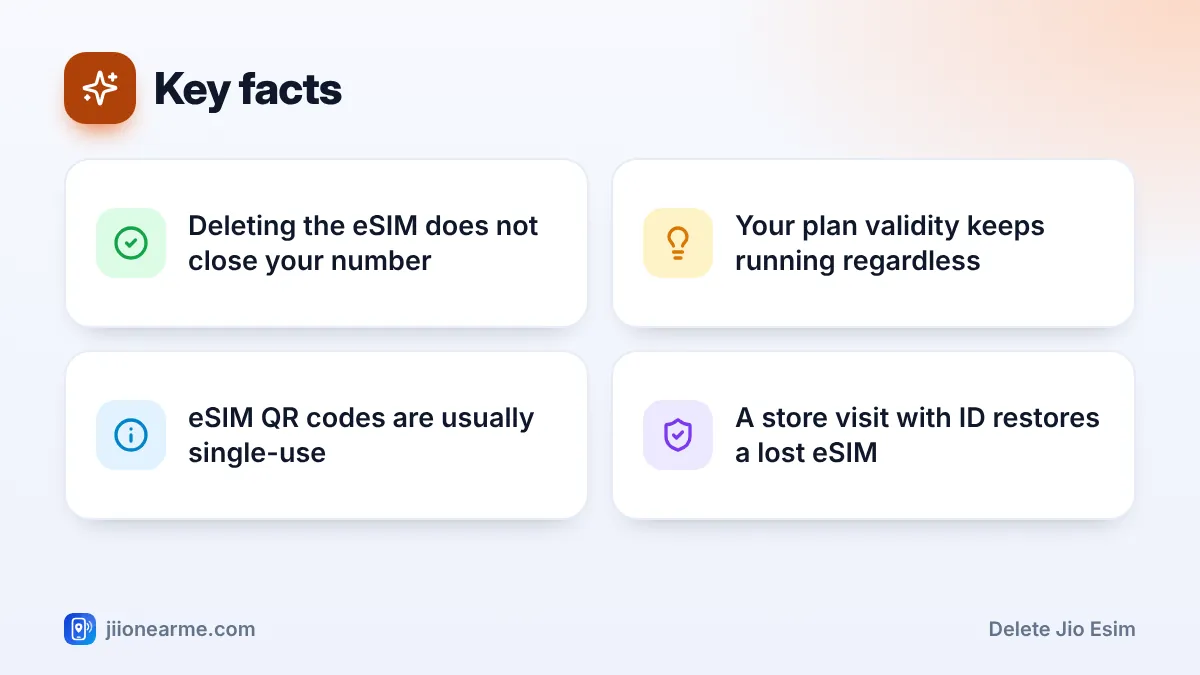
- Deleting the eSIM removes it from the phone, not your number from Jio.
- Your plan keeps running, but the line cannot be used until a new profile is installed.
- A reset may erase the eSIM unless you choose to keep it.
- A deleted profile usually cannot be downloaded again with the old QR code.
- A Jio Store visit with original ID is the reliable way to get a new eSIM.
What Happens When You Delete a Jio eSIM
When you delete an eSIM profile, your phone erases the downloaded connection details from its eSIM chip. That is all it does on the phone. Here is what that means in practice:
- Your number stays registered with Jio, in your name.
- Your plan and validity keep running. Days continue to count down even though you cannot use the line.
- The phone has no Jio service. You cannot make calls, send SMS, use mobile data or receive OTPs on that number.
- The old QR code usually won’t work again. eSIM codes are generally single-use, so you need a fresh profile.
Deleting the eSIM is therefore not a way to cancel your number. If you want to close the number, ask for permanent disconnection at a Jio Store instead.
Without the eSIM, OTPs for your bank, UPI and other accounts will not reach you. If you delete it by mistake, get a new profile as soon as you can.
What a Factory Reset Does to Your eSIM
A factory reset wipes your apps, settings and data. Whether it also removes the eSIM depends on your phone and the option you pick.
iPhone
When you choose Erase All Content and Settings on a recent iOS version, the iPhone asks what to do with your eSIM. You can usually keep it or erase it. Choose to keep it if you are resetting the phone for yourself. Choose to erase it only if you are selling or giving the phone away.
Reset Network Settings on iPhone is a different, lighter option. It clears Wi-Fi passwords and network preferences and does not normally remove your eSIM. Still, read the confirmation message carefully.
Android phones
On many Android phones, including Google Pixel and Samsung Galaxy, the factory reset screen shows an option such as Erase downloaded SIMs or Delete eSIMs. Leave it unticked if you want to keep your Jio eSIM. The network settings reset may show a similar option, so check it there too.
If your phone shows no such option, assume the eSIM could be erased. Ask Jio support or visit a store before resetting if you are unsure.
How to Keep Your Jio eSIM During a Reset
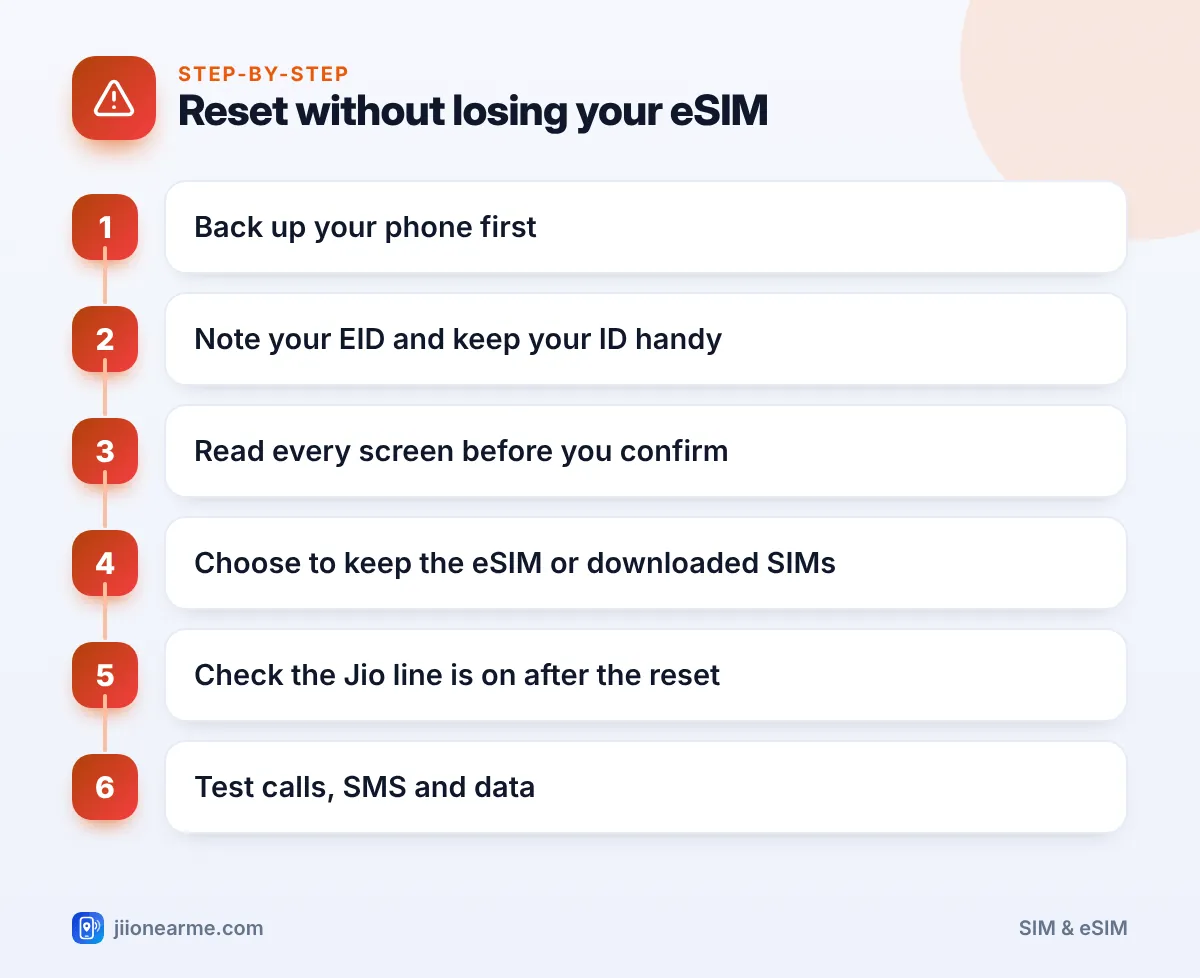
Follow these steps whenever you reset an eSIM phone you plan to keep using:
- Back up your phone. Save photos, contacts and chats to the cloud or a computer.
- Note your EID from Settings > About phone (or Settings > General > About on iPhone), and keep your original ID proof handy just in case.
- Start the reset and read every screen. Do not tap through quickly.
- Choose to keep the eSIM. On iPhone, pick the option to keep it. On Android, untick Erase downloaded SIMs or a similar box.
- Check the line after the reset. Open your SIM settings and make sure the Jio eSIM is listed and switched on.
- Test it. Make a call, send an SMS and use mobile data with Wi-Fi off.
Before resetting to fix a network problem, try lighter steps first. Restart the phone, toggle Airplane mode, and check for software updates. Many problems go away without a full reset.
How to Get a New Jio eSIM Profile If Yours Is Gone
If the eSIM has already been deleted, the SMS method for requesting an eSIM usually will not help. That method needs a working Jio line on your phone to send and confirm the request.
Here is what to do instead:
- Call Jio from another phone on the toll-free number 1800-889-9999 and explain what happened. Ask what the current process is.
- Visit a Jio Store with your original ID proof and the phone you want to use.
- Ask for a new eSIM for the same number. The staff verify your identity and usually give you a QR code.
- Install the profile over Wi-Fi by scanning the code from your phone’s SIM settings.
- Test the line and set your preferences for calls, SMS and data.
You can also ask for a physical SIM if your phone supports one and you prefer a card. Find your nearest store on jio.com or in the MyJio app on a Wi-Fi connection.
Some SMS services can be restricted for a short time after a SIM change as a safety measure. UPI apps may also ask you to verify your number again. This is normal.
When Deleting the eSIM Is the Right Move
There are times when you should delete it:
- You are selling, exchanging or giving away the phone. Erase the eSIM along with your data so the next owner gets a clean phone.
- You have moved your number to a new phone or a physical SIM. The old profile no longer works, so remove it.
- Your number has been permanently disconnected. Clean up the leftover profile.
In each case, confirm first that your Jio line is working somewhere else, or that you truly no longer need it.
Frequently Asked Questions
Does deleting my Jio eSIM cancel my plan?
No. Your plan and validity continue with Jio. You just cannot use the line until you install a new eSIM or a physical SIM.
Can I reinstall my deleted Jio eSIM myself?
Usually not with the old QR code, as eSIM codes are generally single-use. Get a new eSIM through Jio, usually at a Jio Store with original ID.
Will a software update delete my eSIM?
A normal software update should not remove your eSIM. Back up your phone first anyway, and contact Jio if the line stops working afterwards.
I reset my phone and the Jio line disappeared. What now?
Check your SIM settings first in case the line is just switched off. If it is not listed, call 1800-889-9999 from another phone and visit a Jio Store with your ID.
Should I delete the eSIM before selling my phone?
Yes, once your number works on your new phone or SIM. Erase the eSIM during the factory reset so no profile is left on the device.
Final Thoughts
When you delete a Jio eSIM, you remove it from your phone, not your number from Jio. The line stays active but unusable until you get a new profile, which usually needs a store visit.
During any reset, read each screen and choose to keep the eSIM unless you are parting with the phone. A few careful taps can save you a trip to the store.
JIo Near me is an independent guide and is not affiliated with Reliance Jio. App menus, plans and policies can change – always confirm current details in the official MyJio app or on jio.com. We will never ask for your OTP, PIN or passwords.