You can download your Jio postpaid bill as a PDF from the MyJio app or by signing in on jio.com. Open the bills section, choose the billing month and tap the download option. The file is saved to your phone or computer, ready to print, share or keep.
A PDF copy is useful for office reimbursement, tax records, address proof where it is accepted, or simply for checking your charges. Below are the steps for the app and the website, plus fixes for common download problems.
- The MyJio app is the quickest way to download your Jio postpaid bill as a PDF.
- On a computer, sign in on jio.com with your number and OTP and open your bills.
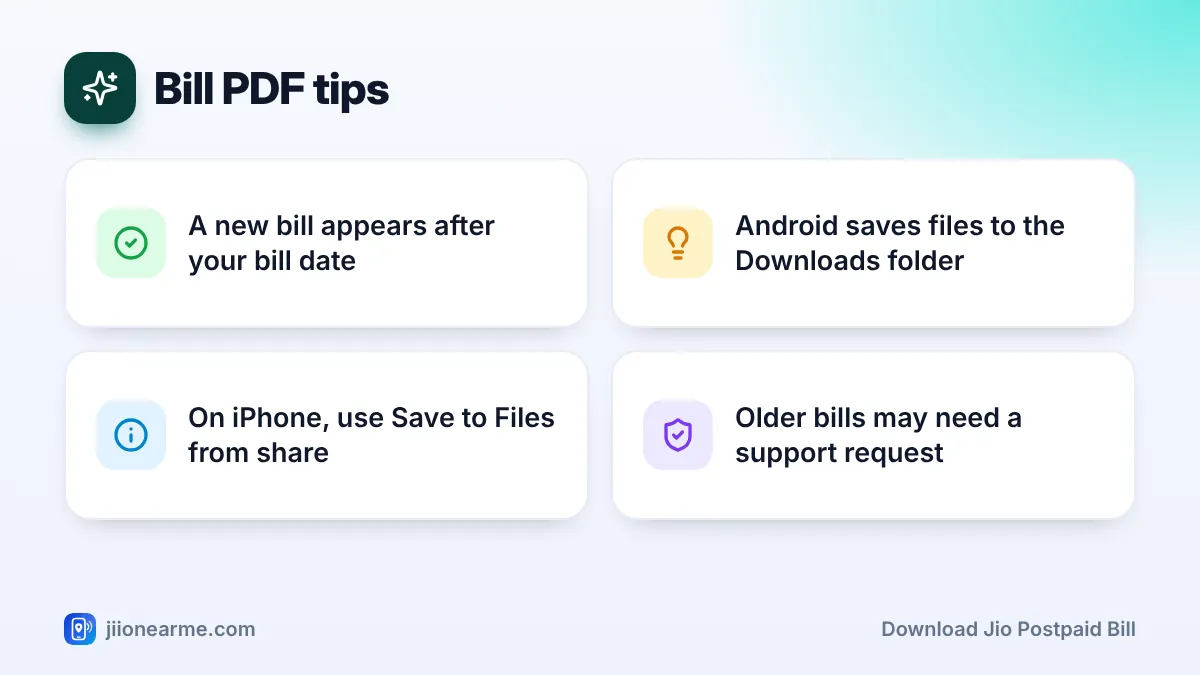
- Recent bills are listed in the app. Older ones may need a request to Jio support.
- On Android, check the Downloads folder. On iPhone, save the file to the Files app.
- Your bill has personal details, so store and share it carefully.
What You Need Before You Start
Keep these ready so the download goes smoothly:
- Your Jio postpaid number and phone, to receive the OTP for signing in.
- The latest version of MyJio, updated from the Play Store or App Store.
- A working internet connection, on mobile data or Wi-Fi.
- A PDF viewer. Most phones and computers already have one.
Your bill for a cycle is available only after your bill date. If you are looking for the current month’s bill before that date, it will not be there yet. You can still see the unbilled amount in MyJio.
How to Download Jio Postpaid Bill in the MyJio App
These steps work on Android and iPhone. App menus change from time to time, so the labels on your screen may differ slightly.
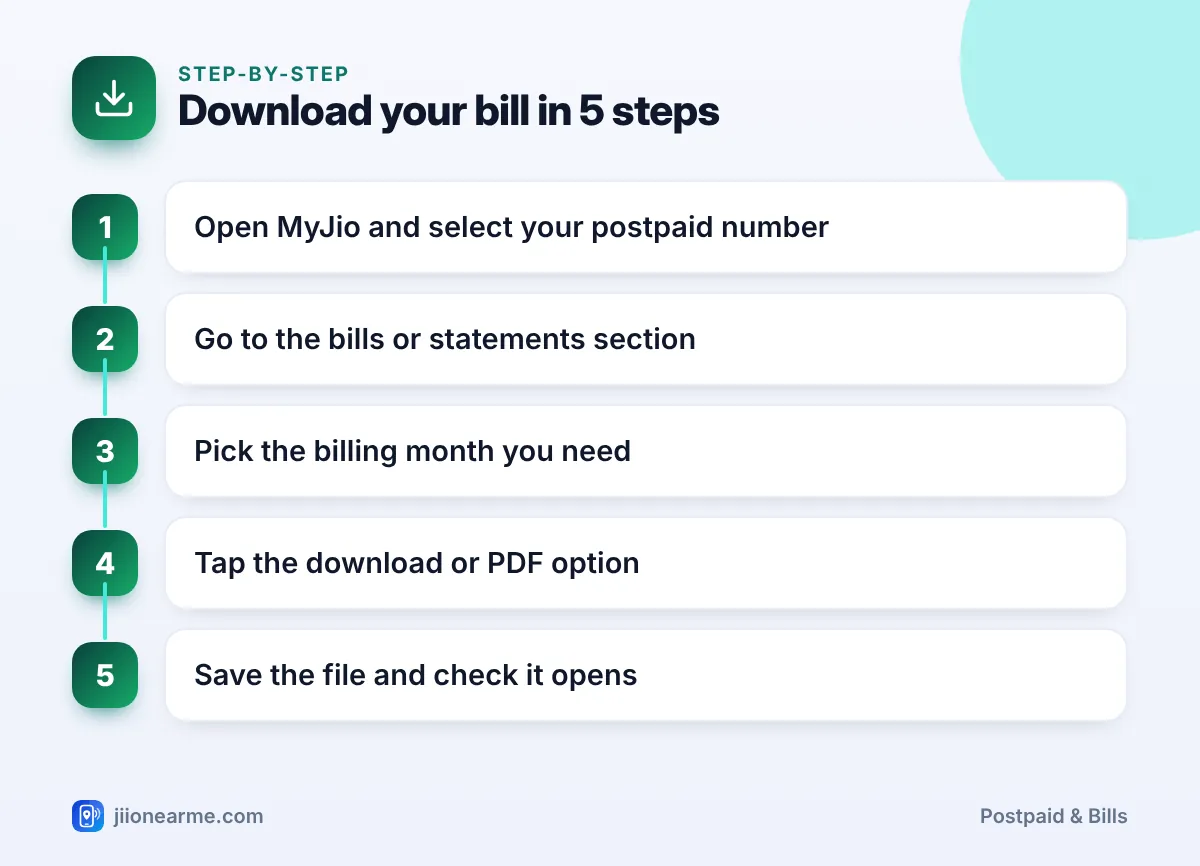
- Open the MyJio app and sign in with your Jio number and OTP if asked.
- Select your postpaid number if you have more than one account linked.
- Go to the bills section. Look on the home screen or in the menu (☰) for Bills, My Bills or Statements.
- Choose the billing month you need from the list.
- Tap the download or PDF option. It may be a button such as Download bill or a download icon.
- Save the file and open it once to check that it shows the right month.
If you see a View bill option but no download button, open the bill first. On some versions, the download or share icon appears only inside the bill view.
Where the PDF is saved
On Android, downloaded files usually go to the Downloads folder. Open your phone’s Files app to find it. A notification may also appear when the download finishes.
On iPhone, the bill may open in a preview. Tap the share icon and choose Save to Files, then pick a folder you will remember.
Rename the file with the month and year as soon as you save it, such as “Jio-bill-March”. When you need it later, you will not have to open several files to find the right one.
Download Your Bill From jio.com on a Computer
A computer is handy if you want to print the bill or keep records in one place.
- Open jio.com in your browser.
- Choose the sign-in option and enter your Jio postpaid number.
- Enter the OTP sent to your phone.
- Open your account section and look for Bills or Statements.
- Select the billing month and click the download option.
- Save the PDF to a folder on your computer.
Always type the address yourself or use a saved bookmark. Avoid signing in through links in unknown messages or emails.
Getting Older Bills From Previous Months
The app and website usually show bills for recent months. If you need a bill from further back, try these options:
- Scroll through the bill list in MyJio or on jio.com. Some versions let you pick a date range.
- Check your registered email. If e-bills were sent to you, older bills may already be in your inbox.
- Contact customer care by calling 199 from your Jio number, or the toll-free number 1800-889-9999.
- Visit a Jio Store with your phone and a valid ID if support asks for identity checks.
Requests for older bills can take some time. The easiest habit is to download each bill as soon as it is generated.
Saving, Printing and Sharing the PDF Safely
Your bill shows your name, number, billing address and usage details. Handle it like any personal document.
- Print from a trusted device. If you use a shop or cyber cafe, delete the file afterwards.
- Share only with people who need it, such as your employer’s finance team.
- Store copies in one place, such as a private folder or cloud storage like JioAICloud.
- Do not edit the bill. If any detail is wrong, ask Jio support for a corrected copy.
If a bill PDF asks for a password, check the message or email it came with for instructions, or contact Jio support. Never share an OTP with anyone who offers to send you a bill.
Scammers sometimes send messages with “your bill is ready” links that lead to fake payment pages. Download bills only from MyJio or jio.com, and do not tap links from unknown senders.
If the Download Does Not Work
Most download problems have a quick fix.
| Problem | Try this |
|---|---|
| No download button | Open the bill first, or update MyJio |
| Current month’s bill missing | Wait until after your bill date |
| File will not open | Install or update a PDF viewer |
| Download fails midway | Switch between Wi-Fi and mobile data and retry |
| Older bill not listed | Contact 199 or check your email |
| Wrong number’s bill | Switch accounts in MyJio and try again |
If none of these work, try signing in on jio.com from a computer. For anything else, call 199 from your Jio number.
Frequently Asked Questions
Can I download my Jio postpaid bill without the MyJio app?
Yes. Sign in on jio.com with your postpaid number and OTP, open the bills section and download the PDF.
When will my latest bill be available to download?
Your bill is available after your bill date, once it has been generated. Before that, you can check the unbilled amount in MyJio.
Is the downloaded PDF an official bill?
Yes. A bill downloaded from MyJio or jio.com is the official bill for that billing period. Keep it unedited.
Can I download bills for my JioPlus family members?
The bill for a JioPlus family plan is raised on the primary member’s account. Sign in with the primary number to download it.
How do I get a bill from many months ago?
Check the bill list in MyJio or on jio.com first. If it is not there, call 199 from your Jio number and ask for that billing period.
Final Thoughts
Downloading your Jio postpaid bill takes about a minute. Open the bills section in MyJio or on jio.com, choose the month and tap the download option.
Make it a habit to save each bill soon after your bill date, name the files clearly and keep them in one place. For older bills or download problems, Jio support on 199 can help.
JIo Near me is an independent guide and is not affiliated with Reliance Jio. App menus, plans and policies can change – always confirm current details in the official MyJio app or on jio.com. We will never ask for your OTP, PIN or passwords.