Office reimbursement forms almost always ask for a proper invoice, and a payment screenshot rarely counts. The good news is that MyJio lets you download an invoice for a prepaid recharge straight from your recharge history. Open the recharge, tap the invoice option, and save the PDF.
The whole process takes about a minute on Android or iPhone. Below, you will find the exact steps, what the invoice contains, where the file is saved, and what to do if the invoice option does not appear.
- Prepaid recharge invoices are available from the Recharge history section in MyJio.
- Tap the recharge entry and choose the view or download invoice option.
- The invoice is usually a PDF that you can save, share or print.
- Only successful recharges have invoices; failed or pending ones usually do not.
Invoice vs Payment Receipt: Know the Difference
Many people send the wrong document for reimbursement. A payment confirmation from your bank or UPI app only proves that money left your account. An invoice from Jio shows what service you bought and the tax details, which is what most finance teams want.
| Document | Who issues it | What it proves |
|---|---|---|
| Payment screenshot | Your bank or payment app | Money was paid |
| Recharge confirmation SMS | Jio | Recharge was successful |
| Recharge invoice (PDF) | Jio | Service bought, with tax details |
If your employer asks for a “bill” or “invoice”, the PDF from MyJio is the right document.
Jio Recharge Invoice Download in MyJio: Step by Step
These steps work on both Android and iPhone. Labels can vary slightly by app version, so look for similar wording if your screen is different.
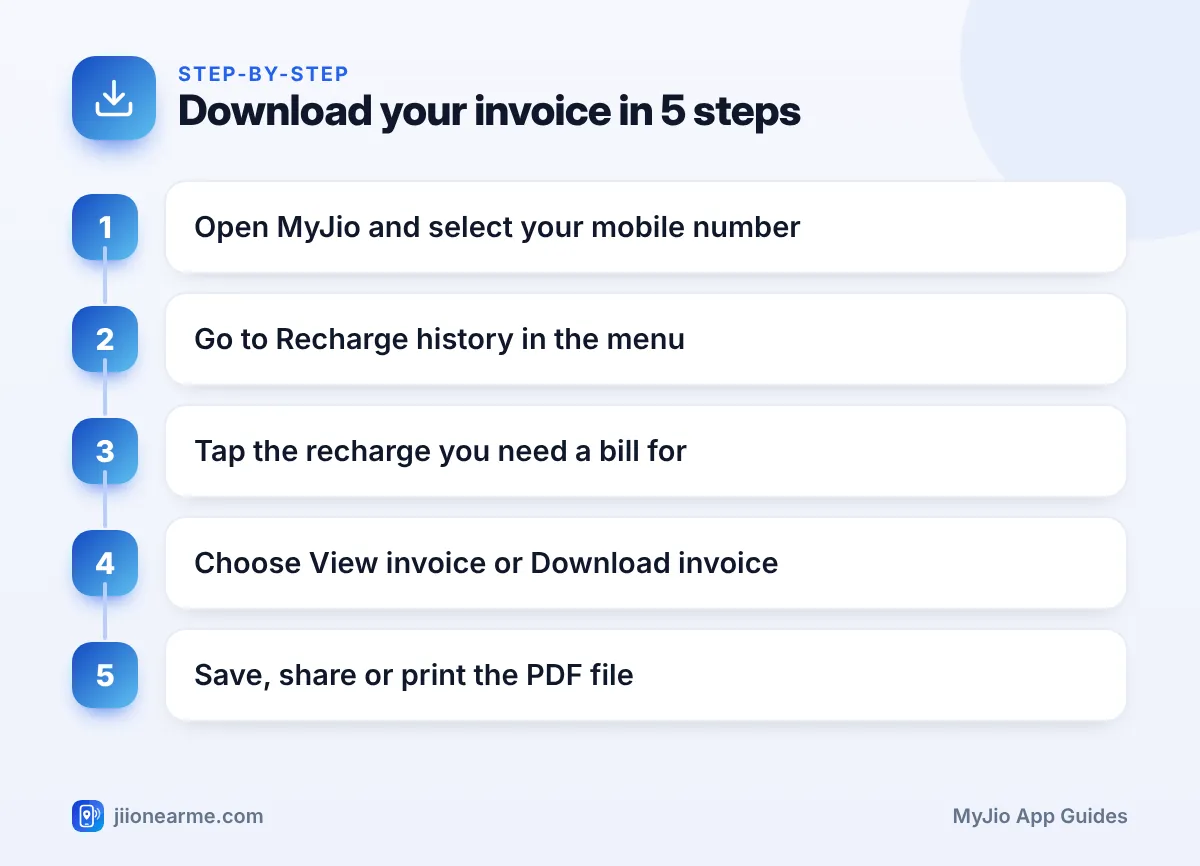
- Open the MyJio app and sign in with your Jio number and OTP if needed.
- If you have linked several accounts, select the prepaid number you recharged.
- Open the menu (☰) or your profile section.
- Tap Recharge history, My Transactions or a similar option.
- Find the recharge you need. Use the date and plan name to pick the right one.
- Tap the entry, then choose View invoice, Download invoice or an invoice icon.
- Save the PDF, or use the share option to send it by email or a messaging app.
If you cannot see an invoice option on the list, tap the entry first. On some app versions, the invoice button appears only on the detailed view of each recharge.
Where the File Is Saved
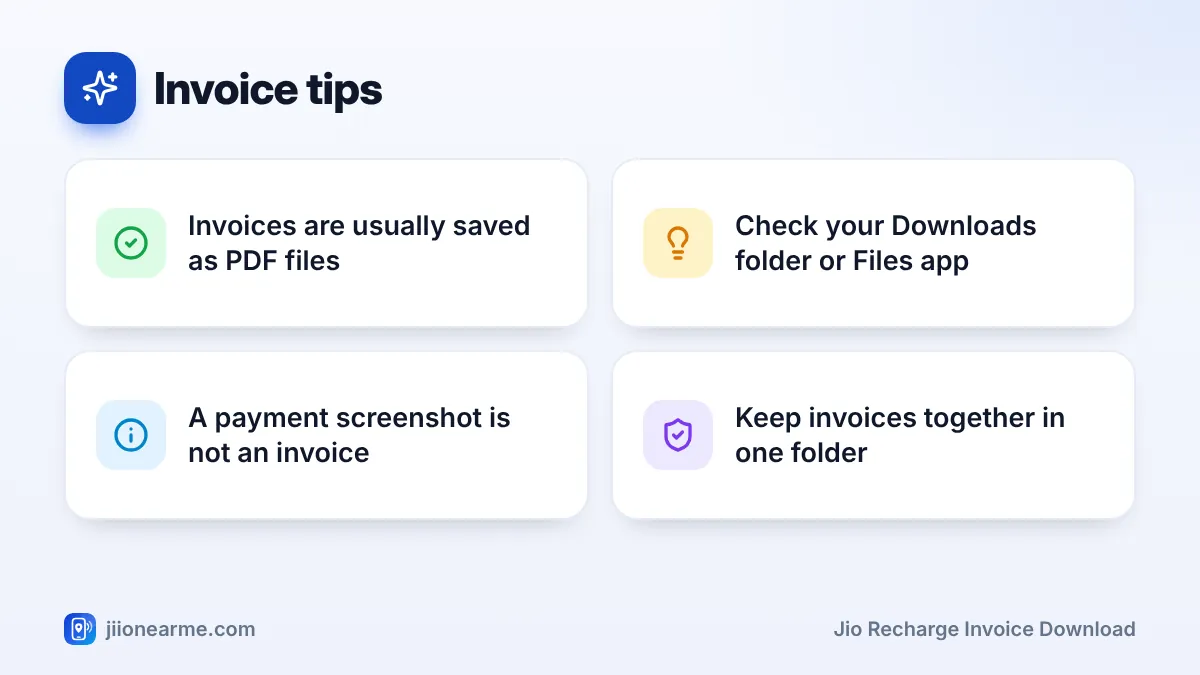
On Android, downloaded invoices usually go to the Downloads folder. Open your phone’s Files app and check there. Some phones also show a notification when the download finishes.
On iPhone, the invoice may open in a preview first. Tap the share icon and choose Save to Files, then pick a folder you can find easily later.
What a Jio Recharge Invoice Usually Contains
Invoice layouts can change, but a typical Jio prepaid invoice includes:
- An invoice number and invoice date.
- Your name and Jio mobile number as per the account.
- The plan or pack you recharged with.
- The amount, with a tax breakup.
- Reliance Jio’s business details, such as its address and GST registration.
Check the date and plan name before submitting the invoice. If you recharge often, it is easy to pick the wrong month by mistake.
Also compare the invoice total with the amount debited from your bank or payment app. They should match. If you paid partly with a wallet balance or a discount from a payment app, your payment proof may show a different figure. In that case, keep both documents and explain the difference to your finance team.
A prepaid invoice is generally issued in the name of the person who owns the connection. If your company needs its own business details on the invoice, ask your finance team what they accept and check with Jio support whether this is possible for your connection.
Sharing and Storing Invoices for Reimbursement
A few habits make reimbursement easier:
- Rename the file with the month and your number, for example “Jio-invoice-March”. This makes it easy to find later.
- Keep one folder on your phone, email or cloud storage, such as JioAICloud, for all your recharge invoices.
- Download monthly. Make it a habit to download each invoice soon after the recharge, rather than collecting many at the end of the year.
- Check your company’s rules. Some employers want only the invoice, while others also ask for the payment proof.
Never edit an invoice to change the name, date or amount. If any detail looks wrong, contact Jio support and ask for help instead.
If the Invoice Option Is Missing
Sometimes the download button does not appear. Here are the common reasons and fixes:
- The recharge failed or is pending. Invoices are created only for successful recharges. Check the status in your recharge history.
- The recharge is very recent. Wait a little and refresh the app.
- The app is outdated. Update MyJio from the Play Store or App Store and try again.
- You paid through another app. The recharge usually still appears in MyJio. If the invoice is missing, contact Jio support.
- The recharge is very old. The app may show only a recent period. Ask Jio support for older invoices.
You can also try signing in on jio.com from a computer. If nothing works, call 199 from your Jio number for help.
If you need invoices for many months at once, set aside a few minutes and download them one by one in date order. Name each file as you go so nothing gets mixed up.
Frequently Asked Questions
Is the MyJio invoice accepted for office reimbursement?
Most employers accept the official invoice from MyJio, since it shows the service and tax details. Still, confirm the exact requirement with your finance or HR team.
Can I download an invoice for a recharge done through another app?
Usually yes, because the recharge appears in your MyJio history. If the invoice option is missing for that entry, contact Jio support.
Why is there no download button for my recharge?
The recharge may have failed, may still be pending, or may be too recent. Check the status, refresh the app and try again later.
Where can I find the invoice after downloading it?
On Android, check the Downloads folder in your Files app. On iPhone, save it using the share option and then look in the Files app.
Is this the same as a postpaid bill?
No. Postpaid users get a monthly bill, which is available in the bills section of MyJio. The steps in this guide are for prepaid recharges.
Wrapping Up
Getting a Jio recharge invoice is simple once you know where to look. Open Recharge history in MyJio, tap the right recharge, and choose the invoice option to save the PDF.
Download invoices soon after each recharge, keep them in one folder, and check the date and plan before submitting. If the option is missing for a successful recharge, Jio support on 199 can guide you.
JIo Near me is an independent guide and is not affiliated with Reliance Jio. App menus, plans and policies can change – always confirm current details in the official MyJio app or on jio.com. We will never ask for your OTP, PIN or passwords.
