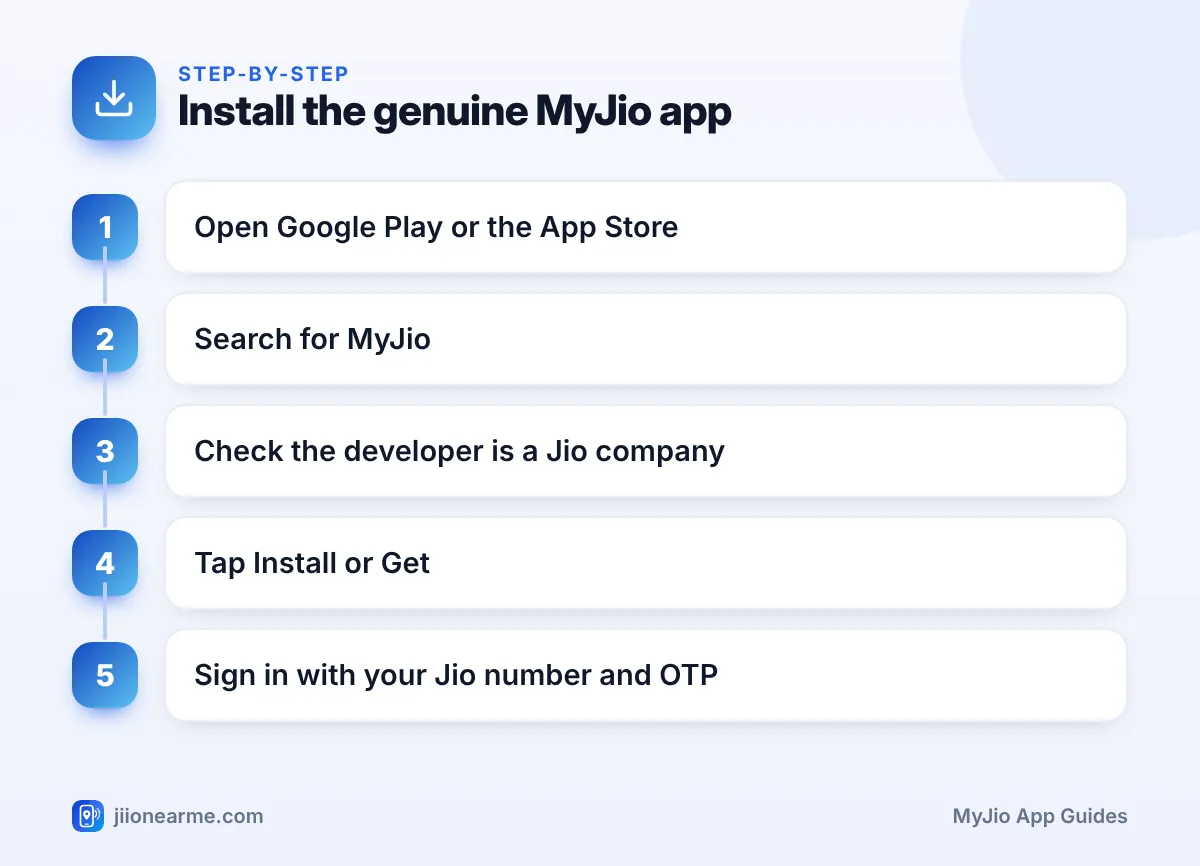
The only safe places to download MyJio are the Google Play Store on Android and the App Store on iPhone. Search for MyJio, check that the developer is a Jio company, and tap install. Never install it from a link someone sends you on WhatsApp or SMS.
That last point matters more than it sounds. Scammers create lookalike apps with the Jio logo to steal OTPs and payment details. This guide shows you how to find the genuine listing, the checks that take ten seconds, and what to do on first sign-in.
- Download MyJio only from Google Play, the App Store or links on jio.com.
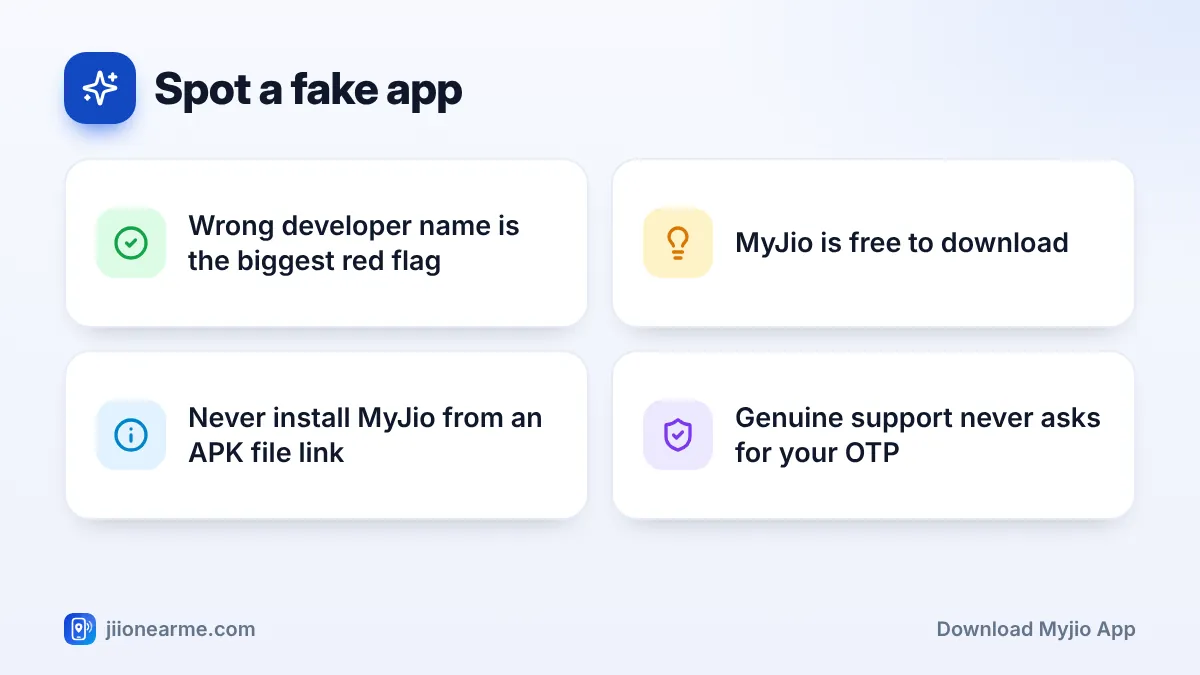
- Check the developer name before installing. It should be a Jio company.
- MyJio is free to download, so a request for payment to install it is a scam.
- Never install MyJio or any “Jio update” from an APK file sent in a message.
- Sign in with your Jio number and the OTP, and type the OTP only inside the app.
Where to Download the Official MyJio App
MyJio is available on both major phone platforms. The store you use depends on your phone.
| Your phone | Where to get MyJio | What to check |
|---|---|---|
| Android phone, including JioPhone Next | Google Play Store | Developer name, download count, reviews |
| iPhone | Apple App Store | Developer name, ratings, screenshots |
| JioPhone (feature phone) | Usually comes preinstalled | Use the version that came with the phone |
You can also visit jio.com and look for the apps section, which links to the official store listings. Typing the address yourself is safer than tapping a link from an SMS.
How to Download MyJio App on Android
Make sure you have a working internet connection and some free storage before you start.
- Open the Google Play Store app.
- Tap the search bar at the top and type MyJio.
- In the results, find the MyJio listing and tap it to open its page. Do not tap install straight from the results.
- Check the developer name just below the app name. It should be a Jio company, shown as Jio Platforms Limited at the time of writing.
- Scroll down and check the download count and reviews. The genuine app has a very large number of downloads.
- Tap Install and wait for it to finish.
- Tap Open to launch the app.
Keep Play Protect on
Google Play Protect scans apps on your phone for harmful behaviour. Open the Play Store, tap your profile picture and choose Play Protect to check that it is turned on. It will not catch every fake, but it adds a useful layer of safety.
How to Download MyJio on iPhone
The steps on iPhone are almost the same.
- Open the App Store.
- Tap Search at the bottom and type MyJio.
- Tap the MyJio listing to open its page.
- Check the developer name shown under the app title. It should be a Jio company.
- Tap Get, then confirm with Face ID, Touch ID or your Apple Account password.
- Once installed, tap Open.
The App Store may show an advertisement at the top of search results. Ads are marked as such, so look past them to the actual MyJio listing.
How to Spot a Fake or Lookalike MyJio App
Fake apps often copy the Jio colours and logo, so the icon alone is not enough. Check these signs before installing anything that claims to be from Jio:
- Developer name: If it shows a personal name or an unknown company, even one with “Jio” in its name, do not install it.
- Download count: A lookalike usually has far fewer downloads than the real app.
- Spelling and design: Odd spellings in the app name, blurry screenshots or poor English in the description are warning signs.
- Permissions: Be wary of an app that asks for accessibility access, permission to read all SMS or screen sharing right after install.
- Payment requests: MyJio is free. Any app that asks you to pay a fee to install or “activate” it is not genuine.
Scammers send messages saying your KYC is pending or your SIM will be blocked, with a link to download a “Jio app” as an APK file. Do not open it. Such files can read your OTPs and take over your phone. Delete the message, and report suspected fraud messages through Chakshu on the Sanchar Saathi portal.
Signing In for the First Time
After installing, open MyJio and sign in. The steps are simple:
- Enter your Jio mobile number.
- Wait for the OTP that arrives by SMS on that number.
- Type the OTP into the app to sign in.
The app may then ask for permissions such as notifications or location. Notifications are useful for usage and recharge alerts. You can allow or deny the others based on your comfort, and change them later in your phone settings.
JioFiber and Jio AirFiber customers can sign in using the mobile number registered with their connection. If you have more than one Jio number, you can link the others after signing in.
On Android, long-press the MyJio icon, open App info and scroll to the bottom. Many phones show where the app was installed from. If it says Google Play Store, that is a good sign, which helps when checking a parent’s phone.
If MyJio Won’t Download or Install
Most install problems have a simple fix.
- Low storage: Delete unused apps or old videos, then try again.
- Stuck download: Switch between Wi-Fi and mobile data, or restart the phone.
- Old software: Update your phone’s operating system. Very old versions may not support the latest MyJio.
- Play Store issues: On Android, clear the Play Store cache from Settings > Apps > Google Play Store > Storage.
- Wrong account region: Make sure your Play Store or App Store account country is set to India.
If MyJio still won’t install, you can manage most account tasks by signing in at jio.com in the meantime.
Frequently Asked Questions
Is the MyJio app free?
Yes. MyJio is free to download and use. You pay only for the recharges, bills or services you choose to buy inside it.
Can I use MyJio if the Jio SIM is in another phone?
Yes. You can sign in on any phone as long as you can receive the OTP sent to your Jio number. If the SIM is in another phone, the OTP will arrive there.
How do I know if the MyJio app on my phone is genuine?
Open the app’s page in the Play Store or App Store and check the developer name. If it is a Jio company and the app shows a very large number of downloads, it is the official app.
What should I do if I installed a fake Jio app?
Uninstall it at once, change the passwords of any accounts you used on it, and check your bank statements. If you lost money, call 1930 or report it on cybercrime.gov.in.
Wrapping Up
Downloading MyJio safely comes down to one habit: get it from the Play Store or App Store and check the developer name first. Ignore APK links and payment requests, sign in with your own OTP, and you will have the genuine app ready to manage your Jio account.
JIo Near me is an independent guide and is not affiliated with Reliance Jio. App menus, plans and policies can change – always confirm current details in the official MyJio app or on jio.com. We will never ask for your OTP, PIN or passwords.
