Jio 5G works on every iPhone from the iPhone 12 series onwards, plus the iPhone SE (3rd generation). To use it, you need a recent version of iOS and the right choice under Voice & Data in Settings. Your existing Jio SIM or Jio eSIM works, so you do not need a new one.
Apple added 5G support for Indian networks through an iOS update at the end of 2022, and every current iOS version includes it. This guide shows how to check your model, update the software, find the setting and confirm that 5G is actually working.
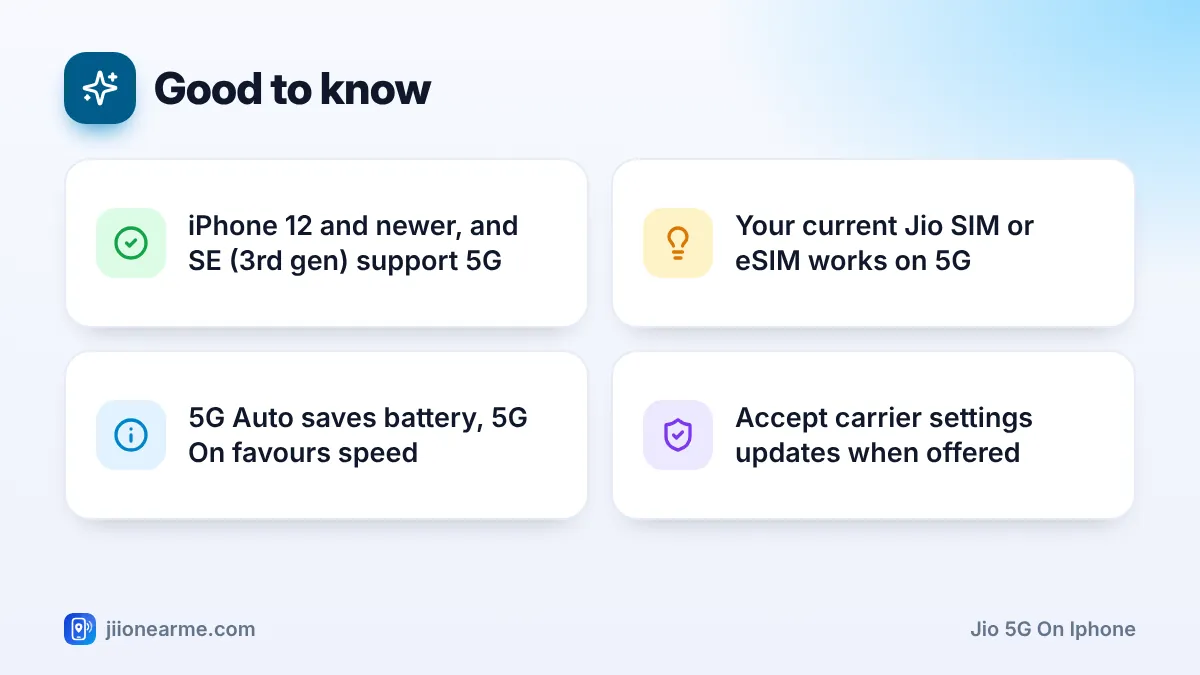
- 5G-capable iPhones are the iPhone 12 series and every newer model, plus the iPhone SE (3rd generation).
- Update iOS and accept any carrier settings update before looking for the 5G option.
- The setting is under Mobile Service > Mobile Data Options > Voice & Data.
- Choose 5G Auto for balanced battery life, or 5G On for maximum 5G use.
Which iPhone Models Support Jio 5G?
Only iPhones with a 5G modem can connect to Jio True 5G. The table below gives a quick answer.
| iPhone model | Jio 5G support |
|---|---|
| iPhone 12, 12 mini, 12 Pro, 12 Pro Max | Yes |
| iPhone 13, 14, 15 and 16 series (including iPhone 16e) | Yes |
| iPhone 17 lineup, iPhone Air and newer models | Yes |
| iPhone SE (3rd generation, 2022) | Yes |
| iPhone 11 series, XR, XS, X and older | No, 4G only |
| iPhone SE (1st and 2nd generation) | No, 4G only |
Not sure which model you have? Open Settings > General > About and check Model Name.
Many iPhones sold abroad also work on Jio 5G, but some regional models differ. For example, iPhone 14 and later models sold in the US have no physical SIM tray, so you would need a Jio eSIM. Check Apple’s specifications for your exact model before you rely on it.
Update iOS and Carrier Settings First
An old iOS version is the most common reason the 5G option is missing. Update before you go looking for it.
- Connect to Wi-Fi and charge your iPhone, or keep it plugged in.
- Open Settings > General > Software Update.
- Tap Update Now or Download and Install if an update is available.
- After the restart, go to Settings > General > About and wait a few seconds.
If a Carrier Settings Update pop-up appears on the About screen, tap Update. These small updates from Apple and Jio can improve 5G, VoLTE and Wi-Fi Calling. If nothing appears, your carrier settings are already current.
How to Turn On Jio 5G on iPhone
Once iOS is up to date, follow these steps. Labels can differ slightly between iOS versions, so look for the closest match.
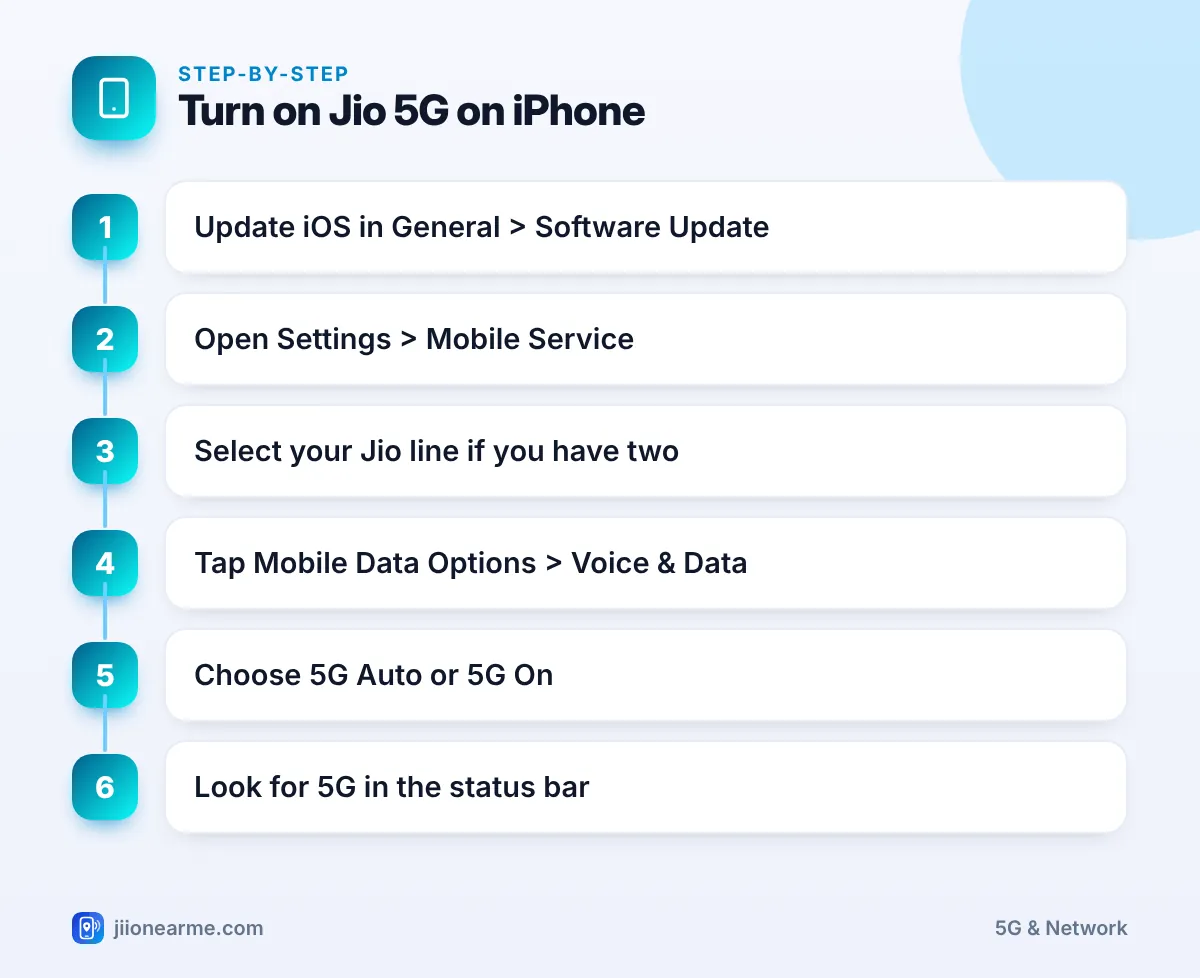
- Open Settings and tap Mobile Service. On some iOS versions it is called Mobile Data or Cellular.
- If you use two lines, tap your Jio line under the SIMs section.
- Tap Mobile Data Options.
- Tap Voice & Data.
- Choose 5G Auto or 5G On.
- Go back to the home screen and check the status bar for 5G.
5G Auto, 5G On or LTE: which one to pick
- 5G Auto uses 5G when it gives a clear speed benefit, and switches to LTE when it does not. This saves battery and suits most people.
- 5G On uses 5G whenever it is available. You get more time on 5G, but battery life may drop, especially where the signal is weak.
- LTE keeps you on Jio 4G only, even when 5G is available. It is useful if 5G is patchy where you live.
If you want to see how strong Jio 5G is in your area, switch to 5G On for a day and watch speeds and battery. Then decide whether to stay on it or return to 5G Auto.
Dual SIM and eSIM Settings
Many iPhone users keep Jio alongside another network, using a physical SIM and an eSIM, or two eSIMs. In that case, the iPhone only uses one line for mobile data at a time.
- To browse on Jio 5G, go to Settings > Mobile Service > Mobile Data and choose your Jio line.
- The Voice & Data setting is separate for each line. Make sure you changed it on the Jio line, not the other one.
- If Allow Mobile Data Switching is on, the iPhone can move data to your other line based on coverage and availability. Turn it off if you want data to stay on Jio.
How to Check That Jio 5G Is Working
Look at the signal area at the top of the screen. If the icon is hard to see, swipe down from the top-right corner (or up from the bottom on Home button models) to open Control Centre, which shows it more clearly.
- 5G next to the signal bars means you are on Jio 5G.
- 4G or LTE means you are on 4G at that moment, often because 5G is weak or not available there.
- A speed test app can show the difference, but results vary by time, place and crowding.
In Mobile Data Options you will also see Data Mode. Allow More Data on 5G lets apps stream higher-quality video and download updates on 5G, which uses more data. Standard is fine for most people.
Voice & Data Option Missing? Try These Fixes
If you cannot see the 5G choices, or 5G never appears, work through this list:
- Confirm your model is 5G-capable using the table above.
- Update iOS, then open General > About to trigger any carrier update.
- Restart the iPhone, or turn Aeroplane Mode on and off.
- Check that the Jio line is selected for mobile data.
- Check your plan in the MyJio app, as 5G data access can depend on the active plan.
- As a last step, go to Settings > General > Transfer or Reset iPhone > Reset > Reset Network Settings. This removes saved Wi-Fi passwords.
If 5G still does not work in an area where others get it, call 199 from your Jio number for help, or 198 to register a complaint.
Frequently Asked Questions
Does Jio 5G work on iPhone 11?
No. The iPhone 11 series has a 4G modem, so it cannot connect to 5G. It continues to work on Jio 4G with VoLTE calls.
Do I need a new SIM for Jio 5G on iPhone?
No. Your current Jio SIM or Jio eSIM works on 5G. Just update iOS and choose a 5G option under Voice & Data.
Why does my iPhone show 4G even with 5G Auto selected?
5G Auto moves to LTE when 5G does not offer a noticeable speed benefit, or when the 5G signal is weak. Switch to 5G On if you want the phone to stay on 5G whenever it can.
Will 5G drain my iPhone battery faster?
It can, mainly with 5G On in areas with weak 5G signal. 5G Auto is designed to balance speed and battery for everyday use.
Can I use Jio 5G on an iPhone bought abroad?
Usually yes, if the model is 5G-capable and supports the bands Jio uses. Check Apple’s specifications for your model, and use a Jio eSIM if the phone has no SIM tray.
Wrapping Up
Getting Jio 5G on an iPhone is simple once the basics are in place: a 5G-capable model, current iOS and the right Voice & Data choice on your Jio line. Start with 5G Auto, check the status bar for the 5G icon and only move to 5G On if you want more time on 5G. If it still will not connect, run through the fixes before you call customer care.
JIo Near me is an independent guide and is not affiliated with Reliance Jio. App menus, plans and policies can change – always confirm current details in the official MyJio app or on jio.com. We will never ask for your OTP, PIN or passwords.
