Before you reset a JioPhone, save what matters to you, because a factory reset wipes everything stored on the phone itself. Contacts saved to the phone, messages, downloaded apps, app data and settings all go. The reset is done from Settings in a few steps, and the phone then starts up as if it were new.
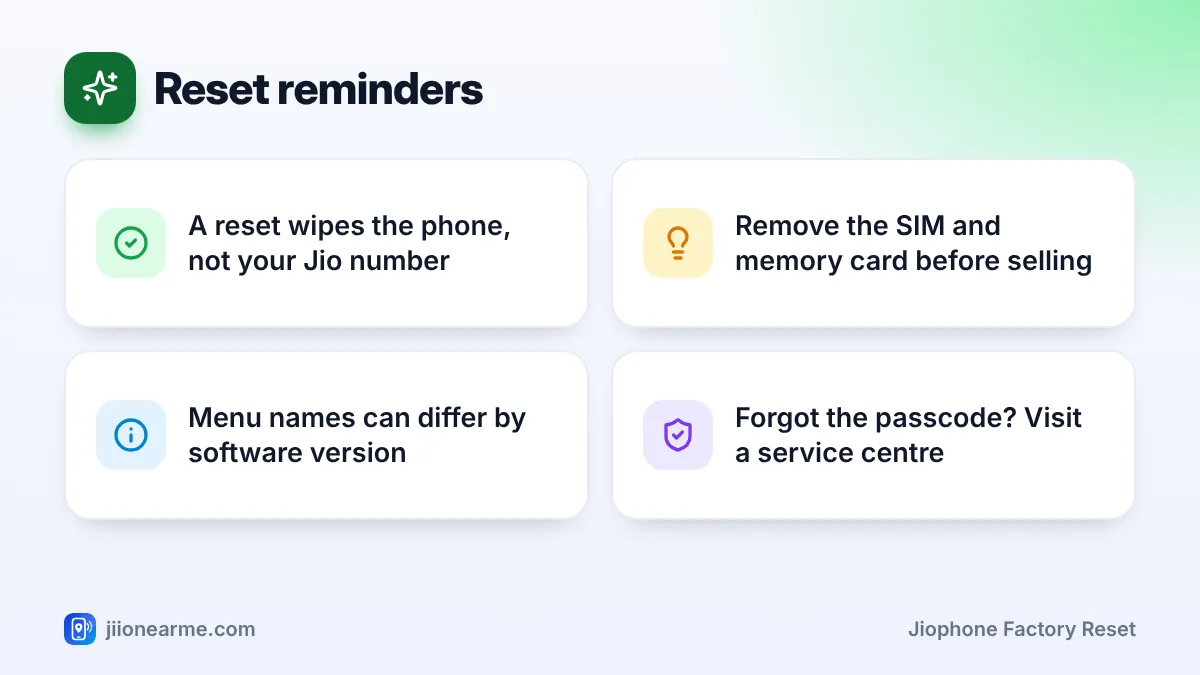
This guide is for keypad JioPhone models that run KaiOS. A reset does not cancel your Jio number or your plan, because those belong to your SIM connection, not the handset. Menu names can differ slightly by software version, so choose the closest matching option if a label looks different.
- Export your contacts and copy photos, videos and music before you reset.
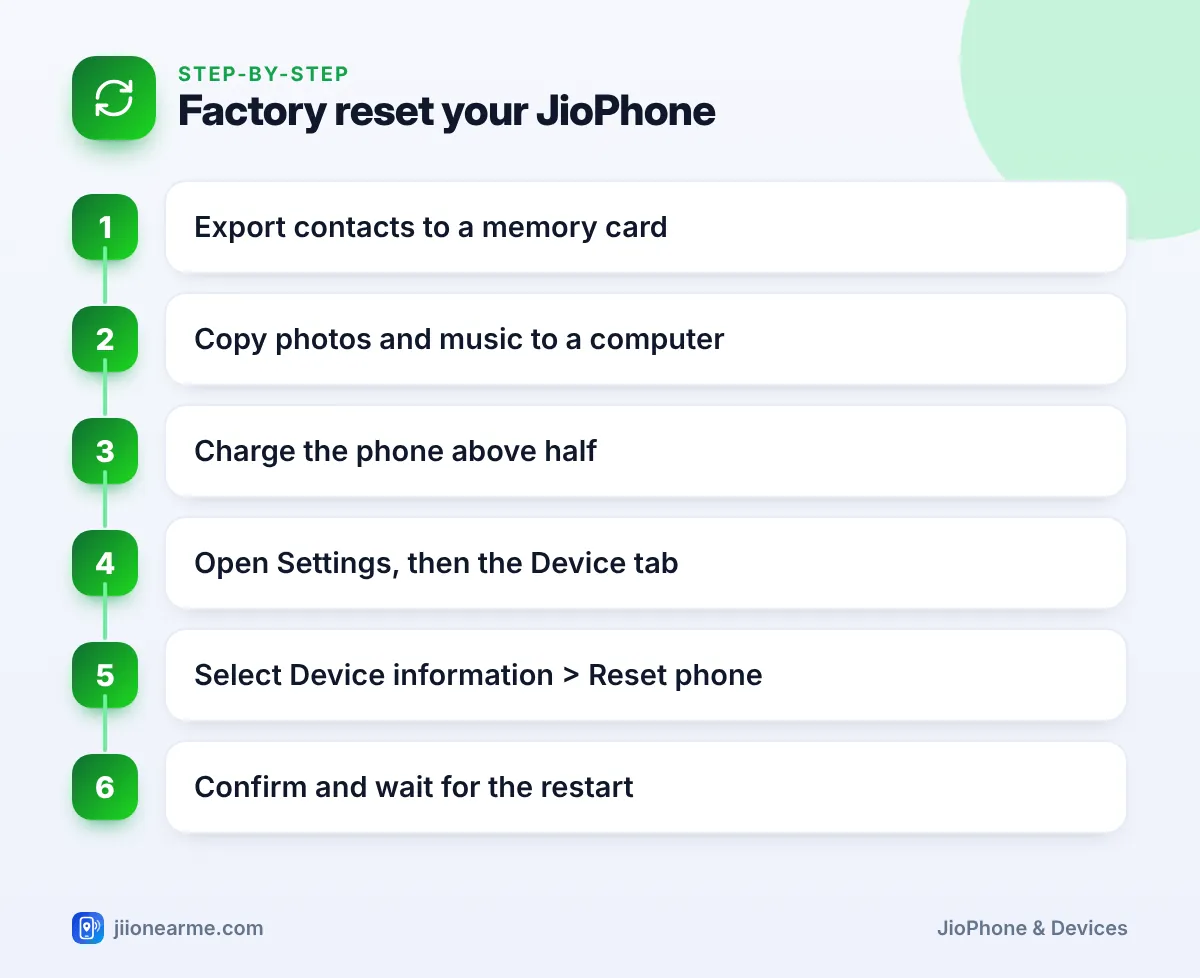
- The usual path is Settings, then the Device tab, then Device information, then Reset phone.
- Keep the phone charged and do not interrupt the reset once it starts.
- After the reset, import your contacts, reinstall apps from JioStore and set a new passcode.
When a Factory Reset Makes Sense
A factory reset is a big step, so use it for the right reasons:
- Selling or giving away the phone. The next owner should not see your contacts, photos or messages.
- Serious slowness or crashes. If apps keep freezing even after restarting and freeing storage, a reset can give the phone a fresh start.
- A problem that nothing else fixes. For example, a setting you cannot undo or an app that keeps causing errors.
Before resetting for slowness, try the simpler fixes first. Restart the phone, remove apps you do not use, move media to a memory card and check for a software update. These often solve the problem without wiping anything.
Step 1: Back Up Your Contacts
Contacts are the most painful thing to lose, so save them first.
- Insert a memory card if your phone does not already have one.
- Open the Contacts app.
- Press the Options soft key and select Settings.
- Choose Export contacts, then pick Memory card as the destination.
- Select all contacts and confirm. The phone saves them as a contacts file (usually a .vcf file) on the card.
Contacts saved on the SIM stay on the SIM, but they still disappear from view if you hand the SIM over or change it. Exporting everything to the memory card keeps one complete copy.
Step 2: Save Photos, Videos, Music and Other Files
Open Settings and check the Storage tab to see where your media is saved. Files on the memory card are usually not touched by a factory reset, while files on the phone’s internal storage are erased.
To keep a copy on a computer:
- Connect the JioPhone to a computer with a USB cable.
- If the phone asks, allow file access. On some versions you turn on USB storage in the Storage tab of Settings.
- Open the phone or memory card on the computer and copy the folders for photos, videos, music and recordings.
For just a few files, you can also send them to another phone over Bluetooth.
WhatsApp chats and text messages
WhatsApp on keypad phones may not offer the same chat backup that smartphones have, so check WhatsApp’s settings before you rely on it. Most versions also have no simple built-in way to back up SMS. Note down important details, such as bank messages or addresses, before you reset.
Put the memory card in another phone or a computer and confirm that the contacts file and media folders are really there. A backup that you have not checked is only a hope.
Step 3: Prepare the Phone
- Charge it. Keep the battery above half, or keep the phone on charge during the reset.
- Sign out of accounts. If you set up an account for anti-theft or find-my-phone features, turn that off or sign out first, so the next user is not blocked after the reset.
- Remember your passcode. The phone may ask for it before it allows a reset.
- If you are selling, remove the SIM and memory card. Your Jio number, plan and saved files stay with you.
How to Do a JioPhone Factory Reset from Settings
- Press the centre key on the home screen to open the app menu, then open Settings.
- Press right on the navigation key to move to the Device tab.
- Select Device information.
- Scroll down to Reset phone and press the centre key.
- Read the warning on screen, then confirm the reset. Enter your passcode if asked.
- Wait while the phone erases its data and restarts. This usually takes a few minutes.
Do not press keys, remove the battery or unplug the charger while the reset is running. Interrupting it can leave the phone stuck on the logo screen and may need a service centre visit to fix.
What to Do After the Reset
When the phone restarts, it shows the same first-start screens as a new phone: language, date and time, and Wi-Fi. Then bring your data back:
- Import contacts. Open Contacts, press Options, go to Settings, choose Import contacts and select Memory card. Pick the contacts file you saved.
- Reinstall apps. Open JioStore and install the apps you need again. For WhatsApp, verify your number with the new SMS code.
- Set a new passcode in the Privacy & Security tab of Settings.
- Check for a software update in the Device tab of Settings.
If you are selling or giving away the phone, stop at the first setup screen and switch it off. The new owner can complete the setup with their own choices.
If You Can’t Reach the Reset Option
If you have forgotten your passcode or the phone freezes before you can open Settings, the normal reset path will not work. Take the phone, your bill and your ID to a Jio Store or an authorised JioPhone service centre. You can call 1800-889-9999 to ask where the nearest one is. Avoid unknown repair shops or software tools that promise to break the passcode, because they can damage the phone or misuse your data.
Frequently Asked Questions
Will a factory reset remove my Jio number or plan?
No. Your number and plan belong to your Jio SIM connection, not the phone. Once the phone restarts with the same SIM inside, calls and data work as before.
Does a factory reset erase my memory card?
A factory reset usually erases only the phone’s internal storage. Still, remove the card before resetting if you want to be completely safe.
How long does a JioPhone factory reset take?
It usually takes a few minutes, including the restart. Do not interrupt the phone until the first setup screen appears.
Will a reset make my slow JioPhone faster?
It can help if apps or leftover data are slowing the phone down. Try restarting, freeing storage and updating the software first, because these are quicker fixes.
Final Thoughts
A JioPhone factory reset is simple, but the backup before it is what keeps your data safe. Export your contacts, copy your media, charge the phone and then follow the Settings path. Afterwards, import contacts from the memory card and reinstall your apps, and the phone will be ready for you or its next owner.
JIo Near me is an independent guide and is not affiliated with Reliance Jio. App menus, plans and policies can change – always confirm current details in the official MyJio app or on jio.com. We will never ask for your OTP, PIN or passwords.