A UPC, or Unique Porting Code, is a short code that proves you want to move your mobile number to a new network. You get it by sending an SMS saying PORT followed by your 10-digit number to 1900 from the SIM you want to port. The reply comes within a few minutes and includes the code and its expiry date.
You need this code before Jio, or any other operator, can accept your port request. This guide explains how the code works, how to request it, how long it lasts and why you should treat it with the same care as an OTP.
- A UPC is an eight-character code that authorises the move of your number to a new operator.
- Send “PORT” followed by your 10-digit number to 1900 from that number to receive it.
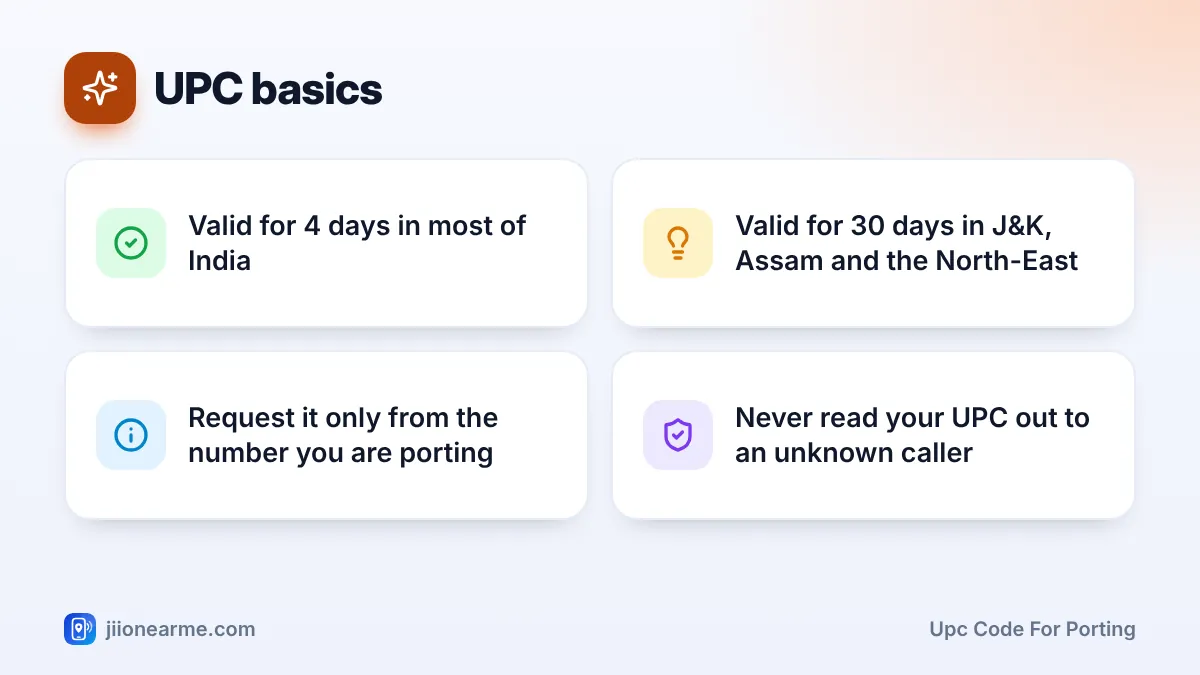
- It is valid for 4 days in most circles and 30 days in Jammu and Kashmir, Assam and the North-East.
- Never share your UPC with callers or messages claiming to help you; give it only during the actual port at Jio.
What a UPC Code Is and Why Porting Needs It
Mobile Number Portability (MNP) lets you keep your number when you change operators. To stop anyone from moving a number without the owner’s knowledge, TRAI’s rules require a unique code for every port request. That code is the UPC.
The UPC is usually eight characters long. The first two letters identify your current operator and service area, and the rest is a unique number. It is linked to your mobile number and is useful only within its validity period.
When you go to Jio to port, you share this code along with your KYC. Jio passes the request on through the central porting system, which checks that the code matches your number and has not expired. Without a valid UPC, the request simply cannot start.
How to Generate a UPC Code for Porting by SMS
Getting a UPC code for porting takes about a minute. You do it from your current network, not from Jio.
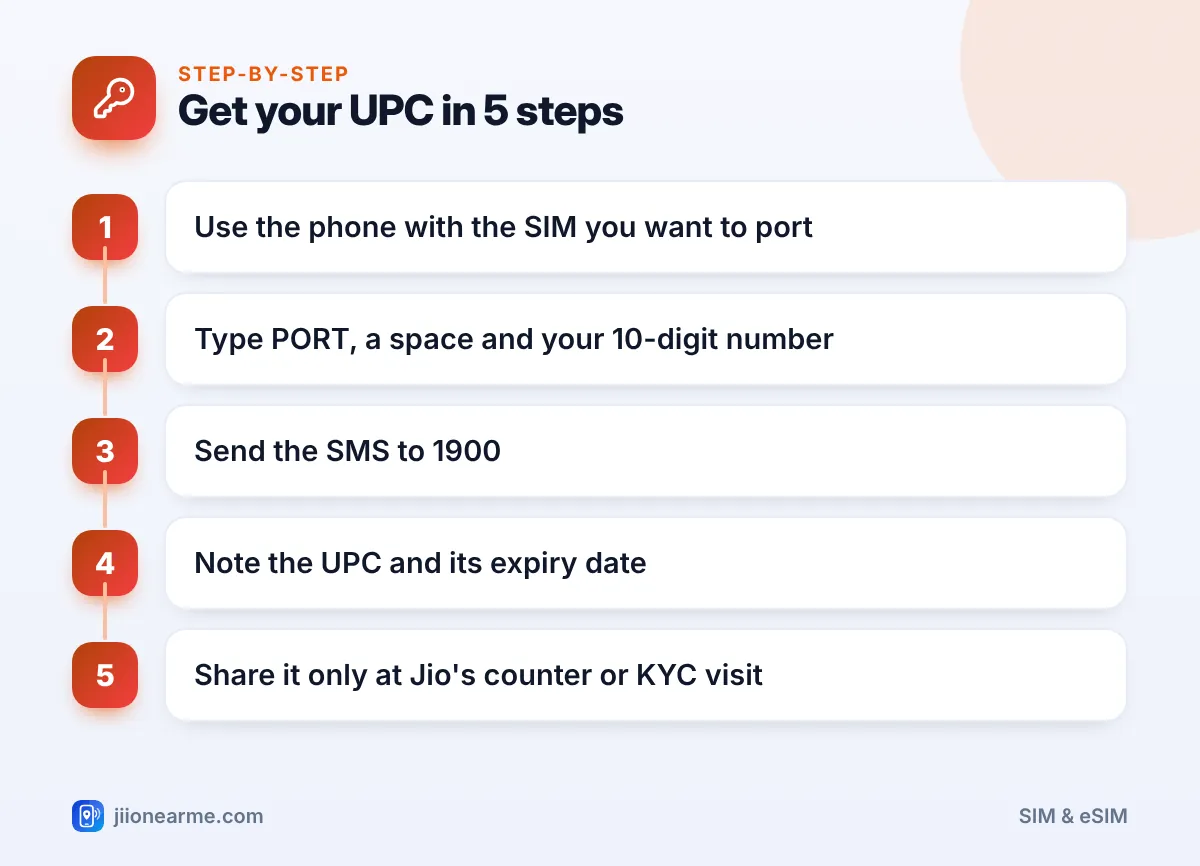
- Put the SIM you want to port into your phone and make sure it has signal.
- Open your messaging app and start a new SMS.
- Type PORT, add a space and then type your 10-digit mobile number. For example: PORT 98XXXXXXXX.
- Send the message to 1900.
- Wait for a reply. It usually arrives within a few minutes and shows your UPC and the date it expires.
- Write the code down or keep the SMS safe until your port is complete.
If the reply does not arrive
Check that you typed the format correctly, with a space between PORT and the number, and that you sent it from the same number you want to port. Restart the phone and try once more.
If you still get nothing, or you get a rejection message, contact your current operator’s customer care. The reply SMS often states why a UPC could not be issued.
Generate the UPC only when you are ready to visit a Jio Store or book a doorstep KYC visit. In most circles the code lasts just 4 days, so asking for it too early means you may need to request a fresh one.
When You Will Not Get a UPC
Before issuing a code, the porting system checks whether your number is eligible. You will usually get a rejection instead of a UPC if:
- Your number has been active on its current network for less than 90 days. This also applies if you ported recently.
- You have a postpaid connection with unpaid dues on bills already issued.
- Your SIM was swapped or replaced in the last 7 days.
- A change of ownership of the number is in progress.
- The number is under a court order or legal restriction.
- It is a corporate number and the company has not authorised the port.
The 7-day rule after a SIM swap was added to fight fraud. Criminals sometimes get a duplicate SIM issued and then try to port the number away quickly. The waiting period gives the real owner time to notice.
If you are rejected, fix the cause first, such as paying your bill or waiting out the period. Then send the PORT SMS again.
How Long Your UPC Stays Valid
A UPC does not last forever. The validity depends on your service area.
| Service area | UPC validity |
|---|---|
| Most circles across India | 4 days |
| Jammu and Kashmir, Assam and the North-East | 30 days |
If your code expires before you submit the port request at Jio, it can no longer be used. Send the PORT SMS again to get a new code. Always go by the expiry date shown in the reply SMS.
Check the expiry date in the reply SMS before you book a doorstep visit. If the KYC appointment falls after the code expires, generate a new UPC on the morning of the visit instead.
Why You Should Never Share Your UPC With Strangers
Your UPC is one of the keys to your number. Anyone who has it can try to start a port request. If they also manage to complete KYC fraudulently, your number could move to a SIM in their hands. They would then receive your OTPs, bank alerts and WhatsApp codes.
Fraudsters use a few common tricks:
- A caller claims to be from your operator and asks you to send a PORT SMS for a “KYC update” or “network upgrade”.
- A message says your SIM will be blocked unless you forward the code you just received.
- Someone offering a “special Jio offer” asks you to read out the code over the phone.
None of these are genuine. Jio staff need your UPC only when you are actually porting, at the store counter or during a KYC visit you booked yourself.
If you receive a UPC message without sending a PORT request, someone may be trying to take your number. Contact your current operator at once. You can report fraud calls and messages through Chakshu on the Sanchar Saathi portal, and call 1930 if you have lost money.
Using Your UPC to Port to Jio
Once you have the code, you can start the port to Jio in a couple of ways:
- At a Jio Store or authorised retailer. Carry your Aadhaar or another valid original ID, plus your UPC. The staff complete KYC and give you a Jio SIM.
- Doorstep delivery. Book a port-in SIM on jio.com, and share the UPC when the executive visits for KYC.
- Jio eSIM. If your phone supports eSIM, ask about it at the store.
Your current SIM keeps working until the switch happens. Jio will send messages about the progress. When your old SIM loses signal, insert the Jio SIM and wait for it to come online.
Frequently Asked Questions
Can I generate a UPC from another phone?
No. The SMS must come from the number you want to port, because the code is linked to that number. Move the SIM to any working phone and send the message from there.
Is the UPC the same as an OTP?
No. An OTP confirms a single login or payment, while a UPC authorises moving your number to another network. Both should stay private, but a UPC is meant to be shared only with the operator you are porting to.
What should I do if my UPC has expired?
Just send the PORT SMS to 1900 again. You will receive a new code with a fresh validity period, provided your number is still eligible.
Will generating a UPC disconnect my current SIM?
No. Requesting a UPC does not change your service. Your SIM keeps working normally until a port request is submitted and completed.
Can I port a number that is not registered in my name?
The KYC for the new Jio connection should be done by the person who will own and use the number. If the number is in a relative’s or a company’s name, sort out ownership or get the company’s authorisation first.
Final Thoughts
A UPC is a small code with a big job. Send PORT and your number to 1900 from the SIM you want to move, note the expiry date and use the code within that window.
Treat it like an OTP. Share it only during your own port request with Jio, and act quickly if you ever receive one you did not ask for.
JIo Near me is an independent guide and is not affiliated with Reliance Jio. App menus, plans and policies can change – always confirm current details in the official MyJio app or on jio.com. We will never ask for your OTP, PIN or passwords.