Jio sends your postpaid bill to the email address registered on your account. So getting your bill in your inbox mostly comes down to one thing: having the right email saved and verified. If the address is missing or outdated, you can update it yourself in the MyJio app, on jio.com or at a Jio Store.
An emailed bill is handy for reimbursement, record-keeping and spotting charges early. This guide explains how the registered email works for e-bills, how to change it safely and what to do when bills stop arriving.
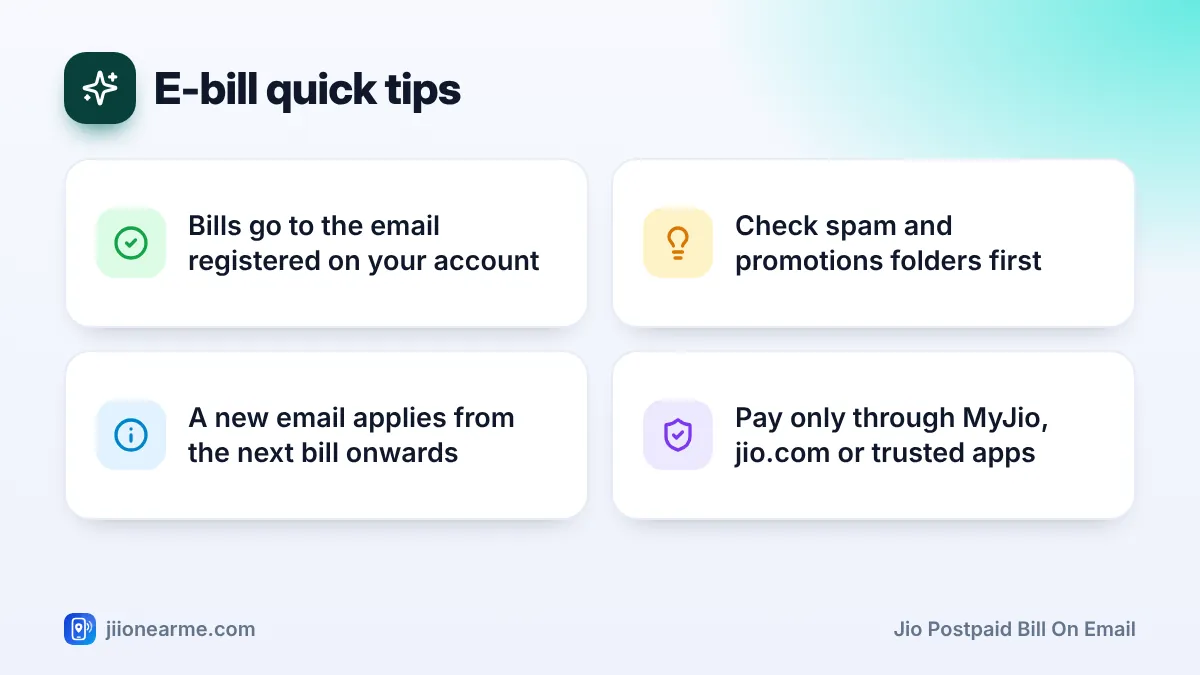
- Your Jio postpaid bill on email goes to the address registered on your account.
- You can check and update that address in the MyJio profile section or on jio.com.
- A new address usually applies from the next bill generated after the change.
- If bills do not arrive, check spam folders, filters and whether the address is verified.
- Treat bill emails with care, as fake bill emails are a common scam.
How Jio Uses Your Registered Email for E-Bills
When you take a postpaid connection, your contact details are saved on your account. These include your registered email address, if you provided one.
After each bill date, Jio generates your bill and sends it digitally. You can always view it in MyJio and on jio.com, and a copy is sent to your registered email. You may also get an SMS telling you the bill amount and due date.
The registered email is also used for other account messages, such as payment confirmations or service updates. That is why it should be an address you check often.
If your MyJio app shows a bill delivery or e-bill preference, make sure email delivery is selected. Settings and labels can differ by app version.
How to Check Which Email Is Registered
Before changing anything, see which address Jio already has.
- In MyJio: Open the app, select your postpaid number and go to your profile or account details. Your email is usually listed with your other contact details. Part of it may be hidden for privacy.
- On jio.com: Sign in on jio.com with your number and OTP, then open your profile or account section.
- In your inbox: Search for older Jio bill emails. The address that received them is likely your registered email.
If no email is shown, or it is an old address you no longer use, update it using the steps below.
How to Update Email for Your Jio Postpaid Bill
The MyJio app is usually the quickest way. Menu names change from time to time, so look for similar wording on your screen.
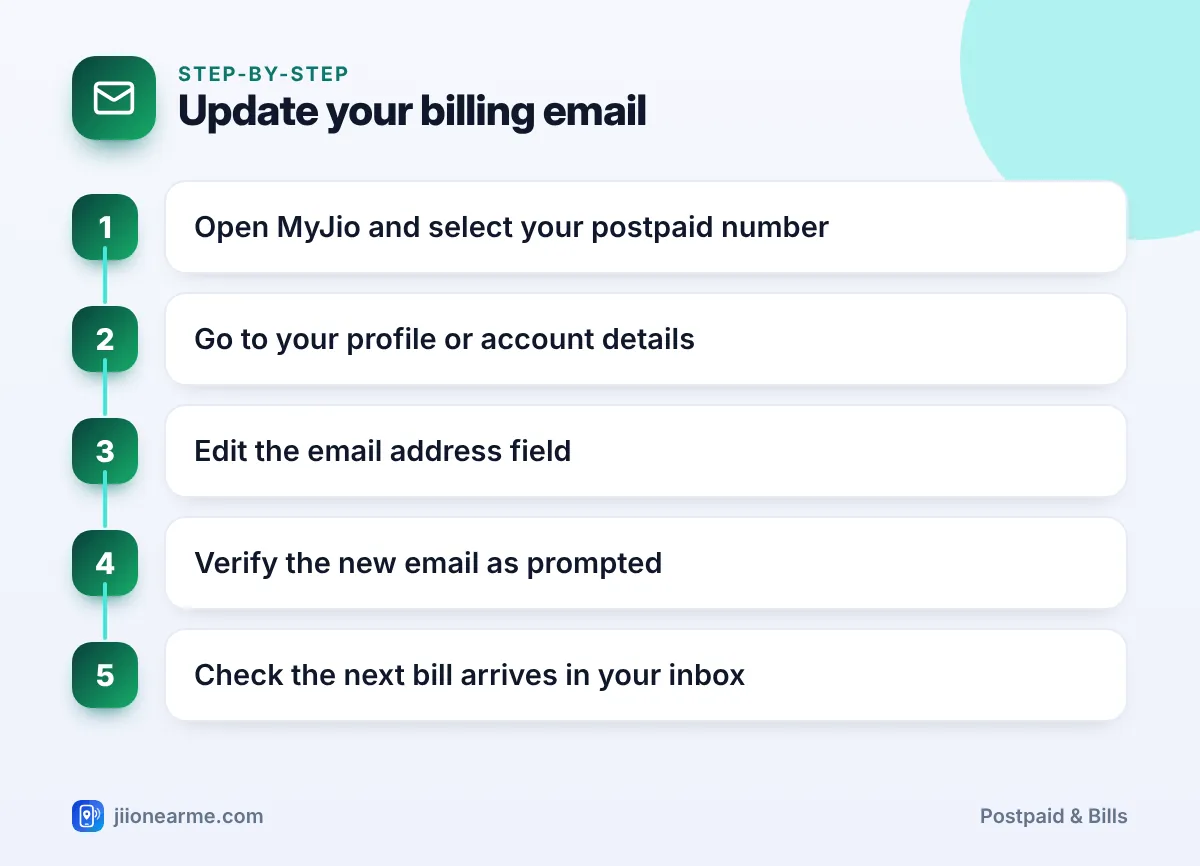
- Open the MyJio app and sign in with your Jio number and OTP.
- Select your postpaid number if you have more than one account.
- Go to your profile. Tap your name or the profile icon, or open the menu (☰) and look for Profile, My Account or Personal Information.
- Find the email field and tap the edit option.
- Enter your new email address carefully. Check the spelling twice.
- Verify the email. You may receive an OTP or a verification link at the new address. Complete it as prompted.
- Look for a confirmation in the app or by SMS.
You can also update your email on jio.com from the profile section after signing in. If the online option is not available, visit a Jio Store with your phone and a valid ID.
Use a personal email you will keep for years. A work email may stop working when you change jobs, and you could miss bills without noticing.
Getting Your Jio Postpaid Bill on Email After the Change
Once your email is updated, bills generated after the change should go to the new address. A bill generated before the change will not be sent again automatically. If you need it, download it from MyJio or jio.com, or ask support to resend it.
To make sure the next bill lands in your main inbox:
- Add Jio’s bill email to your contacts once the first one arrives.
- Mark it as “Not spam” if it lands in the spam folder.
- Create a filter or label for Jio bills so they are easy to find.
Why Your Bill Email Is Not Arriving
If your bill is missing from your inbox, work through these common causes.
| Possible reason | What to do |
|---|---|
| Wrong or old email registered | Check and update it in MyJio |
| Email not verified | Complete the verification step |
| Bill in spam or promotions | Check those folders and mark as not spam |
| Email filter moving it | Review your inbox rules and filters |
| Inbox full | Free up space in your email account |
| Bill not generated yet | Wait until after your bill date |
| Office email blocking it | Use a personal email instead |
If none of these help, call 199 from your Jio number and ask support to check your registered email and resend the bill. Meanwhile, you can always download the bill from MyJio.
Keeping Your Billing Email Secure
Bill emails contain your name, number and usage details. Fraudsters also copy their look to trick people.
- Check the sender carefully. Be wary of emails from unfamiliar addresses that use the Jio name.
- Do not pay through links in unexpected emails. Pay only through MyJio, jio.com or trusted payment apps.
- Never share an OTP, password or card details in reply to a bill email.
- Protect your email account with a strong password and two-step verification.
- Be careful with attachments that ask you to sign in or install something.
If you paid through a fake bill email or shared card details, contact your bank immediately. Then call the national cybercrime helpline 1930 or report it at cybercrime.gov.in.
Frequently Asked Questions
How do I start getting my Jio postpaid bill on email?
Make sure a valid email address is registered and verified on your account. Check or update it in the MyJio profile section or on jio.com.
When will bills start coming to my new email?
Usually from the next bill generated after you update and verify the address. Download any earlier bill from MyJio or jio.com.
Can I get my bill on two email addresses?
Bills normally go to the single registered email. If someone else needs a copy, set up an automatic forwarding rule in your own email account.
Will changing my email affect my MyJio login?
If you sign in with your Jio number and OTP, changing the registered email does not affect that. Keep your new email verified for account messages.
Why did my bill email stop coming suddenly?
The email may have been changed, your inbox may be full or a filter may be moving it. Check these, then call 199 if the problem continues.
Wrapping Up
Getting your Jio postpaid bill on email depends on a correct, verified email address on your account. Check it in MyJio or on jio.com, and update it there or at a Jio Store if needed.
Look in spam folders if a bill goes missing, and download it from MyJio in the meantime. Treat bill emails with care, and pay only through official channels.
JIo Near me is an independent guide and is not affiliated with Reliance Jio. App menus, plans and policies can change – always confirm current details in the official MyJio app or on jio.com. We will never ask for your OTP, PIN or passwords.