Think of Jio AirFiber as a powerful 5G receiver fixed to your home. An outdoor unit picks up a wireless 5G signal from a nearby Jio tower, a cable carries that connection indoors, and an indoor unit turns it into Wi-Fi for your phones, TV and laptops. No fibre cable needs to be laid from the street to your door.
This approach is known as fixed wireless access. It lets Jio offer home broadband in places where laying fibre is slow or difficult. This explainer covers how Jio AirFiber works step by step, why the outdoor unit is so important and what affects coverage and day-to-day performance.
- AirFiber uses Jio’s 5G network instead of a fibre cable to reach your home.
- The outdoor unit receives the signal; the indoor unit creates Wi-Fi.
- Signal quality at the outdoor unit decides most of your experience.
- Distance, obstructions and network load can affect speed more than on fibre.
Fixed Wireless Access: The Idea Behind AirFiber
Your phone already gets internet wirelessly from a mobile tower. Fixed wireless access uses the same idea, but the receiver stays in one place and is built for the job.
A phone has small antennas hidden inside its body, and it moves around with you, often indoors. The AirFiber outdoor unit has larger antennas, sits outside your walls and is aimed in the best direction once during installation. That gives it a much stronger and steadier signal than a phone in your hand at the same address.
AirFiber has its own plans, separate from your mobile recharge. The data you use at home comes from your AirFiber plan, not your phone’s data pack. Check the current AirFiber plans on jio.com or in the MyJio app.
How Jio AirFiber Works, Step by Step
Here is the path your internet takes with AirFiber:
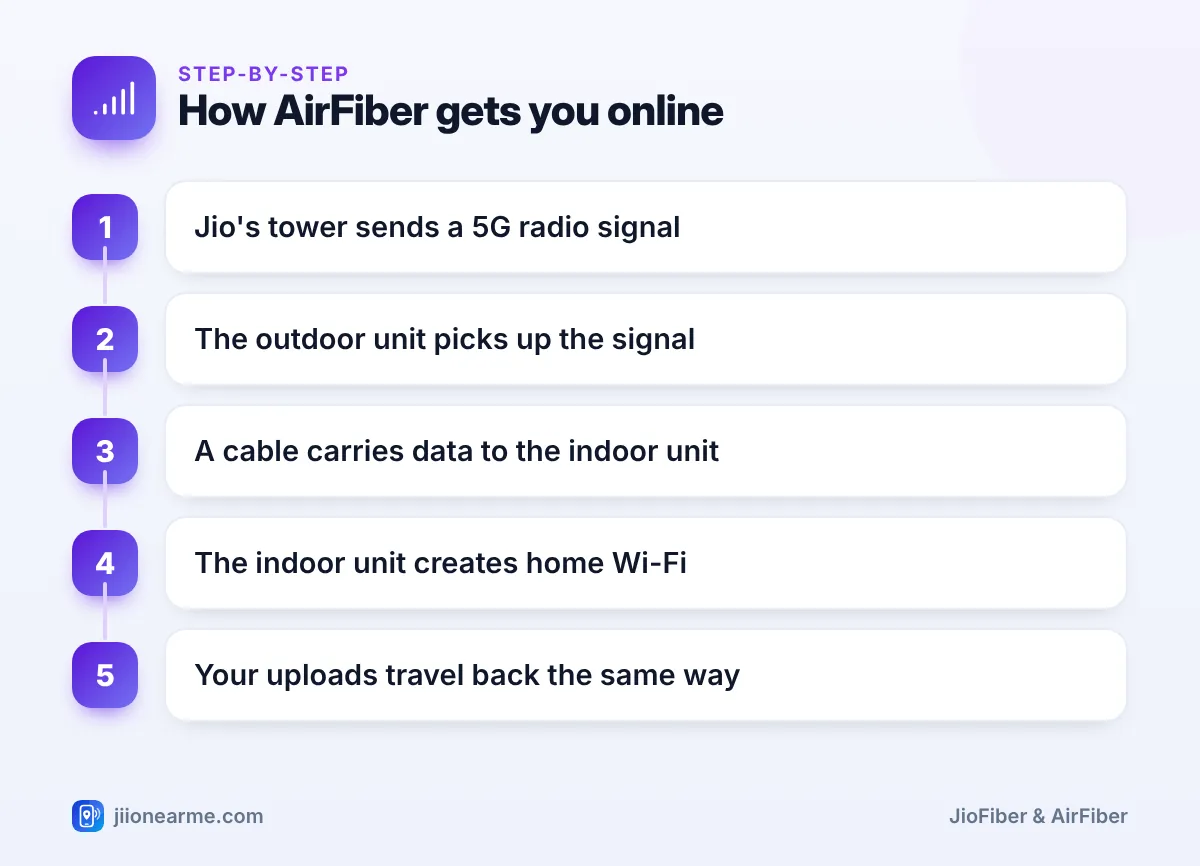
- Jio’s network to the tower: Jio’s tower sites connect to its wider network, often through fibre links.
- Tower to your home: The tower sends data as 5G radio waves towards homes and phones in its area.
- Outdoor unit: The unit on your wall, balcony or terrace picks up these radio waves and decodes them into data.
- Cable indoors: A network cable carries the data from the outdoor unit to the indoor unit, and usually supplies power to the outdoor unit too.
- Indoor Wi-Fi unit: This acts as your home router, creating Wi-Fi and offering ports for wired devices.
- Uploads: When you send a photo or join a video call, data travels the same path in reverse.
If your plan includes a Set-Top Box, it connects to the indoor unit, by Wi-Fi or cable, and brings TV channels and apps to your television through the same connection.
Why the Outdoor Unit Matters So Much
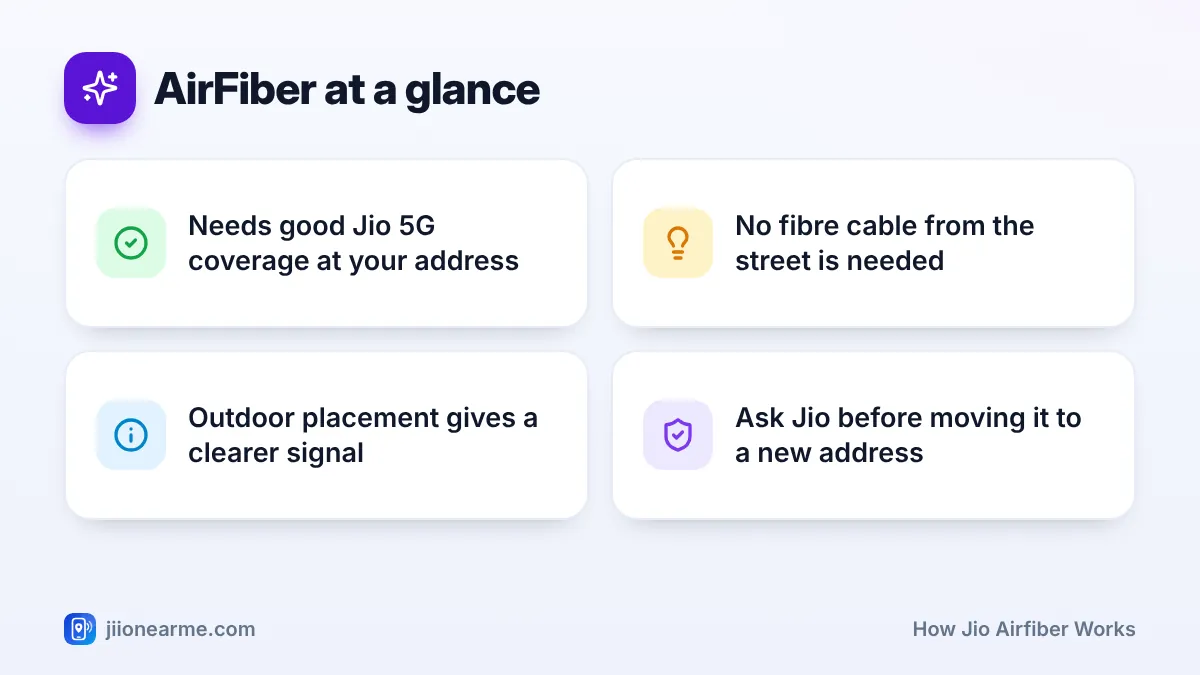
5G radio signals weaken as they pass through walls, glass, trees and other buildings. The higher the frequency, the more data a signal can carry, but the more easily it is blocked. Mounting the receiver outdoors removes the biggest obstacle: your own walls.
During installation, the technician measures the signal at a few spots and picks the strongest and steadiest one. Usually that is higher up, facing the tower, with a clear view in that direction. The unit is then fixed firmly so its angle does not change.
A small shift in angle can lower your speeds. If the outdoor unit is knocked, loosened during painting or needs to move, contact Jio through the MyJio app or call 199 from a Jio number instead of adjusting it yourself.
What Affects AirFiber Coverage and Performance
Because AirFiber depends on a wireless link, a few outside factors play a bigger role than they do on fibre.
Distance and obstructions
The farther you are from the tower, the weaker the signal tends to be. A new building, a growing tree or a large hoarding between your home and the tower can also reduce it over time.
Shared network capacity
A tower’s capacity is shared by everyone it serves, including phones and other AirFiber homes. During busy hours, speeds can vary more than on a fibre line, depending on how the network is managed in your area.
Weather and placement
The outdoor unit is built for Indian weather. Very heavy rain can briefly weaken some high-frequency wireless signals, but a well-placed unit should stay stable most of the time.
Wi-Fi inside your home
Even with a strong 5G link outside, Wi-Fi from the indoor unit still has to reach your rooms. Keep the indoor unit central and in the open, and use a cable for devices that need the steadiest connection.
If speeds suddenly drop and stay low, first restart the indoor unit by switching its power off and on. If that does not help, check whether anything new is blocking the outdoor unit’s view, then contact customer care.
AirFiber vs JioFiber: Key Differences
Both services give you home Wi-Fi, but they reach your home in different ways.
| Point | Jio AirFiber | JioFiber |
|---|---|---|
| Link to your home | 5G wireless signal | Optical fibre cable |
| Main equipment | Outdoor unit plus indoor Wi-Fi unit | Fibre router with built-in optical terminal |
| Availability depends on | 5G coverage at your address | Fibre network near your building |
| Installation | Outdoor mounting, no street cable | Cable from the nearest distribution point |
| Performance affected by | Signal quality, obstructions, network load | Mostly in-home Wi-Fi and cable condition |
If both are available at your address, JioFiber is usually the steadier choice. If fibre has not reached your area, AirFiber gives you a home broadband option much sooner.
Jio keeps expanding both its 5G and fibre networks. If one service is not available at your address today, check again after some time on jio.com or in the MyJio app.
Frequently Asked Questions
Does Jio AirFiber use my mobile data?
No. AirFiber has its own plan and data, separate from your mobile recharge. Your phone’s data pack is not used when you browse on AirFiber Wi-Fi.
Do I need a 5G phone to use Jio AirFiber?
No. The outdoor unit handles the 5G connection. Any Wi-Fi device, including 4G phones, laptops and smart TVs, can connect to the indoor unit’s Wi-Fi.
Is Jio AirFiber as stable as JioFiber?
AirFiber can be very reliable with a strong signal, but it depends more on outside factors like obstructions and network load. Fibre is a direct physical link, so it is usually steadier.
Can I take my AirFiber to another house?
Do not move it yourself. The service is set up for your installation address, so request a shift through the MyJio app or customer care, and Jio will check coverage at the new address.
Why does AirFiber need an outdoor unit at all?
Walls and glass weaken 5G signals. Placing the receiver outside, higher up and facing the tower gives a much stronger and steadier connection than an indoor position.
Wrapping Up
Now you know how Jio AirFiber works: a tower sends a 5G signal, the outdoor unit catches it and the indoor unit turns it into Wi-Fi. The outdoor unit’s position decides most of the quality you get, so leave it as installed, keep the indoor unit central and contact Jio if speeds drop for long.
JIo Near me is an independent guide and is not affiliated with Reliance Jio. App menus, plans and policies can change – always confirm current details in the official MyJio app or on jio.com. We will never ask for your OTP, PIN or passwords.
