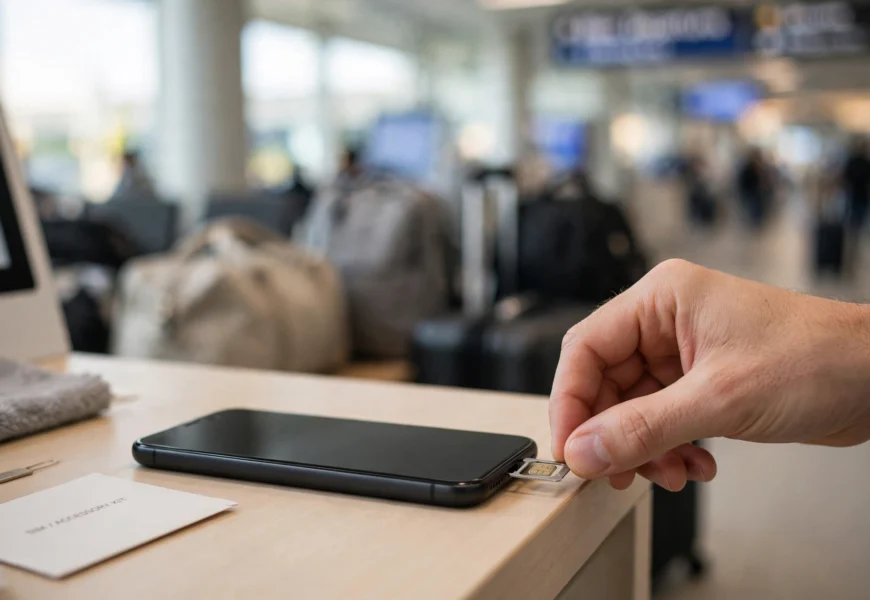
Quick Answer
To activate a Turkcell SIM card, insert it into your phone, power the device on, and let it detect the network — most prepaid tourist SIMs are pre-activated at the point of sale after your passport is scanned. If it doesn’t connect automatically, dial 333 to trigger activation, and set your APN to internet with the username and password turkcell. For an eSIM, you scan a QR code or use the Turkcell app to install the profile, verify your identity, and the line activates once you land in Turkey. Full activation can occasionally take up to 24 hours to fully register on the network.
Introduction
Getting a Turkcell SIM card is usually the first thing travelers and new residents do after landing in Turkey — but a SIM that isn’t properly activated is just a piece of plastic (or, in the case of an eSIM, a profile sitting unused on your phone). The activation process is generally quick and mostly handled for you at the point of purchase, but there are a few extra steps — passport registration, APN configuration, network detection — that are worth understanding so you’re not stuck without service.
This guide covers activation for both physical Turkcell SIM cards and Turkcell eSIMs, for tourists as well as local subscribers, along with what to do if your new line isn’t connecting. Once your SIM is active, you’ll probably also want to know how to check your Turkcell data balance and how to find your new Turkcell phone number — both are covered in separate guides on this site.
Before You Start: What You’ll Need
- A valid passport (for tourists) — Turkcell requires passport details to register any new SIM or tourist eSIM, in line with Turkish telecom regulations.
- An unlocked phone — locked phones tied to another carrier may not accept a Turkcell SIM.
- An eSIM-compatible device, if you’re activating an eSIM instead of a physical card.
- A few minutes of patience — while most lines activate instantly, full network registration can occasionally take up to 24 hours.
This is broadly similar to prepaid activation on other networks — for readers more familiar with Indian telecom, the concept lines up closely with the minimum recharge and registration steps needed to keep a Jio number active.
How to Activate a Physical Turkcell SIM Card
Step 1: Buy and Register Your SIM
You can get a Turkcell SIM at the airport (Istanbul Airport and Sabiha Gökçen both have 24/7 Turkcell kiosks), at any Turkcell Store across the country, or through an authorized agent. When you buy it, staff will scan your passport and register the SIM to your identity — this is a mandatory step under Turkish law, and it’s usually done for you on the spot.
Step 2: Insert the SIM Card
- Power off your phone.
- Open the SIM tray using the ejector tool (or a straightened paperclip) and insert the Turkcell SIM in the correct orientation.
- Power the phone back on.
Step 3: Let the Network Register
Most prepaid tourist SIMs are pre-activated by the time you leave the store, so your phone should pick up the Turkcell network within a minute or two of restarting. You’ll typically receive a welcome SMS confirming your number and package details once activation completes.
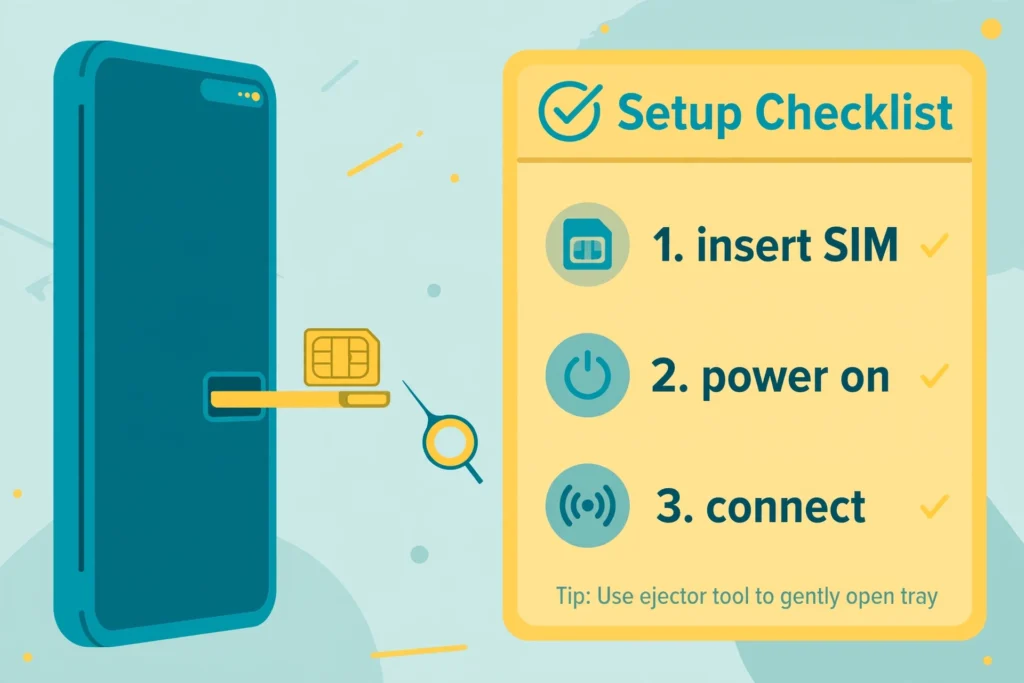
Insert, power on, and your Turkcell SIM should connect automatically within minutes.
Step 4: Manually Trigger Activation (If Needed)
If your phone doesn’t connect to the Turkcell network automatically after a restart:
- Dial 333 from your Turkcell number to trigger manual activation.
- Wait a few minutes, then restart your phone again.
- Check your signal bar to confirm you’re now connected to Turkcell.
Step 5: Set Up APN Settings (If Data Doesn’t Work)
If calls and texts work but mobile data doesn’t, your Access Point Name (APN) settings may need adjusting:
- APN: internet
- Username: turkcell
- Password: turkcell
Enter these under your phone’s Settings > Network & Internet > Mobile Network > Access Point Names (the exact menu path varies by phone model and OS version).
Step 6: Test Your Connection
Once you’re connected, make a quick test call and open a website or app to confirm both voice and data are working properly.
How to Activate a Turkcell eSIM
eSIM activation is fully digital and works a little differently from a physical card, but it follows a similar identity-verification process.
Steps:
- Check device compatibility — confirm your phone supports eSIM (most recent iPhones, Samsung, and Google Pixel models do).
- Purchase your eSIM — either online through the Turkcell app/website before you travel, or in person at a Turkcell store.
- Verify your identity — for online purchases, this usually involves scanning your passport with your phone camera, an NFC tap, a quick liveness check, and confirming your identity over live video within the Turkcell app.
- Install the eSIM profile — go to your phone’s Settings > Cellular/Mobile > Add eSIM (naming varies by device) and either scan the QR code provided or follow the app’s direct installation link.
- Activate on arrival — for tourist eSIM packages, the profile installs before your trip, but the line itself activates automatically once you land in Turkey and your phone connects to a local tower.
If you don’t have a biometric passport or your phone doesn’t support the digital verification flow, you can complete the same eSIM activation in person at any Turkcell store, where a staff member handles the identity check for you.
How Tourists Can Confirm Their Turkcell SIM/eSIM Is Active
Once you believe your line is activated, a few quick checks confirm everything is working:
- Look for the welcome SMS confirming your number and package.
- Check your signal bar — it should show “Turkcell” as the connected network.
- Dial *123# to view your remaining package and confirm the line is live — this is the same code covered in our guide on checking your Turkcell data balance.
- Make a short test call or load a webpage to verify both voice and data are functioning.
Troubleshooting: What to Do If Your Turkcell SIM Won’t Activate
| Problem | Suggested Fix |
|---|---|
| Phone doesn’t detect the SIM at all | Power off, reseat the SIM card in the tray, and restart; confirm the phone is unlocked and compatible with Turkcell’s network bands |
| SIM detected but no signal | Wait a few minutes for registration, or dial 333 to manually trigger activation |
| Calls/texts work but data doesn’t | Check and re-enter your APN settings (APN: internet, username/password: turkcell) |
| eSIM QR code won’t scan | Make sure you’re using your phone’s camera through the “Add eSIM” flow, not a regular camera app, and that the QR code image isn’t blurry or cropped |
| No welcome SMS received | Restart your phone, confirm you have signal, and allow up to 24 hours for full registration before contacting support |
| Still not working after 24 hours | Visit any Turkcell store with your passport, or call customer service at 532 (domestic) / +90 532 532 00 00 (from abroad) |
Frequently Asked Questions
How long does it take to activate a Turkcell SIM card?
Most prepaid and tourist SIMs are pre-activated at the point of purchase and connect within minutes of being inserted, though full network registration can occasionally take up to 24 hours.
Do I need my passport to activate a Turkcell SIM?
Yes. Turkish telecom regulations require passport registration for any new SIM or tourist eSIM, whether you buy it at the airport, a Turkcell store, or online.
What are the correct APN settings for Turkcell?
Use internet as the APN, with turkcell as both the username and password, if mobile data isn’t working after activation.
How do I activate a Turkcell eSIM?
Purchase your eSIM online or in-store, verify your identity (passport scan, NFC, liveness check, or in-person at a Turkcell store), then install the eSIM profile via your phone’s Settings by scanning the QR code Turkcell provides. The line activates automatically once you arrive in Turkey.
What number do I dial to manually activate a Turkcell SIM?
Dial 333 from your Turkcell number if the line doesn’t connect automatically after insertion.
How do I know my Turkcell SIM is fully active?
You’ll usually receive a welcome SMS with your number and package details, and your phone’s signal bar will show “Turkcell” as the connected network. You can also dial *123# to confirm your package is live.
What if my Turkcell SIM still isn’t working after a day?
Visit any Turkcell store with your passport for in-person help, or call customer service at 532 within Turkey or +90 532 532 00 00 from abroad.
Conclusion
Activating a Turkcell SIM card or eSIM is a fast process that’s largely handled for you at the point of purchase — insert the SIM (or install the eSIM profile), let your phone connect to the network, and you’re usually online within minutes. Keep your APN settings and the manual activation code (333) handy just in case, and you’ll rarely run into trouble. Once you’re up and running, check out our related guides on how to check your Turkcell data balance and more prepaid SIM tips in the Jio Sim category on jiionearme.com.
