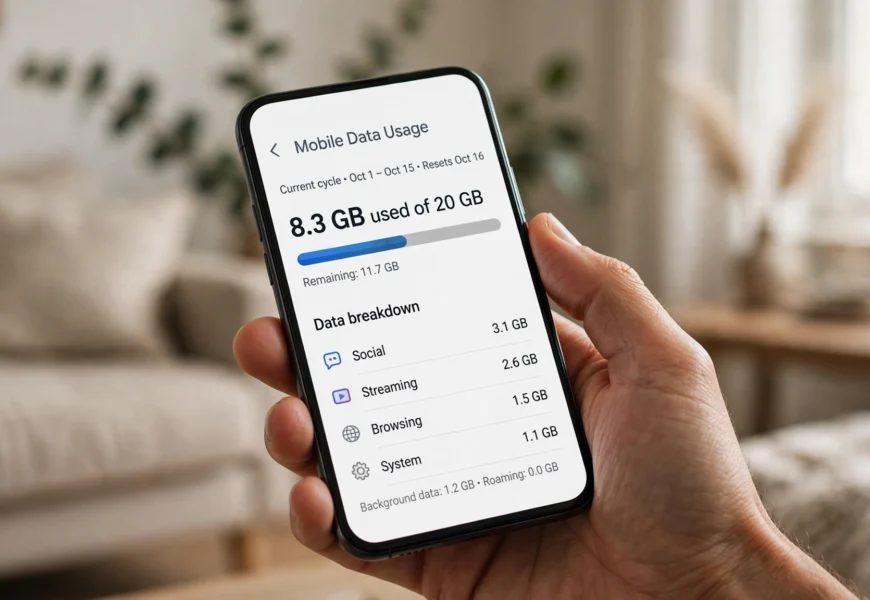
To check your Lebara data balance, dial *#1345# and press call — you’ll see your remaining data, minutes, and texts on screen within seconds. You can also call 5588 free from your Lebara phone and follow the voice prompts, or open the MyLebara app (or website) and view your usage under the account dashboard. If a code doesn’t respond, the app is the most reliable fallback since dial-code behavior can occasionally vary by plan type.
Introduction
Running low on mobile data without realizing it is one of the most common frustrations for prepaid and SIM-only users. Lebara, the UK’s popular Vodafone-based MVNO, gives customers several free ways to check exactly how much data, calls, and texts remain on their plan — whether you prefer a quick on-screen dial code or a full account dashboard in the app. This guide walks through every method, plus what to do if your balance looks wrong. If you’re setting up a brand-new line, our guide on how to activate a Lebara SIM card is a good starting point before you need to check any balance at all.
Method 1: Check Your Lebara Data Balance with a Dial Code (Fastest)
- Open your phone’s dialer app.
- Enter *#1345# and press the call/send button.
- A pop-up or SMS will appear within seconds showing your remaining data, minutes, and texts.
This is the quickest way to check your balance, and it doesn’t use any of your data allowance to do so.
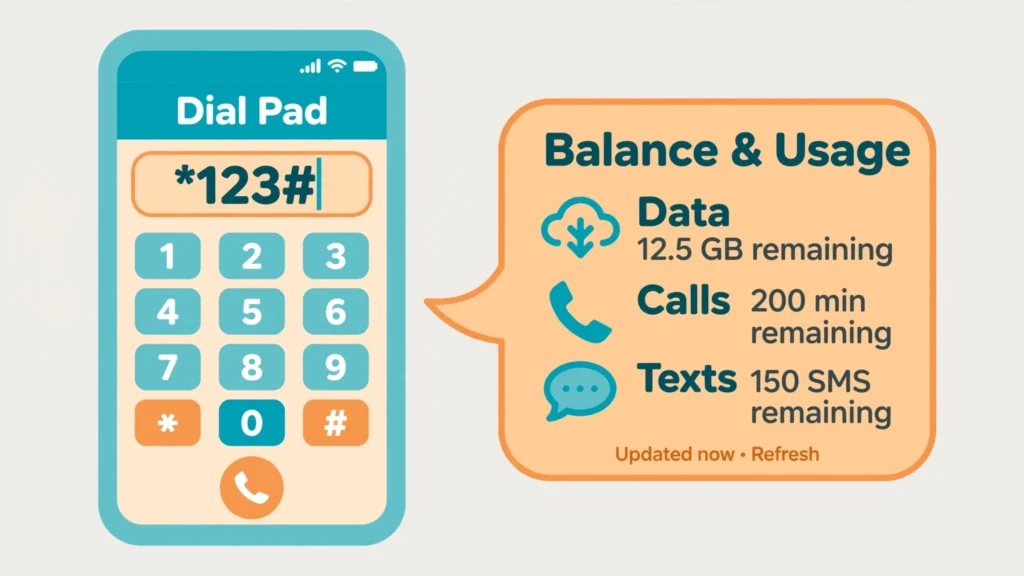
Dial *#1345# and press call to see your remaining Lebara data instantly.
Method 2: Check Your Balance by Calling 5588
- Dial 5588 free from your Lebara mobile.
- Follow the voice (IVR) prompts — usually pressing 1 takes you to a balance and usage summary.
- Listen for your remaining data, minutes, and current plan details.
This method is useful if you’d rather hear your balance read aloud than read it off a pop-up.
Method 3: Check Your Data Balance in the MyLebara App
The MyLebara app gives the most detailed, visual breakdown of your usage and is the most reliable method if dial codes ever stop working for your specific plan.
Steps:
- Download MyLebara from the Apple App Store or Google Play Store.
- Open the app and log in with your Lebara mobile number and password.
- Your remaining data, minutes, and texts appear on the home dashboard, along with your plan’s renewal date.
- From here, you can also top up, switch plans, and set up auto-recharge.
Method 4: Check Your Balance Online via the MyLebara Website
If you’d rather use a computer, log in to your account at the official MyLebara portal on lebara.co.uk, where your usage dashboard shows the same information as the app.
Comparison: Which Method Should You Use?
| Method | Speed | Best For |
|---|---|---|
| Dial *#1345# | Instant | Quick checks with signal but no data |
| Call 5588 (IVR) | 1–2 minutes | Users who prefer voice prompts |
| MyLebara app | Fast, detailed | Full usage history, top-ups, plan management |
| MyLebara website | Fast, detailed | Checking from a computer or when your phone has no signal |
Troubleshooting: What If Your Lebara Balance Looks Wrong
| Problem | Suggested Fix |
|---|---|
| Dial code shows an error | Confirm you have signal (not just Wi-Fi) and that you’re using the correct UK-specific code, not one for another country |
| App shows outdated usage | Usage can take a few minutes to sync — refresh the app or check again shortly |
| Top-up not reflected in balance | Wait a few minutes, then check again via the dial code or call 5588 |
| No signal at all | Move to an area with better Vodafone-network coverage, since Lebara runs on Vodafone’s infrastructure |
Frequently Asked Questions
What is the code to check my Lebara data balance?
Dial *#1345# and press call to see your remaining data, minutes, and texts on screen.
Is checking my Lebara balance free?
Yes, all the methods above — the dial code, calling 5588, and using the MyLebara app or website — are completely free.
Why doesn’t my Lebara dial code work?
Codes can occasionally behave differently depending on your specific plan or if you’re roaming. If a code fails, use the MyLebara app for a guaranteed accurate reading.
Can I check my data balance while roaming abroad?
Yes, the MyLebara app works over Wi-Fi or roaming data, making it the most reliable option abroad. For details on roaming itself, see our guide on whether Lebara charges for roaming.
How do I see my data balance history, not just the current total?
Log in to the MyLebara app or website, where your account dashboard shows past usage alongside your current balance.
Conclusion
Checking your Lebara data balance takes seconds with the *#1345# dial code, and the MyLebara app gives you a fuller picture whenever you want more detail or a backup method. Bookmark this guide, and pair it with our companion articles on how to top up your Lebara SIM and more prepaid SIM guidance in the Jio Sim category on jiionearme.com.
For the most current codes and support options, see Lebara UK’s official help center, the MyLebara app on Google Play, and general guidance on mobile data usage from Ofcom.
